8 Best Construction Team Scheduling Apps in 2026
Find the best construction team scheduling app for crews, subs, and field work, with crew dispatch, Gantt views, and honest starting prices in October 2026.
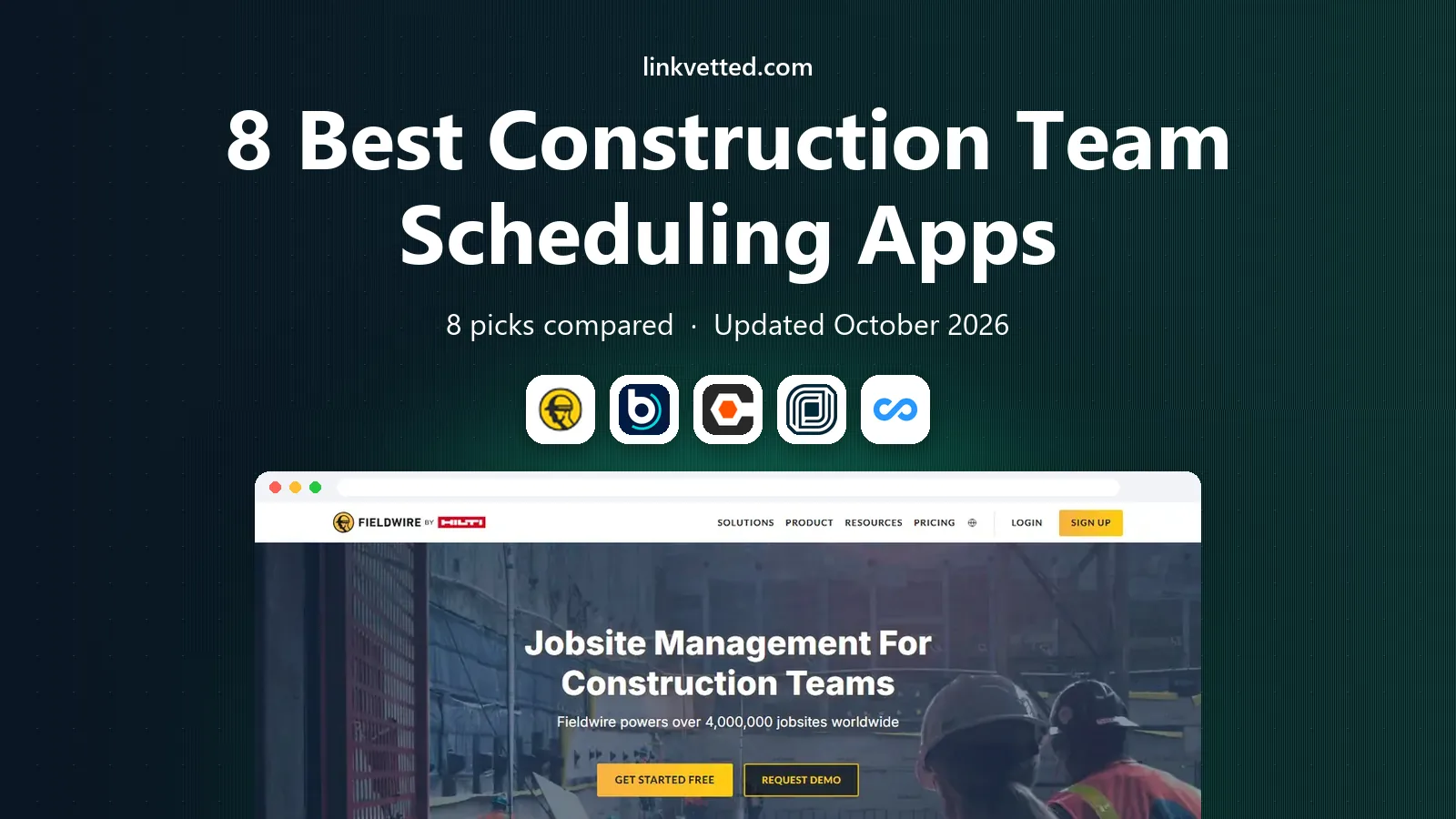
- Editor's choice
 Fieldwire
Field tasks, plans, and schedules on site
Starts at$39 per user per monthVisit fieldwire.comFull review - Great alternative
 Buildertrend
All-in-one scheduling for home builders
Starts atSee websiteVisit buildertrend.comFull review - Also consider
 Procore
Enterprise project scheduling for large GCs
Starts atSee websiteVisit procore.comFull review
TL;DR:
- Fieldwire and Workyard suit field-first teams that need daily crew assignments and plan access on site.
- Buildertrend and Procore suit larger builders that need project schedules linked to budgets, clients, and documents.
- Jobber and Connecteam suit smaller service contractors that need dispatch plus quoting, invoicing, and team messaging.
- Check whether time tracking, GPS, and payroll links are included, since those features often sit in higher tiers.
Quick comparison
| Tool | Best for | Starts at | Free plan? | |
|---|---|---|---|---|
| Fieldwire | Field tasks, plans, and schedules on site | $39 per user per month | Yes | Visit |
| Buildertrend | All-in-one scheduling for home builders | See website | Free trial | Visit |
| Procore | Enterprise project scheduling for large GCs | See website | Free trial | Visit |
 Jobber | Dispatch plus quoting and invoicing for service contractors | $29 per month | Free trial | Visit |
 Connecteam | Workforce scheduling and team communication | $29 per user per month | Yes | Visit |
 Workyard | GPS crew scheduling and time tracking | $6 per user per month | Free trial | Visit |
 Contractor Foreman | Budget-friendly all-in-one for small contractors | $49 per month | Free trial | Visit |
 JobTread | Scheduling linked to budgets for small builders | See website | Free trial | Visit |
The best construction team scheduling apps
Construction scheduling splits into two jobs: planning the project timeline, and telling each crew where to be each day. The apps below cover both, from simple crew dispatch boards to full project platforms, so you can match the tool to your crew size and your paperwork.

Fieldwire is a strong pick for field teams that live on drawings, tasks, and punch lists. Crews can view plans, check tasks, upload photos, and follow schedules from a phone or tablet, and office staff can track progress in Gantt, board, and calendar views. The free Basic plan covers small teams and a few projects, which makes testing easy. The limit is dispatch, since Fieldwire is stronger on tasks and plans than on daily crew routing or GPS time tracking. Paid plans start at $39 per user per month on annual billing, so costs grow with crew size. Choose it when plan access and task tracking matter more than GPS dispatch. In practice, Fieldwire suits field tasks, plans, and schedules on site best when the work is regular rather than occasional, because the setup pays off over repeated use and the routine becomes easy to repeat.
- Free Basic plan
- Plans and punch lists on mobile
- Gantt and calendar views
- Not a full dispatch tool
- Time tracking is limited
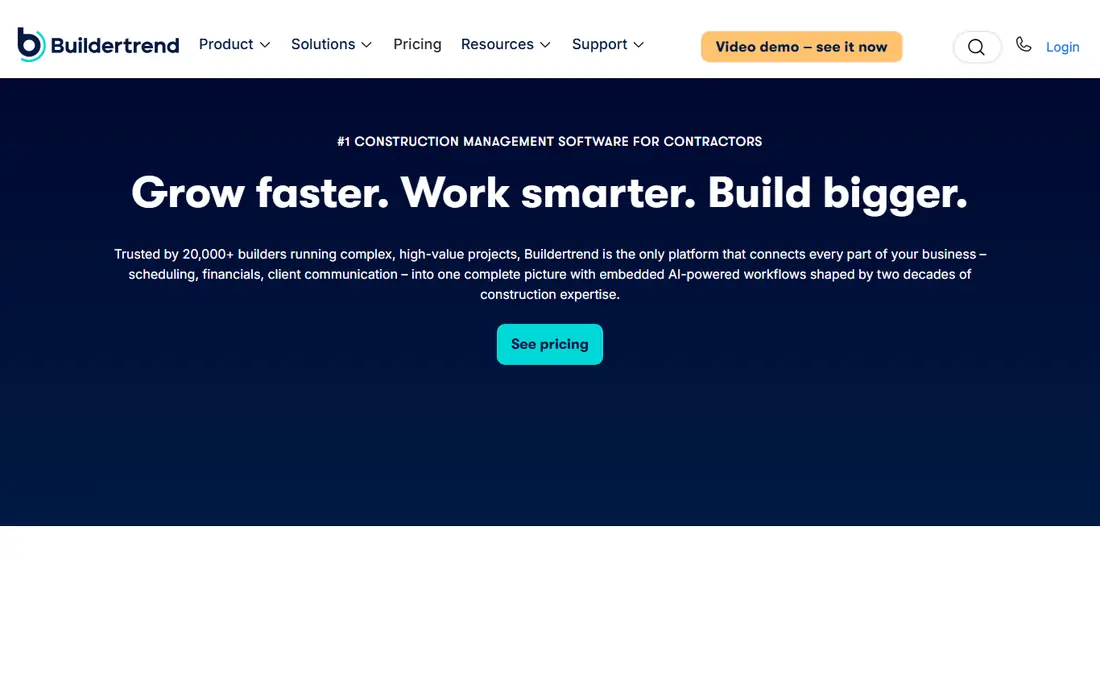
Buildertrend suits remodelers and home builders who need schedules linked to estimates, selections, and client updates. Project schedules sync with Google Calendar or Outlook, and clients can follow progress through a portal. That link between schedule, budget, and communication reduces separate spreadsheets and email threads. Pricing is quote-based and can be high for small crews, with published comparisons often citing $499 per month as a starting point. The platform also covers more than scheduling, so setup takes time. Pick it when you need one system for building, scheduling, and client communication. Day to day, the main test is simple: does Buildertrend save time on the next job, or does it add steps that slow you down when you are in a hurry and need a result fast.
- Project schedules linked to budgets and clients
- Client portal
- Calendar sync
- Quote-based pricing can be high
- More than small crews need

Procore is built for large general contractors running complex projects with many subcontractors. Its scheduling tools link to documents, budgets, and field workflows, and the platform handles large teams and long timelines. For enterprise work, that depth and control are the main reasons to choose it. Pricing is quote-based, so small contractors will find it costly and heavy to set up. Implementation takes time, and field crews need training to use it well. Choose Procore when project size and complexity justify an enterprise platform, not for a small crew dispatch board. If price is the deciding factor, start on the free option where one is listed, run one real task through it, and only pay when a limit or a missing feature gets in the way.
- Gantt scheduling
- Document and budget links
- Large project support
- Quote-based enterprise pricing
- Long setup for small teams
Jobber suits service contractors who schedule jobs, dispatch crews, and bill clients from one system. The visual calendar makes it easy to assign jobs, and quoting, invoicing, and client notifications sit beside scheduling. GPS time tracking appears on higher tiers, which helps managers see where crews spend time. The scheduling view is built for service jobs rather than long construction Gantt plans, so large project builders may need another tool. Starting plans are $29 per month, but features vary by tier. Pick Jobber when dispatch, billing, and client communication matter as much as the schedule itself. A good test is to try Jobber with a real file, a real schedule, or a real question from your own work, since demo examples often hide the awkward parts of a tool.
- Visual calendar dispatch
- Quoting and invoicing
- GPS time tracking on higher tiers
- Scheduling is service-focused, not full Gantt project planning
Connecteam focuses on workforce management, with site-specific schedules, shift templates, and team messaging in one app. Field workers can see their shifts, clock in, and message managers without a separate tool. That mix suits construction businesses that need daily crew coordination more than long project plans. Per-user pricing starts at $29 per user per month for paid tiers, so large crews should model the total carefully. Gantt project planning is limited compared with Procore or Buildertrend. Choose it when crew communication and shift scheduling are the daily problem to solve. Before you commit, check the current pricing page and the cancellation terms, because plans change and the cheapest starting price is not always the cheapest over a year.
- Site-specific schedules
- Team messaging
- Time tracking and forms
- Per-user pricing grows with crew size
- Project Gantt features are limited
Workyard combines crew scheduling with GPS-verified time tracking and a live map of where crews are working. Managers can build schedules, see who is on site, and link hours to payroll systems, which cuts manual timesheet work. The per-user price is low, though a $50 base fee applies, so check the total for your crew size. Project management depth is less than Buildertrend or Procore, so it suits daily crew work more than long-term planning. GPS tracking also needs clear policies, since crews should know how location data is used. Pick Workyard when accurate crew hours and live location matter most. The clearest fit for Workyard is gps crew scheduling and time tracking, and that focus is also its limit, so pair it with a second tool if your work regularly crosses into a different kind of task.
- GPS-verified time tracking
- Live crew map
- Payroll integrations
- Base fee applies on top of per-user price
- Less project management depth
Contractor Foreman
Best for: Budget-friendly all-in-one for small contractors
Contractor Foreman offers a wide set of tools for a flat $49 per month, including scheduling, estimating, invoicing, and project tracking. That flat price suits small contractors who want one system without per-user costs climbing as the crew grows. The feature list is long for the price, which is its main appeal. The interface packs in many tools, so new users need time to learn where scheduling, documents, and billing sit. Some advanced features still need higher tiers or setup help. Choose it when budget matters and you want many functions in one low-cost platform. What stands out after a few uses is how Contractor Foreman handles the boring parts, such as repeats, exports, and reminders, because those details decide if you keep using it.
- Flat monthly price
- Scheduling plus estimating and invoicing
- Many features included
- Interface packs in many tools
- Support and setup vary by plan
JobTread suits small builders who want schedules linked to job costs, budgets, and change orders. You can plan a project, track costs against the budget, and communicate with clients and subcontractors from one system. That link helps builders spot jobs that drift from budget early, rather than at the end. Pricing starts higher than a simple dispatch app, with published figures around $199 per month, so it suits builders who use the costing features. Setup also takes time, since budgets and templates need care. Pick JobTread when job costing and scheduling must live together. On a busy week, JobTread earns its place by keeping the workflow short, and that matters more than a long feature list that you may never open after the first day.
- Project schedules linked to budgets
- Job costing
- Client and sub communication
- Pricing starts higher than simple dispatch tools
- Setup takes time
How we picked these
We reviewed official pricing pages, feature pages, and app listings for tools used by construction teams to schedule crews, projects, or both. We kept tools that are still offered, support mobile field use, and publish clear scheduling features. We favored tools with calendar, Gantt, or dispatch views, plus team notifications and mobile access. We left out generic calendars that lack construction workflows, and tools whose pricing or scheduling features were unclear.
How to choose construction scheduling software
Separate project schedules from crew schedules
A Gantt chart shows the project timeline, while a dispatch board shows who works where today, and many teams need both. If you only buy a Gantt tool, field crews may still rely on texts and calls for daily changes. If you only buy dispatch, long-term planning suffers, so check which view each tool does best.
Test it on site, not only in the office
Field apps must work with gloves, sunlight, and weak signal, so test the mobile app on a real job before you pay for a year. Check offline access, photo uploads, and how fast a foreman can reassign a crew member. An office-perfect schedule that crews ignore will not help a project.
Check the total cost, not only the headline price
Some tools charge per user per month, others charge a flat monthly fee, and add-ons for time tracking or payroll can change the total. Count office staff, foremen, and field workers who need access, and ask which roles can use a free or limited seat. A flat fee can suit a large crew, while per-user pricing suits a small team.
FAQ
What is the difference between project scheduling and crew scheduling?
Project scheduling plans tasks, phases, and deadlines across the whole job, often with a Gantt chart. Crew scheduling assigns specific workers, equipment, and sites to each day or shift. Many construction tools cover both, but they often do one better than the other.
Can small contractors use these apps?
Yes, several tools in this list offer low starting prices or free tiers for small crews, including Fieldwire, Jobber, and Connecteam. Start with daily dispatch and time tracking, then add project management features as the business grows. Avoid paying for enterprise features before you need them.
Do these apps work offline on site?
Many field apps offer some offline access for plans and tasks, but the details vary by tool and plan. Check offline support before you rely on it, especially for sites with weak signal. Test the app on a real job during a trial.
How much does construction scheduling software cost?
Prices range from free tiers and low per-user plans to several hundred dollars per month for full platforms. Fieldwire paid plans start at $39 per user per month, Jobber starts at $29 per month, and Buildertrend and Procore use higher or quote-based pricing. Count all users before you compare totals.
Can I link scheduling to payroll?
Some tools link time tracking to payroll or accounting systems, while others need a third-party integration. Workyard and Jobber offer payroll links on certain tiers, and Procore connects through its marketplace. Check the integration list for your payroll provider before you buy.