Desktop Cleaning Software in 2026: The 5 Best Options Side by Side
Shortlisting the best desktop cleaning software? 5 products compared on cost, free access and ideal buyer. Fit and flaws are laid out for each entry. No filler.
- Editor's choiceNorton Utilities
Thorough automatic PC optimization
Starts atSee websiteVisit us.norton.comFull review - Great alternativeCleanMyMac
Mac users wanting all-in-one care
Starts atSee websiteVisit macpaw.comFull review - Also considerAdvanced SystemCare
Windows cleanup with optimization extras
Starts atSee websiteVisit iobit.comFull review
Direct answer
For full automatic PC optimization, Norton Utilities is where this list starts. Listed starting prices: CCleaner from $44.95. If your case is different, CleanMyMac suits Mac users wanting all-in-one care and Advanced SystemCare suits Windows cleanup with optimization extras. All 5 tools are compared below on price, free plan and limits.
TL;DR:
- Top of the list is Norton Utilities, which targets full automatic PC optimization.
- CCleaner stands alone as the one tool in this list with a free plan.
- CCleaner suits Everyday Windows cleanup and privacy.
- Pricing for Norton Utilities, CleanMyMac, Advanced SystemCare and AVG TuneUp is quote-based, which adds a sales step before you can compare cost.
- CleanMyMac comes with a trade-off: Mac only, no Windows version.
Last checked November 2026. Prices and plan details were read from the vendors' own pages in November 2026; vendors change plans often, so confirm the current price on the vendor site before you buy.
Quick comparison
| Tool | Best for | Starts at | Free plan? | |
|---|---|---|---|---|
| Norton Utilities | Thorough automatic PC optimization | See website | Not stated | Visit |
| CleanMyMac | Mac users wanting all-in-one care | See website | Not stated | Visit |
| Advanced SystemCare | Windows cleanup with optimization extras | See website | Not stated | Visit |
| AVG TuneUp | Automatic background PC maintenance | See website | Not stated | Visit |
 CCleaner | Everyday Windows cleanup and privacy | $44.95 | Yes | Visit |
The 5 tools in detail
Choosing desktop cleaning software usually comes down to price, fit and limits. This LinkVetted guide sets 5 tools side by side on those three points, with the facts kept short and checkable.
Norton Utilities
Best for: Thorough automatic PC optimization
Norton Utilities is built with comprehensive automatic PC optimization in mind. Some features overlap with Norton security products, which could mean paying for similar capabilities twice. Norton Utilities Ultimate is a PC cleaner and optimizer that automatically tunes system performance, based on its vendor page.
In practice, the tool handles cleanup and optimization in a single package. It is a premium product without a free edition, so it may not suit budget-conscious users. No starting price is listed for Norton Utilities here; confirm pricing on the vendor site. On free options: Not stated.
Limits to weigh: premium product with no free edition.
- Bundles cleanup and performance tools
- From a well-known security vendor
- Can overlap with Norton security suites
CleanMyMac
Best for: Mac users wanting all-in-one care
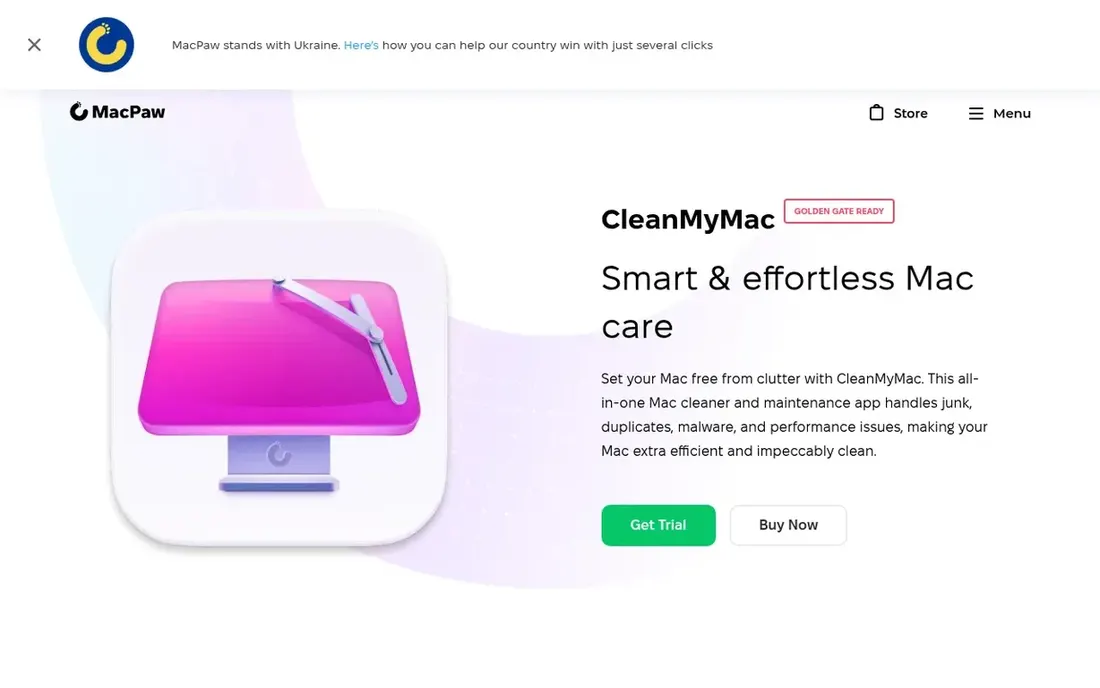
Pick CleanMyMac if this describes you: Mac users wanting all-in-one care. CleanMyMac is a Mac-focused cleaner that helps remove unnecessary files, handle maintenance tasks and protect the system, based on its vendor. It is pitched at people who want a single, refined app for keeping a Mac organized without digging through folders manually.
If you only need occasional manual cleanup, the built-in tools may be enough, but for a unified Mac cleaner it is a capable candidate. On top of that, the full feature set needs a premium license, and some maintenance routines overlap with features already built into macOS. CleanMyMac shows no starting price here, so confirm the cost on the vendor site. Free options: Not stated.
The main drawbacks: Needs a premium license for full use.
- Spans cleaning
- Maintenance and protection
- Mac only, no Windows version
Advanced SystemCare
Best for: Windows cleanup with optimization extras

For Windows cleanup with optimization extras, Advanced SystemCare is a natural candidate. If you prefer a minimal cleaner without extra modules, a simpler tool may be a better fit.
Downsides: Upsell prompts in the free edition.
Multiple optimization choices overlap with built-in Windows tools, so results can vary by system. Advanced SystemCare from IObit is a Windows optimizer that cleans junk, tunes performance and layers on security and privacy features, per its vendor page. Advanced SystemCare shows no starting price here, so confirm the cost on the vendor site. Free options: Not stated.
- Merges cleaning with optimization
- Free edition available
- Some tools duplicate Windows features
AVG TuneUp
Best for: Automatic background PC maintenance
Where AVG TuneUp fits: automatic background PC maintenance. It fits users who prefer background automation over manual scans and want a cleaner tied to a familiar security brand.
Points against: Subscription required after trial.
It is Windows-focused, so Mac users need a different option. AVG TuneUp does not show a starting price in this comparison, so check the vendor site for current pricing. Free plan details: Not stated.
- Backed by a known security brand
- Concentrates on performance and cleanup
- Restricted manual control
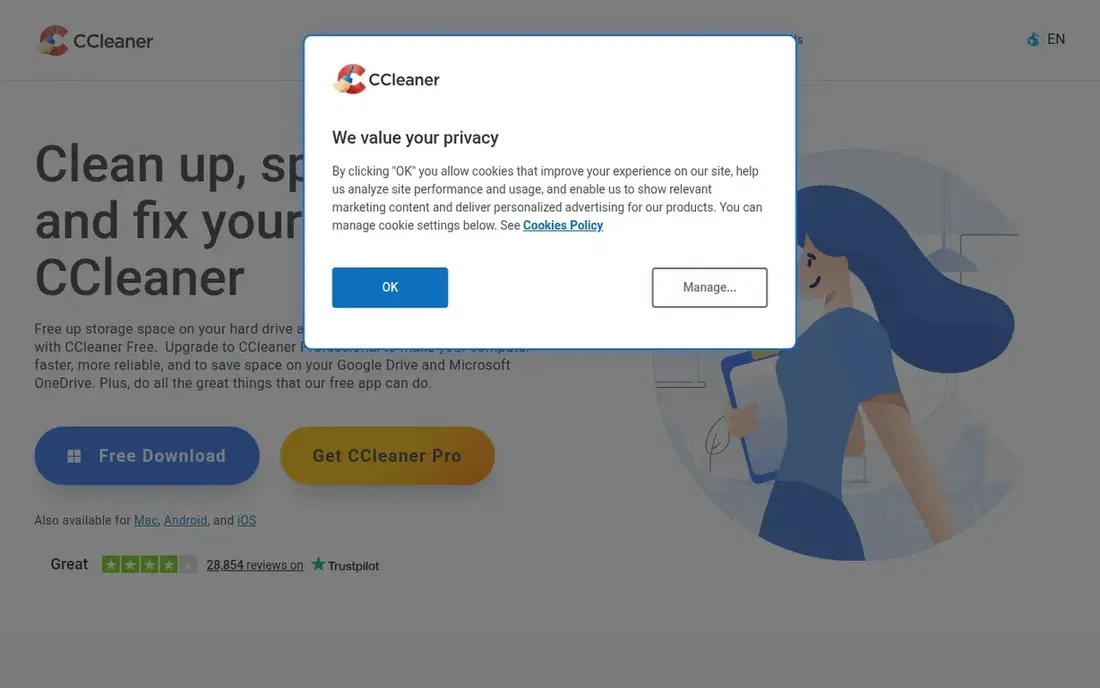
CCleaner serves Everyday Windows cleanup and privacy. CCleaner is a long-standing cleaning tool that targets temporary files, browser traces and other clutter on Windows, with a Mac edition as well. Its vendor describes it as a tool for making a computer quicker and more secure whereas protecting privacy.
Drawbacks to consider: Aggressive cleaning needs care.
From a buyer's view, cleaning browser data can sign you out of sites, so review what is selected before running a scan. More specifically, the free edition handles entry-level cleaning, whereas deeper maintenance and support features sit in premium editions. CCleaner cost at the entry level: $44.95. CCleaner has a free plan.
- Straightforward junk file removal
- Available for Windows and Mac
- Some features need the premium edition
What went into this list
Pre-purchase checklist
- Get a written quote from Norton Utilities, CleanMyMac, Advanced SystemCare and AVG TuneUp; the list shows no starting price for them.
- Test the free plan from CCleaner against your real workload before relying on it.
- Before choosing Norton Utilities, weigh its main limit: premium product with no free edition.
- Check how data leaves Advanced SystemCare: formats, limits and whether exports are available on every plan.
- Total up the real monthly cost of CleanMyMac, including add-ons, extra users and usage-based fees.
FAQ
Which options for desktop cleaning software have a free plan?
CCleaner is the only tool in this list with a free plan. Free plans usually cap users, projects or features, so check the limits on the vendor page. For the full picture, the cards above cover all 5 entries of this desktop cleaning software list, including price, free plan and limits.
Is Norton Utilities the right pick for everyone comparing desktop cleaning software?
No single tool suits every team. Norton Utilities comes first because it fits comprehensive automated PC optimization, while CleanMyMac suits Mac users wanting all-in-one care and Advanced SystemCare suits Windows cleanup with optimization extras. Match the tool to your own size, budget and workflow before deciding.
Can I try these options before paying?
Often, yes. CCleaner has a free plan. Use your own data and a real task during the test, and check what the free tier or trial limits before you rely on it. Prices, free plan details and limits for all 5 tools in this desktop cleaning software roundup sit on the individual cards above.
Is desktop cleaning software safe to use?
Reputable cleaning tools are usually safe when used with default settings, but registry cleaning and aggressive file removal carry some risk. Sticking to well-known vendors cuts the chance of unwanted bundled software.
Do these tools publish their prices?
Not all of them. Norton Utilities, CleanMyMac, Advanced SystemCare and AVG TuneUp publish no starting price, so expect a quote request for those. The rest, CCleaner included, show a starting price, though seats and billing terms still change the final cost.
Sources
- https://us.norton.com/products/norton-utilities
- https://macpaw.com/cleanmymac
- https://www.iobit.com/en/advancedsystemcarefree.php
- https://www.avg.com/en-us/avg-pctuneup
- https://www.ccleaner.com