Best Accounting Software for Cleaning Business in 2026: 8 Tools Compared
Find the best accounting software for cleaning business owners, from invoicing and payroll to scheduling, with current prices, free plans and team costs.

- Editor's choice
 QuickBooks Online
Most cleaning businesses
Starts at$38 per monthVisit quickbooks.intuit.comFull review - Great alternative
 Xero
Unlimited users and clean bank feeds
Starts at$25 per monthVisit xero.comFull review - Also consider
 FreshBooks
Simple invoicing for service work
Starts at$23 per monthVisit freshbooks.comFull review
TL;DR:
- QuickBooks Online is the safest default for a cleaning business that works with an accountant, because most accountants already know it.
- Wave and Zoho Books keep costs lowest for solo cleaners, while Jobber and Housecall Pro add scheduling and dispatch on top of invoicing.
- Per user pricing can change the real cost fast once cleaners need access to schedules, so count seats before you compare headline prices.
- Recurring cleaning needs recurring billing, reminders and easy payment collection, and those features matter more than a long feature list.
Quick comparison
| Tool | Best for | Starts at | Free plan? | |
|---|---|---|---|---|
| QuickBooks Online | Most cleaning businesses | $38 per month | No | Visit |
| Xero | Unlimited users and clean bank feeds | $25 per month | No | Visit |
| FreshBooks | Simple invoicing for service work | $23 per month | No | Visit |
 Wave | Free core accounting for solo cleaners | Free | Yes | Visit |
 Zoho Books | Low cost full accounting | Free | Yes | Visit |
 Jobber | Quotes, scheduling and payments | $29 per month | Free trial | Visit |
 Housecall Pro | Small cleaning teams and dispatch | $59 per month | Free trial | Visit |
 ZenMaid | Residential cleaning only | $19 per month | Free trial | Visit |
The best accounting software for cleaning business
A cleaning business lives on repeat visits, hourly or flat rate jobs, and clients who expect a clear invoice and an easy way to pay. We compared accounting tools and field service tools that cover that work, using official pricing pages and 2026 pricing summaries. This is general information, not accounting advice, and a local accountant can confirm the tax setup that fits your state and structure.
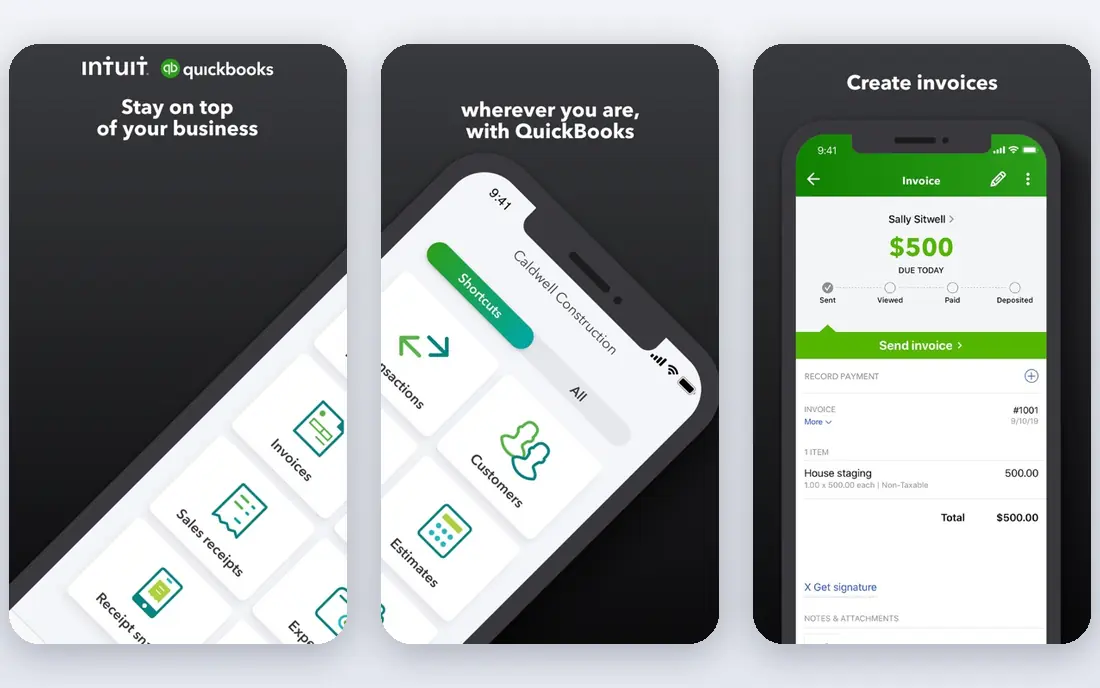
QuickBooks Online is the default choice for a reason. Almost any bookkeeper or accountant you hire will already know it, which makes handover, tax season and cleanup work much easier than with a niche tool. Bank feeds, invoicing, expense tracking and reconciliation cover the daily work, and payroll and online payments can be added when you need them. For a cleaning business with staff, supplies and regular clients, that breadth matters.
The entry Simple Start plan at 38 dollars a month allows only one user, so a growing team will need a higher plan or accountant seats. Promotional prices also expire, so judge the tool on the regular price. If you want the lowest friction with professional help, QuickBooks Online is still our pick for most cleaning businesses.
- Widest accountant support in the US
- Bank feeds and reconciliation
- Payroll and payment add ons
- Entry plan allows only one user
- Price rises on higher plans
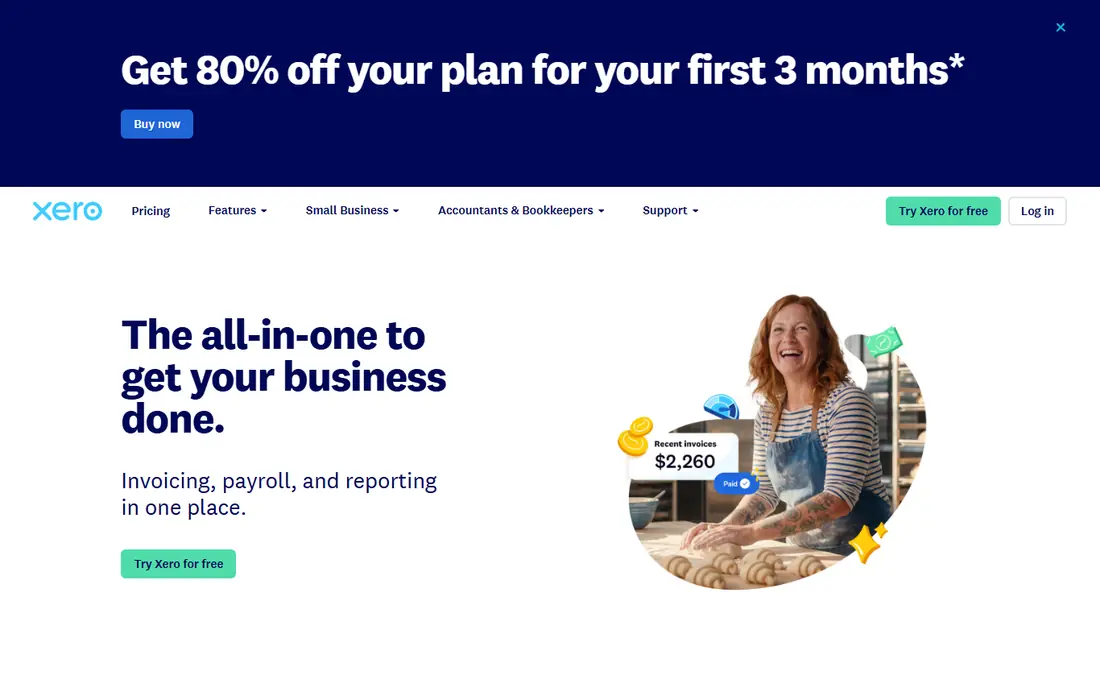
Xero is a strong alternative if you want several staff or an outside bookkeeper to have access without paying per seat. The Early plan starts at 25 dollars a month, with limits on invoices and bills that suit a small operation, while higher plans raise those limits. Bank reconciliation is clean and fast, which helps when card payments, supplies and client deposits pile up each week.
The trade-off is payroll and local depth in the US. Xero payroll support is more limited than QuickBooks, so some US cleaning businesses pair Xero with a separate payroll service. If your team is small, your accountant likes Xero, and you value unlimited users, it is a sensible and often cheaper long term choice.
- Unlimited users on every plan
- Strong bank reconciliation
- Large integration library
- Entry plan caps invoices and bills
- US payroll is less complete than QuickBooks
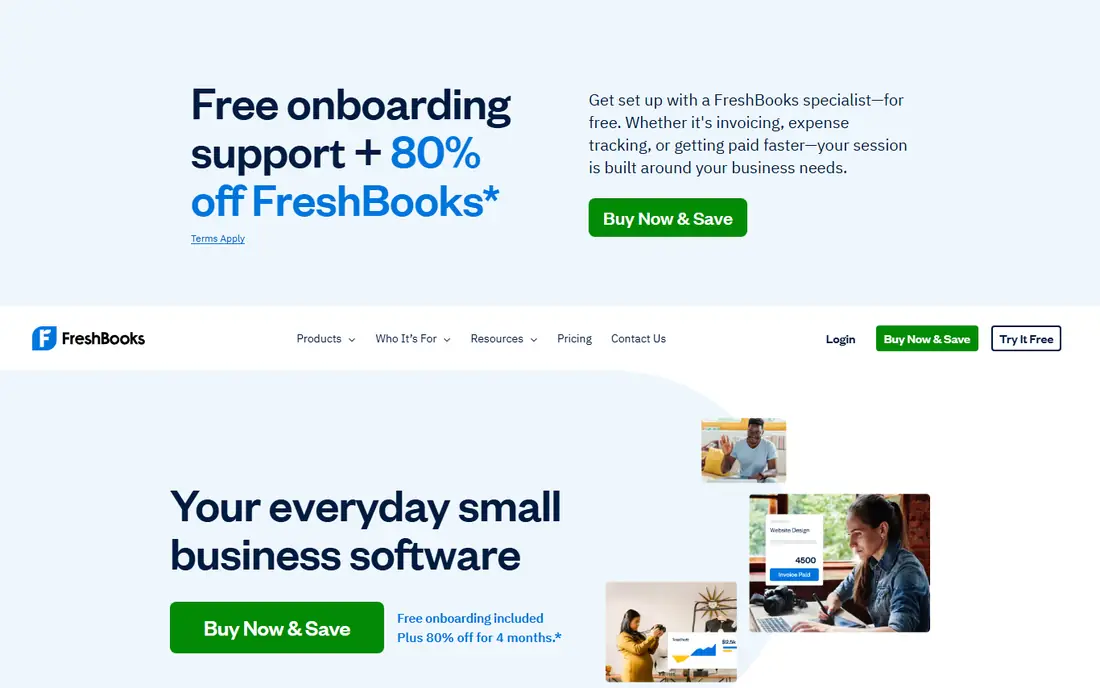
FreshBooks suits a solo cleaner or a small crew that bills by the hour or by the visit and wants invoices out fast. The Lite plan starts at 23 dollars a month and covers invoicing for a small client list, expenses and payment reminders. Time tracking helps when a job runs long, and clients can pay online from the invoice itself, which shortens the gap between a clean and cash in the bank.
FreshBooks is not the best choice for complex bookkeeping. Entry plans lack full double entry features and bank reconciliation depth, so a business with inventory, multiple entities or heavy reporting needs should look at QuickBooks or Xero instead. For straightforward service billing, its simplicity is a genuine advantage.
- Fast invoicing and payment reminders
- Time tracking for hourly jobs
- Easy client view
- Lite plan limits clients
- Not full double entry accounting on entry plans
Wave is the best free starting point for a solo cleaner. The Starter plan is free and includes unlimited invoices, estimates, bills and bookkeeping records, which covers the core of a one person business. Setup is quick, and you can add paid payroll and payment processing only when you need them. There is no revenue cap on the free plan, unlike some rivals.
The catch is bank feeds. Automatic bank import now sits in the paid Pro plan at 19 dollars a month, so free users enter transactions manually or upload statements. That is workable at low volume, but it becomes tedious as jobs grow. Start free, and upgrade when manual entry starts costing more time than the Pro plan costs in money.
- Free invoicing and bookkeeping with no revenue cap
- Simple setup
- Unlimited invoices
- Automatic bank import needs the paid Pro plan
- Payroll is an add on
Zoho Books offers more accounting for the money than most rivals. Businesses with annual revenue under 50,000 dollars can use the free plan, which includes up to 1,000 invoices a year, and paid plans start at 15 dollars a month billed annually for the Standard plan. It is proper double entry accounting, with bank feeds, invoicing, expenses and reports, plus access for your accountant.
The ecosystem is the limitation. If you already use Zoho tools, the fit is excellent. If you rely on a long list of cleaning specific apps, check each integration first, because Zoho has fewer third party connections than QuickBooks. For a budget conscious owner who wants real accounting without a monthly bill at the start, Zoho Books is hard to beat.
- Free plan under 50,000 dollars revenue
- Full double entry accounting
- Accountant access included
- Fewer third party integrations than QuickBooks
- Free plan limits invoices per year
Jobber is not pure accounting software. It is field service software that handles the front end of a cleaning business, from quotes and online booking to scheduling, invoicing and payments, and it can sync with QuickBooks Online. Core starts at 29 dollars a month billed annually, or 49 dollars month to month, for one user, with a 14 day trial. That quote to payment chain is exactly what a cleaning business needs day to day.
The cost warning is seats. Every team member who views or manages the schedule counts as a user, at 29 dollars a month each in published summaries, so a five person crew changes the bill a lot. Jobber still makes sense if scheduling and client communication are your main pain, and you pair it with QuickBooks for the books. Do the seat maths before you sign.
- Online booking, quotes and scheduling in one place
- Client hub
- QuickBooks sync on higher plans
- Per user pricing adds up with a crew
- Accounting depth needs QuickBooks sync
Housecall Pro is built for home service teams, including cleaning, and it shows in dispatch, job costing and review management. Basic starts at 59 dollars a month billed annually, or 79 dollars month to month, for one user, with a 14 day trial. Higher plans bundle more users, which can make it cheaper than Jobber once you have a crew, since Essentials covers five users in published comparisons.
The entry price is higher, and QuickBooks sync sits on higher plans, so a solo cleaner on a tight budget may prefer Jobber or a pure accounting tool. For a team that needs routing, a flat rate price book and follow up reviews, Housecall Pro is a strong all in one option, and the mobile experience for cleaners in the field is a real plus.
- Dispatch, price book and review tools
- Consumer financing options
- Strong mobile app for crews
- Higher entry price than Jobber
- QuickBooks sync needs a higher plan
ZenMaid is the only tool here built solely for residential cleaning, and that focus shows. Scheduling, recurring appointments and booking forms follow how maid services actually work, rather than forcing cleaning into a generic trade template. Base plans are listed from 19 dollars a month for Starter, with Pro and Pro Max above it, plus per user fees, and a 14 day trial.
That focus is also the limit. If you also take commercial contracts, or you plan to add other trades, ZenMaid will feel narrow. Confirm the current plan limits and user fees on the vendor pricing page, since the base price does not include every cleaner. For a pure residential cleaning business, though, the fit is closer than any general tool on this list.
- Built only for maid services
- Recurring scheduling fits cleaning routines
- Simple booking forms
- Not suited to commercial or trade work
- Per user fees sit on top of base price
How we picked these
We compared official pricing pages and 2026 pricing summaries for accounting and field service tools, and we kept only tools that are actively sold in the US and handle invoicing, expenses or scheduling for service work. We favoured tools with published prices, a free plan or trial, and a clear path to an accountant or to QuickBooks. Tools that were payroll only, or that had no cleaning relevant workflow, were left out.
What to check before you buy
Count your real users first, including cleaners who only check a schedule on a phone. Then list the jobs you do every week: recurring cleans, one off deep cleans, move out jobs, and commercial work. The tool that handles your most common job with the fewest steps is usually the right one, even if another tool has a longer feature list.
Recurring billing and reminders
Recurring cleaning lives or dies on reminders. Check that the tool can repeat a job, send a reminder before the visit, and chase an unpaid invoice without you remembering to do it. Automatic payment collection, where clients can pay from the invoice, also cuts late payment chasing.
Payroll, supplies and tax
If you employ cleaners, confirm payroll, tax forms and worker classification support before you commit. Track supplies and mileage separately, and keep business and personal spending apart from day one. A tool that makes those habits easy will save you more at tax time than a cheaper tool that makes them hard.
Try it with a real week
Run a trial with a real week of jobs, not a demo. Create clients, schedule visits, send invoices and record payments, and see where the team gets stuck. If cleaners will not open the app, the tool will fail no matter how good the accounting looks in the office.
FAQ
What is the best accounting software for a cleaning business?
For most cleaning businesses, QuickBooks Online is the safest pick because accountants know it and it covers invoicing, expenses and payroll add ons. Solo cleaners on a tight budget should start with Wave or Zoho Books, while teams that need scheduling should look at Jobber or Housecall Pro alongside an accounting tool.
Do I need field service software as well as accounting software?
Not always. A solo cleaner can often manage with accounting software alone. Once you have a crew, recurring routes and dispatch work, a field service tool such as Jobber or Housecall Pro saves time, and it can sync with QuickBooks so you do not enter the same job twice.
How much should a cleaning business pay for accounting software?
Expect free to 38 dollars a month for core accounting at the start, and more once you add users, payroll or field service features. Count seats and payment processing fees in the total, because those two items often cost more than the subscription itself.
Can I invoice and take payments from the same tool?
Yes, most tools on this list let clients pay online from an invoice, including QuickBooks, FreshBooks, Wave, Jobber and Housecall Pro. Payment processing fees still apply, so check the rate for cards and bank payments before you choose.
What about taxes for a cleaning business?
Accounting software helps you track income, expenses and mileage, but it does not replace tax advice for your state and business structure. Keep clean records all year, separate business spending, and check with an accountant before tax season rather than after it.
Is ZenMaid only for residential cleaning?
Yes, ZenMaid is designed for maid services and residential cleaning, with scheduling and booking built around that work. Commercial cleaning businesses, or businesses that also offer other trades, will usually fit better with Jobber, Housecall Pro or a general accounting tool.