TopBuilder CRM Alternatives for Construction in 2026: 8 Tools Compared
Compare topbuilder crm alternatives construction firms use, from Procore and Buildertrend to JobNimbus, with features, pricing notes and fit in 2026 today.
- Editor's choice
 Procore
Large construction projects
Starts atSee websiteVisit procore.comFull review - Great alternative
 Buildertrend
Home builders and remodelers
Starts atSee websiteVisit buildertrend.comFull review - Also consider
 JobNimbus
Roofing and exterior contractors
Starts atSee websiteVisit jobnimbus.comFull review
TL;DR:
- Procore and Buildertrend are the broadest construction platforms, while JobNimbus, AccuLynx and JobTread fit roofing, remodelling and smaller trade firms more closely.
- The best replacement depends on your trade, since lead tracking, estimating, scheduling and invoicing matter in different proportions across firms.
- Most construction CRMs are priced by quote or by user, so ask for a written quote for your team size before you compare headline prices.
- A good switch keeps client history, job files and payment records together, rather than splitting them across separate apps.
Quick comparison
| Tool | Best for | Starts at | Free plan? | |
|---|---|---|---|---|
| Procore | Large construction projects | See website | No | Visit |
| Buildertrend | Home builders and remodelers | See website | No | Visit |
| JobNimbus | Roofing and exterior contractors | See website | No | Visit |
 AccuLynx | Roofing business management | See website | No | Visit |
 JobTread | Trade contractors and builders | See website | No | Visit |
 Houzz Pro | Small remodel and design firms | See website | No | Visit |
 monday.com | Custom construction workflows | See website | Free trial | Visit |
 Zoho CRM | Low cost general CRM | See website | Yes | Visit |
The best topbuilder crm alternatives for construction
TopBuilder style tools aim to join leads, clients, jobs and payments in one place. The tools below do that job in different ways, and the right pick depends on trade, team size and how much project management you need beside the CRM.

Procore is the closest fit for firms running large or complex projects with many subcontractors. It covers project management, drawings, RFIs, submittals, budgets and field tools in one platform, and its CRM style contact and lead features sit beside that project core. For a general contractor, that breadth can replace several separate tools.
The catch is scale and cost. Procore is priced by quote and is built for firms that can invest in setup and training. A two person remodelling firm will find much of it unused. If your jobs are large, multi trade and document heavy, Procore is worth a demo. If your jobs are small and fast, a lighter tool below will save money and time.
- Wide project management suite
- Document and drawing control
- Strong reporting
- Priced for larger firms
- Setup and training take time
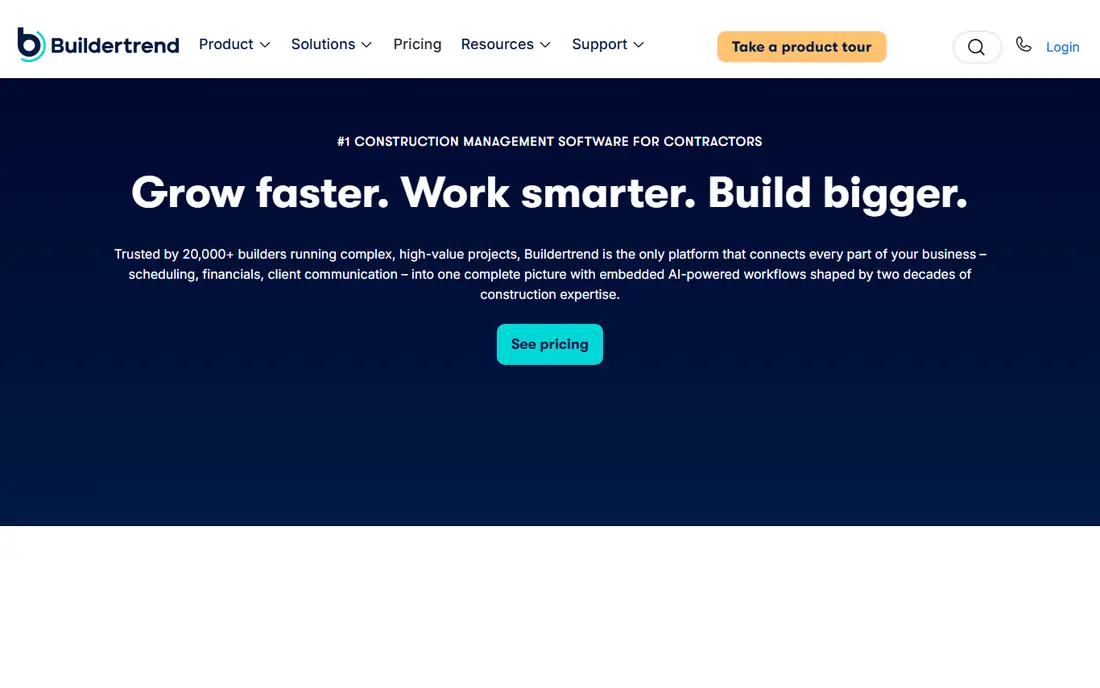
Buildertrend is a strong pick for home builders and remodelers who need client communication as much as internal tracking. Clients can view progress, make selections, approve change orders and pay through a portal, which cuts down on phone and email chasing. Scheduling, budgets and daily logs sit in the same system.
It is broader than a simple CRM, so expect setup time and a quote based price. Firms that only need lead tracking may find it heavy. Firms that lose time to client questions and change order paperwork will likely get more value from the portal and scheduling tools than from CRM features alone.
- Client portal and selections
- Scheduling and budgets
- Good home builder fit
- Learning curve for full feature set
- Pricing by quote

JobNimbus fits roofing and exterior firms that juggle many small to mid size jobs, insurance work and repeat crews. Its boards make it easy to see where each job sits, from lead to inspection to final payment, and contacts, files and messages stay attached to the job. The mobile app helps field crews update status without returning to the office.
It is less of a full accounting or estimating suite than some rivals, so check integrations with your accounting tool before you switch. For a roofing firm that needs clear job flow and contact history first, JobNimbus is a practical and focused choice.
- Roofing focused workflows
- Job boards and contact tracking
- Useful mobile app
- Estimating and accounting integrations vary
- Pricing by quote
AccuLynx is built around roofing, including lead tracking, estimates, material orders, production and invoicing in one flow. Roofing firms that handle insurance claims will like the way job documents, photos and communications stay in one record. That focus is its strength and its limit.
A general builder or a remodeler may find some roofing specific steps irrelevant, while a roofing firm will find them time saving. Ask for a demo using a real recent job, including an insurance claim if that is common for you, and check how estimates flow into orders and invoices.
- Roofing job tracking
- Estimating and material ordering
- Insurance workflow support
- Roofing focus limits other trades
- Pricing by quote
JobTread suits trade contractors and smaller builders who care about job costing. You can build budgets, send bid requests, track purchase orders and compare actual costs against estimates without leaving the job record. That costing focus helps firms that win work on thin margins.
The platform is newer and smaller than Procore or Buildertrend, so the integration list is shorter. Check your accounting and estimating connections early. If costing is your weak spot, JobTread deserves a close look. If you need a huge marketplace of add ons, a larger platform may fit better.
- Budgets, bids and job costing in one place
- Clean job tracking
- Client portal
- Smaller ecosystem than Procore
- Some features need setup
Houzz Pro fits small design, remodel and build firms that already get leads from Houzz. It joins lead management, proposals, invoicing, scheduling and client messaging, and it can help a small firm look polished without a large software stack. The link to the Houzz marketplace is a real advantage in markets where homeowners search there first.
Lead quality and volume vary by location and trade, so do not buy on lead promises alone. Judge Houzz Pro on its proposal, payment and communication tools, which you will use every week. For a small firm, that simpler stack can be a better fit than a large construction suite.
- Lead generation from Houzz
- Proposals and invoicing
- Client communication tools
- Lead quality varies by market
- Broader project tools are lighter
monday.com is not a construction CRM by default, but its boards, automations and forms can be shaped into a lead, job and client tracker. Firms with an unusual process, or firms that also run marketing and operations in one tool, may like that flexibility. Templates for construction help, but they still need tailoring.
The trade off is work. You must build the estimating, scheduling and client portal habits yourself, or buy a construction template and adapt it. If your team likes to shape software to its own process, monday.com is flexible. If you want roofing or builder workflows ready on day one, pick a trade specific tool above.
- Flexible boards and automations
- Easy to shape to your process
- Wide integrations
- Needs setup to match construction needs
- Not construction specific out of the box
Zoho CRM is the budget pick for firms that mainly need lead, contact and pipeline tracking. It handles leads, deals, tasks, email and basic reporting at a lower price than construction suites, and the free plan suits a very small team testing a CRM habit. Other Zoho apps can add invoicing and forms if needed.
It does not include construction estimating, scheduling or job costing out of the box, so you will need custom fields or extra apps for job work. That is fine for a firm whose main gap is follow up and sales tracking. It is a poor fit as a full replacement for a construction management platform.
- Low cost entry
- Lead and pipeline tracking
- Wide Zoho app suite
- No construction specific job tools
- Needs custom fields and setup
How we picked these
We compared official feature pages, pricing pages and product documentation, and we looked for tools that cover the core TopBuilder style job: leads, clients, jobs, documents and payments. We included large platforms, trade specific tools and general CRMs so firms of different sizes can compare like with like. We did not list tools that only handle estimating or only handle accounting, since those do not replace a CRM.
How to choose a construction CRM replacement
Start by listing the jobs you lose time on. Is it missed follow ups, messy change orders, slow estimates, or clients asking for updates? The answer points to a different tool. A firm losing leads needs CRM strength. A firm losing margin needs costing. A firm losing client trust needs a portal.
Test with a real job, not a demo script
Ask each vendor to run your last completed job through the system, from lead to final invoice. Watch how estimates, change orders, photos and payments move. A demo with made up data hides friction that a real job exposes, especially around accounting and field updates.
Check the full cost and the exit path
Quote based pricing makes comparison hard, so ask for a total annual cost for your user count, including onboarding and any required add ons. Also ask how you export contacts, jobs and documents if you leave. A tool that traps your job history is a costly choice, even at a low monthly price.
FAQ
What are the best topbuilder alternatives construction firms use?
Procore and Buildertrend are the most common broad picks, while JobNimbus and AccuLynx lead for roofing. JobTread suits costing focused trade firms, and Zoho CRM suits firms that only need sales tracking. Your trade and job size should narrow the list before price does.
Are there alternatives to TopBuilder CRM construction tools for small firms?
Yes. Houzz Pro, JobTread and Zoho CRM are more suited to small teams than Procore. Zoho CRM has a free plan for basic lead tracking, while Houzz Pro and JobTread add proposals and job tools at a smaller scale than a large platform.
Is Procore a good TopBuilder CRM alternative?
Procore is a good fit for larger general contractors with complex, document heavy projects. It is less suited to very small firms, since setup, training and quote based pricing reflect its enterprise scale. Smaller firms should compare Buildertrend or JobTread first.
Can a general CRM replace a construction CRM?
A general CRM can replace the sales part, such as leads and follow ups, but it will not replace estimating, scheduling, job costing and client portals without extra apps or heavy setup. Firms that need those job tools should pick a construction specific platform.
How much do construction CRMs cost?
Most construction platforms are priced by quote, based on users, modules and job volume. General CRMs publish clearer prices, but construction tools vary widely. Ask for a written annual quote for your team, and include onboarding fees in the comparison.
Should I switch CRMs mid project?
It is safer to finish open jobs in the old system and start new jobs in the new one, unless the vendor offers a managed migration. Moving active job files, change orders and payment history mid project risks errors, so plan the switch between jobs where possible.