Best CRM for Janitorial Services in 2026: 8 Tools Compared
Compare the best crm for janitorial services in 2026, with pricing, scheduling, crew tracking and billing features for cleaning firms of all sizes today.
- Editor's choice
 Jobber
All-round field service CRM
Starts at$29 per monthVisit getjobber.comFull review - Great alternative
 Housecall Pro
Booking, dispatch and payments
Starts at$59 per monthVisit housecallpro.comFull review - Also consider
 ZenMaid
Small residential cleaning teams
Starts at$19 per monthVisit zenmaid.comFull review
TL;DR:
- Jobber and Housecall Pro give the widest all-round coverage, from quotes and scheduling to invoicing and card payments.
- Swept and CleanGuru are built for cleaning work first, so site inspections, checklists and crew accountability sit at the centre.
- ZenMaid is the cheapest starting point for small residential cleaning teams, with a plan from $19 per month.
- ServiceTitan and Workiz suit larger or mixed trade operations, but their pricing and setup take more time to work through.
- Always test the mobile app with your cleaners before you pay, since field adoption decides whether the system actually gets used.
Quick comparison
| Tool | Best for | Starts at | Free plan? | |
|---|---|---|---|---|
| Jobber | All-round field service CRM | $29 per month | Free trial | Visit |
| Housecall Pro | Booking, dispatch and payments | $59 per month | Free trial | Visit |
| ZenMaid | Small residential cleaning teams | $19 per month | Free trial | Visit |
 Swept | Commercial janitorial crews | $30 per month | No | Visit |
 CleanGuru | Cleaning firms that bid often | See website | Free trial | Visit |
 ServiceTitan | Large multi-team operations | See website | No | Visit |
 Launch27 | Online booking led cleaning firms | See website | Free trial | Visit |
 Workiz | Growing service teams | See website | Free trial | Visit |
The best CRM for janitorial services
A good janitorial CRM keeps clients, jobs, crews and invoices in one place, so nothing depends on a spreadsheet or a group chat. The eight tools below cover that job in different ways, from simple scheduling to full commercial operations.
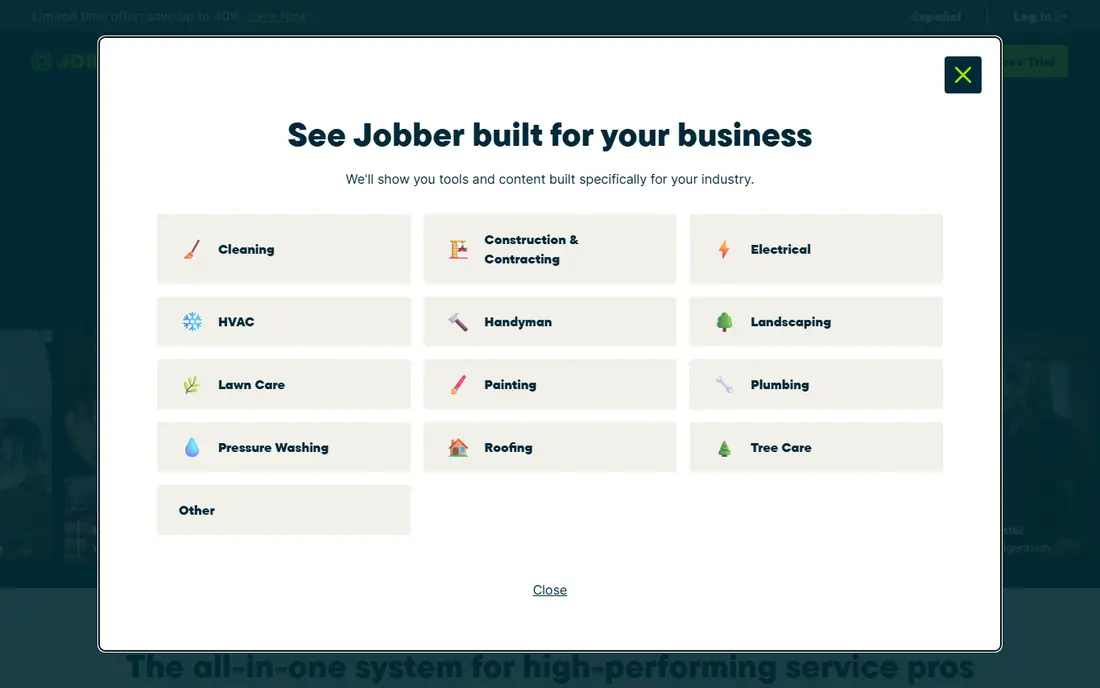
Jobber is our pick for most janitorial firms that want one system for the whole job cycle. Clients can request work online, you can send a quote, schedule the crew, and invoice from the same record, which cuts down on double entry and missed messages. The mobile app gives cleaners their day plan, job notes and directions, and office staff can see job status without chasing phone calls.
The trade-off is price structure. The entry plan covers the basics well, but automation, advanced reporting and larger team features sit on higher tiers, so a growing firm should price the plan it will need in six months, not just the plan it needs today. Jobber also works best when you commit to its workflow, including invoicing and payments inside the app, rather than keeping a separate billing tool alongside it.
- Polished scheduling and quoting
- Online booking and invoicing
- Strong QuickBooks sync
- Higher plans needed for advanced automation
- Per-user costs add up for larger crews
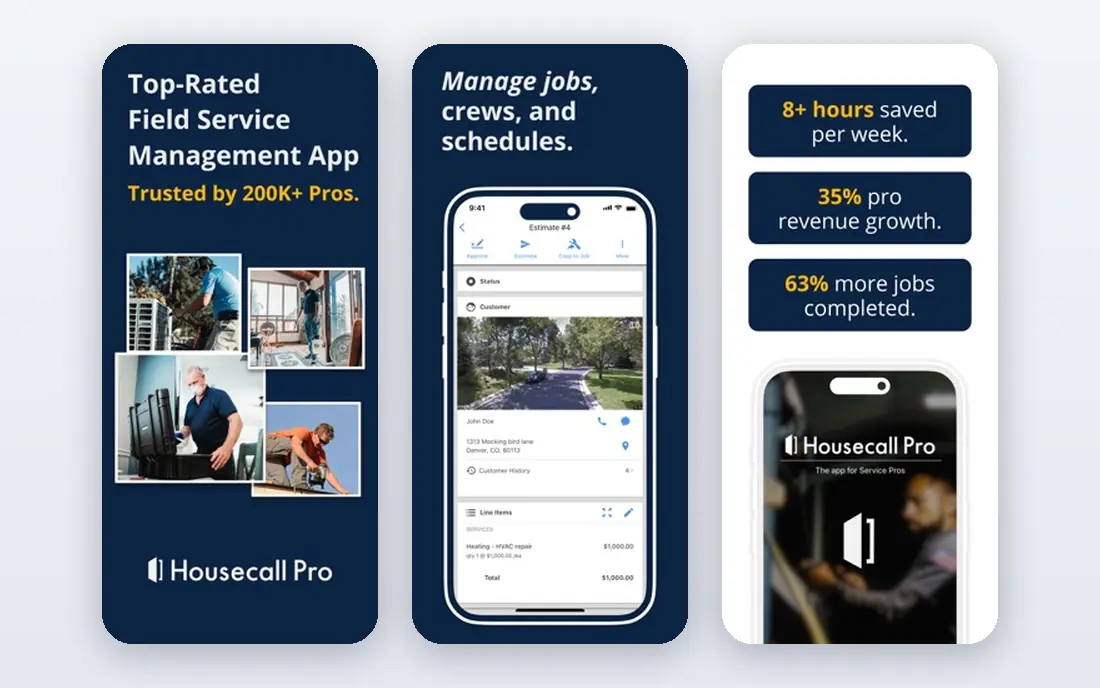
Housecall Pro suits cleaning firms that get a steady flow of new bookings and want those bookings to turn into paid jobs with little manual handling. Customers can book online, receive reminders, and pay by card, while dispatchers assign jobs and track progress from a central board. That combination is useful for residential cleaning and for smaller commercial accounts with repeat visits.
The main catch is cost. At $59 per month billed annually for the basic plan, it costs more than ZenMaid or Swept at the entry level, and the most useful dispatch features require a step up. Firms with a small, stable client list may not need all of it, but firms that live on new bookings will get more value from the booking and payment flow.
- Online booking and dispatch in one place
- Card payments and financing options
- Customer notifications built in
- Entry price is higher than some rivals
- Route tools sit on higher plans
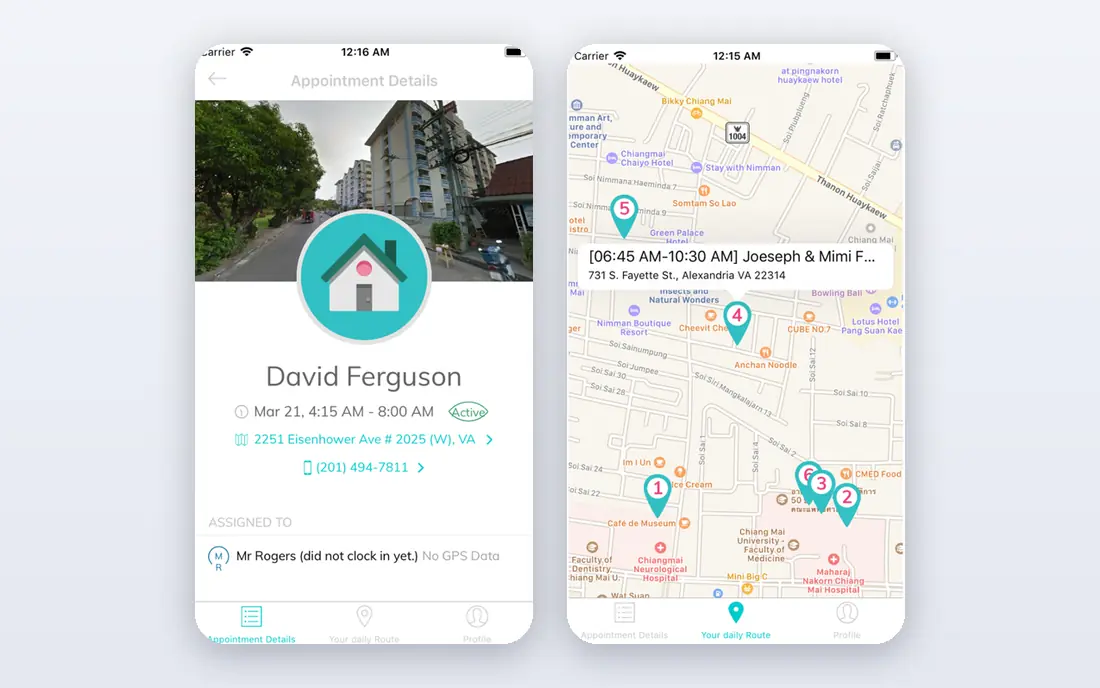
ZenMaid is built only for maid and residential cleaning services, and that focus shows in its simple setup. Recurring appointments, cleaner assignment and client records follow the way cleaning firms actually work, without the trade-specific extras that clutter general field service tools. For a solo cleaner or a small team, it is an easy first CRM and the price is hard to beat.
The limits matter as you grow. The Starter plan is capped at 40 appointments per month, and text messaging costs extra, so a busy team will need a higher plan fairly quickly. Commercial janitorial firms with multi-site contracts, inspections and site-based reporting will also find ZenMaid too light, and should look at Swept or CleanGuru instead.
- Very low starting price
- Simple recurring scheduling
- Booking forms for cleaning firms
- Starter plan caps appointments
- Less suited to large commercial contracts
Swept is the pick for commercial janitorial firms that manage cleaners across many buildings. Scheduling is organised by site, cleaners check in for shifts, and managers can message teams and track who covered each location. That site-level view is exactly what office, school and retail contracts demand, and it gives managers proof of service when a client asks what was done.
Swept is an operations tool first, so buyers should not assume it replaces a full quoting and invoicing system without testing that workflow. There is also no free plan, though the $30 per month Launch plan for up to 15 locations keeps the entry cost modest. Pair it with your accounting tool and confirm how quotes and invoices will flow before you sign.
- Built for commercial cleaning sites
- Crew scheduling and messaging
- Site accountability tools
- No free plan
- Sales and billing need separate checking
CleanGuru stands out for firms that win work by bidding. Its proposal tools are designed around cleaning contracts, with walkthrough data and pricing that reflect the job, rather than a generic estimate form. Once a contract is won, the same system handles scheduling, timekeeping and inspections, so the bid, the crew plan and the quality check stay connected.
Pricing is module based, so the total depends on which parts you buy, and a firm that only needs scheduling may find a simpler tool cheaper. CleanGuru rewards firms that bid regularly and want inspection records to back up their service claims. Firms that rarely bid should compare its scheduling price alone against Jobber or ZenMaid before choosing.
- Bidding and proposal tools for cleaning firms
- Scheduling and timekeeping
- Quality and inspection features
- Pricing varies by module
- Some features need higher plans
ServiceTitan is the heavyweight option, built for service firms with many technicians, dispatchers and office staff. Its scheduling, dispatch, job costing and reporting go further than most tools on this list, and its integrations with accounting software help larger firms keep finance and operations in step. For a janitorial firm with several branches or a large commercial portfolio, that depth is a real advantage.
The cost is custom, and implementation is a project, not an afternoon task. Small firms will find it too much tool for the money, and the sales-led buying process makes it harder to compare prices quickly. Choose ServiceTitan when your current tool is clearly holding back a large operation, not when you are buying your first CRM.
- Deep job, dispatch and reporting tools
- Strong accounting integrations
- Built for scale
- Custom pricing
- Setup and training take time
Launch27 is built around online booking, which suits cleaning firms that win most work through their website. Customers pick a service, a time and a cleaner window, and the system handles confirmations, reminders and dispatch without office staff retyping details. That booking flow reduces phone time and missed appointments, and it works well for residential and light commercial cleaning.
The drawback is transparency on price, since the main pricing page asks for a quote rather than publishing a simple plan list. Commercial firms that need detailed site inspections should also test that area carefully, since Launch27 is stronger on booking than on multi-site quality control. It is a strong pick for booking-led firms that are happy to request a quote.
- Booking-first design for cleaning firms
- Automated dispatch and reminders
- Client self-service
- Pricing is not published on the main page
- Fewer commercial inspection tools
Workiz gives growing service teams a solid middle ground between a simple scheduler and an enterprise platform. Scheduling, estimates, invoicing and payments sit in one system, and automation handles reminders and review requests that small office teams often forget. The optional phone system is a useful extra for firms that still take many bookings by phone.
Workiz is a general service platform, so janitorial firms that need deep inspection and site audit tools may need an add-on or a second tool for that work. Pricing also depends on the plan and any add-ons, so buyers should get a written quote for their team size. For a growing firm that wants one operational hub without enterprise cost, Workiz is a practical choice.
- Scheduling, invoicing and payments in one app
- Automation for reminders and follow-ups
- Phone system add-on
- Pricing varies by plan and add-on
- Cleaning-specific inspection tools are limited
How we picked these
We compared official feature pages, pricing pages, app store listings and public user reviews for tools that serve cleaning and field service firms. We favoured tools with live scheduling, client records, invoicing or payments, and a mobile app cleaners can use in the field, and we kept both cleaning-specific tools and general field service platforms so different firm sizes are covered. Prices shown are the published starting prices we found, and where pricing is custom we say so rather than guessing a number.
What to check before you buy a janitorial CRM
Start with the job types you actually run. A residential firm with repeat weekly cleans needs recurring scheduling and easy rescheduling, while a commercial firm needs site records, inspections and proof of service for each building. List your top five daily tasks, then test each shortlisted tool against those tasks in a trial, with a real cleaner using the mobile app, not just office staff looking at a demo.
Scheduling and crew management
Check how the tool handles recurring jobs, shift swaps and last-minute cover. Cleaners should see their full day, site notes and access details on a phone, and managers should see gaps at a glance. If your crews work nights or across many sites, time tracking and check-in features matter more than fancy reporting.
Quoting, invoicing and payments
For firms that bid on contracts, proposal tools and job costing matter, since a bid that ignores travel time and supplies will eat margin. For residential firms, online booking and card payments matter more, since fast payment keeps cash flow healthy. Confirm which payment fees apply on top of the subscription, and whether the tool syncs with QuickBooks or your accounting software.
Inspections and client proof
Commercial clients often ask for evidence that a site was cleaned to standard. Inspection checklists, photos and site reports give you that proof and help you fix problems before a client complains. If this matters to your contracts, weight it as highly as scheduling, and test it on a real site during the trial.
FAQ
What is a CRM for janitorial services?
It is software that stores client details, schedules cleaning jobs, assigns crews, and handles quotes, invoices and payments in one place. For janitorial firms it often adds site records, checklists and inspections, so managers can prove what was cleaned at each building. The goal is fewer missed jobs and less time spent on admin.
How much does janitorial CRM software cost?
Small teams can start from $19 to $30 per month with tools such as ZenMaid and Swept, while all-round platforms such as Jobber and Housecall Pro start from $29 and $59 per month billed annually. Larger platforms such as ServiceTitan use custom pricing, so the total depends on team size and features. Always add payment processing fees and any text messaging costs to the subscription price.
Is Jobber or Housecall Pro better for a cleaning business?
Jobber suits firms that want a polished all-round system for quotes, scheduling and invoicing, while Housecall Pro suits firms that depend on online booking and fast card payments. Both cover the core job well, so the choice often comes down to which booking flow and price plan fits your team. Trial both with a real week of jobs before deciding.
Do I still need QuickBooks if I use a janitorial CRM?
Not on day one, since most tools here handle invoicing and payments, but most firms still use QuickBooks or a similar accounting tool for bookkeeping, payroll and tax. Jobber, Housecall Pro and ServiceTitan all sync with accounting software, so the CRM handles daily operations while accounting stays the system of record. Check the sync before you buy if you already use an accounting tool.
Can a janitorial CRM handle commercial inspections?
Yes, if you pick a tool built for that work. Swept and CleanGuru include site accountability and inspection features, while general tools may need workarounds or add-ons. Test inspections on a real building during the trial, including photos and checklist results, so you know the reports will satisfy your clients.