Choosing Construction Project Management Software for Remote Teams in 2026: 6 Options Compared
Compare 6 best construction project management software for remote teams, with prices, free plans and who each fits. Real limits included. Numbers first.

- Editor's choice
 Fieldwire
Field crews tracking tasks and drawings
Starts at$39 per user a monthVisit fieldwire.comFull review - Great alternative
 PlanGrid
Existing users of the PlanGrid app
Starts atSee websiteVisit plangrid.comFull review - Also consider
 CoConstruct
Builders and remodelers managing clients
Starts atSee websiteVisit coconstruct.comFull review
Direct answer
Our first pick is Fieldwire, best for field crews tracking tasks and drawings. Listed starting prices: Fieldwire from $39 per user a month. Alternatives: PlanGrid for existing users of the PlanGrid app, and CoConstruct for builders and remodelers managing clients. Prices, free plans and limits for all 6 tools follow.
TL;DR:
- This list starts with Fieldwire, which is built for field crews tracking tasks and drawings.
- One limit worth knowing about Oracle Primavera: can be complicated for small teams.
- Fieldwire stands alone as the one tool in this list with a free plan.
- Autodesk Construction Cloud suits secure cross-team collaboration.
Last checked November 2026. Prices and plan details were read from the vendors' own pages in November 2026; vendors change plans often, so confirm the current price on the vendor site before you buy.
Quick comparison
| Tool | Best for | Starts at | Free plan? | |
|---|---|---|---|---|
| Fieldwire | Field crews tracking tasks and drawings | $39 per user a month | Yes | Visit |
| PlanGrid | Existing users of the PlanGrid app | See website | Not stated | Visit |
| CoConstruct | Builders and remodelers managing clients | See website | Not stated | Visit |
| Oracle Primavera | Large schedule-intensive construction programs | See website | Not stated | Visit |
 Procore | Connecting jobsite and office teams | See website | Not stated | Visit |
 Autodesk Construction Cloud | Secure cross-team collaboration | See website | Not stated | Visit |
Construction Project Management Software for Remote Teams profiles
LinkVetted put together this guide to construction project management software for remote teams for readers who want a clear shortlist without reading every vendor page. It compares 6 tools on starting price, free plans, who each one suits and where each one falls short.
For field crews tracking tasks and drawings, Fieldwire is a natural candidate. Teams needing integrated job costing or enterprise scheduling should pair it with or choose a broader system.
The main drawbacks: Field-first focus may limit back-office depth.
Beyond that, Fieldwire by Hilti is live jobsite management software for tracking tasks, updating drawings and reducing expensive rework. It is described as serving owners, general contractors and subcontractors, which makes it a natural fit for remote teams whose primary coordination problem is keeping field crews aligned on current plans and open tasks. Entry price for Fieldwire: $39 per user per month. You can start on Fieldwire without paying.
- Geared toward reducing expensive rework
- Task tracking and drawing updates
- Narrower than full ERP suites
For existing users of the PlanGrid app, PlanGrid is a natural candidate. PlanGrid is a long-standing construction app that is now part of Autodesk Forma, with the vendor page centred on login, support and answers to typical questions. It chiefly matters to remote teams already using PlanGrid who want to understand how their workflows continue within the Autodesk ecosystem.
From a buyer's view, confirm migration and support details through Autodesk. More specifically, PlanGrid is no longer positioned as a standalone purchase, so new teams should evaluate the current Autodesk offering instead of PlanGrid on its own. Pricing for PlanGrid is not stated here, so ask the vendor for current figures. Free options: Not stated.
Drawbacks to consider: New buyers route through Autodesk.
- Now part of Autodesk Forma
- Well-known construction app
- No longer a standalone product
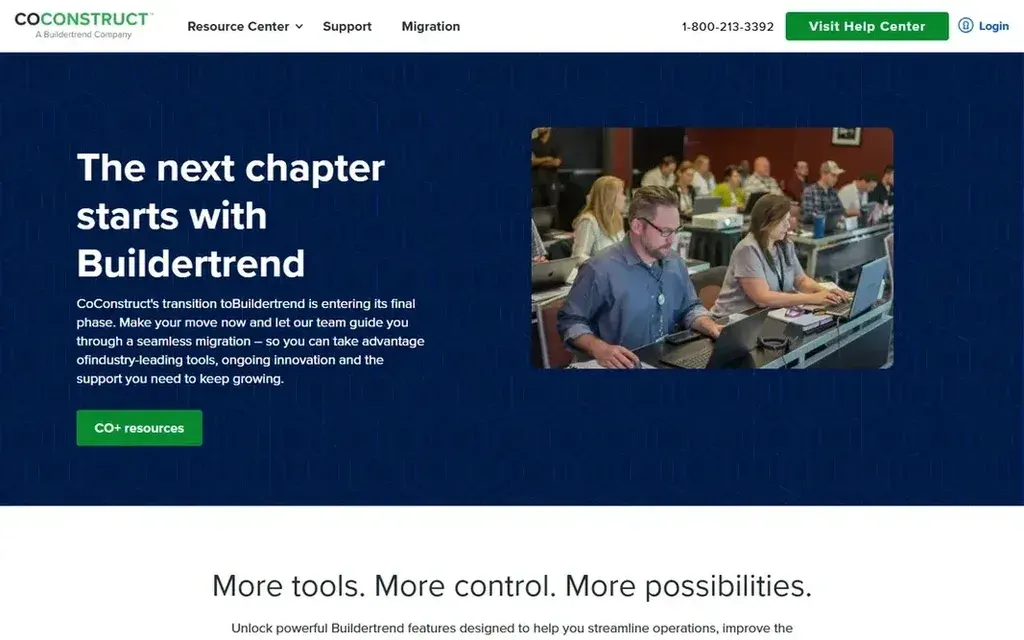
Choose CoConstruct for builders and remodelers managing clients. CoConstruct is construction management software that is now a unified brand with Buildertrend, sharing a stated commitment to a smooth experience.
Where it falls short: Less oriented to large field crews.
On top of that, teams running large commercial jobs with heavy field documentation may find other products better suited. Since the brand is unifying with Buildertrend, feature sets and naming may change, so confirm the current product lineup. Pricing for CoConstruct is not stated here, so ask the vendor for current figures. Free plan details: Not stated.
- Now unified with Buildertrend
- Construction management focus
- Unification may shift features
Oracle Primavera
Best for: Large schedule-intensive construction programs
Oracle Primavera is designed for large schedule-intensive construction programs. Oracle Primavera P6 is enterprise project portfolio management software for construction, described as able to run projects of any size.
Pair it with a field system if both are required. This comparison lists no price for Oracle Primavera; ask the vendor. Free options: Not stated.
Honest limits: Steeper ramp-up time likely.
- Capable scheduling heritage
- Enterprise project portfolio management
- Can be complicated for small teams

Procore is built with connecting jobsite and office teams in mind. Procore is a construction management system built to link the site and the office. Its stated focus is giving teams the live visibility needed to deliver quality projects on time, which fits remote teams where field staff and office staff work from different locations.
Trade-offs to know: Broad scope may feel heavy for small teams.
In daily use, general contractors and owners managing several stakeholders are the usual fit. Since it is a wide platform, smaller teams may find the scope larger than they need and should weigh setup effort against the collaboration gains. This comparison lists no price for Procore; ask the vendor. As for free access: Not stated.
- Live project visibility
- Supports on-time delivery workflows
- Full system can need setup effort
Autodesk Construction Cloud
Best for: Secure cross-team collaboration
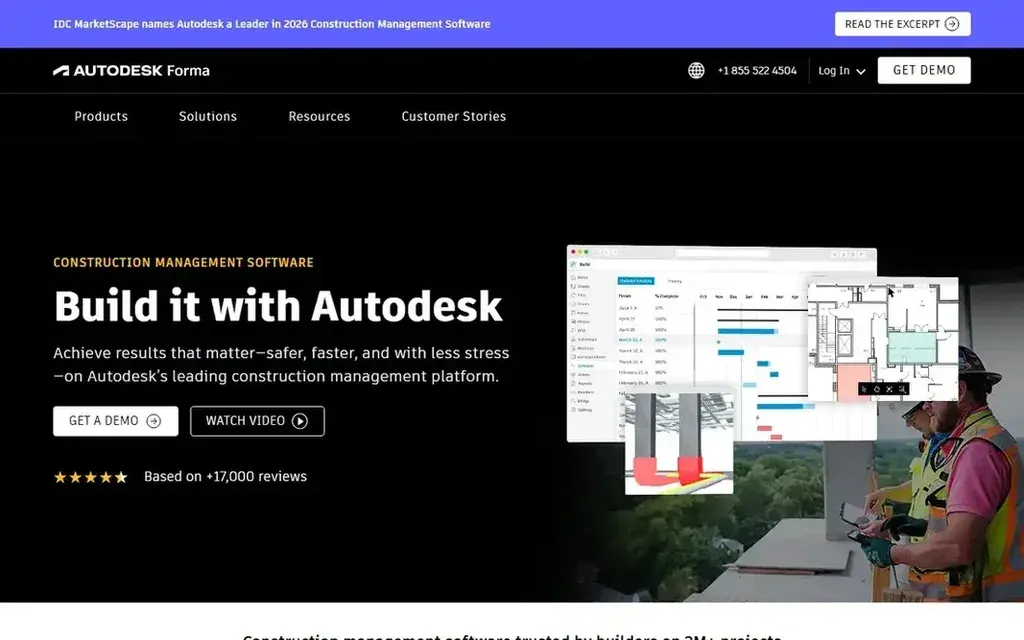
Autodesk Construction Cloud is built with secure cross-team collaboration in mind. Compare against a dedicated field tool if drawing and task tracking is the central need.
Where it shines: Aims at on-time.
Honest limits: Breadth can complicate onboarding.
In daily use, teams outside the Autodesk ecosystem may face additional integration work. This comparison lists no price for Autodesk Construction Cloud; ask the vendor. Free access: Not stated.
- Secure
- On-budget delivery
- Brand transition may confuse buyers
Selection criteria
Things to verify first
- Ask PlanGrid, CoConstruct, Oracle Primavera and others for a written quote, since no starting price is shown.
- Look at the free plan from Fieldwire closely: its caps decide whether it is usable for real work.
- Read the limits listed for Fieldwire first: narrower than full ERP suites.
- Check how data leaves CoConstruct: formats, limits and whether exports are available on every plan.
- Pick one real project and run it in Oracle Primavera first; a small pilot shows fit faster than a checklist.
FAQ
Is Fieldwire the right pick for everyone comparing construction project management software for remote teams?
No single tool suits every team. Fieldwire comes first because it fits field crews tracking tasks and drawings, while PlanGrid suits existing users of the PlanGrid app and CoConstruct suits builders and remodelers managing clients. Match the tool to your own size, budget and workflow before deciding.
Do these tools publish their prices?
Not all of them. PlanGrid, CoConstruct, Oracle Primavera and others publish no starting price, so expect a quote request for those. The rest, Fieldwire included, show a starting price, though seats and billing terms still change the final cost.
What makes construction software work well for remote teams?
Remote construction teams need shared live visibility into tasks, drawings and schedules so field and office staff stay aligned without being in the same place. The products compared here approach this from different angles, from field task tracking to full ERP.
How do merged brands affect my choice?
CoConstruct is now unified with Buildertrend, and PlanGrid is part of Autodesk Forma alongside Autodesk Construction Cloud. Mergers can change feature sets, naming and support paths, so confirm the current product lineup straight with the vendor before deciding.
How are the tools for construction project management software for remote teams ordered?
The order follows typical fit for construction project management software for remote teams, with Fieldwire first and Autodesk Construction Cloud last, then price clarity and free access. It is editorial judgement, not a score, so another team could rank the tools differently.
Which options for construction project management software for remote teams have a free plan?
Fieldwire is the only tool in this list with a free plan. Free plans usually cap users, projects or features, so check the limits on the vendor page. All 6 picks in this construction project management software for remote teams comparison list a starting price, free plan details and the main limits on their cards above.
Sources
- https://www.fieldwire.com
- https://www.plangrid.com
- https://www.coconstruct.com
- https://www.oracle.com/construction-engineering/primavera-p6
- https://www.procore.com
- https://construction.autodesk.com