The 5 Best Construction Project Management Software for Developers in 2026, Ranked
Compare 5 best construction project management software for developers, with prices, free plans and who each fits. Caveats come with every verdict. No filler.
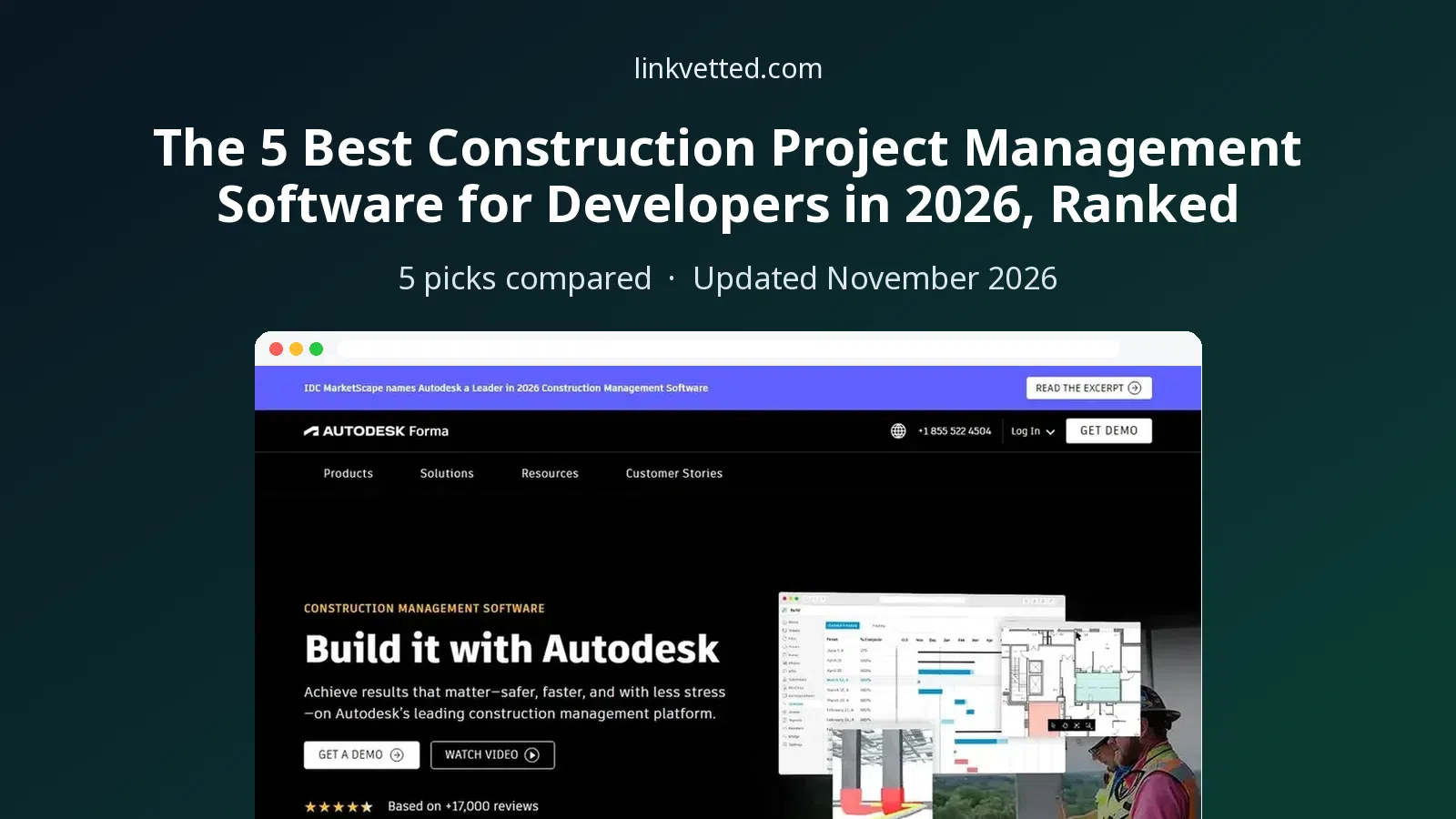
- Editor's choiceJonas Construction Software
Construction business software suite
Starts atPricing on requestVisit jonassoftware.comFull review - Great alternative
 CoConstruct
Custom home and remodel builders
Starts atPricing on requestVisit coconstruct.comFull review - Also consider
 Autodesk Construction Cloud
Secure team collaboration
Starts atPricing on requestVisit construction.autodesk.comFull review
Direct answer
Jonas Construction Software is the first pick on this list for Construction business software suite. CoConstruct fits custom home and remodel builders; Autodesk Construction Cloud fits secure team collaboration. The full list of 5 tools follows, with free plan facts. None of these vendors publish plan prices, so pricing is on request for every option.
TL;DR:
- Number one here is Jonas Construction Software, a fit for Construction business software suite.
- No starting price is shown for any of the 5 tools, Jonas Construction Software and Procore included, so plan time for sales calls.
- A fair warning about CoConstruct: narrower fit for large commercial work.
- Procore fits connecting site and office teams.
- None of the 5 tools, from Jonas Construction Software to Procore, has a free plan, so budget for a subscription or use a trial.
Last checked November 2026. Pricing on request: vendors did not publish plan prices when this guide was last checked (November 2026), so ask each vendor for a written quote.
Quick comparison
| Tool | Best for | Starts at | Free plan? | |
|---|---|---|---|---|
| Jonas Construction Software | Construction business software suite | Pricing on request | Not stated | Visit |
| CoConstruct | Custom home and remodel builders | Pricing on request | Not stated | Visit |
| Autodesk Construction Cloud | Secure team collaboration | Pricing on request | Not stated | Visit |
 Oracle Primavera P6 | Complicated scheduling and portfolio control | Pricing on request | Not stated | Visit |
 Procore | Connecting site and office teams | Pricing on request | Not stated | Visit |
Every option for construction project management software for developers explained
Choosing construction project management software for developers usually comes down to price, fit and limits. This LinkVetted guide sets 5 tools side by side on those three points, with the facts kept short and checkable.
Jonas Construction Software
Best for: Construction business software suite
Jonas Construction Software serves Construction business software suite. Jonas Construction Software is part of Jonas Software, which invests in the people, products and services that help build organizations.
Watch-outs: Restricted detail on the homepage.
Public homepage detail is restricted, so buyers should review specific construction modules straight. For everyday use, confirm the exact product scope with the vendor. Check the vendor site for Jonas Construction Software pricing; none is listed in this comparison. Free access: Not stated.
- Focus on construction business needs
- Investment in products and services
- Fit depends on specific modules
CoConstruct is a good fit for custom home and remodel builders. CoConstruct is construction management software for builders, and it now shares a unified brand with Buildertrend.
It suits developers and builders working on custom homes and residential projects who want project and client communication in one place. No starting price is listed for CoConstruct here; confirm pricing on the vendor site. Free plan details: Not stated.
Honest limits: A good match for residential-style projects.
- Designed for builder workflows
- Focus on client and project communication
- Narrower fit for large commercial work
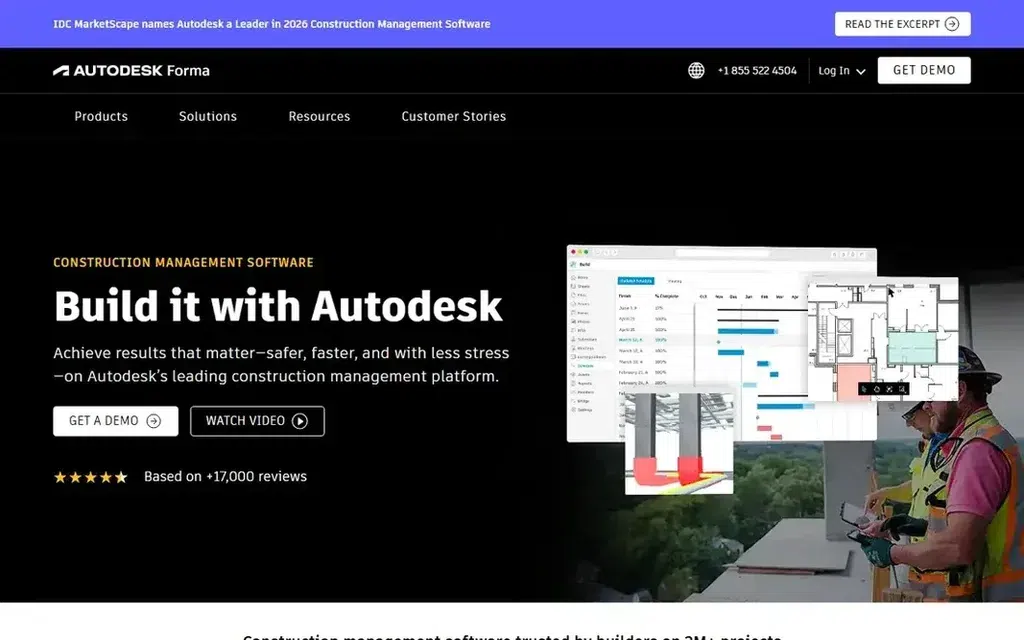
Autodesk Construction Cloud is aimed squarely at secure team collaboration. Autodesk Construction Cloud, now under the Autodesk Forma name, lets project teams collaborate securely and quickly so projects can be delivered on time and on budget.
What to check first: Setup needs team alignment.
Also, teams outside the Autodesk ecosystem may need additional effort to integrate. For everyday use, if your priority is deep scheduling control instead of collaboration, Primavera P6 is a more targeted choice. Check the vendor site for Autodesk Construction Cloud pricing; none is listed in this comparison. As for free access: Not stated.
- Backed by Autodesk ecosystem
- On-budget delivery
- May overlap with existing Autodesk tools
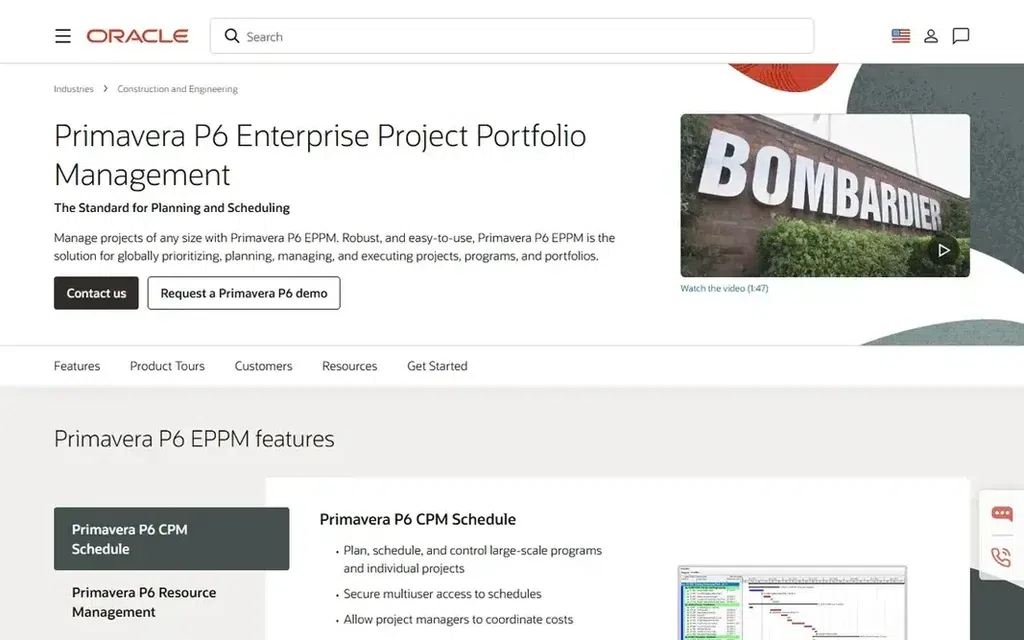
Oracle Primavera P6 is aimed squarely at complicated scheduling and portfolio control. The tool is scheduling-centric, so teams wanting everyday field communication may pair it with a system like Procore.
Check deployment choices and support requirements on the vendor page before deciding. Oracle Primavera P6 does not show a starting price in this comparison, so check the vendor site for current pricing. On free options: Not stated.
What to check first: Steep ramp-up time.
- Solid portfolio management focus
- Takes care of projects of any size
- Less concentrated on field workflows
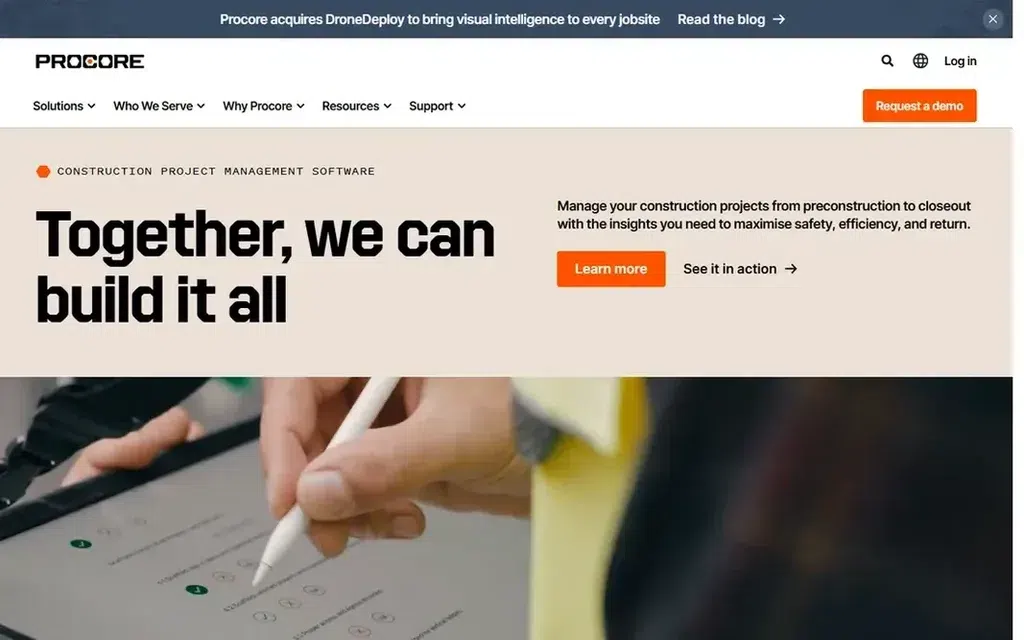
Procore is built with connecting site and office teams in mind. It performs well when several parties need to see the same status.
What to check first: Wide scope may feel heavy for small teams.
In daily use, confirm module fit and integration needs on the vendor site before committing. Pricing for Procore is not stated here, so ask the vendor for current figures. On free options: Not stated.
- Capable field-to-office connection
- Live project visibility
- Needs disciplined setup
What went into this list
We compared the tools on published pricing, free plan or trial availability, feature coverage for construction project management software for developers, and the limits each vendor documents. Seat minimums, billing terms and add-ons can move the real cost, so the starting prices here are a guide and not a quote. The sequence is a judgement call: typical use case first, then pricing transparency, then free access. Use the profiles to check fit.
Pre-purchase checklist
- Request quotes from Jonas Construction Software, Procore and the others; the list shows no fixed prices.
- Read the limits listed for Jonas Construction Software first: restricted detail on the homepage.
- Price Jonas Construction Software for your actual team size; headline prices rarely include add-ons or overage.
- Involve the people who will use Oracle Primavera P6 daily; a short pilot beats a long feature checklist.
- Make sure CoConstruct lets you export your data in a format another tool can read.
FAQ
What should I verify before buying construction software?
Confirm module coverage, integration with your existing accounting and design tools, and the effort required for onboarding. Also review how reporting manages several projects and how support is structured for your team size.
Can I try these tools before paying?
Not by default. None of the tools, from Jonas Construction Software to Procore, lists a free plan or a free trial here, so ask each vendor for a demo before committing.
Do these tools publish their prices?
No. None of the tools, from Jonas Construction Software to Procore, shows a fixed starting price here, so budget time for quotes.
Is Jonas Construction Software the right pick for everyone comparing construction project management software for developers?
No single tool suits every team. Jonas Construction Software comes first because it fits Construction business software suite, while CoConstruct suits custom home and remodel builders and Autodesk Construction Cloud suits secure team collaboration. Match the tool to your own size, budget and workflow before deciding.
Does any tool for construction project management software for developers here have a free plan?
No tool in this list, Jonas Construction Software and Procore included, has a permanent free plan. Trials and quotes are the usual route, so plan a short evaluation period.
Sources
- https://jonassoftware.com
- https://www.coconstruct.com
- https://construction.autodesk.com
- https://www.oracle.com/construction-engineering/primavera-p6
- https://www.procore.com