Best Construction Project Management Software in 2026: 9 Tools Compared
Best construction project management software compared for contractors, residential builders, and field teams, with pricing, field tools, and client features.
- Editor's choice
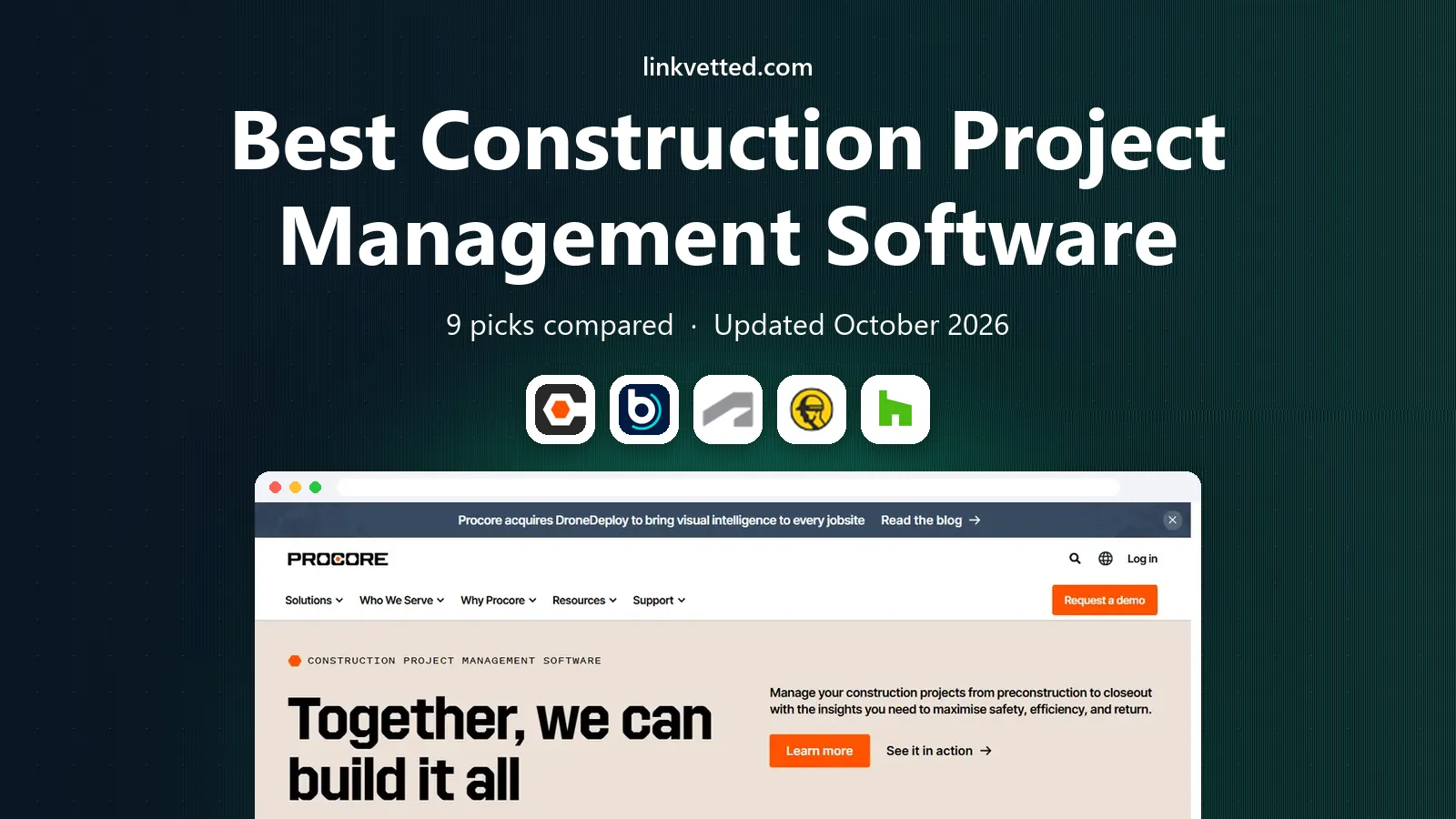
 Procore
Large and complex projects
Starts atSee websiteVisit procore.comFull review - Great alternative
 Buildertrend
Residential builders and remodelers
Starts atSee websiteVisit buildertrend.comFull review - Also consider
 Autodesk Construction Cloud
Design, BIM, and large project teams
Starts atSee websiteVisit construction.autodesk.comFull review
TL;DR:
- Procore is our pick for large, complex projects, while Buildertrend fits residential builders who need client communication built in.
- Fieldwire stands out for small field teams because it offers a free plan for basic plan viewing and task tracking.
- Residential builders should weigh Buildertrend and Houzz Pro first, since both were built around homeowner-facing work.
- Always confirm pricing with a quote for Procore, Autodesk, and Buildertrend, because several vendors do not publish a full list price.
Quick comparison
| Tool | Best for | Starts at | Free plan? | |
|---|---|---|---|---|
| Procore | Large and complex projects | See website | No | Visit |
| Buildertrend | Residential builders and remodelers | See website | No | Visit |
| Autodesk Construction Cloud | Design, BIM, and large project teams | See website | No | Visit |
 Fieldwire | Field-first small teams | Free | Yes | Visit |
 Houzz Pro | Residential pros and client leads | See website | No | Visit |
 JobNimbus | Roofing and exterior contractors | See website | Free trial | Visit |
 Knowify | Small trade contractors and job costing | See website | No | Visit |
 monday.com | Flexible project boards and teams | See website | Free trial | Visit |
 Smartsheet | Spreadsheet-style schedules and reports | See website | Free trial | Visit |
The best construction project management software
Construction work spans estimating, scheduling, field updates, and client communication. The best software for construction project management keeps those pieces in one place, so office and field teams stop chasing separate spreadsheets and messages.

Procore is the platform many large general contractors choose when a project has many stakeholders, drawings, budgets, and field reports to track. It brings documents, RFIs, submittals, daily logs, and financial tools into one system, so the office and the site work from the same record. That breadth is its main strength on complex work.
The honest catch is cost and setup. Pricing is based on a quote tied to construction volume and chosen modules, so small firms may find it more than they need. If your projects are straightforward and your team is small, a lighter tool will get you running faster and for less money.
- Covers project management, financials, and field tools
- Unlimited users on many plans
- Broad integrations
- Quote-based pricing with no public list price
- Can be heavy and costly for small firms
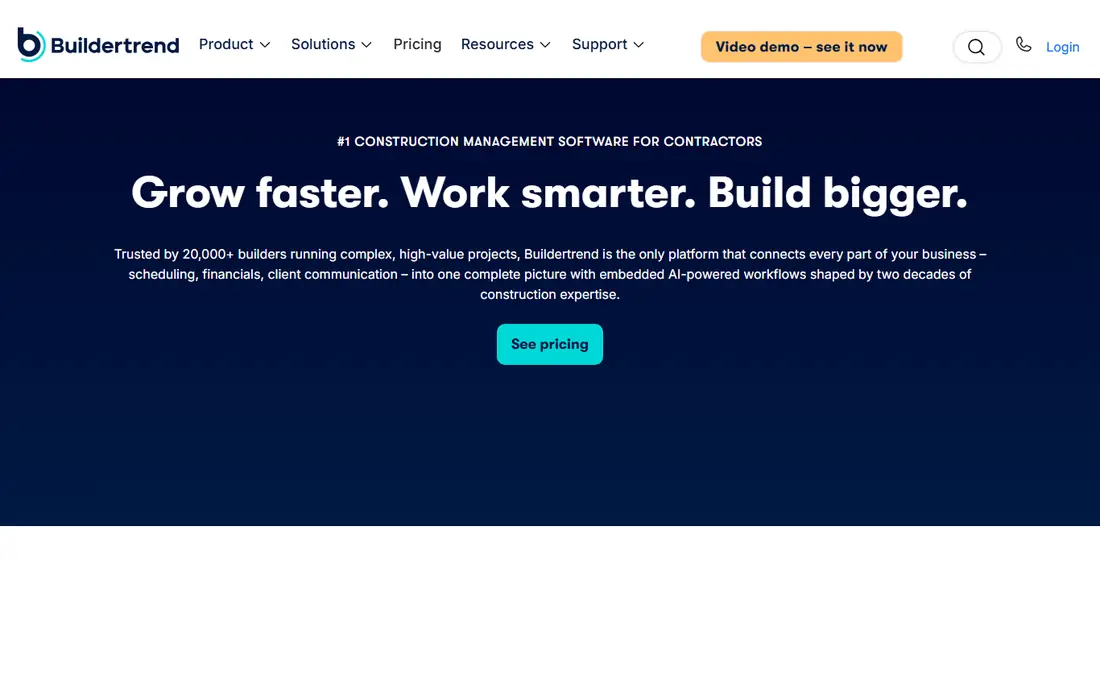
Buildertrend is built for home builders and remodelers who need to manage a project and keep the homeowner informed at the same time. Scheduling, daily logs, to-dos, and a client portal sit alongside budgeting and change order tools, which reduces the back-and-forth that often slows residential work.
The trade-off is pricing transparency. Buildertrend no longer publishes a simple list price, so you will need a sales conversation to get a firm number. That is workable for an established builder, but it makes quick comparison harder, and smaller firms should get quotes from at least two rivals before deciding.
- Client portal and communication
- Scheduling and daily logs
- Estimating and change orders on higher plans
- No public list price at present
- Quote scales with construction volume
- Learning curve for full setup
Autodesk Construction Cloud
Best for: Design, BIM, and large project teams
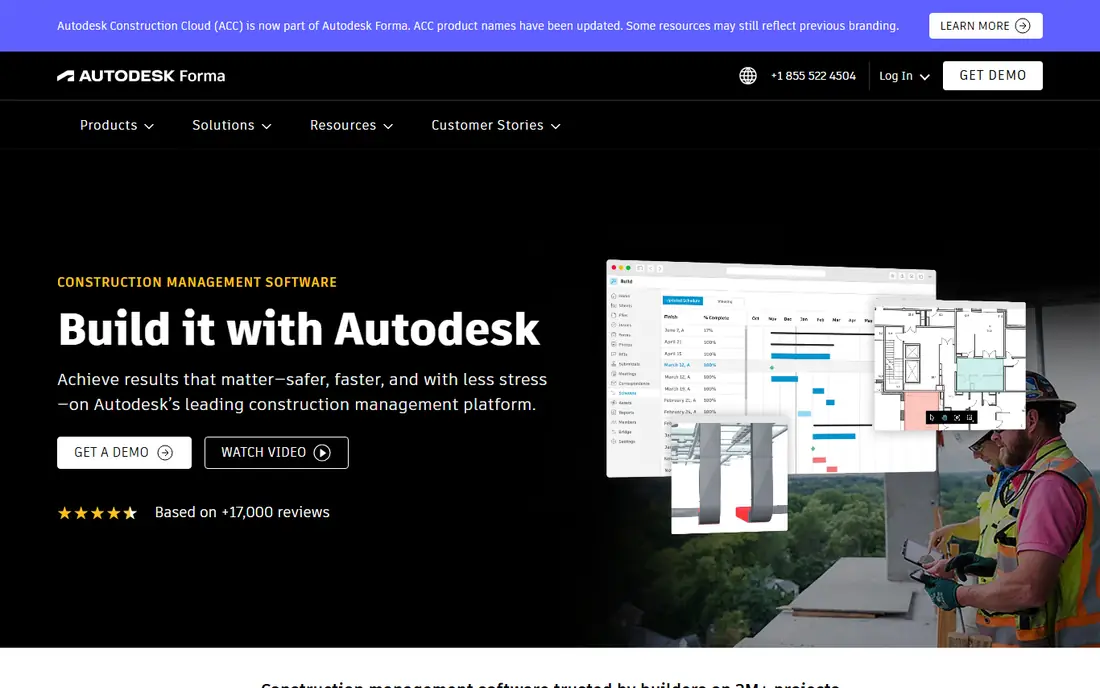
Autodesk Construction Cloud suits teams where drawings, models, and coordination are central to the job. It handles document management, RFIs, submittals, and field issues, and it connects well with design tools that many architects and engineers already use. For BIM-heavy projects, that coordination is hard to replace.
For a small residential builder, the platform can feel like more system than the job requires. Setup and training take time, and pricing comes through a quote rather than a published plan. Firms already invested in Autodesk products will get the most from it, while others may prefer a simpler project tool.
- Strong drawing, model, and document coordination
- Widely used on large commercial work
- Broad Autodesk links
- Quote-based pricing
- Can be complex for small teams
- Best value for firms already using Autodesk tools
Fieldwire earns its place for field teams who need speed above all else. Crews can view plans, track tasks, and share files from a phone on site, without wading through office-focused menus. The free plan covers small teams for basic plan viewing and task work, which makes it easy to trial on a live job.
The limit is scope. Fieldwire is not a full estimating or client billing system, so firms that need those features will pair it with other tools or choose a broader platform. For pure field coordination, though, its focus is a benefit, not a gap.
- Free plan for small teams
- Fast plan viewing and task tracking
- Simple mobile field use
- Full features sit behind paid plans
- Less depth on estimating and client billing than Buildertrend
Houzz Pro fits residential contractors, designers, and remodelers who win work through homeowner relationships. It combines lead management, proposals, project communication, and basic financial tools in a package aimed at smaller residential firms. Being part of the Houzz ecosystem can also help clients find and check your work.
The platform is not built for large commercial general contracting, where Procore or Autodesk tools fit better. Pricing also depends on the plan and services you choose, so compare the full monthly cost, including any lead or marketing add-ons, before you sign.
- Client-facing proposals and communication
- Lead and project tools for residential firms
- Familiar Houzz presence
- Pricing varies by plan and market
- Less suited to large commercial projects
- Some features need higher tiers
JobNimbus is a practical choice for roofing, siding, and other exterior contractors who need CRM, job tracking, and invoicing without a general construction suite. Its boards and job views match how trade crews move from lead to completed job, and it links with accounting tools many small firms already use.
Outside its core trades, JobNimbus is less compelling than a broader tool such as Buildertrend or monday.com. If your work spans many project types, test whether its workflows still fit. For roofing-led firms, the trade focus is exactly why it belongs on the shortlist.
- Built for roofing and exterior trades
- Job boards, CRM, and invoicing in one place
- QuickBooks links
- Narrower fit outside roofing and exterior work
- Pricing needs a quote or trial check
Knowify is aimed at small and mid-sized trade contractors who care most about accurate job costs. It tracks costs by project phase, handles scheduling and subcontractor work, and integrates with QuickBooks Online to cut double entry. For electrical, plumbing, HVAC, roofing, and remodeling firms, that focus matches daily work.
The catch is add-ons. Certain features, such as overtime tracking, can carry extra fees, so ask for the full cost of the setup you actually need. Knowify is also not a replacement for a large enterprise platform, but for cost-focused trade firms, it is a strong and practical pick.
- Strong job costing and QuickBooks Online links
- AIA invoicing
- Scheduling and subcontractor tracking
- Some features cost extra
- Smaller scope than Procore for very large projects
monday.com is a flexible work platform that many construction teams adapt with boards for schedules, tasks, budgets, and subcontractors. Its strength is adaptability: you can build views for a specific crew, add automations for reminders, and connect other tools without a rigid construction template getting in the way.
The weakness is that adaptability. It does not come with construction-specific depth for drawings, RFIs, and daily logs in the same way Procore or Fieldwire do. Teams willing to configure it can get a good system, but teams that want construction workflows ready to use should lean toward a dedicated builder.
- Very flexible boards and automations
- Easy to adapt to construction workflows
- Broad integrations
- Not construction-specific out of the box
- Needs setup to match drawings, RFIs, and field logs
Smartsheet appeals to teams that already think in spreadsheets. Its grid views, Gantt-style schedules, and dashboards make it easy to track timelines, budgets, and tasks across many projects. For office-led planning and reporting, it is clear and powerful.
On site, Smartsheet is less field-first than Fieldwire, and drawing management needs extra setup. It works best when the office owns planning and the field team mainly updates tasks and photos. If field plan access is your main need, put Fieldwire ahead of it.
- Familiar spreadsheet-style grids
- Strong reporting and dashboards
- Good for schedules and budgets
- Less field-first than Fieldwire
- Needs setup for drawings and daily field logs
How we picked these
We compared official product pages, pricing pages, and feature descriptions, and weighed construction-specific fit, field mobile use, client communication, and estimating or job costing depth. We favoured tools that are actively sold to construction firms in the United States and that cover a clear project type.
We did not claim hands-on testing on live jobs. Where a vendor does not publish a price, we say so plainly and list starting price as See website, rather than repeating a third-party estimate as if it were a vendor price.
What to check before you buy construction software
Start by mapping one real project from estimate to closeout. List who creates drawings, who approves change orders, who updates the field, and who talks to the client. The tool that covers those handoffs with the least extra work is usually the right one, even if another tool has a longer feature list.
Next, trial the mobile app on site, not just in the office. Field crews need fast plan access, photo uploads, and task updates on a phone with patchy signal. If the app is slow or confusing on site, adoption will fail no matter how good the office dashboard looks.
Finally, get total cost in writing. Ask about user limits, implementation, training, and add-on fees, and confirm whether pricing scales with project volume or user count. A low headline price can grow quickly once you add the modules your team actually uses.
FAQ
What is the best construction project management software for small builders?
Buildertrend and Houzz Pro are strong for residential builders, while Fieldwire fits small field teams that mainly need plan and task coordination. Knowify is a good pick for trade contractors focused on job costing. The best choice depends on whether client work, field work, or costing matters most.
What is the best software for construction project management on large projects?
Procore is our pick for large, complex projects because it covers documents, financials, and field tools in one platform. Autodesk Construction Cloud is a strong rival when drawings and BIM coordination are central. Both use quote-based pricing, so get a detailed quote before budgeting.
Is there a free construction project management app?
Fieldwire offers a free plan for small teams, covering basic plan viewing and task tracking. monday.com and Smartsheet offer free trials rather than a lasting free construction plan. For a lasting free option, Fieldwire is the clearest fit on this list.
What is the best construction project management app for residential work?
Buildertrend is the strongest residential pick for builders who need scheduling, daily logs, and a client portal together. Houzz Pro is a good alternative for residential pros who also want lead and proposal tools. Compare both on client communication, since that is where residential jobs often succeed or stall.
What is the best project management software for construction field teams?
Fieldwire is our pick for field-first work because it is fast, simple on mobile, and free to start for small teams. Procore is better when field work must connect tightly to budgets and documents on a large project. Test the mobile app on a real site before you decide.