Best AI Tools for Construction Project Management in 2026: 9 Tools Compared
Compare the best ai tools for construction project management in 2026, with AI scheduling, progress tracking, safety and pricing for contractors today.
- Editor's choice
 Procore
Commercial general contractors
Starts atSee websiteVisit procore.comFull review - Great alternative
 Autodesk Construction Cloud
BIM-led design and build teams
Starts atSee websiteVisit construction.autodesk.comFull review - Also consider
 Buildertrend
Residential builders and remodelers
Starts atSee websiteVisit buildertrend.comFull review
TL;DR:
- Procore and Autodesk Construction Cloud are the enterprise anchors, with AI assistants that summarise project data and flag risks across many projects.
- OpenSpace, Buildots and DroneDeploy use cameras and AI to measure real site progress against plans and schedules.
- Buildertrend and Contractor Foreman suit smaller residential and trade contractors who need AI help without enterprise pricing or implementation.
- AI value depends on clean field data, so pick a tool your crews will actually use daily, and pilot it on one live project first.
Quick comparison
| Tool | Best for | Starts at | Free plan? | |
|---|---|---|---|---|
| Procore | Commercial general contractors | See website | No | Visit |
| Autodesk Construction Cloud | BIM-led design and build teams | See website | Free trial | Visit |
| Buildertrend | Residential builders and remodelers | See website | Free trial | Visit |
 Fieldwire | Field punch lists and plan markup | See website | Yes | Visit |
 OpenSpace | AI site capture and progress tracking | See website | No | Visit |
 Buildots | AI progress tracking from site video | See website | No | Visit |
 Contractor Foreman | Budget-conscious small contractors | $49 per month | Free trial | Visit |
 Dalux | Field management and BIM viewing | See website | Free trial | Visit |
 DroneDeploy | Drone mapping and site reality capture | See website | Free trial | Visit |
The best ai tools for construction project management
AI in construction now does practical work: summarising RFIs and daily logs, drafting schedules, spotting safety risks in photos, and measuring progress from site capture. The nine tools below cover enterprise platforms, residential builders, field tools and AI progress tracking, so match the tool to your project type, team size and existing software before you judge its AI features.
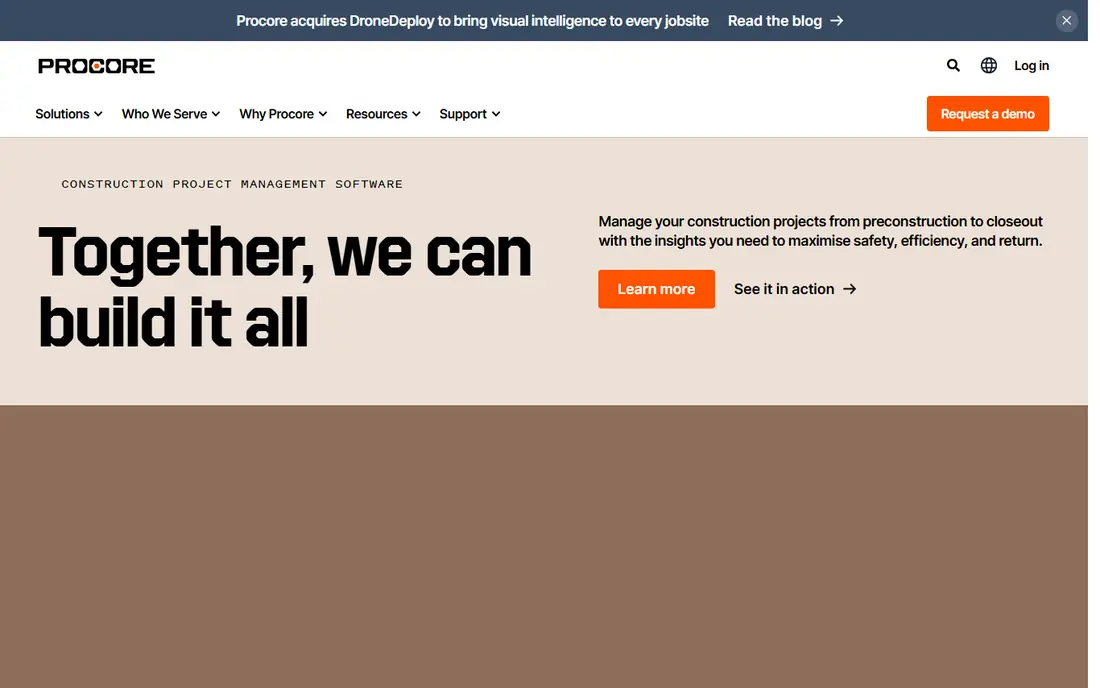
Procore is the most widely used construction management platform for commercial general contractors, covering project management, quality and safety, field productivity, financials and preconstruction in one place. Procore AI adds a conversational Copilot and agents that summarise project data, surface risks, draft responses and handle routine coordination, which helps project managers who juggle dozens of RFIs, submittals and daily logs. Because pricing is based on annual construction volume rather than per seat, you can invite subs, owners and the full team without counting licences.
The trade-off is cost transparency and implementation. Procore does not publish list prices, and total cost depends on volume, modules and implementation, so smaller firms need a clear quote before assuming it fits. AI output is also only as good as the data crews enter, so a team that logs inconsistently will get weaker summaries and risk flags. For large commercial contractors that need one system across many projects, Procore remains the anchor pick.
- Broad project, quality, safety and financial tools
- Procore AI Copilot and agents across workflows
- Unlimited users under volume pricing
- Quote-based pricing with no public list price
- Value depends on consistent field data entry
Autodesk Construction Cloud
Best for: BIM-led design and build teams
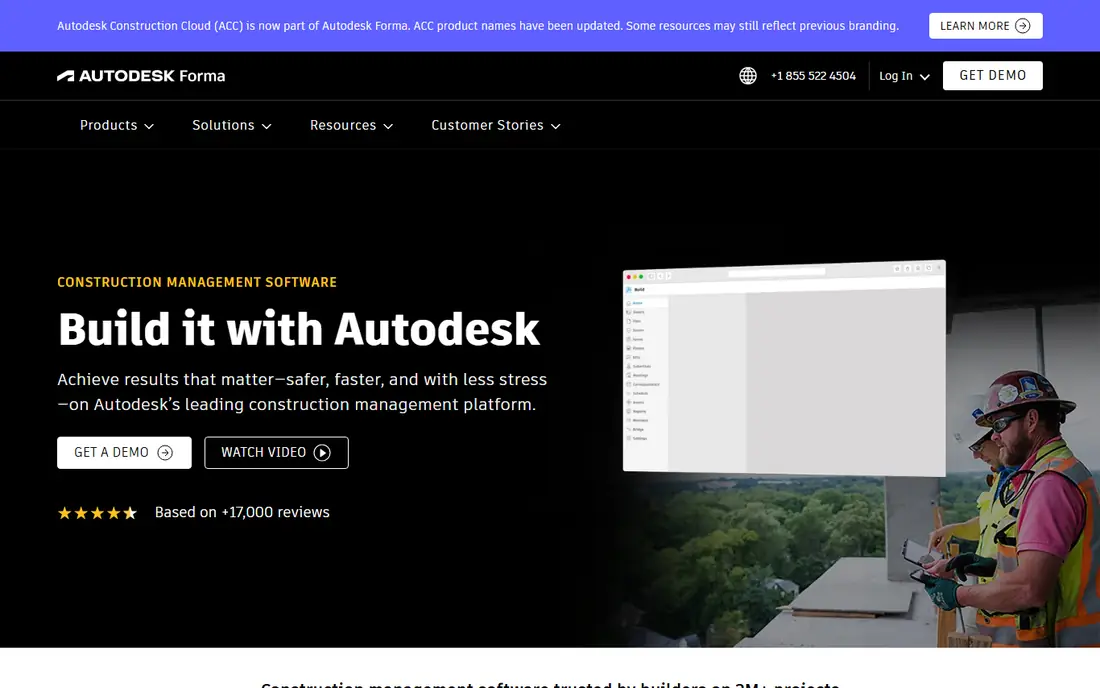
Autodesk Construction Cloud suits design-led and BIM-heavy teams that need coordination, document management, cost control and field management in one ecosystem. Its AI features, including Autodesk AI and Construction IQ, analyse project data to flag coordination issues, safety signals and schedule risks, while BIM Compare and model viewing keep the field aligned with design intent. Integration with Revit, AutoCAD and other Autodesk tools is a real advantage when design and build share the same models.
The catch is price and complexity. Pricing is largely per user, so a large team with many collaborators needs a careful licence model, and rolling out the full platform takes training and process change. Smaller contractors may find it more than they need. Choose Autodesk Construction Cloud when BIM coordination drives your projects, and when your team already works in Autodesk design tools.
- Strong BIM coordination and document control
- Autodesk AI and Construction IQ for risk signals
- Deep design tool integration
- Per-user pricing can grow fast on large teams
- Implementation and learning curve are significant
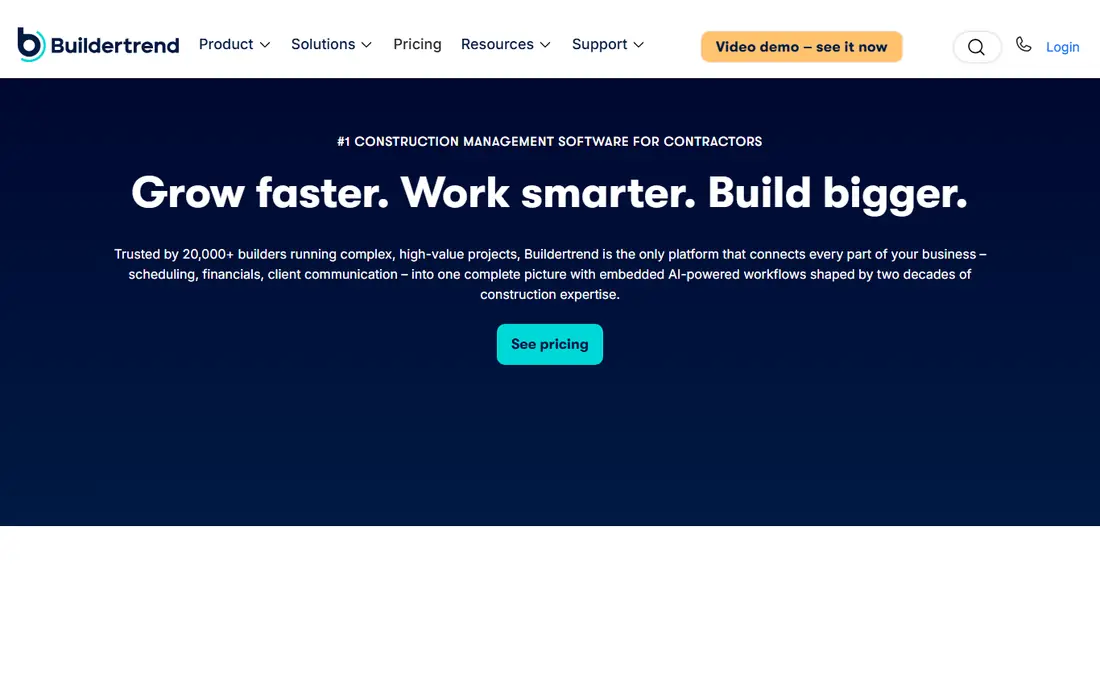
Buildertrend is built for residential builders, remodelers and specialty contractors who need scheduling, budgeting, client communication and change orders without enterprise complexity. Its client portal keeps homeowners informed with photos, selections, schedules and messages, which reduces the status calls that eat a builder day. AI-assisted features help with drafting, scheduling support and summarising project updates, though the core value remains its residential workflow, not experimental AI alone.
The limits are scale and BIM. Buildertrend is not designed for large commercial programmes with complex BIM coordination, and its financial depth is lighter than a full construction ERP. Pricing is quote-based, so check the plan that covers your project volume and team size. For residential builders who want a practical, client-friendly system with AI help, it is the most natural pick here.
- Residential-focused scheduling, client communication and job costing
- Easy client portal
- Useful for remodelers and custom builders
- Less suited to large commercial projects
- Limited BIM depth compared with Autodesk
Fieldwire, by Hilti, focuses on the field work that often decides whether a project finishes cleanly: plan viewing, markup, punch lists, tasks and checklists on mobile. Crews can mark issues on drawings, assign them, track completion and share photos, which keeps the office and site aligned without paper lists or scattered messages. That field-first simplicity is why many subcontractors and general contractors adopt it even when they run another platform for office work.
The trade-off is breadth. Fieldwire does not replace full project financials, preconstruction or ERP functions, and its AI capabilities are more focused on field productivity than on enterprise-wide risk analysis. The free tier helps small teams start, while paid plans add users and features. Use Fieldwire when field execution and punch-list closeout are your main pain, and pair it with a fuller platform if you also need deep financials.
- Fast mobile plan viewing and markup
- Punch lists, tasks and checklists for the field
- Free tier for small teams
- Not a full project financial system
- AI features are narrower than enterprise platform AI
OpenSpace turns a walk around site with a 360 camera into a visual record pinned to drawings, so anyone can revisit any location on any date without travelling. BIM Compare places the design model beside the captured reality, Field Notes turn observations into issues synced with Procore and Autodesk, and OpenSpace Track uses AI to measure progress against the schedule and BIM. That combination helps owners, general contractors and VDC teams prove progress, resolve disputes and catch drift early.
The catch is price and setup. Subscriptions are priced on annual construction volume, with Track as an add-on, and no list prices are published, so budgeting needs a vendor quote. Setting up schedule mapping for Track is also specialist work, even though walking a capture is easy to learn. For teams that need trusted visual progress evidence, OpenSpace is one of the strongest AI tools in construction today.
- 360-degree site capture mapped to plans
- BIM Compare for built versus design
- OpenSpace Track for AI progress measurement
- Quote-based pricing on construction volume
- Track setup needs schedule and BIM mapping work
Buildots uses AI and computer vision to track construction progress from site video and compare it with the schedule and BIM, giving managers an objective view of what is actually complete. That helps large commercial projects where manual percent-complete reporting can be optimistic or inconsistent, and where delay analysis needs evidence, not opinion. Its dashboards highlight tasks that are behind, at risk or complete, so teams can act before a small slip becomes a major delay.
The limits are access and data discipline. Buildots is an enterprise product with quote-based pricing, and it needs regular, consistent site capture to work well, so a project with sporadic walks will get thinner results. It also works best as a progress layer alongside a main project platform, not as a standalone replacement for Procore or Autodesk. For large contractors focused on schedule truth, it is a powerful addition.
- AI progress tracking from site walks and video
- Schedule and delay analysis
- Useful for large commercial projects
- Enterprise pricing with no public list price
- Needs consistent site capture to deliver full value
Contractor Foreman suits small contractors and trade businesses that need one affordable system for scheduling, estimating, CRM, project management and job costing. The entry plan we reviewed starts at $49 per month, which is far below enterprise platform pricing, and the breadth means a small team can stop juggling separate tools for leads, estimates, schedules and invoices. That all-in-one value matters when there is no IT team to integrate several systems.
The trade-off is polish and AI depth. The interface prioritises function over design, and its AI assistance does not match Procore AI or Autodesk AI for large-project risk analysis. For a small contractor, that gap rarely matters, because the main win is having estimates, schedules and costs in one place that the team actually uses. Start here if budget and breadth matter more than enterprise AI.
- Low entry price for an all-in-one platform
- Scheduling, estimating, CRM and job costing together
- Good for small contractors
- Interface is functional rather than polished
- AI features are less deep than enterprise platforms
Dalux Field helps site teams manage quality, safety, punch lists and progress from mobile, with BIM viewing that lets crews compare models and drawings on site. Its strength is field usability: observations, checklists and issues are fast to create, assign and close, which helps large projects with many subcontractors. Dalux is well established in Denmark and across Europe, with growing use in the UK, Germany and other markets, and its customers include large contractors and engineering firms.
The limits are familiarity and pricing clarity. US teams may know Procore or Autodesk better, and Dalux pricing depends on the product and deployment, so a quote is needed. Test it on a live project with your real drawings and BIM files, and check integration with your main platform. For field-led teams that value mobile BIM and quality workflows, Dalux is a credible alternative to the US enterprise anchors.
- Strong mobile field management
- Good BIM viewing on site
- Popular in Europe and growing internationally
- Pricing varies by product and region
- Less familiar to some US teams than Procore or Autodesk
DroneDeploy turns drone flights into maps, orthomosaics, 3D models and progress documentation that managers, owners and inspectors can review remotely. AI-assisted analysis helps measure stockpiles, track earthwork, compare site conditions over time and document progress without walking every area. For large civil, infrastructure and commercial sites, aerial reality capture gives a view that ground photos alone cannot match, and it creates a dated visual record for disputes and reporting.
The catch is operations and scope. You need compliant drone operations, trained pilots or a capture service, and suitable weather and airspace conditions, and DroneDeploy itself does not replace scheduling, financials or RFI management. Use it as a reality-capture layer alongside Procore, Autodesk or Buildertrend, and budget for flights as well as software. For site documentation and progress evidence at scale, it is a strong specialist pick.
- Drone mapping, orthomosaics and 3D models
- Progress and site documentation from aerial capture
- AI-assisted analysis
- Needs drone hardware, pilots and compliance
- Not a full project management platform on its own
How we picked these
We compared official feature pages, AI capabilities, project-type fit, pricing models and public reviews, with a focus on tools that are available now, in October 2026, and that serve contractors, not just software buyers. We favoured tools with clear AI functions for scheduling, progress, safety or summarising, rather than platforms that only mention AI in marketing. Where pricing is quote-based or volume-based we wrote See website, and we listed a starting price only where the vendor publishes a clear entry plan.
How to pilot AI construction software on a live project
Pick one live project, one clear problem and one measure of success. That might be cutting RFI response time, improving punch-list closeout, or getting a trustworthy weekly progress figure. Run the tool alongside your current process for four to six weeks, with the same crews and the same drawings, and compare results honestly. A pilot that changes too many things at once tells you nothing about what actually helped.
Get field buy-in before you buy AI
AI tools fail when field teams see them as extra admin. Choose a tool that saves a crew member time on day one, whether that is faster plan access, easier punch lists or automatic progress capture, and train on real project data, not generic demos. Agree who owns data entry, who reviews AI summaries, and what happens when the AI flags a risk. That ownership turns a promising pilot into a tool the team keeps using after the trial ends.
FAQ
What is the top AI construction software for enterprises?
Procore and Autodesk Construction Cloud are the leading enterprise choices, with Procore strongest for broad commercial project management and Autodesk strongest for BIM-led design and build work. The best pick depends on whether your projects are driven by field coordination and volume, or by design models and coordination. Pilot both on a real project type before you commit.
What is the best AI tool for contractors on a budget?
Contractor Foreman and Fieldwire are the most budget-friendly picks here, with Contractor Foreman offering an all-in-one platform from $49 per month on the plans we reviewed, and Fieldwire offering a free tier for field work. Buildertrend also suits residential builders who need client communication without enterprise cost. Match the tool to your project type, not just the price.
How does AI progress tracking work on a construction site?
Tools like OpenSpace and Buildots compare site capture, such as 360 video or drone imagery, with the schedule and BIM model, using AI to estimate what work is complete. That gives a more objective progress figure than manual percent-complete reports, and it creates a dated visual record. Regular capture and correct schedule mapping are essential for accurate results.
Can AI replace a project manager?
No, AI can summarise data, draft updates, flag risks and measure progress, but it cannot manage subcontractors, resolve disputes, make safety judgements or own client relationships. The best use is to remove reporting and admin work so project managers spend more time on site, with crews and clients, where judgement matters most.
Do these tools work for small residential projects?
Yes, though enterprise tools are often overkill for a single home build. Buildertrend, Contractor Foreman and Fieldwire suit residential and small commercial work well, with simpler setup and lower cost. Start with the tool that covers scheduling, client communication and job costing for your project size, and add AI progress tools only when project scale justifies them.