The 5 Best Construction Project Tracking Software in 2026, Ranked
Best construction project tracking software in 2026: 5 contenders with entry costs and free tiers. Short, factual notes on every option. Decide faster.
- Editor's choice
 Autodesk Construction Cloud
Secure collaboration across project teams
Starts atSee websiteVisit construction.autodesk.comFull review - Great alternative
 Oracle Primavera P6
In-depth scheduling and portfolio management
Starts atSee websiteVisit oracle.comFull review - Also consider
 Fieldwire
Field-first task and drawing tracking
Starts at$39 per user a monthVisit fieldwire.comFull review
Direct answer
For secure collaboration across project teams, Autodesk Construction Cloud is where this list starts. Listed starting prices: Fieldwire from $39 per user a month. Alternatives: Oracle Primavera P6 for in-depth scheduling and portfolio management, and Fieldwire for field-first task and drawing tracking. Details, prices and limits for the rest of the 5 tools are below.
TL;DR:
- Autodesk Construction Cloud is the opening pick, best for secure collaboration across project teams.
- One limit worth knowing about Fieldwire: narrower than full ERP systems.
- Starting prices begin at $39 per user per month with Fieldwire.
- CMiC suits unified accounting and project management.
Last checked November 2026. Prices and plan details were read from the vendors' own pages in November 2026; vendors change plans often, so confirm the current price on the vendor site before you buy.
Quick comparison
| Tool | Best for | Starts at | Free plan? | |
|---|---|---|---|---|
| Autodesk Construction Cloud | Secure collaboration across project teams | See website | Not stated | Visit |
| Oracle Primavera P6 | In-depth scheduling and portfolio management | See website | Not stated | Visit |
| Fieldwire | Field-first task and drawing tracking | $39 per user a month | Yes | Visit |
 Procore | Connecting site and office teams | See website | Not stated | Visit |
 CMiC | Unified accounting and project management | See website | Not stated | Visit |
Every option for construction project tracking software explained
Short on time? The summary and table above give the quick view of 5 tools for construction project tracking software, and the profiles that follow give the detail behind each entry.
Autodesk Construction Cloud
Best for: Secure collaboration across project teams
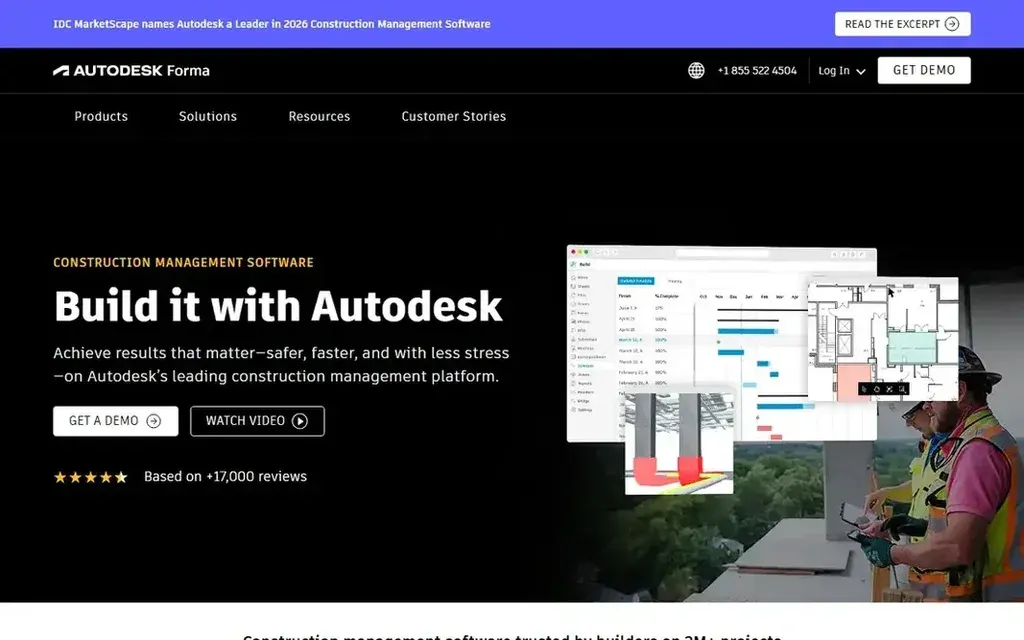
Autodesk Construction Cloud was built for secure collaboration across project teams. Autodesk Construction Cloud, now under Autodesk Forma, lets project teams collaborate securely and rapidly so they can deliver projects on time and on budget.
What to check first: May need workflow alignment across businesses.
For everyday use, businesses already using Autodesk design tools frequently find the collaboration model familiar. This comparison lists no price for Autodesk Construction Cloud; ask the vendor. On free options: Not stated.
- On-budget delivery
- Secure team collaboration
- Wide system needs planning to adopt
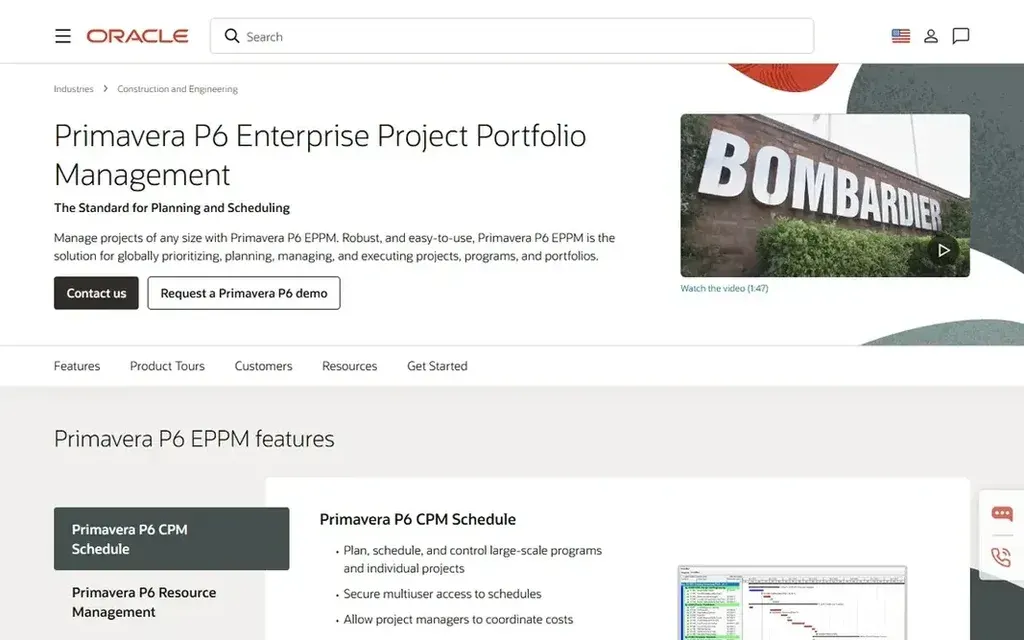
Think of Oracle Primavera P6 for in-depth scheduling and portfolio management. On top of that, planners and project controls teams are the usual users.
As for the details, Primavera P6 can be heavy for small projects that only need entry-level task tracking, and it rewards users with scheduling expertise. Oracle Primavera P6 shows no starting price here, so confirm the cost on the vendor site. As for free access: Not stated.
Watch-outs: Can be complicated for straightforward projects.
- Manages projects of any size
- Suited to complicated programs
- Needs scheduling expertise
Fieldwire is designed for field-first task and drawing tracking. Fieldwire is narrower than full ERP or portfolio products, so it may not include accounting or deep scheduling needs.
Drawbacks to consider: Field focus may limit office workflows.
From a buyer's view, businesses seeking a single system for finance and projects may prefer a broader tool. Starting cost for Fieldwire: $39 per user per month. Fieldwire has a free plan.
- Used by owners, GCs, subcontractors
- Aims to cut expensive rework
- Narrower than full ERP products

For connecting site and office teams, Procore is a natural candidate. Procore is a construction management platform that links the site and the office, giving teams live visibility to deliver quality projects on time.
More specifically, teams that only need drawing and task tracking on the jobsite may prefer a narrower tool. Pricing for Procore is not stated here, so ask the vendor for current figures. Free access: Not stated.
Trade-offs to know: Setup effort grows with project complexity.
- Wide construction management product
- Live visibility across projects
- Wide scope may be more than small teams need
CMiC is aimed squarely at unified accounting and project management. Organizations that value unified data across departments are the core audience. CMiC is a wide system that may need configuration to match specific workflows, and it is less concentrated on field-only task tracking.
Choose CMiC when unified accounting and project management matter most. CMiC is construction management software positioned as a standard for companies that want to run accounting, projects, and people through one simplified product. CMiC shows no starting price here, so confirm the cost on the vendor site. Free access: Not stated.
Limits to weigh: Less centred on field-only tracking.
- Single system for people and projects
- Designed for construction companies
- Wide product may need configuration
What went into this list
The comparison looks at four things: starting price, free access, how well the feature set matches construction project tracking software, and the main limit of each tool. Where a vendor does not publish a price, the entry says quote. Where a price depends on seats or billing term, the entry says so. The order reflects how well each tool fits the most common buying scenario for construction project tracking software, then price clarity, then free plan access. It is a starting point, not a verdict.
What to check before you buy
- Confirm the entry price on the vendor page. For Autodesk Construction Cloud, Oracle Primavera P6, Procore and CMiC that means a quote rather than a fixed price.
- Look at the free plan from Fieldwire closely: its caps decide whether it is usable for real work.
- Before choosing Autodesk Construction Cloud, weigh its main limit: may need workflow alignment across businesses.
- Ask Fieldwire which support channels and response times come with the plan you would buy.
- Verify that exporting from Procore is possible on your plan and covers all your records.
FAQ
How are the tools for construction project tracking software ordered?
The order follows typical fit for construction project tracking software, with Autodesk Construction Cloud first and CMiC last, then price clarity and free access. It is editorial judgement, not a score, so another team could rank the tools differently.
Which options for construction project tracking software have a free plan?
Fieldwire is the only tool in this list with a free plan. Free plans usually cap users, projects or features, so check the limits on the vendor page. Each of the 5 options in this construction project tracking software guide has its own card above with the price, free plan and limits.
Do these tools publish their prices?
Not all of them. Autodesk Construction Cloud, Oracle Primavera P6, Procore and CMiC publish no starting price, so expect a quote request for those. The rest, Fieldwire included, show a starting price, though seats and billing terms still change the final cost.
Can I try these options before paying?
Often, yes. Fieldwire has a free plan. Use your own data and a real task during the test, and check what the free tier or trial limits before you rely on it. All 5 picks in this construction project tracking software comparison list a starting price, free plan details and the main limits on their cards above.
What should general contractors look for in tracking software?
Procore and Autodesk Construction Cloud are typical starting points for that connected view. Confirm the workflows match your project types before shortlisting.
Sources
- https://construction.autodesk.com
- https://www.oracle.com/construction-engineering/primavera-p6
- https://www.fieldwire.com
- https://www.procore.com
- https://www.cmicglobal.com