The 5 Best Construction Punch List Software for Property Developers in 2026, Ranked
Compare 5 best construction punch list software for property developers, with prices, free plans and who each fits. Short verdicts, no fluff. Updated for 2026.

- Editor's choice
 Fieldwire
Jobsite task and drawing tracking
Starts at$39 per user a monthVisit fieldwire.comFull review - Great alternative
 Bluebeam Revu
Document markup and drawing review
Starts atSee websiteVisit bluebeam.comFull review - Also consider
 Autodesk Construction Cloud
Collaborative closeout across project teams
Starts atSee websiteVisit construction.autodesk.comFull review
Direct answer
For Jobsite task and drawing tracking, Fieldwire is where this list starts. Listed starting prices: Fieldwire from $39 per user a month. If your case is different, Bluebeam Revu suits document markup and drawing review and Autodesk Construction Cloud suits collaborative closeout across project teams. The other 2 tools in the list cover narrower or pricier cases.
TL;DR:
- Top of the list is Fieldwire, which targets Jobsite task and drawing tracking.
- What to know about Fieldwire first: less depth for back-office finance.
- Procore suits developers wanting one connected product.
- For the cheapest start, look at Fieldwire: $39 per user per month.
- Only Fieldwire offers a free plan among these 5 tools.
Last checked November 2026. Prices and plan details were read from the vendors' own pages in November 2026; vendors change plans often, so confirm the current price on the vendor site before you buy.
Quick comparison
| Tool | Best for | Starts at | Free plan? | |
|---|---|---|---|---|
| Fieldwire | Jobsite task and drawing tracking | $39 per user a month | Yes | Visit |
| Bluebeam Revu | Document markup and drawing review | See website | Free trial | Visit |
| Autodesk Construction Cloud | Collaborative closeout across project teams | See website | Not stated | Visit |
 PlanGrid | Existing PlanGrid users moving to Autodesk | See website | Not stated | Visit |
 Procore | Developers wanting one connected product | See website | Not stated | Visit |
Tool-by-tool breakdown
This LinkVetted guide covers 5 construction punch list software for property developers. Each profile lists a starting price, free plan details, strengths and drawbacks, so you can drop poor fits quickly.

Where Fieldwire fits: Jobsite task and drawing tracking. Developers needing deep cost or contract tools may pair it with another system.
Downsides: Less depth for back-office finance.
Worth adding: Fieldwire leans toward field execution instead of full back-office project management. Fieldwire pricing: $39 per user per month. Fieldwire has a free plan.
- Drawing updates on mobile
- Aims to cut rework
- Field-first focus may not suit office-only users
Bluebeam Revu is a good fit for document markup and drawing review. Bluebeam Revu is construction collaboration and document management software. On top of that, teams wanting structured task workflows should look elsewhere or pair tools.
Drawbacks to consider: Not a full project management suite.
The vendor flags live collaboration and managing projects from design to completion, anywhere. Pick it when document review and markup quality drive your closeout process. Bluebeam Revu shows no starting price here, so confirm the cost on the vendor site. Free options: Free trial.
- Live document work
- Includes design through completion
- Punch tracking relies on document workflows
Autodesk Construction Cloud
Best for: Collaborative closeout across project teams
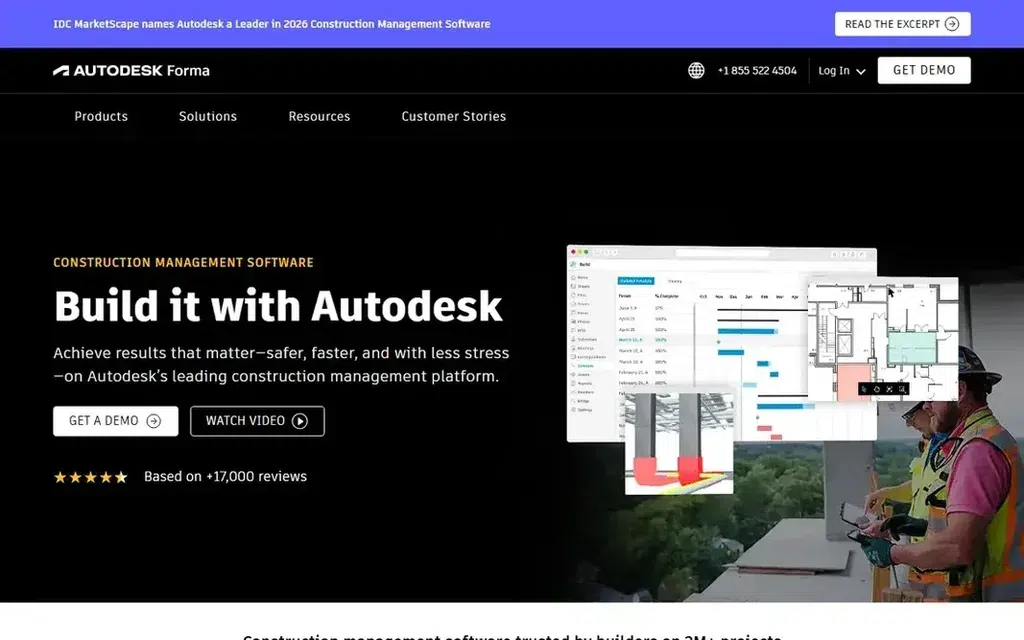
Autodesk Construction Cloud targets collaborative closeout across project teams. Autodesk Construction Cloud, now presented as Autodesk Forma, is construction management software built around secure and quick collaboration. Learning the full environment takes effort.
The system spans a broad scope, so teams wanting only a punch list may have to limit what they adopt. Pick it when collaboration across numerous parties matters and your workflows already lean on Autodesk products. Pricing for Autodesk Construction Cloud is not stated here, so ask the vendor for current figures. As for free access: Not stated.
Limits to weigh: Breadth can take time to learn.
- Links project data
- Targeted at on-time delivery
- Best value with connected workflows
Where PlanGrid fits: existing PlanGrid users moving to Autodesk. PlanGrid is a construction app that is now part of Autodesk Forma, with the vendor pointing users to login and support resources. Beyond that, property developers who already keep drawings and punch items in PlanGrid can continue within the Autodesk ecosystem.
Watch-outs: Standalone identity is being absorbed.
Its long-standing reputation for drawing-centric field work makes it relevant where plans and issue tracking have to stay together. Beyond that, since PlanGrid is being folded into Autodesk Forma, teams starting fresh should assess the combined product instead of treat PlanGrid as a separate purchase. As for the details, confirm current capabilities and migration guidance with the vendor. PlanGrid shows no starting price here, so confirm the cost on the vendor site. On free options: Not stated.
- Familiar construction app heritage
- Now part of Autodesk Forma
- New buyers should evaluate the Autodesk path

Procore serves developers wanting one connected platform. Procore is a construction management system that links the jobsite with the office. Its stated focus is live visibility so teams can deliver quality projects on time.
Worth adding: for property developers, that means punch list items can sit alongside the wider project record instead of in a separate tool, which helps when several stakeholders need a shared view of open issues before handover. As for the details, teams that only need straightforward issue tracking might prefer a lighter tool. Since it spans numerous construction workflows, smaller developments may find the product broader than a punch list alone needs. This comparison lists no price for Procore; ask the vendor. Trial and free access: Not stated.
Drawbacks to consider: Setup needs planning. What works well: Supports quality and closeout workflows.
- Live project visibility
- Links site and office teams
- Wide product may feel heavy for small teams
How we compared the tools
Things to verify first
- Get a written quote from Bluebeam Revu, Autodesk Construction Cloud, PlanGrid and Procore; the list shows no starting price for them.
- Test the free plan from Fieldwire against your real workload before relying on it.
- Take the trial from Bluebeam Revu and push a live task through it before you pay.
- Read the limits listed for Fieldwire first: less depth for back-office finance.
- Before you load data into Autodesk Construction Cloud, check what an export looks like and who can run it.
- See whether PlanGrid offers onboarding or training, and whether it is included in the price.
FAQ
Do these tools publish their prices?
Not all of them. Bluebeam Revu, Autodesk Construction Cloud, PlanGrid and Procore publish no starting price, so expect a quote request for those. The rest, Fieldwire included, show a starting price, though seats and billing terms still change the final cost.
Can document tools deal with punch lists?
They are less suited to structured task assignment and reporting across plenty of parties. Numerous developers pair a document tool with a task-based system.
Which options for construction punch list software for property developers have a free plan?
Fieldwire is the only tool in this list with a free plan. Free plans usually cap users, projects or features, so check the limits on the vendor page. One other tool offers a trial instead. Each of the 5 options in this construction punch list software for property developers guide has its own card above with the price, free plan and limits.
How are the tools for construction punch list software for property developers ordered?
The order follows typical fit for construction punch list software for property developers, with Fieldwire first and Procore last, then price clarity and free access. It is editorial judgement, not a score, so another team could rank the tools differently.
Is Fieldwire the right pick for everyone comparing construction punch list software for property developers?
No single tool suits every team. Fieldwire comes first because it fits Jobsite task and drawing tracking, while Bluebeam Revu suits document markup and drawing review and Autodesk Construction Cloud suits collaborative closeout across project teams. Match the tool to your own size, budget and workflow before deciding.
Sources
- https://www.fieldwire.com
- https://www.bluebeam.com
- https://construction.autodesk.com
- https://www.plangrid.com
- https://www.procore.com