The 5 Best Construction Workforce Tracking Software in 2026, Ranked
Best construction workforce tracking software: 5 tools compared on price, free plans and fit. Every profile names its biggest catch. Narrow your shortlist.
- Editor's choiceTrimble Viewpoint
Construction ERP with job costing
Starts atSee websiteVisit viewpoint.comFull review - Great alternative
 Autodesk Construction Cloud
Secure collaboration and project delivery
Starts atSee websiteVisit construction.autodesk.comFull review - Also consider
 ExakTime
Construction time tracking
Starts at$9 per employee a monthVisit exaktime.comFull review
Direct answer
If you need Construction ERP with job costing, Trimble Viewpoint is the first tool to look at here. Listed starting prices: ExakTime from $9 per employee a month. Autodesk Construction Cloud fits secure collaboration and project delivery; ExakTime fits Construction time tracking. The full list of 5 tools follows, with prices and free plan facts.
TL;DR:
- Trimble Viewpoint sits first on this list: Construction ERP with job costing.
- For field and workforce management, Rhumbix is worth a look.
- Starting prices begin at $9 per employee per month with ExakTime.
- One limit worth knowing about Procore: may be complicated for small contractors.
- Trimble Viewpoint, Rhumbix and the 3 others all need a premium plan or a trial, since no free plan is listed.
Last checked November 2026. Prices and plan details were read from the vendors' own pages in November 2026; vendors change plans often, so confirm the current price on the vendor site before you buy.
Quick comparison
| Tool | Best for | Starts at | Free plan? | |
|---|---|---|---|---|
| Trimble Viewpoint | Construction ERP with job costing | See website | Not stated | Visit |
| Autodesk Construction Cloud | Secure collaboration and project delivery | See website | Not stated | Visit |
| ExakTime | Construction time tracking | $9 per employee a month | Free trial | Visit |
 Procore | Connected construction management system | See website | Not stated | Visit |
| Rhumbix | Field and workforce management | See website | Not stated | Visit |
Construction Workforce Tracking Software compared in detail
This LinkVetted guide covers 5 options for construction workforce tracking software. Each profile lists a starting price, free plan details, strengths and drawbacks, so you can drop poor fits quickly.
Trimble Viewpoint
Best for: Construction ERP with job costing
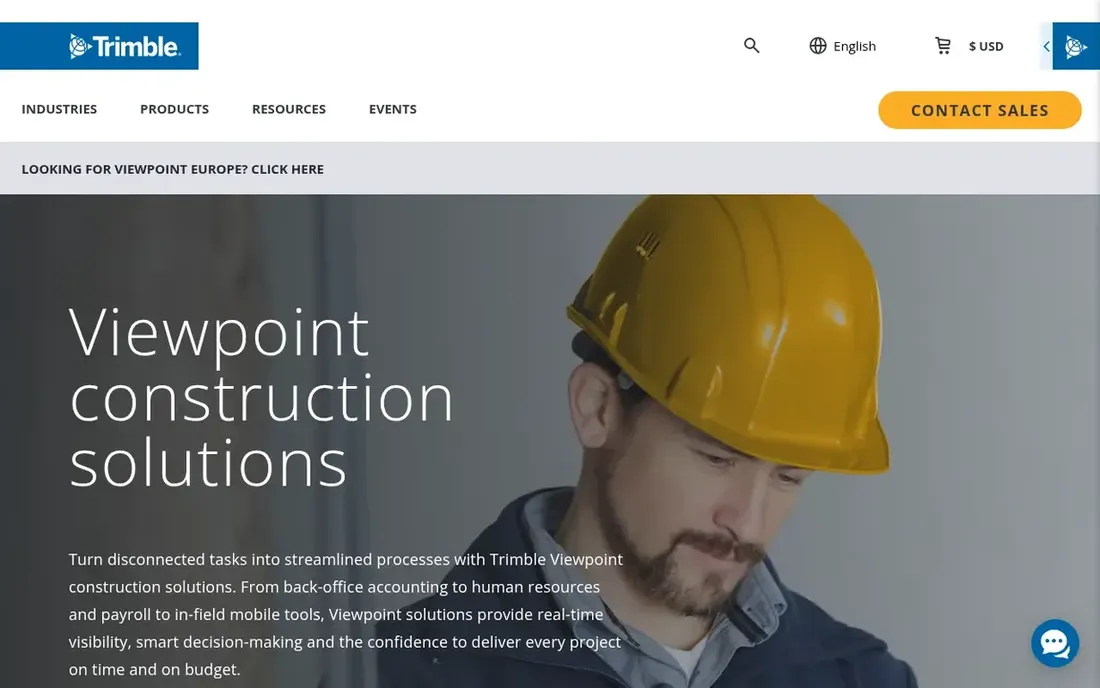
Trimble Viewpoint is a good fit for Construction ERP with job costing. The system links financial and operational data, supplying a full view of business performance.
In daily use, Viewpoint's ERP focus means it may be overkill for businesses seeking only workforce tracking, and implementation can be involved. Pricing for Trimble Viewpoint is not stated here, so ask the vendor for current figures. Free access: Not stated.
Where it is weaker: May be complicated for small teams.
- Designed for contractors
- Integrates job costing and workflows
- Needs implementation effort
Autodesk Construction Cloud
Best for: Secure collaboration and project delivery
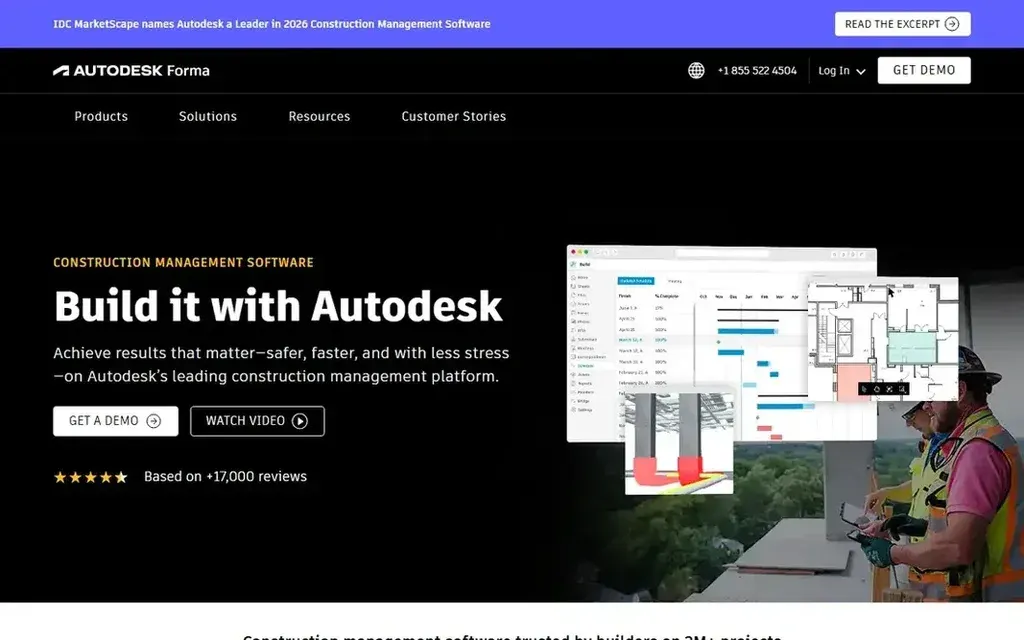
For secure collaboration and project delivery, Autodesk Construction Cloud is a natural candidate. It fits contractors and designers who require a connected environment for sharing data and managing workflows.
The system is designed for teams already using Autodesk tools or those seeking a collaborative construction management option. Pricing for Autodesk Construction Cloud is not stated here, so ask the vendor for current figures. As for free access: Not stated.
Downsides: Can be costly for small businesses.
- Secure team collaboration
- Supports on-time and on-budget delivery
- May need Autodesk ecosystem familiarity
ExakTime makes the most sense for Construction time tracking. The tool fits contractors who require a dedicated option for capturing field hours and labor data without the complexity of a full project management product.
What you pay to start with ExakTime: $9 per employee per month. Trial and free access: Free trial.
Where it is weaker: May not suit non-construction industries.
- Tailored for construction time tracking
- Gain visibility into workforce
- Restricted to time and labor features

Where Procore fits: connected construction management product. Procore's depth can be overwhelming for smaller teams or those needing only entry-level time tracking.
It may need significant setup and training. In daily use, the platform is meant to boost communication and cut delays by keeping everyone on the same page. Check the vendor site for Procore pricing; none is listed in this comparison. Free plan details: Not stated.
The main drawbacks: Needs training to use completely.
- Live visibility into project status
- Wide construction management features
- May be complex for small contractors
Rhumbix
Best for: Field and workforce management
Rhumbix is aimed squarely at field and workforce management. It consolidates field workflows for time and materials, helping teams capture accurate jobsite data. Beyond that, the tool fits contractors who require to simplify field reporting and time tracking without adopting a full ERP system.
Where it is weaker: May need training.
Worth adding: Rhumbix concentrates on field workflows, so it may not include broader project management or accounting needs. If you need an integrated ERP, consider Trimble Viewpoint or Procore. Check the vendor site for Rhumbix pricing; none is listed in this comparison. On free options: Not stated.
- Consolidates field workflows
- Manages time and materials
- Concentrated on field data
How these tools were picked
For each of the 5 tools we noted price, free plan or trial, fit for construction workforce tracking software and the main limit, using vendor pages and documentation. Seat minimums, billing terms and add-ons can move the real cost, so the starting prices here are a guide and not a quote. The order reflects how well each tool fits the most common buying scenario for construction workforce tracking software, then price clarity, then free plan access. It is a starting point, not a verdict.
Questions to settle before buying
- Get a written quote from Trimble Viewpoint, Autodesk Construction Cloud, Procore and Rhumbix; the list shows no starting price for them.
- Use real work to test the free trial from ExakTime, rather than a demo project.
- Before choosing Trimble Viewpoint, weigh its main limit: may be complicated for small teams.
- Ask the daily users to test Autodesk Construction Cloud on a live task before you roll it out to everyone.
- List the apps you already depend on and check that Rhumbix supports each one on the plan you would buy.
FAQ
Do these tools publish their prices?
Not all of them. Trimble Viewpoint, Autodesk Construction Cloud, Procore and Rhumbix publish no starting price, so expect a quote request for those. The rest, ExakTime included, show a starting price, though seats and billing terms still change the final cost.
What is the cheapest option for construction workforce tracking software in this list?
On published monthly entry prices, ExakTime is the lowest here at $9 per employee per month. Entry price is only part of the cost, because seats, add-ons and billing terms can change the total.
Does any tool for construction workforce tracking software here have a free plan?
No tool in this list, Trimble Viewpoint and Rhumbix included, has a permanent free plan. ExakTime offer a trial. Trials and quotes are the usual route, so plan a short evaluation period.
What is construction workforce tracking software?
Construction workforce tracking software helps contractors run labor hours, track field employees, and gain visibility into project workforce data. It commonly contains time tracking, GPS location, and reporting features to boost efficiency and job costing.
Can these tools help with job costing?
Yes, plenty of construction workforce tracking tools integrate with job costing systems. Trimble Viewpoint supplies built-in job costing, whereas others like Rhumbix and ExakTime offer labor data that can feed into costing processes.
Is Trimble Viewpoint the right pick for everyone comparing construction workforce tracking software?
No single tool suits every team. Trimble Viewpoint comes first because it fits Construction ERP with job costing, while Autodesk Construction Cloud suits secure collaboration and project delivery and ExakTime suits Construction time tracking. Match the tool to your own size, budget and workflow before deciding.
Sources
- https://www.viewpoint.com
- https://construction.autodesk.com
- https://www.exaktime.com
- https://www.procore.com
- https://www.rhumbix.com