Top Rated Construction Asset Tracking Software in 2026: 8 Tools Compared
We compared top rated construction asset tracking software for heavy equipment, tools and vehicles, with GPS, maintenance and pricing details in 2026.

- Editor's choice
 Tenna
Mixed construction fleets
Starts atSee websiteVisit tenna.comFull review - Great alternative
 Fleetio
Maintenance and cost tracking
Starts at$4 per asset per monthVisit fleetio.comFull review - Also consider
 HCSS
Large contractors and heavy civil
Starts atSee websiteVisit hcss.comFull review
TL;DR:
- Tenna is the most construction-specific pick for mixed fleets of heavy equipment, trucks and tools across multiple jobsites.
- Fleetio is the best value for maintenance, with published per-asset pricing, but it needs a separate telematics source for live GPS.
- Samsara and Geotab-style telematics suit vehicle-heavy fleets that need safety, compliance and live location in one platform.
- ShareMyToolbox and Asset Panda suit smaller contractors and tool tracking, where simple check-in and check-out matter more than telematics depth.
Quick comparison
| Tool | Best for | Starts at | Free plan? | |
|---|---|---|---|---|
| Tenna | Mixed construction fleets | See website | No | Visit |
| Fleetio | Maintenance and cost tracking | $4 per asset per month | Free trial | Visit |
| HCSS | Large contractors and heavy civil | See website | No | Visit |
 Samsara | Telematics-driven fleets | See website | Free trial | Visit |
 ShareMyToolbox | Small contractor tool tracking | $100 per month | Free trial | Visit |
 Asset Panda | Flexible general asset tracking | See website | Free trial | Visit |
 EZO | Equipment rental and inventory | See website | Free trial | Visit |
 UpKeep | Maintenance plus equipment tracking | $24 per user per month | Free trial | Visit |
The best construction asset tracking software
Construction asset tracking must cover very different items: excavators, trucks, generators, small tools and materials. We compared tools by asset types, GPS and telematics, maintenance, jobsite visibility and pricing clarity.
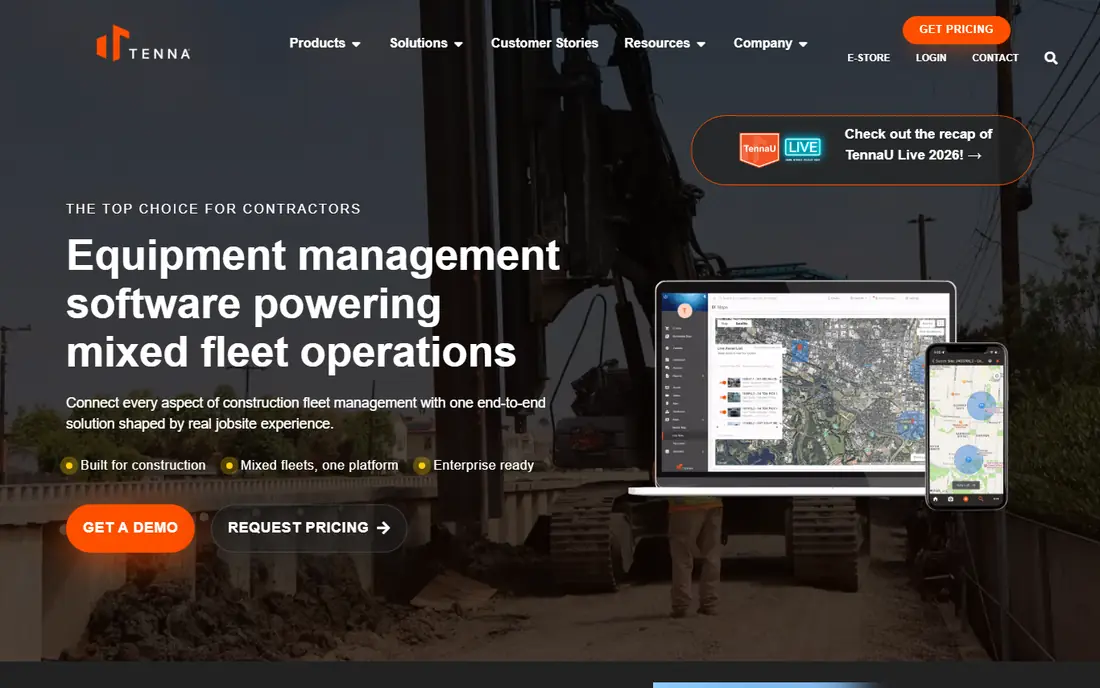
Tenna is the most construction-specific platform on this list, and it shows in how it handles mixed fleets. Heavy equipment, trucks, small tools and materials can sit in one system, with GPS trackers, hour meters and jobsite assignments linking each asset to a project. That jobsite link matters for cost recovery, since you can see which project used which asset and for how long.
Tenna also integrates with construction ERPs and project systems, which helps larger contractors avoid double entry. Pricing is quoted, and implementation takes planning, hardware fitting and training. For a contractor running several jobsites with a mixed fleet, Tenna is the strongest first evaluation. For a small crew with mainly hand tools, a simpler tool below will be faster and cheaper.
- Built for construction
- Tracks equipment, vehicles, tools and materials
- Hour-based maintenance and ERP links
- Custom pricing
- Rollout takes weeks, not days
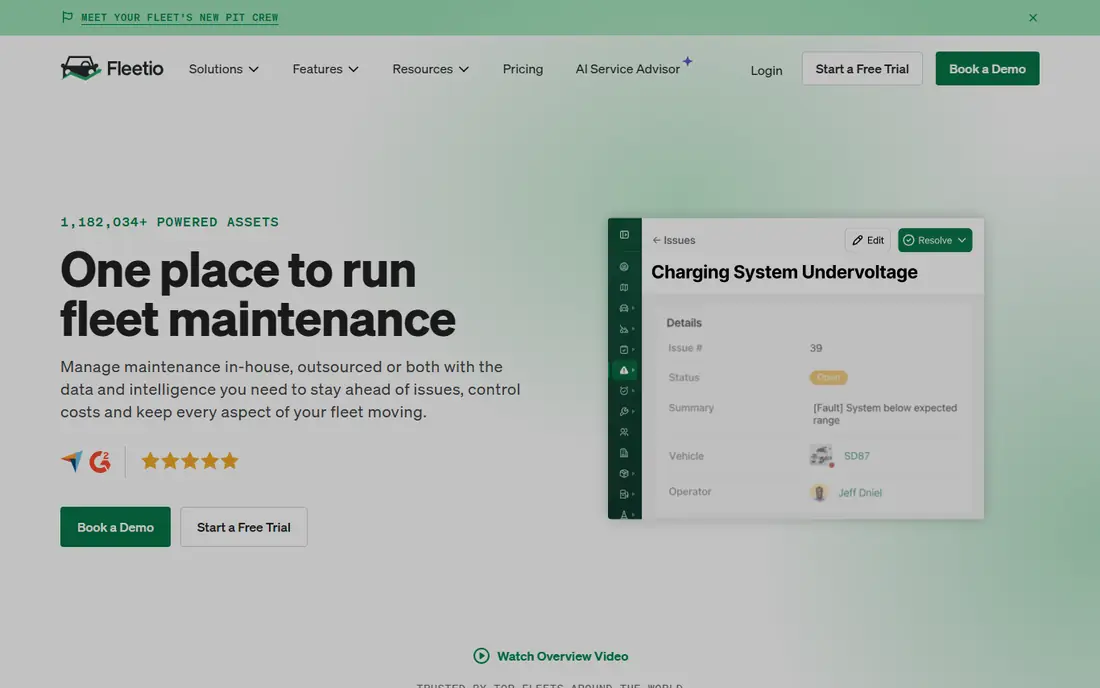
Fleetio is fleet management software, not a GPS tracker, and that distinction is its strength. It manages maintenance schedules, work orders, inspections, fuel logs, parts and recalls, and it pulls location and odometer data from telematics providers through integrations. Many fleets run Fleetio alongside Samsara, Geotab or Motive rather than instead of them.
Pricing is published and simple: Essential starts at 4 dollars per asset per month when billed annually, with Professional and Premium tiers above it, and a 14-day trial. If your fleet pain is missed services, lost work orders and unclear costs rather than where a truck is right now, Fleetio solves the expensive problem at a fraction of telematics pricing. If you have no telematics at all, pair it with one of the platforms below.
- Published per-asset pricing
- Strong maintenance, work orders and fuel tracking
- Unlimited users
- No GPS hardware of its own
- Needs a telematics partner for live location
HCSS suits large contractors and heavy civil firms that already use HCSS for estimating, project management or field operations. Its telematics and equipment tools sit inside that wider ecosystem, so asset data connects to project costs, utilisation and maintenance without a separate integration project. For a firm that standardises on HCSS, that fit is hard to match with a standalone tracker.
Pricing is quoted and module-based, so confirm which modules you need before you compare totals. HCSS is heavier than a small contractor needs, and implementation suits firms with dedicated operations staff. For a large contractor that wants one construction system, HCSS deserves a place on the shortlist beside Tenna.
- Deep construction suite
- Heavy civil focus
- Telematics and equipment management in one ecosystem
- Custom pricing
- Module-based, so scope needs care
Samsara is a telematics-led platform that suits vehicle-heavy fleets focused on safety, compliance and live operations. GPS tracking, dashcams, driver safety scoring and compliance tools such as electronic logging sit in one dashboard, with asset tracking for trailers and equipment alongside vehicles. That breadth helps fleets that run trucks daily and need safety and location in the same system.
Pricing is quoted, and contracts have historically run for multiple years, so confirm term length and hardware costs before you sign. Samsara is less construction-specific than Tenna, and its strength is on-road operations rather than small tool tracking. For a contractor whose fleet is mainly trucks and trailers, Samsara is a strong pick. For a tool-heavy crew, pair it with a tool tracker or choose Tenna.
- Strong GPS and telematics
- AI dashcams and safety tools
- Compliance features
- Quoted pricing
- Contract terms can be long
ShareMyToolbox is built for small contractors who lose time and money to missing tools. Crews check tools in and out, managers see who has what, and the system tracks location by jobsite and user rather than by GPS hardware on every item. That simple model fits hand tools, power tools and small equipment that would never justify a GPS tracker each.
Pricing starts at 100 dollars a month for the first admin, with 10 dollars per additional employee, and a 14-day trial. That clarity is rare in this category and makes budgeting easy for a small firm. The limit is scale: ShareMyToolbox is not a vehicle telematics platform, so a mixed fleet with trucks will need a second tool or a broader platform such as Tenna.
- Clear small-contractor pricing
- Simple check-in and check-out
- Tool and equipment focus
- Less telematics depth
- Best for tools, not large vehicle fleets
Asset Panda is a flexible asset tracking platform that suits firms managing items beyond construction equipment, such as IT gear, furniture, vehicles and tools in one system. Custom fields, workflows and mobile barcode scanning let you shape the system to your asset types, rather than forcing your assets into a fixed template. That flexibility helps mixed businesses and firms with unusual asset categories.
Pricing is quoted, with a trial to test the mobile workflow. Asset Panda needs more setup than ShareMyToolbox to match construction-specific needs such as jobsite costing and hour-based maintenance. If you need one flexible tracker for many asset types, Asset Panda is a strong pick. If you need construction depth out of the box, Tenna or HCSS will fit faster.
- Flexible custom fields and workflows
- Barcode and mobile app
- Works beyond construction
- Quoted pricing
- Needs setup to match construction workflows
EZO, formerly EZOfficeInventory, suits equipment rental firms and contractors that manage a large inventory of rentable or shared equipment. Reservations, check-in and check-out, maintenance schedules and barcode or QR tracking cover the full rental cycle, from booking to return inspection. That workflow matters when the same item moves between customers, jobsites and depots.
For a small crew that only needs to know who has a drill, EZO can feel heavier than ShareMyToolbox. Pricing is quoted, with a trial to test the rental workflow. Choose EZO when rental, reservations and inventory control are central to your business. Choose a simpler tracker when you only need basic tool accountability.
- Strong rental and inventory workflows
- Barcode and QR tracking
- Reservations and maintenance
- Quoted pricing
- Rental focus may add steps for simple tool tracking
UpKeep bridges maintenance management and asset tracking, with a mobile-first design for field teams. Technicians receive work orders, log inspections, record parts and close jobs from a phone, while managers track asset history, downtime and preventive maintenance schedules. That field workflow suits contractors whose biggest cost is unplanned downtime, not just lost tools.
Entry pricing starts at 24 dollars per user per month for the Essential plan, with a trial to test the mobile app. Per-user pricing means costs grow with team size, so model that against Fleetio per-asset pricing for your crew. UpKeep is weaker on live GPS than Samsara or Tenna, so pair it with telematics if live location is a core need.
- Strong work orders and preventive maintenance
- Mobile-first for field teams
- Clear entry pricing
- Per-user pricing
- Less GPS depth than telematics platforms
How we picked these
We compared official product pages, pricing pages and documentation for tools live in October 2026. We favoured tools that track construction-relevant assets, offer a mobile workflow for field teams, and state pricing honestly, including quoted pricing where vendors do not publish rates. We mixed construction-specific platforms, telematics platforms, maintenance tools and tool trackers, since no single tool covers every asset type equally well.
We also weighted field usability. A tracker that works in an office but fails on a dusty jobsite with poor signal will not be used, and unused software tracks nothing. Trial any shortlisted tool with a real crew, on real jobsites, before you roll it out company-wide.
How to choose the right tracker for your fleet
Start by listing your assets in groups: heavy equipment, vehicles, powered tools, hand tools and materials. Heavy equipment and vehicles need GPS or telematics, while hand tools need check-in and check-out by person and jobsite. A tool that covers your largest group well is a better pick than a tool that covers every group poorly.
Next, decide what must connect to what. If jobsite costing matters, you need jobsite assignment and ERP or accounting links. If downtime matters, you need maintenance schedules and work orders. If safety matters, you need dashcams and compliance tools. Trial two finalists with the same assets and jobsites, and measure crew adoption, not just feature lists, since a tracker only works if the field team actually scans and updates it.
FAQ
What is the top rated construction asset tracking software for a small contractor?
ShareMyToolbox is a strong small-contractor pick for tool tracking, with clear pricing and simple check-in and check-out. Fleetio is a strong pick if maintenance is the bigger problem, and UpKeep suits field maintenance teams. For a mixed fleet across many jobsites, Tenna is the stronger long-term pick despite quoted pricing.
Do I need GPS trackers on every tool?
No. GPS suits vehicles and high-value equipment, while barcode, QR and check-in workflows suit hand tools and small equipment. Putting a GPS tracker on every hand tool is costly and hard to maintain. Match the tracking method to the asset value and loss risk.
How much does construction asset tracking software cost?
Costs range from 4 dollars per asset per month for Fleetio and 24 dollars per user per month for UpKeep to quoted enterprise pricing for Tenna, HCSS and Samsara. Hardware, installation and contract length add to the total, so ask for a full quote including trackers and support before you compare.
Can asset tracking software integrate with accounting or ERP systems?
Many tools do, especially Tenna, HCSS and Fleetio, through native connectors or APIs. Check the specific integration for your accounting or ERP system, and test how jobsite costs, asset purchases and maintenance expenses flow through. A promised integration that needs custom work can change the project cost sharply.
What is the difference between Fleetio and Samsara?
Fleetio is maintenance and cost software that uses data from telematics partners, while Samsara is a telematics platform that provides GPS, dashcams and safety tools itself. Many fleets use both: Samsara for live location and safety, Fleetio for maintenance depth. Choose Fleetio alone if maintenance is the main pain, and Samsara alone if live tracking and safety are the main pain.