Best Construction Site Inventory Tracking Apps in 2026: 8 Apps Compared
We compared the best construction site inventory tracking app options for tools, materials, and site stock, with pricing in 2026 for site managers today.

- Editor's choice
 Sortly
Visual inventory for small crews
Starts at$49 per monthVisit sortly.comFull review - Great alternative
 Procore
Large project inventory and docs
Starts atSee websiteVisit procore.comFull review - Also consider
 Fieldwire
Field tasks plus material tracking
Starts atSee websiteVisit fieldwire.comFull review
TL;DR:
- Sortly is the easiest start for small crews that need visual inventory and barcode scanning.
- Procore and Autodesk Construction Cloud suit larger projects where inventory links to drawings and budgets.
- Fieldwire and Raken help field teams log materials and tools alongside daily site work.
- ToolWatch and EZOfficeInventory are stronger for tool tracking, checkouts, and maintenance.
- Offline mobile use and barcode scanning matter more on site than a long feature list.
Quick comparison
| Tool | Best for | Starts at | Free plan? | |
|---|---|---|---|---|
| Sortly | Visual inventory for small crews | $49 per month | Yes | Visit |
| Procore | Large project inventory and docs | See website | No | Visit |
| Fieldwire | Field tasks plus material tracking | See website | Yes | Visit |
 Autodesk Construction Cloud | Inventory linked to drawings | See website | No | Visit |
 Raken | Daily reports plus site inventory | See website | Free trial | Visit |
 ToolWatch | Tool tracking and checkouts | See website | No | Visit |
 UpKeep | Maintenance and asset tracking | See website | Yes | Visit |
 EZOfficeInventory | Asset and inventory checkouts | See website | Free trial | Visit |
The best construction site inventory tracking apps
Construction inventory is not warehouse inventory. Stock moves between sites, tools go out with crews, and materials arrive in partial deliveries. We compared official feature pages, pricing pages, and public reviews for apps that handle site stock, tool checkouts, and mobile scanning in October 2026.
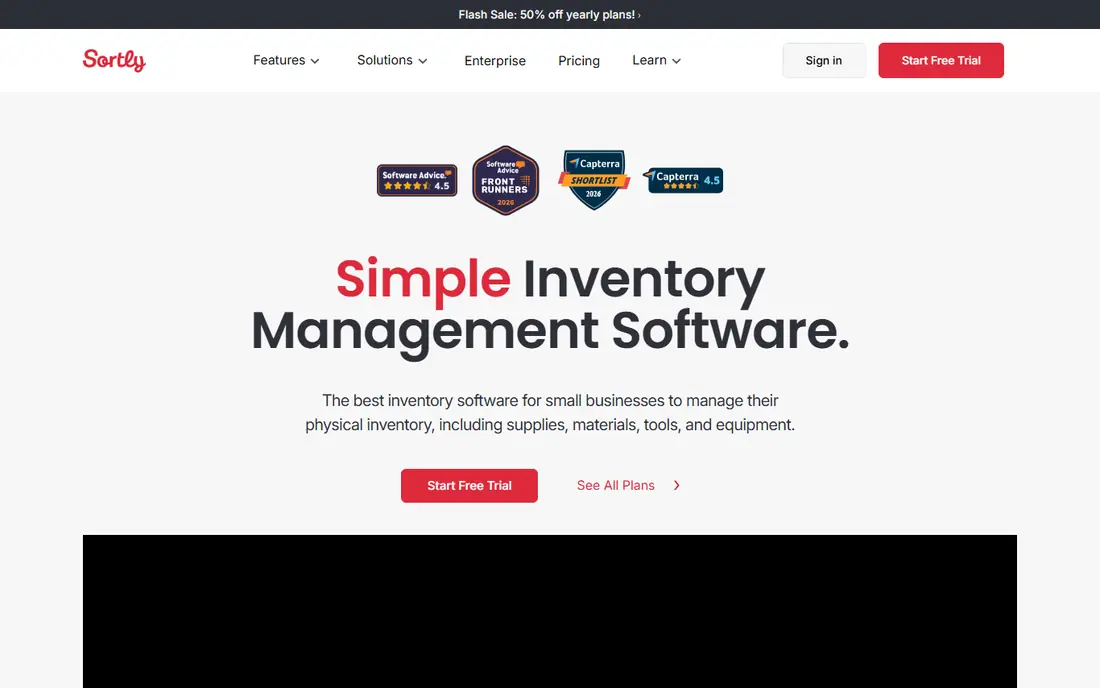
Sortly is the easiest app in this list to set up on a small site. You create folders for each site or storage area, add items with photos, and scan barcodes or QR codes to update counts. Low stock alerts help a foreman reorder before a material runs out mid job. The free plan covers a small item count, which is enough to test the workflow.
The limit is scale. Larger crews with thousands of items will need a paid plan, and Sortly does not offer the full project management, drawings, and budget tools of Procore. For a small crew that mainly needs to know what is on site and who has it, Sortly is a strong and affordable start.
- Visual item lists with photos
- Barcode and QR scanning
- Low stock alerts
- Paid plans needed for larger item counts
- Less project management depth than Procore

Procore is a full construction management platform, with inventory and materials tracking linked to projects, drawings, submittals, and budgets. That link is valuable on large commercial projects, where a material shortage affects schedule and cost, not just a stock list. Permissions and reporting help large teams control who can update inventory.
The cost and setup are the main drawbacks. Procore does not publish pricing, and quotes are based on annual construction volume, which can make it expensive for small firms. Implementation also takes time. Use Procore when you already need its project tools, not just for a simple stock list.
- Project docs, drawings, and inventory in one platform
- Strong permissions
- Reporting for large teams
- Pricing is not published and can be high for small firms
- Setup takes time
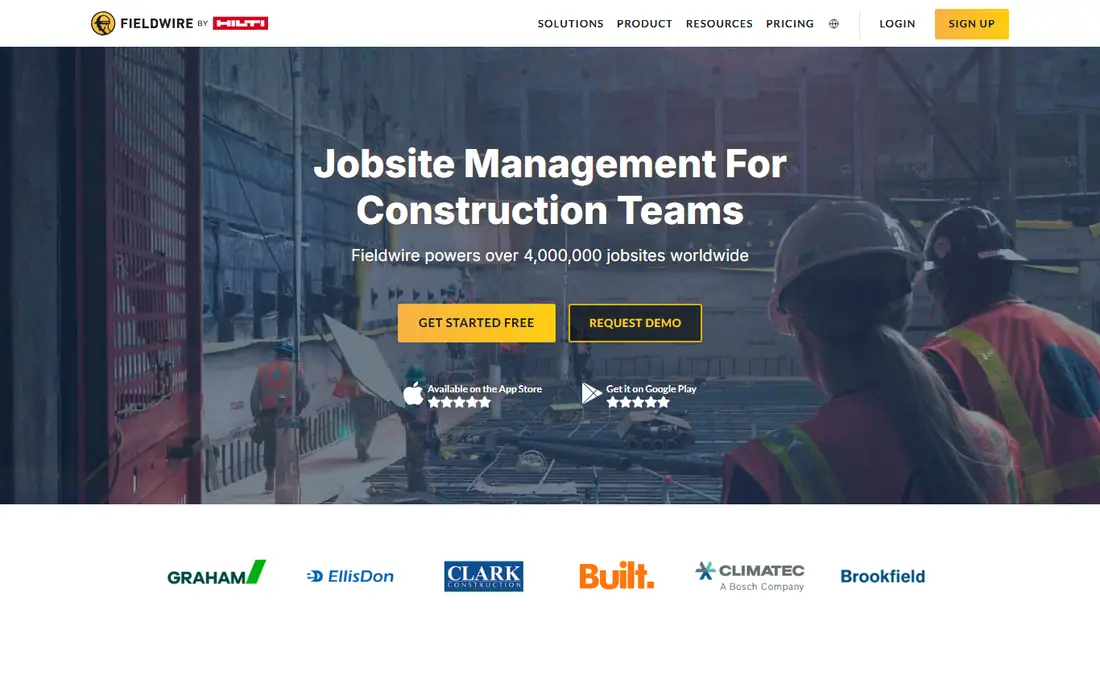
Fieldwire helps field teams manage tasks, punch lists, and inspections on drawings, and material tracking fits into that daily workflow. A foreman can attach a material note or photo to a task location, so the crew sees what is needed where. That context is useful on site, where a stock number alone does not tell the full story.
Fieldwire is not a full inventory system with purchase orders and deep stock forecasting. For crews that need task management plus basic material tracking, it is a good fit. For crews that need strict stock control, pair it with Sortly or EZOfficeInventory.
- Tasks linked to drawings and locations
- Mobile first for field teams
- Photo and checklist tools
- Inventory features are part of a wider task tool, not a full stock system
- Paid plans for larger teams
Autodesk Construction Cloud, which includes Autodesk Build, links field work, documents, and drawings in one platform. Inventory and material information can sit beside the drawings and specs that define what should be on site. That link helps teams check deliveries against the current drawing version, not an old print.
The platform is built for larger teams and can feel heavy for a small crew. Pricing usually needs a quote, and setup benefits from an admin who knows Autodesk tools. For firms already using Revit or AutoCAD, the integration is a real benefit. For a small crew, a simpler app will be faster to adopt.
- Drawings, docs, and field tools in one cloud
- Strong version control
- Integration with Autodesk design tools
- Pricing needs a quote for most plans
- Learning curve for small teams
Raken focuses on daily reports, with logs for labor, materials, equipment, and photos. That daily record helps a superintendent show what arrived, what was used, and what is left, without a separate spreadsheet. The mobile interface is simple, which helps crews adopt it in the field.
Raken is not a full inventory system with barcode stock control and purchase orders. It suits crews that need a daily site record plus basic material tracking. If you need strict stock counts and low stock alerts, combine Raken with a dedicated inventory app.
- Daily reports with photos
- Material and equipment logs
- Simple mobile interface
- Inventory depth is less than a dedicated stock app
- Pricing varies by plan
ToolWatch is built for tool fleets, not general materials. You can track who checked out a tool, when it is due back, and when maintenance is due. That checkout record reduces losses and arguments about who had a tool last. Barcode support speeds up checkouts on site.
The focus is also the limit. ToolWatch is less useful for bulk materials such as lumber or concrete, where counts and deliveries matter more than individual checkouts. Use it when tool loss and maintenance are your main inventory problem, and use another app for bulk stock.
- Tool checkout and return tracking
- Maintenance schedules
- Barcode support
- Pricing needs a quote
- Setup needed for large tool fleets
UpKeep combines work orders, asset tracking, and maintenance schedules, which suits firms that manage equipment as well as site stock. A technician can log a repair, check an asset history, and update stock in the same app. That link helps when a broken tool affects a job schedule.
For pure inventory, UpKeep is broader than needed, and some stock features need a paid plan. It fits best for firms with a maintenance workload alongside construction, such as facility teams or contractors with a large equipment fleet. Small crews with only stock needs will find Sortly simpler.
- Work orders and asset tracking
- Maintenance schedules
- Mobile app for technicians
- Inventory features sit inside a maintenance tool
- Paid plans for larger teams
EZOfficeInventory tracks assets and inventory with checkouts, reservations, and custom fields. You can set up items for tools, equipment, and materials, track who has each item, and run reports on usage and availability. Barcode and QR support helps field teams update counts quickly.
The interface has many options, which can feel busy at first. Spend time setting up folders, fields, and checkout rules before rolling it out to a crew. For firms that need structured checkouts across sites, EZOfficeInventory is a flexible and capable choice.
- Asset checkouts and reservations
- Barcode and QR support
- Custom fields and reports
- Interface can feel busy for new users
- Full features need a paid plan
How we picked these
We compared official feature pages, pricing pages, and public reviews for inventory apps with mobile scanning, site based organization, and checkout or stock tracking. We favored apps with a working mobile app, offline or low connectivity support, and clear pricing or a free tier where offered. We left out general warehouse systems with no field mobile focus and apps that had shut down.
How to choose a site inventory app
The right app depends on crew size, stock type, and how much project management you already use. A simple stock list and a full project platform solve different problems.
Start with stock type
If your main problem is tools, pick ToolWatch or EZOfficeInventory. If your main problem is materials and site stock, pick Sortly. If your main problem is daily site records with material notes, pick Raken or Fieldwire. Matching the app to the stock type saves setup time and avoids paying for features you will not use.
Test mobile use on site
Test the app on site, not just in the office. Check barcode scanning in low light, check how it handles a weak signal, and check how fast a crew member can log a checkout. An app that works well on a desk but fails on a dusty site will not be used, no matter how good its reports look.
Set up folders by site and area
Organize items by site, then by storage area or container, so a crew member can find an item without searching a long list. Add photos for tools and materials that look similar, and use consistent names for items across sites. Good setup matters more than a long feature list.
Use alerts and checkouts together
Low stock alerts prevent material shortages, while checkouts prevent tool losses. Use both where the app offers them. Review the alert thresholds each month, since a threshold that worked for a small job may be wrong for a larger project.
FAQ
What is the best construction site inventory tracking app?
Sortly is best for small crews that need visual inventory and scanning. Procore and Autodesk Construction Cloud are best for large projects where inventory links to drawings and budgets. ToolWatch is best for tool fleets, while Fieldwire suits field task teams that also track materials.
Can these apps work offline on site?
Many offer mobile apps with offline or low connectivity support, but the details vary by app and plan. Test offline scanning and sync on your site before you roll an app out to a full crew. Check the official app page for the current offline terms for the plan you choose.
How much does Sortly cost?
Sortly offers a free plan for a small item count, with paid plans starting at $49 per month in published pricing. Higher plans add more items, users, and features. Check the official Sortly pricing page for current plan limits, since item counts and user counts change by plan.
Is Procore worth it for a small contractor?
Procore is powerful, but pricing is not published and can be high for small firms, with setup time as well. Small crews often do better with Sortly, Fieldwire, or EZOfficeInventory. Consider Procore when you need its full project management tools, not just inventory tracking.
How do I stop tools going missing on site?
Use checkouts with a named person, a due date, and a barcode scan for each tool. Review overdue checkouts weekly, and log maintenance when a tool returns damaged. ToolWatch and EZOfficeInventory are built for this workflow, while Sortly can handle basic checkouts for smaller fleets.