Construction Punch List Software in 2026: The 6 Best Options Side by Side
Best construction punch list software: 6 contenders ranked by fit, with entry costs and free tiers. Caveats come with every verdict. Read the profiles.
- Editor's choice
 Autodesk Construction Cloud
Collaborative project delivery teams
Starts atSee websiteVisit construction.autodesk.comFull review - Great alternative
 Fieldwire
Field crews tracking tasks and drawings
Starts at$39 per user a monthVisit fieldwire.comFull review - Also considereSUB
Subcontractor-focused project management
Starts atSee websiteVisit esub.comFull review
Direct answer
Autodesk Construction Cloud is the first pick on this list for collaborative project delivery teams. Listed starting prices: Fieldwire from $39 per user a month. For a different need, Fieldwire covers field crews tracking tasks and drawings and eSUB covers subcontractor-focused project management. The full list of 6 tools follows, with prices and free plan facts.
TL;DR:
- Autodesk Construction Cloud takes the first slot, best suited to collaborative project delivery teams.
- The lowest published monthly entry price here is $39 per user per month, from Fieldwire.
- CompanyCam fits photo documentation of job progress.
- What to know about eSUB first: less oriented to owner-side closeout.
- Only Fieldwire offers a free plan among these 6 tools.
Last checked November 2026. Prices and plan details were read from the vendors' own pages in November 2026; vendors change plans often, so confirm the current price on the vendor site before you buy.
Quick comparison
| Tool | Best for | Starts at | Free plan? | |
|---|---|---|---|---|
| Autodesk Construction Cloud | Collaborative project delivery teams | See website | Not stated | Visit |
| Fieldwire | Field crews tracking tasks and drawings | $39 per user a month | Yes | Visit |
| eSUB | Subcontractor-focused project management | See website | Not stated | Visit |
 Procore | Punch list tied to project management | See website | Not stated | Visit |
 Bluebeam Revu | Document review and markup collaboration | See website | Free trial | Visit |
 CompanyCam | Photo documentation of job progress | See website | Free trial | Visit |
Our 6 picks for construction punch list software
If you are comparing construction punch list software, this page covers 6 tools in one place: what each is best for, what it costs to start, whether it has a free plan, and the main limit to know about.
Autodesk Construction Cloud
Best for: Collaborative project delivery teams
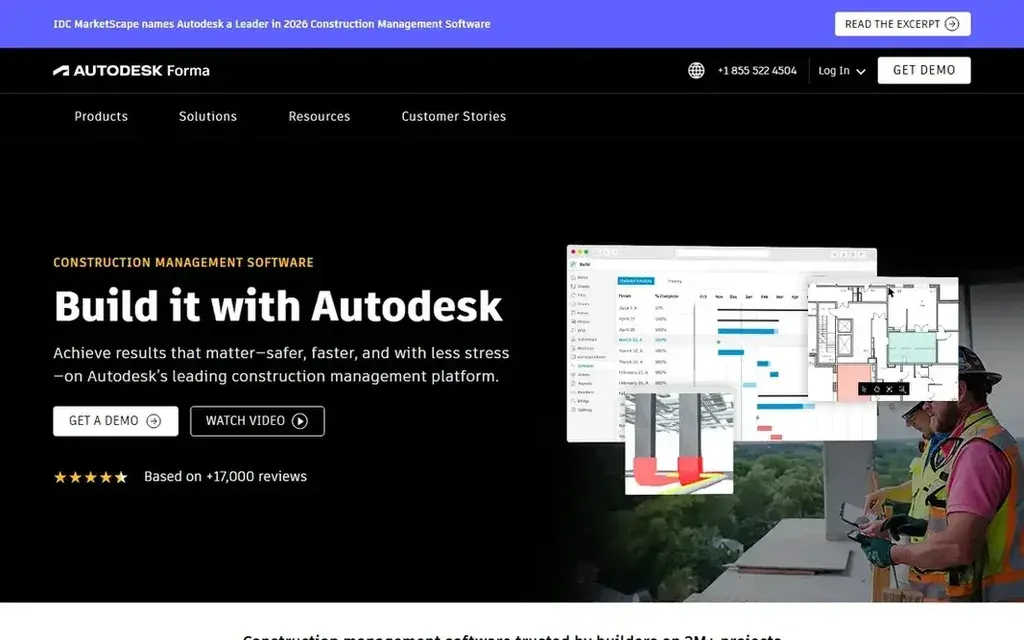
Autodesk Construction Cloud works best for collaborative project delivery teams. Autodesk Construction Cloud, now presented as Autodesk Forma, is construction management software built around secure collaboration so project teams can deliver work on time and on budget.
The product includes an excellent deal beyond punch lists, so teams seeking a focused closeout tool may prefer something more straightforward. As for the details, consider a dedicated field tool when the central need is fast task assignment and photo capture instead of full project collaboration. Autodesk Construction Cloud shows no starting price here, so confirm the cost on the vendor site. Trial and free access: Not stated.
What Autodesk Construction Cloud does well: Suits connected project workflows.
Honest limits: Broad scope can need onboarding time.
- On-budget delivery
- Secure team collaboration
- Punch list is one part of a bigger system
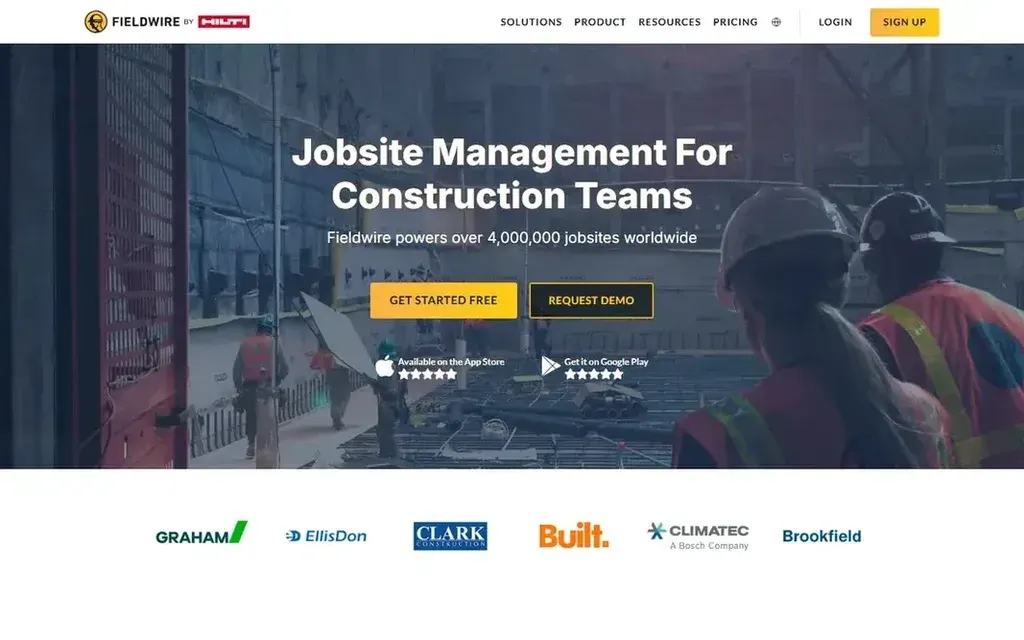
Fieldwire targets field crews tracking tasks and drawings. It suits owners, general contractors and subcontractors who want punch list items managed where the work happens, with drawings and tasks kept together for field crews.
The main drawbacks: Field focus may limit back-office depth.
Price to start with Fieldwire: $39 per user per month. Fieldwire offers a free plan.
- Task tracking on the jobsite
- GCs and subcontractors
- Less suited to office-heavy document review
eSUB
Best for: Subcontractor-focused project management
eSUB is a good fit for subcontractor-focused project management. Evaluate it when your closeout work sits inside subcontractor project management. eSUB is shaped around subcontractor needs, so owners and general contractors may find other systems a closer match.
On top of that, eSUB Cloud is construction management software pitched at subcontractor workflows, handling project documentation and management in the cloud. eSUB does not show a starting price in this comparison, so check the vendor site for current pricing. Free options: Not stated.
Downsides: Punch list is part of a broader suite.
- Cloud-based construction management
- Built around subcontractor workflows
- Less oriented to owner-side closeout

Where Procore fits: punch list tied to project management. Since Procore spans plenty of workflows, smaller teams with straightforward punch list needs may find it more than required.
What to check first: Setup effort grows with project size.
From a buyer's view, if your priority is only field task tracking or document markup, a narrower tool like Fieldwire or Bluebeam Revu may be a better starting point. This comparison lists no price for Procore; ask the vendor. Free plan details: Not stated.
- Links site and office teams
- Broad construction management scope
- Wide product may feel heavy for punch list only
For document review and markup collaboration, Bluebeam Revu is a natural candidate. Bluebeam Revu is construction collaboration and document management software for working in live and managing projects from design to completion.
Where it is weaker: Not built primarily for field task lists.
Choose it when plan review and markup quality matter more than task dashboards. Bluebeam Revu is document-centric, so field teams needing mobile task tracking may prefer Fieldwire or Procore. Bluebeam Revu does not show a starting price in this comparison, so check the vendor site for current pricing. Free options: Free trial.
- Live document collaboration
- Includes design through completion
- Needs disciplined document organization
Pick CompanyCam if this describes you: photo documentation of job progress. It suits crews that want visual evidence behind punch list items and closeout records, notably where photos are the central way progress is communicated.
Where it falls short: Value relies on photo discipline.
Pair it with a task-focused system when formal closeout tracking is required. Pricing for CompanyCam is not stated here, so ask the vendor for current figures. As for free access: Free trial.
- Job progress tracking
- AI tools support documentation
- Not a full punch list management suite
What went into this list
Selection started from tools commonly considered for construction punch list software, then narrowed to 6 that have clear pricing information or a clear quote process. Where a price is missing, the vendor does not list one publicly or ties it to a quote. Always confirm before budgeting. Order on the page follows fit for the typical buyer first, then price transparency and free access. Your own requirements should decide the final pick.
A buyer's checklist
- Ask Autodesk Construction Cloud, eSUB, Procore and others for a written quote, since no starting price is shown.
- Test the free plan from Fieldwire against your real workload before relying on it.
- Take the trial from Bluebeam Revu and CompanyCam and push a live task through it before you pay.
- Read the limits listed for Autodesk Construction Cloud first: wide scope can need onboarding time.
- Check the support hours and onboarding help Autodesk Construction Cloud offers; smaller vendors vary a lot here.
- Map your must-have features to a specific eSUB plan before you compare prices.
FAQ
Do these tools publish their prices?
Not all of them. Autodesk Construction Cloud, eSUB, Procore and others publish no starting price, so expect a quote request for those. The rest, Fieldwire included, show a starting price, though seats and billing terms still change the final cost.
What should punch list software do first?
It should let field teams produce and assign items rapidly, attach photos or drawing locations, and track status to closure. Reporting that hands a clean closeout record to the owner is the next priority.
Is Autodesk Construction Cloud the right pick for everyone comparing construction punch list software?
No single tool suits every team. Autodesk Construction Cloud comes first because it fits collaborative project delivery teams, while Fieldwire suits field crews tracking tasks and drawings and eSUB suits subcontractor-focused project management. Match the tool to your own size, budget and workflow before deciding.
Can I try these options before paying?
Often, yes. Fieldwire has a free plan and Bluebeam Revu and CompanyCam offer a free trial. Use your own data and a real task during the test, and check what the free tier or trial limits before you rely on it.
Which options for construction punch list software have a free plan?
Fieldwire is the only tool in this list with a free plan. Free plans usually cap users, projects or features, so check the limits on the vendor page. Several others offer a trial instead. Each of the 6 options in this construction punch list software guide has its own card above with the price, free plan and limits.
Sources
- https://construction.autodesk.com
- https://www.fieldwire.com
- https://esub.com
- https://www.procore.com
- https://www.bluebeam.com
- https://companycam.com