Choosing Construction Software Specialty Contractor in 2026: 6 Options Compared
Best construction software specialty contractor, compared. 6 tools with published prices, free plans and limits. Honest caveats for every entry. No hype.
- Editor's choice
 Autodesk Construction Cloud
Secure team collaboration
Starts atPricing on requestVisit construction.autodesk.comFull review - Great alternativeJonas Construction Software
Unified construction ERP
Starts atPricing on requestVisit jonasconstruction.comFull review - Also consider
 Procore
Site-to-office project management
Starts atPricing on requestVisit procore.comFull review
Direct answer
Autodesk Construction Cloud comes first here, mainly for secure team collaboration. Jonas Construction Software is better for unified construction ERP, and Procore is better for site-to-office project management. The full list of 6 tools follows, with free plan facts. None of these vendors publish plan prices, so pricing is on request for every option.
TL;DR:
- The list opens with Autodesk Construction Cloud, aimed at secure team collaboration.
- What to know about Jonas Construction Software first: full ERP may be more than needed.
- Every tool from Autodesk Construction Cloud to CoConstruct works by quote, with no list price shown.
- Autodesk Construction Cloud, CoConstruct and the 4 others all need a premium plan or a trial, since no free plan is listed.
Last checked November 2026. Pricing on request: vendors did not publish plan prices when this guide was last checked (November 2026), so ask each vendor for a written quote.
Quick comparison
| Tool | Best for | Starts at | Free plan? | |
|---|---|---|---|---|
| Autodesk Construction Cloud | Secure team collaboration | Pricing on request | Not stated | Visit |
| Jonas Construction Software | Unified construction ERP | Pricing on request | Not stated | Visit |
| Procore | Site-to-office project management | Pricing on request | Not stated | Visit |
 ComputerEase | Job costing and payroll compliance | Pricing on request | Not stated | Visit |
| Trimble Viewpoint Spectrum | Construction ERP and job costing | Pricing on request | Not stated | Visit |
 CoConstruct | Builders managing client-facing projects | Pricing on request | Not stated | Visit |
The best construction software specialty contractor
LinkVetted put together this guide to construction software specialty contractor for readers who want a clear shortlist without reading every vendor page. It compares 6 tools on starting price, free plans, who each one suits and where each one falls short.
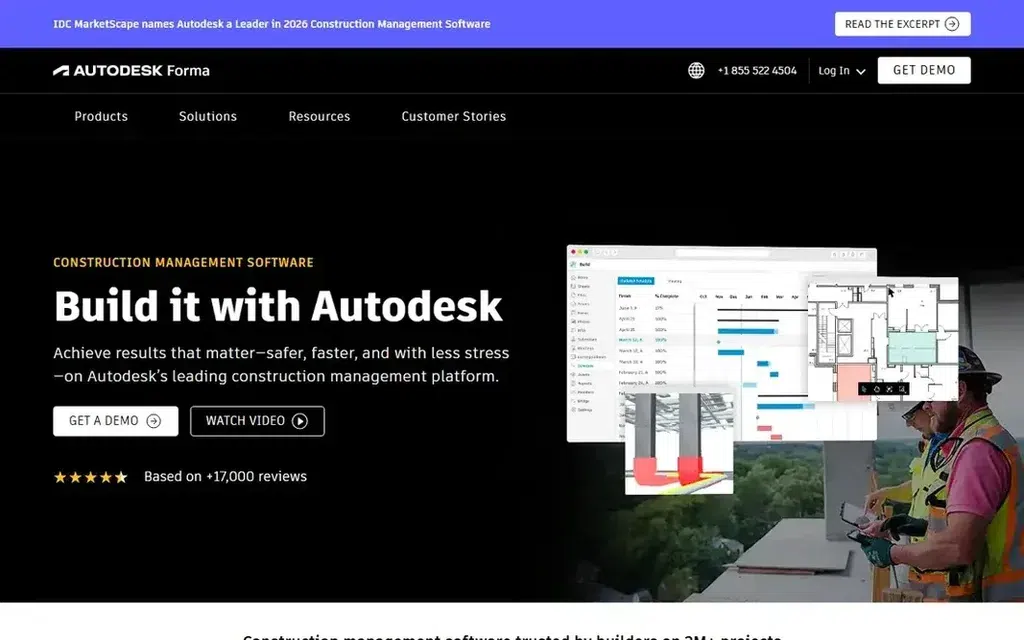
Autodesk Construction Cloud makes the most sense for secure team collaboration. Contractors whose primary need is job costing or payroll should look at contractor accounting systems instead, or pair this with one.
Where it is weaker: Ramp-up time for new users.
Also, the emphasis on delivering projects on time and on budget makes it relevant for teams coordinating across several parties. Check the vendor site for Autodesk Construction Cloud pricing; none is listed in this comparison. Free options: Not stated.
- Supports on-time delivery
- Backed by Autodesk ecosystem
- Wide system may need configuration
Jonas Construction Software
Best for: Unified construction ERP
Jonas Construction Software makes the most sense for unified construction ERP. Beyond that, a full ERP can be more than a small contractor needs, and moving off existing tools takes planning and training.
Downsides: Full ERP may be more than needed.
Worth adding: businesses seeking one source of truth for operations frequently evaluate ERP choices like this. On top of that, if you only need project coordination, a lighter project management tool may be enough. Jonas Construction Software shows no starting price here, so confirm the cost on the vendor site. Free access: Not stated.
- Includes field operations and financials
- Replaces disconnected tools
- Migration needs planning

Procore is a good fit for site-to-office project management. The system is designed around delivering projects on time, making it a reasonable first pick for businesses that require coordination across trades and stakeholders.
Trade-offs to know: Can be more than small crews need.
Pricing for Procore is not stated here, so ask the vendor for current figures. Free options: Not stated.
- Wide construction management coverage
- Live project visibility
- Setup needs planning
ComputerEase is a good fit for job costing and payroll compliance. As for the details, contractors replacing generic accounting tools frequently consider this kind of construction-specific system.
Choose it when financial visibility and payroll accuracy are the primary concerns. ComputerEase does not show a starting price in this comparison, so check the vendor site for current pricing. Free access: Not stated.
The main drawbacks: Accounting-centered scope.
- Live job costing
- Tax compliance features
- May need extras for field work
Trimble Viewpoint Spectrum
Best for: Construction ERP and job costing
Trimble Viewpoint Spectrum targets Construction ERP and job costing. If you only need accounting, a dedicated construction accounting package may be a more straightforward fit.
Honest limits: Implementation takes planning.
In daily use, ERP scope can exceed what a very small contractor needs, and implementation needs planning and staff time. This comparison lists no price for Trimble Viewpoint Spectrum; ask the vendor. Free options: Not stated.
- Job costing and workflows
- Runs projects and profits
- ERP scope may be large for small businesses
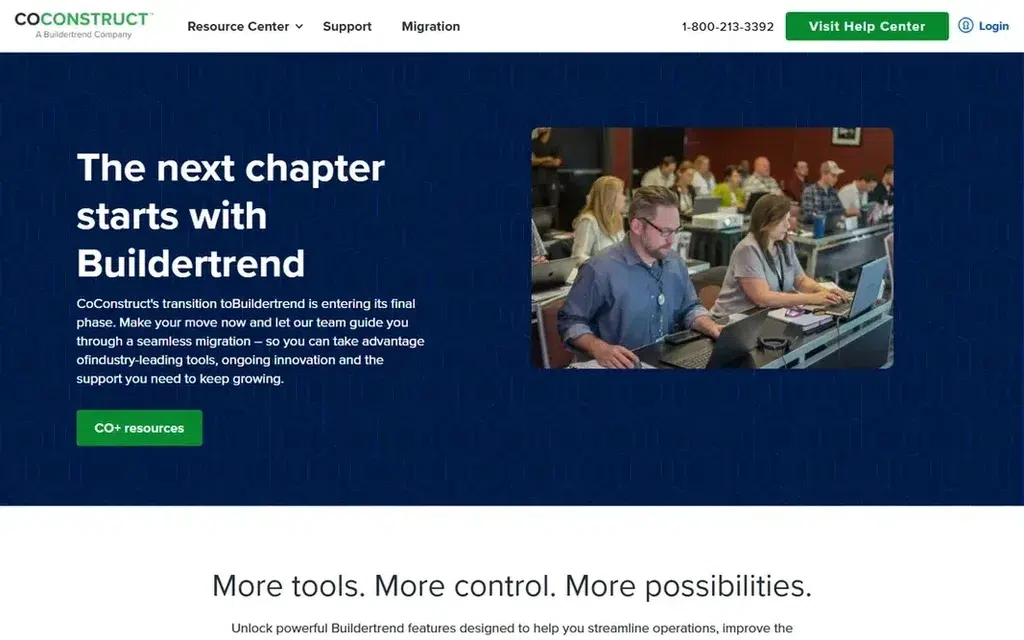
In short, CoConstruct is for builders managing client-facing projects. CoConstruct is construction management software now unified with Buildertrend under one brand.
Where it is weaker: Concentrated on builder workflows.
Also, the tool is oriented toward builder and remodeler workflows, so contractors with heavy accounting or payroll requirements may need a separate financial system. CoConstruct does not show a starting price in this comparison, so check the vendor site for current pricing. Free plan details: Not stated.
- Made for construction management
- Suited to client communication
- May not fit heavy accounting needs
Selection criteria
Pre-purchase checklist
- Request quotes from Autodesk Construction Cloud, CoConstruct and the others; the list shows no fixed prices.
- Before choosing Autodesk Construction Cloud, weigh its main limit: wide product may need configuration.
- Total up the real monthly cost of Jonas Construction Software, including add-ons, extra users and usage-based fees.
- Check how data leaves Procore: formats, limits and whether exports are available on every plan.
- Involve the people who will use ComputerEase daily; a short pilot beats a long feature checklist.
FAQ
Can construction ERP replace separate accounting and project tools?
ERP choices like Trimble Viewpoint Spectrum and Jonas Construction Software aim to unify job costing, payroll, field operations and financials. That can cut disconnected tools, but confirm the modules match your workflows before committing.
Is Autodesk Construction Cloud the right pick for everyone comparing construction software specialty contractor?
No single tool suits every team. Autodesk Construction Cloud comes first because it fits secure team collaboration, while Jonas Construction Software suits unified construction ERP and Procore suits site-to-office project management. Match the tool to your own size, budget and workflow before deciding.
What should a specialty contractor look for in construction software?
Start with the gap that costs you the most time, whether that is job costing, payroll, project coordination or client communication. Then confirm the tool supports your trade workflows and connects with systems you already use.
Do these tools publish their prices?
No. None of the tools, from Autodesk Construction Cloud to CoConstruct, shows a fixed starting price here, so budget time for quotes.
Does any tool for construction software specialty contractor here have a free plan?
A permanent free plan is not offered by Autodesk Construction Cloud, CoConstruct or the other tools here. Plan a short evaluation period instead.
How are the tools for construction software specialty contractor ordered?
The order follows typical fit for construction software specialty contractor, with Autodesk Construction Cloud first and CoConstruct last, then price clarity and free access. It is editorial judgement, not a score, so another team could rank the tools differently.
Sources
- https://construction.autodesk.com
- https://www.jonasconstruction.com
- https://www.procore.com
- https://www.computerease.com
- https://www.viewpoint.com
- https://www.co-construct.com