5 Job Costing Software for Specialty Contractors Worth Shortlisting in 2026
Searching for the best job costing software for specialty contractors? Here are 5 options with prices and free plans. Each entry gets a plain verdict.
- Editor's choice
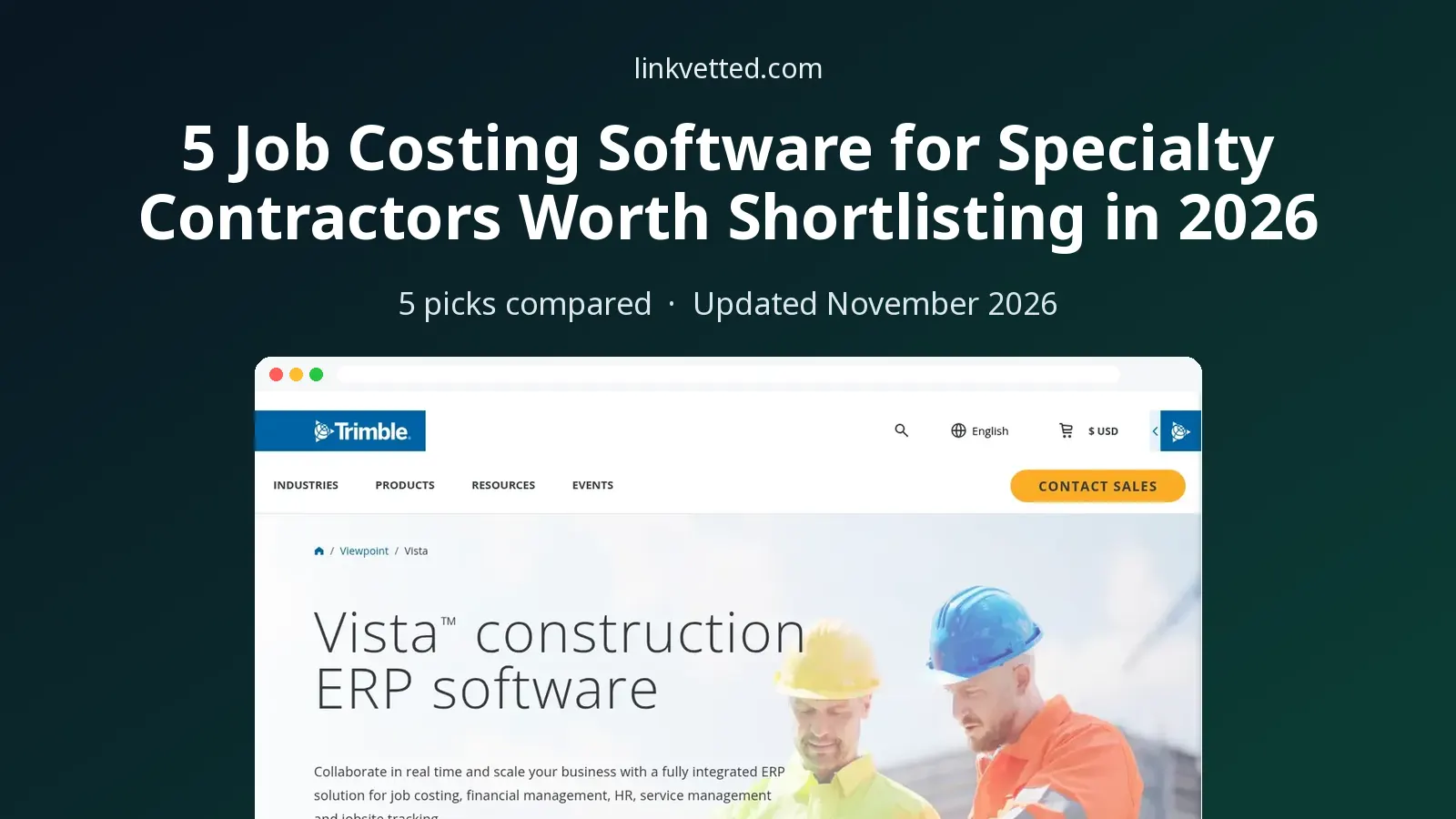
 Viewpoint Vista
ERP-scale accounting and planning
Starts atSee websiteVisit viewpoint.comFull review - Great alternative
 Procore
Field-to-office project visibility
Starts atSee websiteVisit procore.comFull review - Also consider
 CMiC
Unified accounting, projects and people
Starts atSee websiteVisit cmicglobal.comFull review
Direct answer
Viewpoint Vista leads the list, best for ERP-scale accounting and planning. Listed starting prices: Knowify from $19 per unit a month. Procore fits field-to-office project visibility; CMiC fits unified accounting, projects and people. Details, prices and limits for the rest of the 5 tools are below.
TL;DR:
- Viewpoint Vista is the opening pick, best for ERP-scale accounting and planning.
- For the cheapest start, look at Knowify: $19 per unit per month.
- The main caution on Procore: project-led, accounting may need pairing.
- Knowify fits trade contractors bidding and invoicing.
- A permanent free plan is missing from all 5 tools, Viewpoint Vista and Knowify included; plan for a trial or a premium start.
Last checked November 2026. Prices and plan details were read from the vendors' own pages in November 2026; vendors change plans often, so confirm the current price on the vendor site before you buy.
Quick comparison
| Tool | Best for | Starts at | Free plan? | |
|---|---|---|---|---|
| Viewpoint Vista | ERP-scale accounting and planning | See website | Not stated | Visit |
| Procore | Field-to-office project visibility | See website | Not stated | Visit |
| CMiC | Unified accounting, projects and people | See website | Not stated | Visit |
 Foundation Software | Contractor accounting with job costing | See website | Not stated | Visit |
 Knowify | Trade contractors bidding and invoicing | $19 per unit a month | Free trial | Visit |
Our 5 job costing software for specialty contractors
This LinkVetted guide covers 5 job costing software for specialty contractors. Each profile lists a starting price, free plan details, strengths and drawbacks, so you can drop poor fits quickly.

Think of Viewpoint Vista for ERP-scale accounting and planning. Viewpoint Vista is construction ERP software designed for accounting, resource planning and project collaboration, now presented under Trimble Construction One. Check how modules map to your trade before committing.
For everyday use, the ERP breadth can be more than a small trade business needs, and implementation effort grows with scope. If you mainly need straightforward job costing and invoicing, a simpler tool may be simpler to adopt. Pricing for Viewpoint Vista is not stated here, so ask the vendor for current figures. On free options: Not stated.
Limits to weigh: Wide scope may exceed small businesses.
- ERP designed for construction
- Supports project collaboration
- Setup depth varies by business

Procore works best for field-to-office project visibility. Procore is project management first, so deep job costing and accounting may call for a paired financial tool.
Procore is a construction management product that links the site and the office, giving live visibility to deliver projects on time. Beyond that, smaller trade businesses might find the product broader than needed. Pricing for Procore is not stated here, so ask the vendor for current figures. On free options: Not stated.
Drawbacks to consider: Project-led.
- Wide construction platform
- Links site and office
- Accounting may need pairing
CMiC targets unified accounting, projects and people. Confirm how the system deals with your trade-specific cost structures.
Where it is weaker: Enterprise scope may overwhelm small businesses.
CMiC is construction management software positioned for companies that want to handle accounting, projects and people through one simplified product. As for the details, the enterprise orientation can be heavy for very small trade companies, and rollout effort scales with scope. CMiC does not show a starting price in this comparison, so check the vendor site for current pricing. On free options: Not stated.
- Enterprise-oriented construction focus
- Spans accounting and projects
- Implementation depth varies
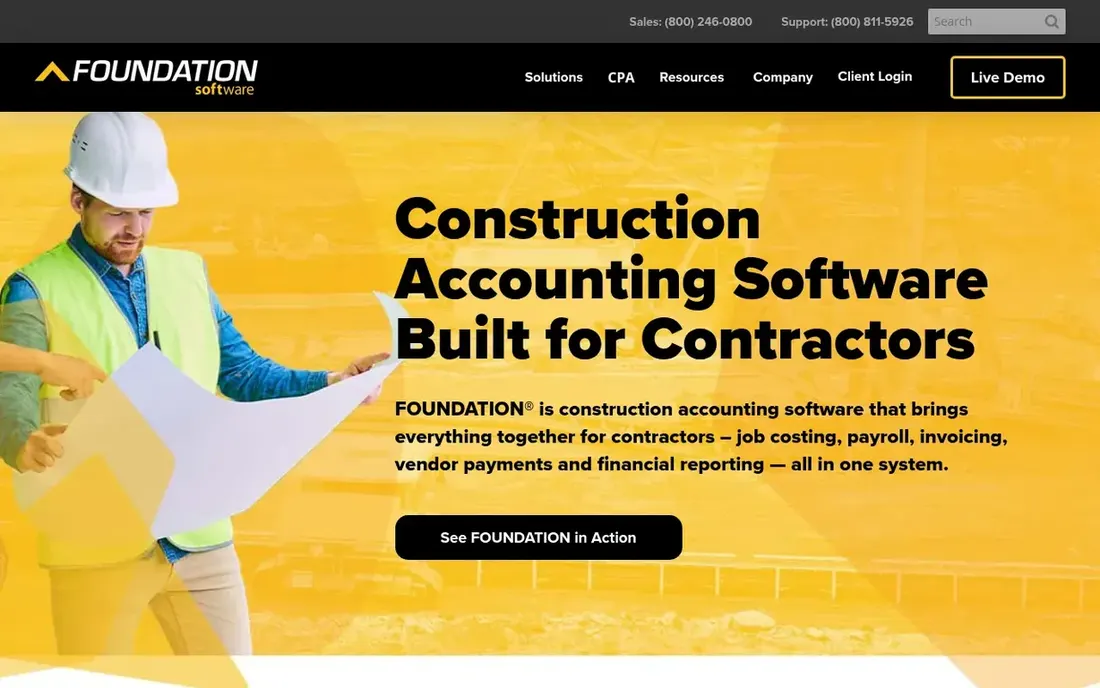
Where Foundation Software fits: contractor accounting with job costing. Foundation Software is construction accounting software made for contractors, letting teams run jobs, payroll and finances from anywhere. Since the product leans toward accounting, businesses wanting a solid field data collection layer may pair it with a project management tool.
Limits to weigh: Accounting-led instead of field-led.
Worth adding: confirm module coverage for your trade on the vendor site. If your priority is bidding and invoicing for smaller trade jobs, a lighter choice may suit you better. No starting price is listed for Foundation Software here; confirm pricing on the vendor site. Free options: Not stated.
- Accessible from anywhere
- Merges jobs
- Demo required to see fit
Knowify targets trade contractors bidding and invoicing. Also, review feature coverage for your specific trade before deciding.
As a trade-focused tool, it may not match the accounting depth of a full construction ERP for complicated, multi-entity businesses. If you need heavy resource planning across plenty of divisions, a bigger system may fit better. The starting price for Knowify: $19 per unit per month. Free plan details: Free trial.
Watch-outs: Depth relies on trade workflow.
- Includes commercial and residential jobs
- Takes care of bidding and invoicing
- Less suited to large ERP needs
Our selection method
The comparison looks at four things: starting price, free access, how well the feature set matches job costing software for specialty contractors, and the main limit of each tool. Where a vendor does not publish a price, the entry says quote. Where a price depends on seats or billing term, the entry says so. The sequence is a judgement call: typical use case first, then pricing transparency, then free access. Use the profiles to check fit.
What to confirm before you sign up
- Get a written quote from Viewpoint Vista, Procore, CMiC and Foundation Software; the list shows no starting price for them.
- Run a trial of Knowify with real work before paying for a year; your own workflow is the best test.
- Read the limits listed for Viewpoint Vista first: wide scope may exceed small businesses.
- See whether CMiC offers onboarding or training, and whether it is included in the price.
- Map your must-have features to a specific Procore plan before you compare prices.
FAQ
Is Viewpoint Vista the right pick for everyone comparing job costing software for specialty contractors?
No single tool suits every team. Viewpoint Vista comes first because it fits ERP-scale accounting and planning, while Procore suits field-to-office project visibility and CMiC suits unified accounting, projects and people. Match the tool to your own size, budget and workflow before deciding.
Do these tools publish their prices?
Not all of them. Viewpoint Vista, Procore, CMiC and Foundation Software publish no starting price, so expect a quote request for those. The rest, Knowify included, show a starting price, though seats and billing terms still change the final cost.
How are the tools for job costing software for specialty contractors ordered?
Viewpoint Vista sits first and Knowify last because the order follows typical fit for job costing software for specialty contractors, then price clarity and free access. It is a judgement call, so read each profile for fit and limits.
What should specialty contractors look for in job costing software?
Focus on how labor, materials and billing tie to each job, and whether the tool matches your trade workflow. Confirm integration with your existing accounting setup before choosing.
How does Procore fit with job costing?
It can feed job records with field data, but deep accounting may call for a paired financial system. Consider it when field-to-office visibility is your central gap.
Is a construction ERP necessary for job costing?
Smaller trade companies can frequently deal with job costing with a trade-focused tool that handles bidding, job management and invoicing. ERP systems suit businesses with more complicated accounting and multi-project planning needs.
Sources
- https://www.viewpoint.com/products/vista
- https://www.procore.com
- https://www.cmicglobal.com
- https://www.foundationsoft.com
- https://www.knowify.com