Best App for Contractors in 2026: 8 Apps Compared
Compare the best app for contractors for scheduling, estimates, invoicing and jobsite photos, with pricing and honest limits for small crews in 2026 today.
- Editor's choice
 Jobber
Small field-service contractors
Starts at$29 per monthVisit getjobber.comFull review - Great alternative
 Buildertrend
Residential builders and remodelers
Starts atSee websiteVisit buildertrend.comFull review - Also consider
 Procore
Large commercial projects
Starts atSee websiteVisit procore.comFull review
TL;DR:
- The best contractor app depends on trade: home service crews need scheduling and invoicing, while builders need project and client management.
- Jobber, Housecall Pro and Contractor Foreman are strong all-round picks for small to mid-size firms.
- Procore and Buildertrend suit larger or residential building projects, but they cost more and take longer to set up.
- Fieldwire, CompanyCam and Raken solve one jobsite job very well, such as plans, photos or daily reports.
- Test a real workflow, from estimate to invoice, before you commit, and check offline access on site.
Quick comparison
| Tool | Best for | Starts at | Free plan? | |
|---|---|---|---|---|
| Jobber | Small field-service contractors | $29 per month | Free trial | Visit |
| Buildertrend | Residential builders and remodelers | See website | Free trial | Visit |
| Procore | Large commercial projects | See website | Free trial | Visit |
 Contractor Foreman | Small contractors on a budget | $49 per month | Free trial | Visit |
 Fieldwire | Plan-based field coordination | Free | Yes | Visit |
 CompanyCam | Jobsite photo documentation | See website | Free trial | Visit |
 Raken | Daily reports and time tracking | See website | Free trial | Visit |
 Housecall Pro | Home service crews | See website | Free trial | Visit |
The best app for contractors
A contractor app should save time on site, not create office work. The apps below cover scheduling, estimates, invoicing, plans and photos, with different strengths for different trades.
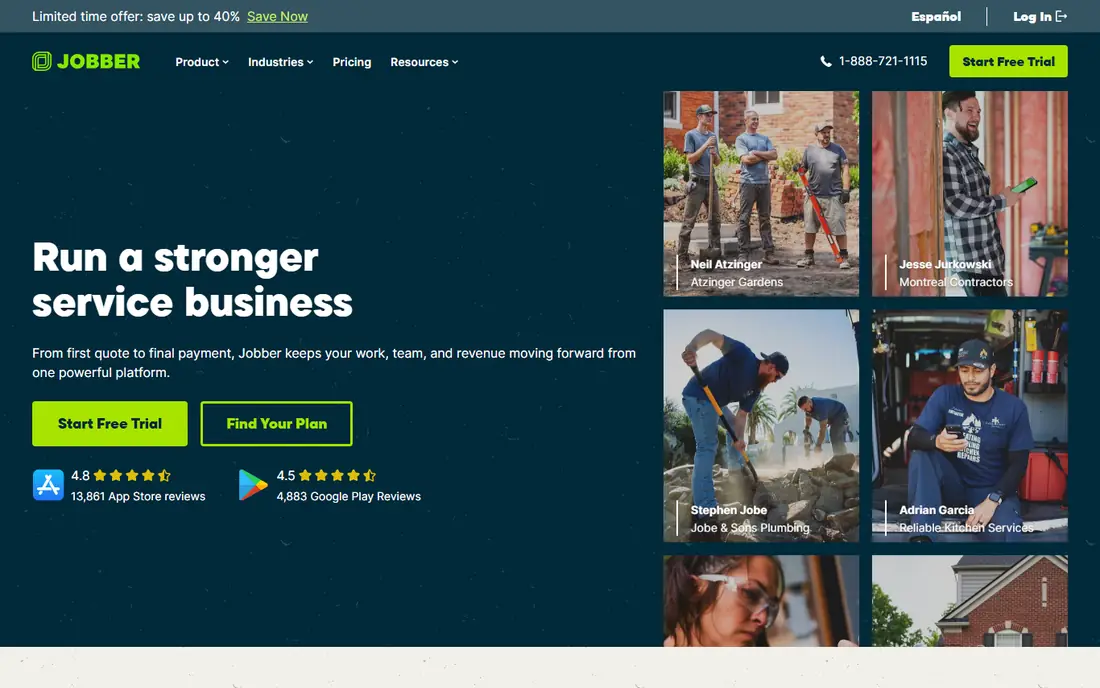
Jobber is a practical all-rounder for home service and small trade firms. You can quote a job, schedule a crew, send reminders and invoice from the same system, which cuts down on double entry. Online booking and client notifications also reduce phone tag, a real time saver for a small office.
It is less suited to large commercial builds with submittals, RFIs and complex budgets. If your work is mainly service calls, repairs and small installs, Jobber fits well. If you run multi-month builds, pair it with a project tool or choose Buildertrend or Procore instead.
- Quotes, scheduling and invoicing in one place
- Client reminders and online booking
- QuickBooks integration on eligible plans
- Lighter on large project controls
- Some features sit on higher tiers

Buildertrend is built for residential builders and remodelers who need to keep clients informed. Homeowners see schedules, selections, change orders and photos in a portal, which reduces update calls and disputes. Budgets, bids and daily logs sit in the same system, so office and field stay aligned.
Pricing is by quote and has risen for small firms in recent years, so get a clear quote for your team size before you trial it. Setup also takes time, especially if you migrate old projects. For a builder doing several homes or remodels at once, that investment usually pays back in fewer client headaches.
- Client portal and selections
- Schedules, budgets and change orders
- Homeowner app for updates
- Quote-based pricing
- Learning curve for small teams

Procore is the standard for large commercial general contractors. It handles drawings, RFIs, submittals, punch lists and daily logs across many stakeholders, with document control that small tools cannot match. Unlimited users on many plans also helps when subcontractors and owners need access.
That power comes with price and complexity. Procore prices on annual construction volume, and a small crew will pay for features it never uses. Choose Procore when you run complex, multi-stakeholder projects. For a two-truck operation, it is overkill.
- Drawings, RFIs and submittals at scale
- Unlimited users on many plans
- Strong document control
- Quote-based pricing on construction volume
- Too much for small crews
Contractor Foreman packs a lot into a low monthly price. Estimates, project management, scheduling, invoicing, time tracking and client portals are included, with many integrations for accounting and payments. That breadth makes it a strong first system for a small general contractor.
The interface is less polished than Jobber or Buildertrend, and some daily log and checklist features sit on higher plans. If you can live with a functional look and want value, Contractor Foreman is hard to beat. If client-facing polish matters most, test Buildertrend first.
- Wide feature set for the price
- Estimates, scheduling and invoicing
- Many integrations
- Interface feels dated in places
- Some advanced features need higher tiers
Fieldwire is a field-first tool. Crews view plans on a tablet, mark issues, assign tasks and close punch lists, even without a signal, since offline access is built in. The free basic plan covers up to five users and three projects, which is enough to test it on a real job.
It does not estimate or invoice, so you will still need accounting software. Fieldwire fits best as the jobsite layer on top of Jobber, Procore or QuickBooks, especially for teams that live on drawings and punch lists.
- Free basic plan for small teams
- Plan markup, tasks and punch lists
- Works offline on site
- No estimating or invoicing
- Key tools sit on paid tiers
CompanyCam solves one problem very well: proving what happened on site. Photos are time and GPS stamped as they are taken, organised by project, and easy to share with clients, crews or insurers. That record helps with change orders, disputes and warranty claims.
It is not a full contractor system, so you will still need scheduling and invoicing elsewhere. Many firms run CompanyCam alongside Jobber or Buildertrend for that reason. If photo disputes or before-and-after proof are a regular headache, it is worth the extra subscription.
- Time and GPS-stamped photos
- Easy sharing with clients and crews
- QuickBooks Online integration
- Photo-focused, not a full project system
- Per-user pricing adds up for large crews
Raken is built for foremen who hate paperwork. A foreman builds the daily report on a phone, adds photos, time and safety notes, signs it, and sends a PDF to the distribution list. That speed matters on commercial jobs where daily reports are a contract requirement.
Scheduling and estimating are lighter than in Jobber or Contractor Foreman, so Raken fits best as a reporting layer for firms that already have those tools. If daily reports are your bottleneck, Raken is the fastest fix in this list.
- Fast daily reports from the phone
- Time tracking and safety forms
- Signed PDF reports for clients
- Quote-based pricing in some listings
- Less scheduling depth than all-round tools
Housecall Pro suits plumbing, HVAC, electrical and other home service firms. Dispatchers schedule jobs, techs see job details and invoices on a phone, and customers book online and get reminders. That flow reduces missed appointments and speeds payment.
It is less suited to large construction projects with budgets and submittals. For a service business with several trucks, Housecall Pro is a strong alternative to Jobber, so compare both on dispatch, pricing and payment processing before you choose.
- Scheduling, dispatch and invoicing
- Online booking and reminders
- Strong mobile app for techs
- Pricing rises with team size
- Less suited to large construction builds
How we picked these
We compared official pricing pages, product documentation and recent contractor app guides, focusing on apps still sold and updated in 2026. We favoured apps with a real mobile app, offline access where it matters, and a clear trade fit, rather than generic project tools. We also weighed published pricing, since quote-only tools can hide the true cost for a small firm. Prices marked See website reflect quote-based or changing tier pricing.
How to choose a contractor app
Name the one job that hurts most. If it is missed appointments, pick a scheduling tool such as Jobber or Housecall Pro. If it is client updates, pick Buildertrend. If it is punch lists, pick Fieldwire. If it is daily reports, pick Raken. Buying an all-round tool for a single pain point often costs more and gets used less.
Test with a real job, not a demo project. Create a customer, build an estimate, convert it to a job, assign a crew member, upload photos, send an invoice and test offline access on site. That test reveals gaps that feature lists hide, such as a missing checklist or a payment step that needs a desktop.
Finally, check integrations and exit costs. Confirm QuickBooks or Xero sync, payment processing fees and how you export your data if you leave. A cheap monthly price is not cheap if your customer history is trapped inside the app.
FAQ
What is the best app for small construction businesses?
Jobber and Contractor Foreman are strong starting points for small firms, since they cover quotes, scheduling and invoicing at a clear price. Buildertrend suits residential builders with client portal needs, while Procore suits larger commercial work.
What is the best software for contractors?
There is no single best software, since trades differ. Home service firms do well with Jobber or Housecall Pro, residential builders with Buildertrend, and large commercial firms with Procore. Match the tool to your trade and project size first.
Do contractor apps work offline?
Some do, notably Fieldwire and Raken, which are built for jobsite use without a signal. Others offer limited offline access, so test on a real site with poor coverage before you rely on an app in the field.
Can contractor apps integrate with QuickBooks?
Yes, most apps in this list integrate with QuickBooks Online, though some integrations sit on higher tiers. Confirm the exact sync, such as invoices, payments and customers, before you buy, since a one-way sync still leaves manual work.
How much does a contractor app cost?
Costs range from free basic plans to several hundred dollars a month for larger builder platforms. Small firms often pay $29 to $99 a month for an all-round tool, while Procore and Buildertrend are quote-based and cost more for larger teams.
What is the best app tool for contractors who mainly need estimates?
Joist and Contractor Foreman are good for fast estimates and invoices, while Jobber also handles quotes well. If estimating from plans is the main job, a takeoff tool such as PlanSwift or STACK may fit better than a general contractor app.