Best Appliance Repair Software in 2026: 8 Tools Compared
We compared the best appliance repair software for scheduling, dispatch, invoicing and parts tracking, so small and large repair shops can pick a clear fit.

- Editor's choice
 ServiceTitan
Large multi-crew shops
Starts atSee websiteVisit servicetitan.comFull review - Great alternative
 Housecall Pro
Small shops wanting marketing tools
Starts at$79 per monthVisit housecallpro.comFull review - Also consider
 Jobber
Budget-conscious small teams
Starts at$49 per monthVisit getjobber.comFull review
TL;DR:
- Jobber and Housecall Pro are the most approachable starting points for small appliance repair shops, with published monthly pricing and short setup times.
- ServiceTitan suits larger multi-crew operations that need deeper reporting and pricebook control, but its quote-based pricing needs a sales conversation.
- Workiz offers a free Lite plan for up to two users, which is useful for a very small shop testing field service software.
- Appliance-specific needs such as warranty split billing and per-machine pricing matter more than a long generic feature list.
Quick comparison
| Tool | Best for | Starts at | Free plan? | |
|---|---|---|---|---|
| ServiceTitan | Large multi-crew shops | See website | No | Visit |
| Housecall Pro | Small shops wanting marketing tools | $79 per month | Free trial (14 days) | Visit |
| Jobber | Budget-conscious small teams | $49 per month | Free trial (14 days) | Visit |
 Workiz | Very small teams starting free | Free | Yes | Visit |
 Service Fusion | Mid-size teams wanting flat pricing | See website | No | Visit |
 FieldPulse | Shops wanting simple scheduling | See website | Free trial | Visit |
 ApplianceOps | Appliance-only repair shops | $35 per month | Free trial | Visit |
 ServiceM8 | Mobile-first solo techs | See website | Free trial | Visit |
The best appliance repair software
The best appliance repair app is the one your techs will actually use every day, not the one with the longest feature list. Start with how jobs arrive, how techs get dispatched, and how you get paid, then pick the tool that handles those three steps with the least friction. The options below cover small shops, mid-size teams, and large operations, so you can compare like with like.
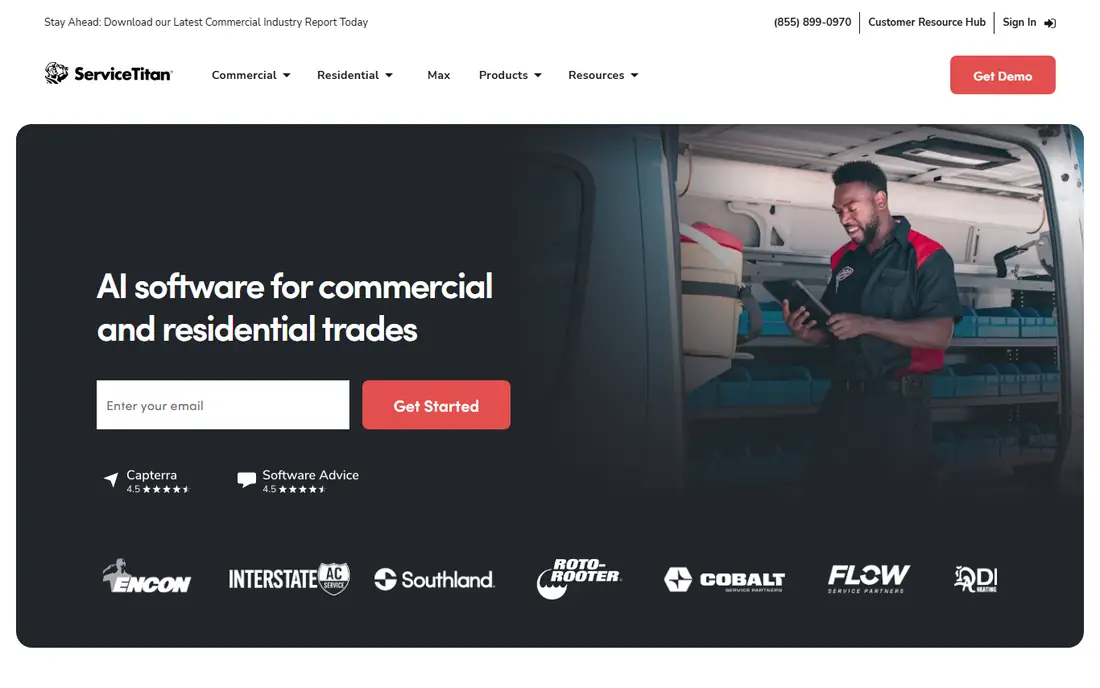
ServiceTitan is the choice for a larger appliance repair business that runs several crews, needs tight control over pricing, and wants detailed reports on jobs, techs, and revenue. Its dispatch board, pricebook, and marketing tools are designed to work together, so a busy office can track a job from booking to payment without switching systems. That depth is the main reason bigger shops stay with it once they are set up.
The trade-off is cost and time. Pricing is quote based, setup can take weeks, and a solo tech or two-person shop will pay for features it may never open. If your team is under ten techs, start with a simpler tool and move to ServiceTitan only when reporting and pricebook control become a daily bottleneck.
- Deep reporting and pricebook tools
- Strong dispatch and marketing add-ons
- Built for scale
- Quote-based pricing
- Long setup for small shops
- More software than a tiny team needs
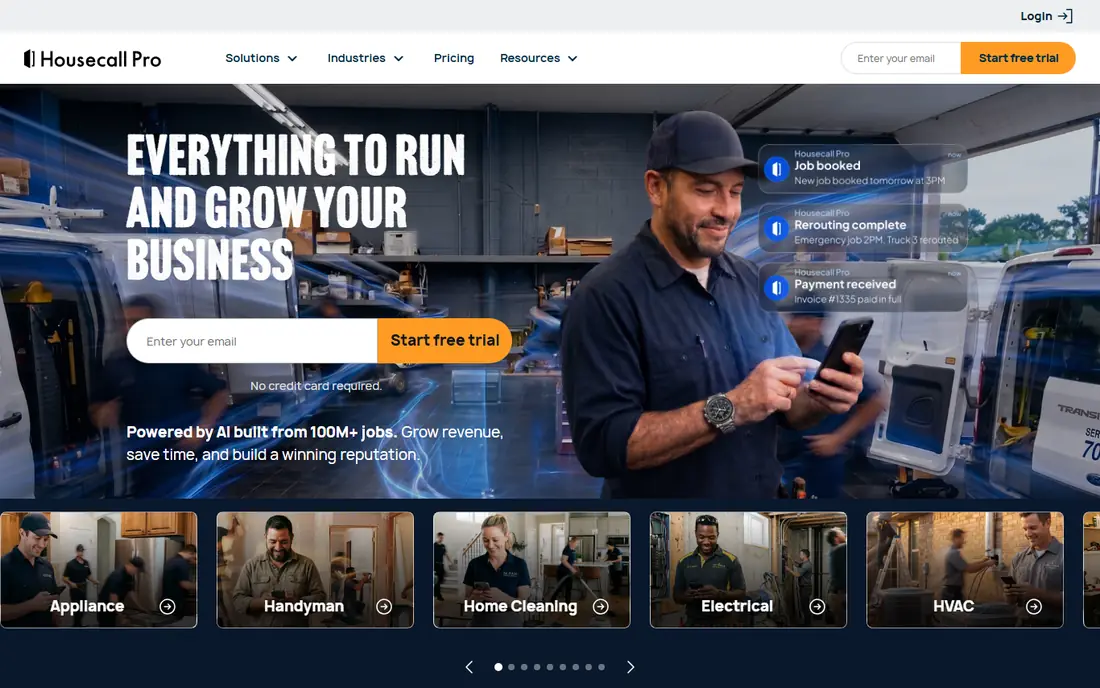
Housecall Pro fits a small appliance repair shop that wants bookings, dispatch, invoicing, and customer follow-up in one place. The mobile app lets techs see job details, send estimates, and collect payment on site, while the office can send reminders and request reviews without extra software. That mix helps a shop that wins work through local search and repeat customers.
Prices start at $79 per month on month-to-month billing in the sources we checked, with higher plans for larger teams. Watch the add-on costs for marketing and payment processing, and check which features sit on each tier before you commit. For most small shops, the middle tier is where the useful automation starts.
- Easy scheduling and invoicing
- Built-in follow-up and review tools
- Strong mobile app
- Higher tiers add up quickly
- Some features need add-ons
- Processing fees apply
Jobber is our pick for most people starting out, because it covers the core job well at a lower price than most rivals. You can book jobs, send quotes, schedule techs, invoice, and take payments, and the interface is easy for office staff and field techs to learn in a day or two. It is a good fit for a shop that wants order without a long implementation project.
The honest catch is that Jobber is a general field service tool, not an appliance-only system. If you handle a lot of home warranty work with split billing, you may need workarounds or a more specialised tool. Still, for standard repair, install, and maintenance work, Jobber gives a small team a clean, affordable base.
- Low starting price
- Fast setup
- Clear quotes, scheduling, and invoicing
- Appliance-specific warranty billing is limited
- Advanced reporting is on higher tiers
Workiz is worth a close look if you run a one- or two-person appliance repair operation and want to test field service software without paying first. The Lite plan covers basic scheduling and job management for up to two users, and paid plans add online booking, invoicing, and a phone system. That low entry point makes it easy to learn what you actually use.
Free does not mean unlimited. Larger teams, deeper reporting, and some automation sit on paid tiers, and pricing details for those tiers are less clear on the public site than Jobber or Housecall Pro. Get a written quote for your team size before you build your whole workflow around it.
- Free Lite plan for up to two users
- Online booking and dispatch
- Phone system add-on
- Paid plans are quote based on the site
- Smaller brand than Jobber or Housecall Pro
Service Fusion suits a mid-size shop that dislikes per-technician pricing, because it prices by plan rather than by each added tech. That can make budgeting simpler as you hire, and it covers dispatch, customer records, estimates, invoicing, and inventory. Shops that run a mix of repair and install work often value having parts and job history tied to the same record.
The downside is transparency. The vendor does not publish a starting price, so you need a quote to compare it fairly with Jobber or Housecall Pro. The interface is also less modern than some rivals. Ask for a demo using your own job types, and check inventory and reporting on the exact plan you would buy.
- Flat per-plan pricing rather than per-tech pricing
- Dispatch, invoicing, and inventory in one place
- No public starting price
- Interface feels older than newer rivals
FieldPulse is for owners who want to get scheduling under control fast, without learning a large platform. Techs can view jobs, update status, and handle estimates from a phone, while the office keeps a clear dispatch view. It is a sensible middle ground between a spreadsheet and an enterprise system.
Because pricing is not published, you will need to contact the vendor for a quote, which makes a quick price comparison harder. Reporting is also less deep than ServiceTitan. If your main pain is missed calls, double bookings, and paper job sheets, FieldPulse covers that pain well at a smaller learning cost.
- Fast, simple scheduling and dispatch
- Good mobile tools for techs
- Estimates and invoicing included
- Pricing is not published
- Fewer deep reporting tools than ServiceTitan
ApplianceOps stands out because it was built only for appliance repair, not adapted from general field service work. That focus shows in home warranty split billing, where the customer can see a zero balance while the warranty company owes the shop, and in per-machine pricing and used-appliance resale workflows. For a shop that lives on warranty and appliance jobs, those details save daily manual work.
The trade-off is scale and ecosystem. It is a smaller vendor than ServiceTitan or Jobber, so integrations and third-party add-ons are narrower, and its phone feature is a paid add-on. If appliance-specific billing is your biggest headache, that focus outweighs the smaller footprint. If you run many trades, a general tool may fit better.
- Built only for appliance repair
- Home warranty split billing
- Per-machine pricing
- Smaller vendor with a narrower ecosystem
- Phone features are an add-on
ServiceM8 is a mobile-first option that works well for a solo tech or a small crew that lives on phones rather than desktops. Job cards carry customer details, job history, photos, and notes, and techs can quote, invoice, and take payment without returning to the office. That flow suits appliance repair, where much of the work and customer contact happens on site.
It is less convincing as a large dispatch platform. Bigger shops that need deep reporting, complex pricebooks, and multi-crew planning will find ServiceTitan or Service Fusion stronger. For a small, mobile-led shop, ServiceM8 is simple to run and easy for new techs to pick up.
- Strong mobile job cards
- Easy quoting and invoicing
- Good for solo operators
- Pricing varies by region and plan
- Less suited to large multi-crew dispatch
How we picked these
We compared official feature pages, pricing pages, app store listings, and public reviews for each option, and we checked that each product is still offered in October 2026. We gave weight to how well it handles the core job in this article, how clear its pricing is, how usable its mobile tools are, and how it treats smaller teams as well as larger ones. Where pricing is quote based or a free plan has real limits, we say so plainly.
How to choose appliance repair software
Match the tool to your crew size
A solo tech needs booking, a job card, and invoicing. A ten-tech shop needs dispatch rules, pricebook control, and reporting by tech and job type. Buying a large platform too early adds training time and cost without adding booked jobs. Buying too small means you will migrate in a year. Pick for the crew you will have in twelve months, not only the crew you have today.
Check warranty, parts, and payment workflows
Ask how the tool handles home warranty claims, split billing, parts ordering, and on-site payment. Those are the steps where appliance shops lose time and money. Test a real warranty job end to end during a trial, from booking to invoice, and check that parts and serial numbers stay attached to the machine record.
Test the mobile app in the field
Techs work in basements, garages, and homes with weak signal, so the app must be fast and clear on a phone. Check offline access, photo capture, and how easy it is to update a job status with one hand. If techs avoid the app, the office will end up re-entering data, and the system will fail no matter how good the desktop reports look.
FAQ
What is the best appliance repair app for a small shop?
For most small shops, Jobber or Housecall Pro are strong starting points, because both publish pricing, set up quickly, and cover scheduling, invoicing, and payments. Workiz is worth testing if you have only one or two users and want a free starting plan. Pick the one your techs find easiest during a trial.
How much does appliance repair software cost?
Small-shop plans in this list start around $35 to $79 per month, while larger platforms are quote based and can cost far more per month. Add payment processing, marketing add-ons, and extra users to the headline price before you compare. Always ask for the total monthly cost for your team size.
Does appliance repair software handle home warranty work?
Some tools handle it better than others. ApplianceOps was built with home warranty split billing in mind, while general tools may need manual workarounds. If warranty work is a large share of your jobs, test that exact workflow during a trial and ask the vendor how claims and balances are shown.
Can I switch from spreadsheets to field service software easily?
Yes, if you import customers and job history carefully and train techs on the mobile app first. Start with booking and dispatch, then add invoicing and reporting. A short pilot with one or two techs will show problems before the whole team moves over.
Is ServiceTitan worth it for a small appliance repair shop?
Usually not at first. ServiceTitan is built for larger operations that will use its reporting and pricebook depth every day. A small shop often gets the same core scheduling and invoicing from Jobber, Housecall Pro, or Workiz at a lower cost and with faster setup.