The 5 Best Field Service Dispatch Software for Appliance Repair in 2026, Ranked
Best field service dispatch software for appliance repair: 5 tools compared on price, free plans and fit. Details on cost, catches and fit. Prices included.
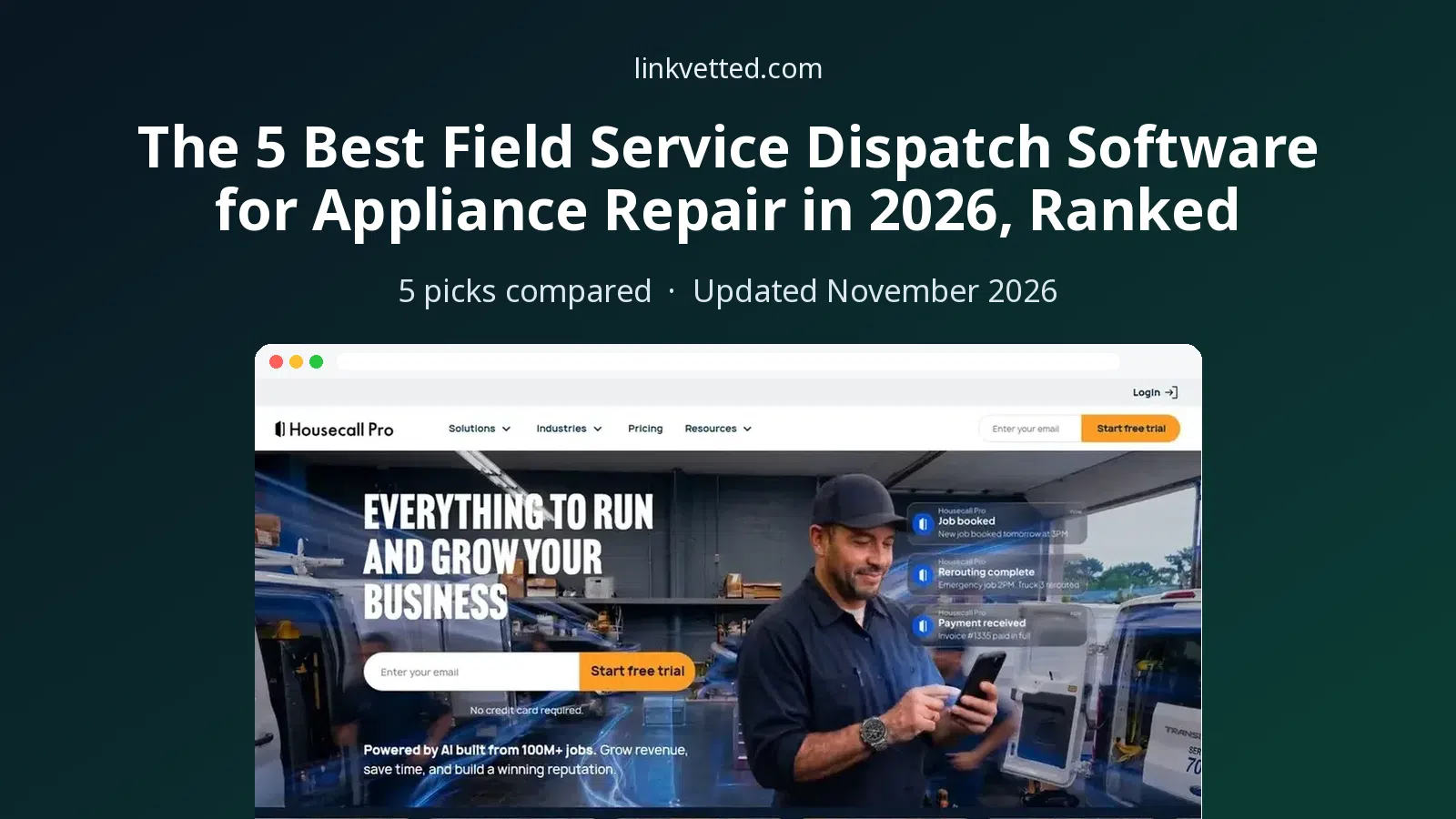
- Editor's choice
 Housecall Pro
Home service companies seeking scheduling and customer management
Starts at$59 a monthVisit housecallpro.comFull review - Great alternative
 Kickserv
Small home service firms managing jobs and payments
Starts at$60 a monthVisit kickserv.comFull review - Also consider
 ServiceTitan
All-in-one service and project management
Starts atSee websiteVisit servicetitan.comFull review
Direct answer
Our first pick is Housecall Pro, best for home service companies seeking scheduling and customer management. Listed starting prices: Housecall Pro from $59 a month, Kickserv from $60 a month and Service Fusion from $220 a month. For a different need, Kickserv covers small home service companies managing jobs and payments and ServiceTitan covers all-in-one service and project management. The remaining 2 options are covered below with prices and limits.
TL;DR:
- Housecall Pro takes the first slot, best suited to home service companies seeking scheduling and customer management.
- Starting prices begin at $59 per month with Housecall Pro.
- None of the 5 tools, from Housecall Pro to FieldEdge, has a free plan, so budget for a subscription or use a trial.
- The main caution on Kickserv: may lack advanced dispatch routing.
Last checked November 2026. Prices and plan details were read from the vendors' own pages in November 2026; vendors change plans often, so confirm the current price on the vendor site before you buy.
Quick comparison
| Tool | Best for | Starts at | Free plan? | |
|---|---|---|---|---|
| Housecall Pro | Home service companies seeking scheduling and customer management | $59 a month | Free trial | Visit |
| Kickserv | Small home service firms managing jobs and payments | $60 a month | Free trial | Visit |
| ServiceTitan | All-in-one service and project management | See website | Free trial | Visit |
 Service Fusion | All-in-one field service management | $220 a month | No | Visit |
 FieldEdge | Tracking customers, dispatches, and service history | See website | No | Visit |
Our 5 picks for field service dispatch software for appliance repair
This LinkVetted guide covers 5 options for field service dispatch software for appliance repair. Each profile lists a starting price, free plan details, strengths and drawbacks, so you can drop poor fits quickly.
Housecall Pro
Best for: Home service companies seeking scheduling and customer management
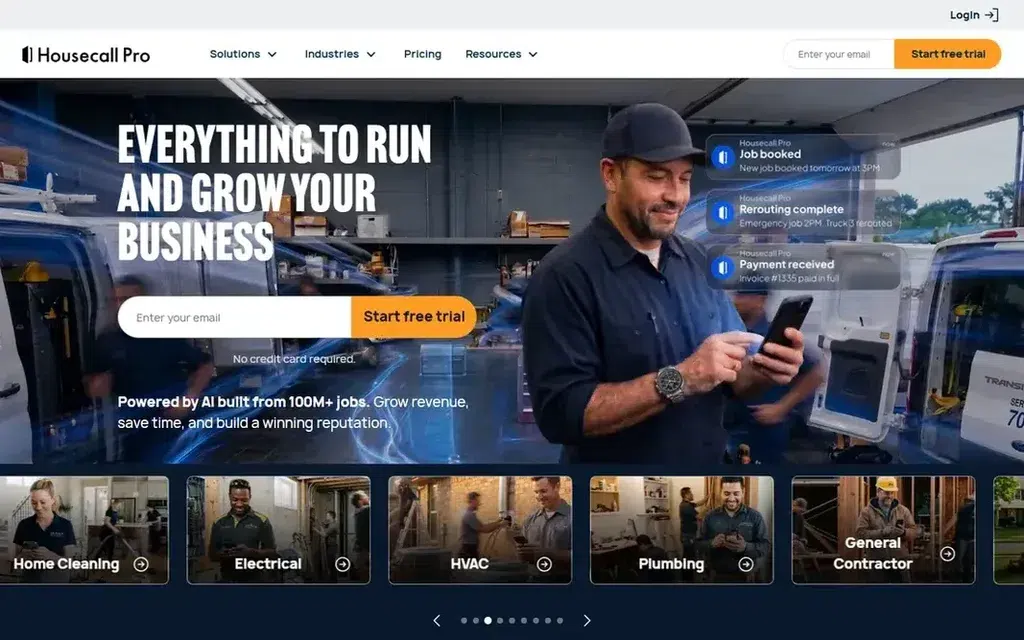
Housecall Pro serves home service companies seeking scheduling and customer management. Housecall Pro is software for home service companies, offering scheduling, dispatch, and customer management features. It is built to help appliance repair teams organize jobs and communicate with customers.
Watch-outs: May be less suited to commercial construction work.
The product is targeted at field service professionals who want a centralized system for daily operations. Consider Housecall Pro for residential-focused appliance repair firms that value simplicity. Housecall Pro starts at: $59 per month. Free options: Free trial.
- Scheduling and dispatch for home services
- Aimed at field service professionals
- Features can vary by business size
Kickserv makes the most sense for small home service companies managing jobs and payments. Kickserv gives you field service management software for home service firms, handling job management, customer communication, and payments. More specifically, choose Kickserv for a straightforward, focused approach to job and payment management.
Downsides: May lack advanced dispatch routing.
The system concentrates on core management tasks without overwhelming complexity. Also, if you need more solid scheduling and history tracking, look at FieldEdge or ServiceTitan. Kickserv cost at the entry level: $60 per month. Free options: Free trial.
- Manages communication and payments
- Handles jobs and customers
- Restricted scalability for bigger teams
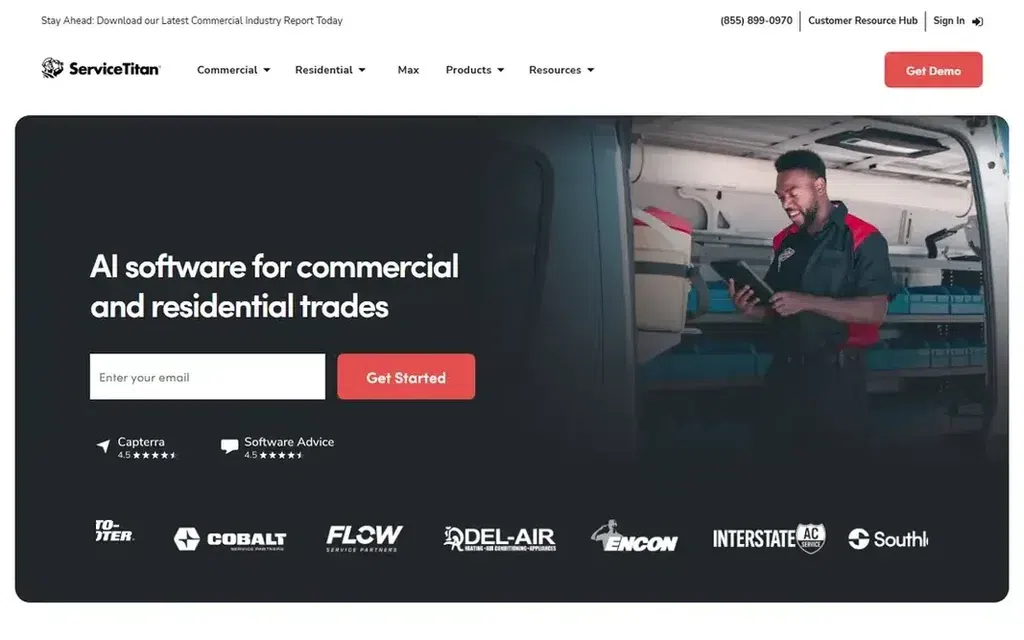
In short, ServiceTitan is for all-in-one service and project management. Because it is aimed at a wide range of contractors, ServiceTitan may be more than a small appliance repair shop needs.
Where it falls short: Needs setup time to configure.
Also, ServiceTitan is an all-in-one software aimed at home and commercial contractors. This comparison lists no price for ServiceTitan; ask the vendor. Free options: Free trial. Main advantages: Made for home and commercial contractors.
- Merges service visits and construction projects
- Keeps operations running smoothly
- May be complicated for very small teams
Service Fusion targets all-in-one field service management. Service Fusion provides all-in-one field service management software aimed at service firms and contractors. As for the details, pick Service Fusion when you want a wide field service tool without excessive complexity.
Where it falls short: May lack specialized appliance repair features.
Service Fusion may not have the deep appliance repair-specific features that some niche companies need. If you need advanced project tracking, consider ServiceTitan. Price to start with Service Fusion: $220 per month. Service Fusion has no permanent free option.
- Aims to save time and increase productivity
- Made for contractors
- Productivity claims may vary by business
For tracking customers, dispatches, and service history, FieldEdge is a natural candidate. The system contains a field service app for technicians on the go. As for the details, FieldEdge supplies field service management software that helps track customers, dispatches, service history, and more.
Downsides: May need a demo to understand full setup.
It is built for appliance repair businesses that require a clear record of past service visits and efficient dispatch coordination. FieldEdge may be more than a tiny appliance repair operation needs, particularly if you only deal with a handful of jobs per day. FieldEdge does not show a starting price in this comparison, so check the vendor site for current pricing. FieldEdge has no free plan.
- Tracks customers and dispatches efficiently
- Field service app included
- Could be overkill for very small shops
What went into this list
Pricing pages, product documentation and feature lists were the main sources, and every entry carries at least one honest drawback. Where a price is missing, the vendor does not list one publicly or ties it to a quote. Always confirm before budgeting. Tools are placed by general fit for field service dispatch software for appliance repair, with price clarity and free access as tie-breakers. A different team can reasonably rank them differently.
Pre-purchase checklist
- Get a written quote from ServiceTitan and FieldEdge; the list shows no starting price for them.
- Run a trial of Housecall Pro, Kickserv and ServiceTitan with real work before paying for a year; your own workflow is the best test.
- Read the limits listed for Housecall Pro first: may be less suited to commercial construction work.
- List the apps you already depend on and check that Service Fusion supports each one on the plan you would buy.
- Check the support hours and onboarding help ServiceTitan offers; smaller vendors vary a lot here.
FAQ
How are the tools for field service dispatch software for appliance repair ordered?
The order follows typical fit for field service dispatch software for appliance repair, with Housecall Pro first and FieldEdge last, then price clarity and free access. It is editorial judgement, not a score, so another team could rank the tools differently.
What should appliance repair businesses look for in dispatch software?
Look for scheduling, dispatch, customer history, and invoicing features. Also check simplicity for technicians in the field.
Can I try these tools before paying?
Often, yes. Housecall Pro, Kickserv and ServiceTitan offer a free trial. Use your own data and a real task during the test, and check what the free tier or trial limits before you rely on it. Prices, free plan details and limits for all 5 tools in this field service dispatch software for appliance repair roundup sit on the individual cards above.
Does any tool for field service dispatch software for appliance repair here have a free plan?
A permanent free plan is not offered by Housecall Pro, FieldEdge or the other tools here. Housecall Pro, Kickserv, ServiceTitan offer a trial. Plan a short evaluation period instead.
Do these tools publish their prices?
Not all of them. ServiceTitan and FieldEdge publish no starting price, so expect a quote request for those. The rest, Housecall Pro included, show a starting price, though seats and billing terms still change the final cost.
Sources
- https://www.housecallpro.com
- https://www.kickserv.com
- https://www.servicetitan.com
- https://www.servicefusion.com
- https://www.fieldedge.com