5 Compliance Software for Field Service Teams Worth Shortlisting in 2026
Best compliance software for field service teams, compared. 5 tools with published prices, free plans and limits. The catches are listed up front. Easy to scan.
- Editor's choice
 FieldEdge
Tracking customers, dispatches and service history
Starts atSee websiteVisit fieldedge.comFull review - Great alternativeZoho FSM
Automating end-to-end field operations
Starts atSee websiteVisit zoho.comFull review - Also consider
 Kickserv
Home service companies managing jobs and payments
Starts at$60 a monthVisit kickserv.comFull review
Direct answer
This list puts FieldEdge first for tracking customers, dispatches and service history. Listed starting prices: Kickserv from $60 a month. Zoho FSM is the stronger choice for automating end-to-end field operations, while Kickserv suits home service firms managing jobs and payments. The other 2 tools in the list cover narrower or pricier cases.
TL;DR:
- Top of the list is FieldEdge, which targets tracking customers, dispatches and service history.
- None of the 5 tools, from FieldEdge to ServiceTitan, has a free plan, so budget for a subscription or use a trial.
- For contractors wanting one connected operations system, ServiceTitan is worth a look.
- For the cheapest start, look at Kickserv: $60 per month.
Last checked November 2026. Prices and plan details were read from the vendors' own pages in November 2026; vendors change plans often, so confirm the current price on the vendor site before you buy.
Quick comparison
| Tool | Best for | Starts at | Free plan? | |
|---|---|---|---|---|
| FieldEdge | Tracking customers, dispatches and service history | See website | No | Visit |
| Zoho FSM | Automating end-to-end field operations | See website | Free trial | Visit |
| Kickserv | Home service companies managing jobs and payments | $60 a month | Free trial | Visit |
| Microsoft Dynamics 365 Field Service | Teams already in the Microsoft ecosystem | See website | Not stated | Visit |
 ServiceTitan | Contractors wanting one connected operations product | See website | Free trial | Visit |
5 compliance software for field service teams in detail
Choosing compliance software for field service teams usually comes down to price, fit and limits. This LinkVetted guide sets 5 tools side by side on those three points, with the facts kept short and checkable.
Think of FieldEdge for tracking customers, dispatches and service history. FieldEdge supplies field services management software and a field service app, with efficient ways to track customers, dispatches, service history and more.
Evaluating FieldEdge usually starts with requesting a demo, so plan time for that process. No starting price is listed for FieldEdge here; confirm pricing on the vendor site. There is no free plan with FieldEdge.
Trade-offs to know: May suit home service focus best.
- Keeps service history accessible
- Contains a field service app
- Demo request needed to evaluate
Zoho FSM
Best for: Automating end-to-end field operations
Zoho FSM makes the most sense for automating end-to-end field operations. Zoho FSM describes itself as an end-to-end field service management system that automates the whole spectrum of field operations. From a buyer's view, choose Zoho FSM when wide automation of field operations is the goal.
Where it falls short: Automation setup takes planning.
Automating a broad set of operations takes planning, and a phased rollout is commonly wiser than switching everything at once. If you only need entry-level job tracking, a more straightforward tool may be enough. This comparison lists no price for Zoho FSM; ask the vendor. As for free access: Free trial.
- End-to-end field service system
- Automates the full spectrum of operations
- Wide scope may need phased rollout
Kickserv targets home service firms managing jobs and payments. Kickserv supplies field service management software for managing jobs, customers, communication and payments for home service firms. It keeps core job and customer records in one place, which helps small teams maintain consistent documentation and a clear history of work performed for each customer.
Best features of Kickserv: Runs jobs and customers.
Limits to weigh: Restricted fit for complex asset programs.
Its scope is centred on everyday home service operations instead of deep asset-centric or enterprise compliance programs. Also, teams with complicated equipment tracking needs may outgrow it. Also, pick Kickserv when you want practical job, customer and payment management without a large system. The starting price for Kickserv: $60 per month. As for free access: Free trial.
- Supports communication and payments
- Made for home service firms
- Narrower scope than enterprise systems
Microsoft Dynamics 365 Field Service
Best for: Teams already in the Microsoft ecosystem
Microsoft Dynamics 365 Field Service makes the most sense for teams already in the Microsoft ecosystem. Smaller firms may prefer a more straightforward dedicated app.
What to check first: Can need Microsoft system expertise.
Beyond that, the system rewards teams with Microsoft expertise and can feel complicated for those without it. No starting price is listed for Microsoft Dynamics 365 Field Service here; confirm pricing on the vendor site. On free options: Not stated.
- Automatic service reminders
- AI-driven self-service scheduling
- Configuration depth adds complexity
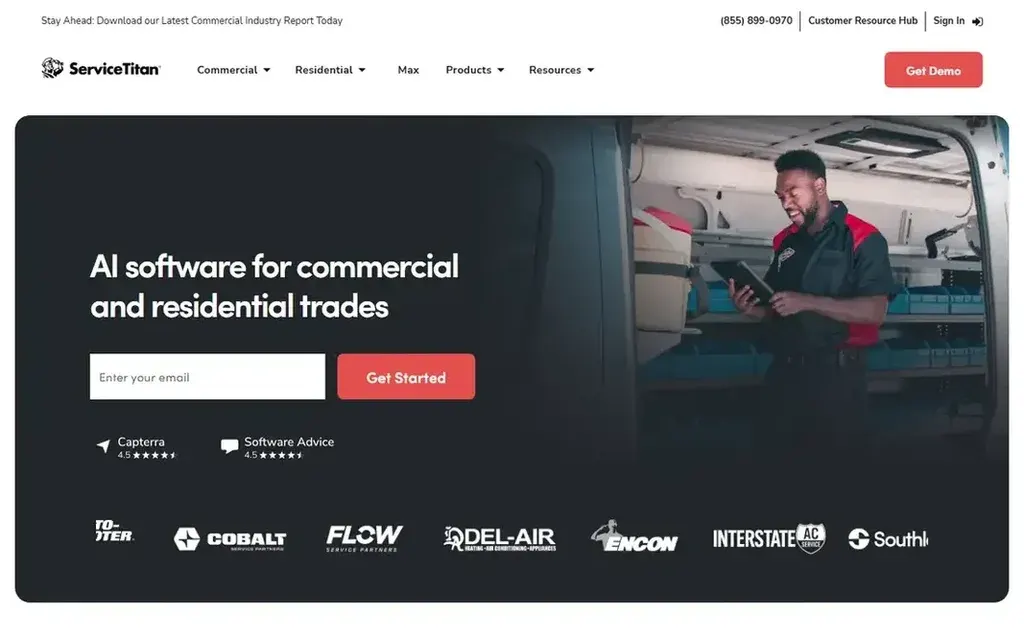
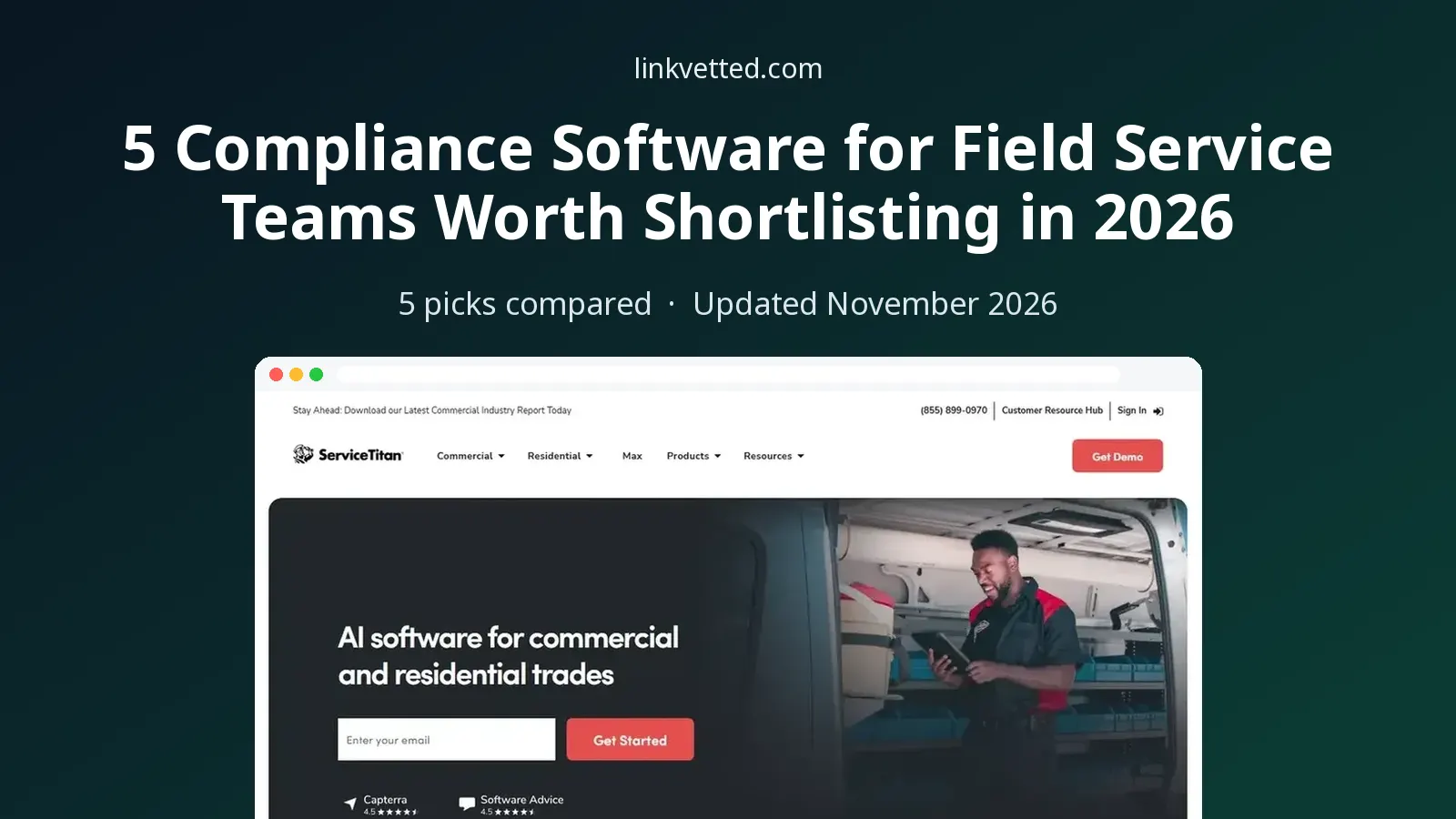
Choose ServiceTitan for contractors wanting one connected operations system. If your work is straightforward scheduling and invoicing, a lighter tool may be simpler to adopt.
More specifically, the breadth of the system can be more than a small crew needs, and getting the most from it relies on configuring workflows carefully. This comparison lists no price for ServiceTitan; ask the vendor. Free options: Free trial.
Where it falls short: Setup needs planning around your workflows.
- All-in-one software for home and commercial contractors
- Handles service visits and construction projects
- Wide product may feel heavy for small teams
How we compared the tools
LinkVetted used vendor pricing pages and product documentation as the base, then compared plans, free access and documented limits for 5 tools. Seat minimums, billing terms and add-ons can move the real cost, so the starting prices here are a guide and not a quote. Position on the page reflects fit for a typical buyer first, with price clarity and free access breaking ties. Treat it as a guide, not a ruling.
What to confirm before you sign up
- Confirm the entry price on the vendor page. For FieldEdge, Zoho FSM, Microsoft Dynamics 365 Field Service and ServiceTitan that means a quote rather than a fixed price.
- Run a trial of Zoho FSM, Kickserv and ServiceTitan with real work before paying for a year; your own workflow is the best test.
- Read the limits listed for FieldEdge first: demo request needed to evaluate.
- Check the integration list for Zoho FSM against the tools you run today, and note which ones need a higher plan.
- Confirm the exact Microsoft Dynamics 365 Field Service plan that includes your must-have features.
FAQ
Does any tool for compliance software for field service teams here have a free plan?
A permanent free plan is not offered by FieldEdge, ServiceTitan or the other tools here. Zoho FSM, Kickserv, ServiceTitan offer a trial. Plan a short evaluation period instead.
How can I evaluate these tools before buying?
Request demos where offered, map your current documentation workflow, and ask vendors to display how service history is captured and retrieved. Confirm details on each vendor site, since features and packaging change over time.
Is FieldEdge the right pick for everyone comparing compliance software for field service teams?
No single tool suits every team. FieldEdge comes first because it fits tracking customers, dispatches and service history, while Zoho FSM suits automating end-to-end field operations and Kickserv suits home service businesses managing jobs and payments. Match the tool to your own size, budget and workflow before deciding.
What is the cheapest option for compliance software for field service teams in this list?
On published monthly entry prices, Kickserv is the lowest here at $60 per month. Entry price is only part of the cost, because seats, add-ons and billing terms can change the total.
Can I try these tools before paying?
Often, yes. Zoho FSM, Kickserv and ServiceTitan offer a free trial. Use your own data and a real task during the test, and check what the free tier or trial limits before you rely on it.
What should field service teams look for in compliance software?
Focus on how the product records job history, customer details and equipment records, and how easily that information can be retrieved for reviews. Consistent documentation across dispatches is normally more valuable than a long feature list.
Sources
- https://www.fieldedge.com
- https://www.zoho.com/fsm
- https://www.kickserv.com
- https://www.microsoft.com/en-us/dynamics-365/products/field-service
- https://www.servicetitan.com