Best Field Service Software in 2026: 8 Tools Compared
Compare the best field service software for 2026, from scheduling and dispatch to quoting, invoicing and mobile apps for technicians in the field every day.
- Editor's choice
 Jobber
Small teams and solo operators
Starts at$29 per monthVisit getjobber.comFull review - Great alternative
 Housecall Pro
Marketing and customer follow-up
Starts at$59 per monthVisit housecallpro.comFull review - Also consider
 ServiceTitan
Large multi-crew operations
Starts atSee websiteVisit servicetitan.comFull review
TL;DR:
- Jobber and Housecall Pro suit small to mid-size home service teams that need scheduling, quoting and invoicing in one place.
- ServiceTitan suits larger operations that need deep reporting, pricebooks and marketing tools, at a higher price and setup effort.
- Workiz and ServiceM8 offer free entry points that help very small teams start without a monthly fee.
- The best field service app for your team depends on team size, trade, payment needs and how technicians work on site.
Quick comparison
| Tool | Best for | Starts at | Free plan? | |
|---|---|---|---|---|
| Jobber | Small teams and solo operators | $29 per month | Free trial | Visit |
| Housecall Pro | Marketing and customer follow-up | $59 per month | Free trial | Visit |
| ServiceTitan | Large multi-crew operations | See website | No | Visit |
 Workiz | Communication-heavy teams | Free | Yes | Visit |
 FieldEdge | HVAC and plumbing with QuickBooks | See website | No | Visit |
 Service Fusion | Flat pricing for growing teams | See website | No | Visit |
 Kickserv | Budget-conscious small teams | See website | Free trial | Visit |
 ServiceM8 | High-volume job dispatch | Free | Yes | Visit |
The best field service software
Field service software should handle the full job cycle: booking, dispatch, quoting, on-site work, invoicing and payment. We compared official pricing pages, feature pages and public guides in October 2026, focusing on tools that are still actively sold and used by home service and trade businesses.

Jobber is the default starting point for many small home service businesses, and for good reason. Scheduling, quoting, invoicing and customer communication sit in one system that a solo operator can set up in days. Clients can approve quotes, view job details and pay online through the client hub, which cuts admin time.
The pricing model needs watching as teams grow. The core plan starts at $29 per month billed annually for one user, with extra users adding cost, and larger tiers running higher. For a small team, Jobber offers a strong balance of ease and features, but larger crews should compare flat-priced options before committing.
- Clean scheduling and quoting
- Client hub for customers
- QuickBooks integration
- Per-user costs add up as teams grow
- Advanced features sit on higher tiers

Housecall Pro suits service businesses that want marketing built into the same tool as scheduling. Automated follow-ups, review requests and customer messaging help fill the diary and win repeat work, without a separate marketing app. Onboarding is straightforward, and the mobile app works well for technicians in the field every day.
Starting pricing is higher than Jobber, at $59 per month on annual billing in recent guides, with team plans higher again. That premium buys stronger customer communication, but solo operators on a tight budget may prefer a cheaper start. For growing firms that value follow-up, Housecall Pro is a strong pick.
- Built-in marketing and review tools
- Easy onboarding
- Pricebook and dispatch features
- Higher starting price than Jobber
- Some features need higher tiers
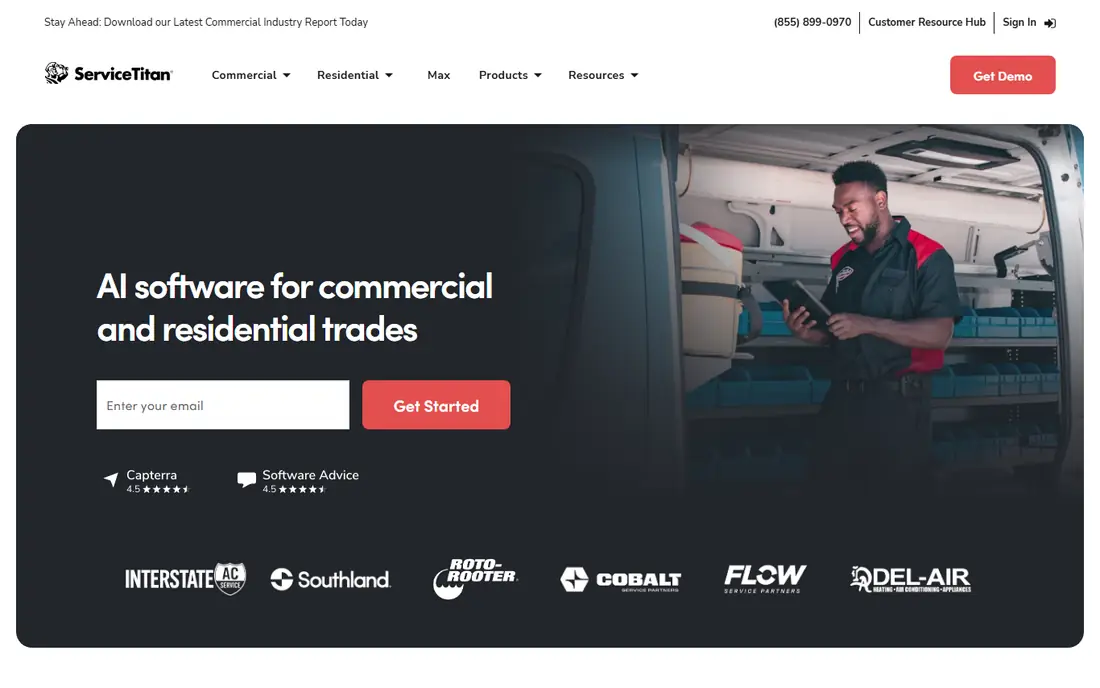
ServiceTitan is built for larger, established operations, often with ten or more technicians. It offers detailed reporting, pricebook management, marketing automation, dispatch and accounting integrations at a depth smaller tools do not match. Multi-location firms benefit from central control and consistent workflows.
That depth comes with cost and setup time. Pricing is quoted per technician, and onboarding can take weeks rather than days. ServiceTitan is overkill for a solo operator, but for a large shop that needs control and insight, it is the most complete option on this list.
- Deep reporting and pricebook control
- Marketing automation
- Multi-location support
- Quote-based pricing
- Longer onboarding for large teams
Workiz stands out for its communication tools, including a built-in phone system and call handling that suit businesses where the phone drives bookings. A free Lite plan covers up to two users, which makes it a useful starting point for a husband-and-wife operation or a very small team. Paid plans add dispatch, invoicing and automation features.
Paid pricing varies by plan and user count, so the free tier should be treated as a trial of the workflow, not a long-term home for a growing team. For firms where missed calls mean lost jobs, Workiz deserves a close look.
- Free Lite plan for small teams
- Built-in phone system
- AI dispatch and call features
- Paid plans cost more than the free tier suggests
- Some advanced features need higher plans
FieldEdge is designed for HVAC, plumbing and electrical firms, with dispatch, quoting and invoicing that connect closely to QuickBooks. Its flat-rate pricebook tools help technicians quote consistently on site, which matters in trades where pricing varies by job type. GPS dispatch and customer history support busy office teams.
Pricing is handled through a demo and quote, so small firms cannot compare it at a glance. FieldEdge fits trade firms that already rely on QuickBooks and want a system built around their trade, rather than a general home service tool.
- Strong QuickBooks integration
- Flat-rate pricing tools
- Built for HVAC, plumbing and electrical
- Pricing is quote based
- Setup takes planning for larger teams
Service Fusion offers flat per-plan pricing with unlimited users, which helps growing teams avoid per-seat costs that rise with every hire. Dispatch, GPS tracking, invoicing and customer management cover the core field service workflow, and the system scales as crews grow.
The starting monthly cost is higher than small-team tools, so solo operators may find it expensive. For mid-size teams that plan to add technicians, the flat model can become cheaper per person over time, and it removes the penalty for giving every technician an account.
- Unlimited users on plans
- GPS tracking
- Strong dispatch and invoicing
- Higher starting monthly cost
- No free plan
Kickserv is a simpler, budget-friendly option for small service teams that need scheduling, dispatch, invoicing and customer records without a complex system. Its long track record and straightforward approach suit owners who want to go live quickly and train technicians with minimal fuss.
It lacks some of the marketing automation and advanced reporting found in Housecall Pro or ServiceTitan, so firms that rely on those tools may need a second app. For a small team that values simplicity and cost control, Kickserv is a practical choice.
- Simple scheduling and invoicing
- Long track record
- Straightforward pricing
- Fewer marketing features than larger rivals
- Some features need higher plans
ServiceM8 suits high-volume dispatch, with a free tier for small job volumes and per-job pricing that fits firms with fluctuating work. Unlimited users on paid plans help larger dispatch teams, and the mobile app covers job cards, photos, invoicing and payments for technicians on site.
Add-ons can raise the total cost, so check which features are included in the base plan. The interface has many options, and new users may need time to set it up well. For firms that dispatch many jobs and want flexible pricing, ServiceM8 is worth testing.
- Free tier for small volumes
- Per-job pricing option
- Unlimited users on paid plans
- Add-ons can add cost
- Interface takes time to learn
How we picked these
We compared official pricing pages, feature pages and public field service guides in October 2026, focusing on tools with live scheduling, mobile apps and invoicing. We included small-team, mid-size and large-operation options, plus free entry points, so readers can match a tool to team size rather than just brand popularity.
How to choose field service software
Map your job cycle first
List every step from first call to final payment, and check that the tool handles each step without a spreadsheet in between. Scheduling, dispatch, quoting, on-site notes, photos, invoicing and payment should flow in one system for most teams.
Test the technician app, not just the office dashboard
Technicians use the app in vans, basements and poor signal areas, so offline handling, photo capture and simple job cards matter. Give two technicians a real week of jobs on a trial, and ask what slowed them down.
Compare total cost at your team size
Per-user pricing, flat pricing and per-job pricing give very different totals as teams grow. Model the cost for your current team and for the team you expect in a year, including payment processing and add-ons, before you sign an annual plan.
A final point for service firms is adoption in the field, because office software only works when technicians actually use it every day. Involve two or three technicians in the trial, listen to their complaints about taps, screens and signal, and fix the job card layout before rollout. Keep training short and practical, with a one-page guide for common tasks such as adding photos, changing a quote and taking payment. It also helps to name one person in the office who owns the system, answers questions and cleans up data weekly. A system that technicians trust on site will produce better records, faster invoices and fewer callbacks than a feature-rich tool that staff avoid using.
FAQ
What is the best field service app?
Jobber suits many small teams, Housecall Pro suits firms that want built-in marketing, and ServiceTitan suits large operations. Workiz and ServiceM8 offer free starting points for very small teams. The best app depends on team size, trade and how much marketing or reporting you need.
Is there free field service management software?
Yes. Workiz offers a free Lite plan for up to two users, and ServiceM8 offers a free tier for small job volumes. Free plans cover core scheduling and invoicing, but larger teams and advanced features will need a paid plan.
What is the best field service software for HVAC?
FieldEdge and ServiceTitan both suit HVAC firms, with FieldEdge offering strong QuickBooks integration and ServiceTitan offering deeper reporting and pricebooks. Jobber and Housecall Pro also work well for smaller HVAC teams that want simpler setup.
Does field service software integrate with QuickBooks?
Most tools on this list offer QuickBooks integration, including Jobber, FieldEdge and Housecall Pro, though the depth varies by plan. Check whether invoices, payments and customer records sync both ways, and whether your QuickBooks version is supported.
How long does it take to set up field service software?
Small tools such as Jobber, Housecall Pro and Kickserv can go live in days with a simple setup. Larger systems such as ServiceTitan and FieldEdge can take weeks, especially with data migration, pricebook setup and team training. A trial with real jobs gives the clearest sense of setup time.