Best Field Service Management Software for Small Business in 2026: 8 Tools Compared
Best field service management software for small business compared in 2026: scheduling, dispatch, invoicing and pricing for 8 tools built for small crews.

- Editor's choice
 Jobber
Solo operators and small crews
Starts at$39 per monthVisit jobber.comFull review - Great alternative
 Housecall Pro
Small crews that want strong mobile tools
Starts at$59 per monthVisit housecallpro.comFull review - Also consider
 ServiceTitan
Larger trade operations
Starts atSee websiteVisit servicetitan.comFull review
TL;DR:
- Jobber and Housecall Pro give small crews the clearest starting point, with published prices and trials that let a team test the daily workflow before committing.
- Service Fusion stands out for growing crews because its flat monthly price does not rise with every new user added to the account.
- ServiceTitan and FieldEdge suit larger trade operations, and their quote-based pricing means a small shop should get a written quote before judging value.
- The cheapest headline price is rarely the cheapest bill, so compare user counts, payment processing fees and add-ons side by side.
Quick comparison
| Tool | Best for | Starts at | Free plan? | |
|---|---|---|---|---|
| Jobber | Solo operators and small crews | $39 per month | Free trial (14 days) | Visit |
| Housecall Pro | Small crews that want strong mobile tools | $59 per month | Free trial (14 days) | Visit |
| ServiceTitan | Larger trade operations | See website | No | Visit |
 Service Fusion | Growing crews that want flat pricing | $208 per month | Free trial | Visit |
 Workiz | Crews that want a built-in phone system | Free | Yes | Visit |
 Kickserv | Budget-minded small shops | $47 per month | Yes | Visit |
 FieldEdge | HVAC, plumbing and electrical contractors | See website | No | Visit |
 Tradify | Tradespeople who want simple job tracking | $47 per month | Free trial | Visit |
The best field service management software for small business
These eight tools cover scheduling, dispatch, quoting, invoicing and customer records, with prices and structures that suit different crew sizes.
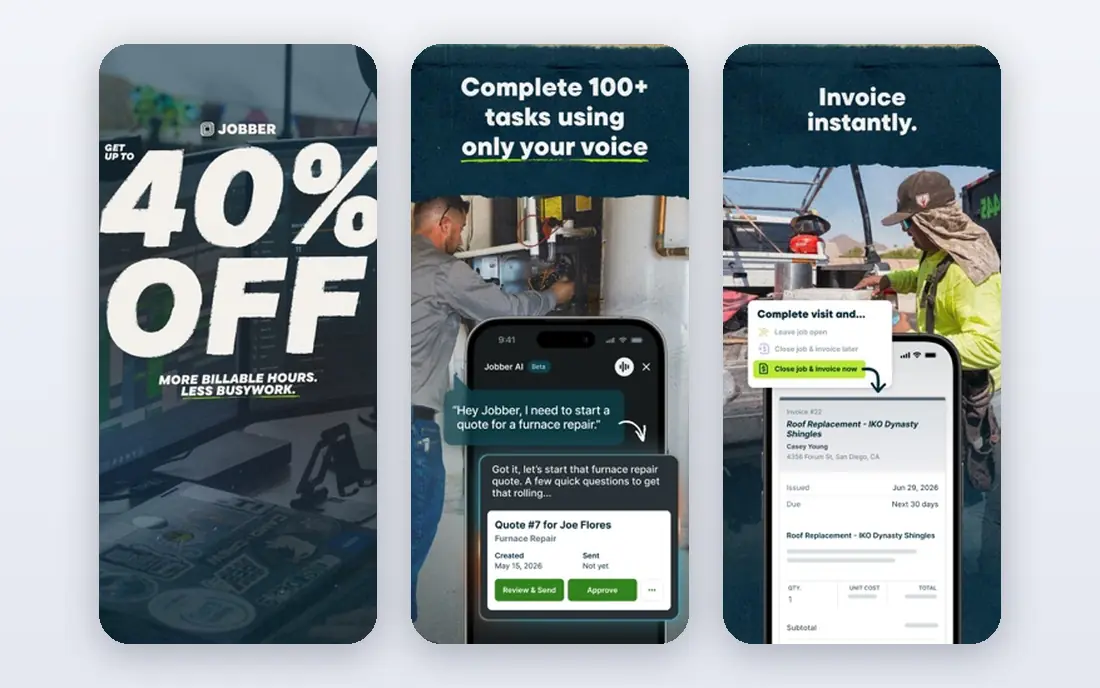
Jobber works well for an owner who still spends part of the week on tools. The calendar is easy to read, quotes turn into jobs and invoices without retyping customer details, and clients can approve quotes and pay online through a customer hub. That simplicity matters when the office is one person with a phone and a laptop.
The trade-off is depth. Marketing features are light compared with Housecall Pro, and the reporting on entry plans will not satisfy a manager who wants detailed job costing. For a crew of one to about fifteen people, though, Jobber keeps the core work moving with little training time.
- Quick setup
- Clear scheduling and invoicing
- QuickBooks and Xero links
- Marketing tools are basic
- Reporting is limited on lower plans
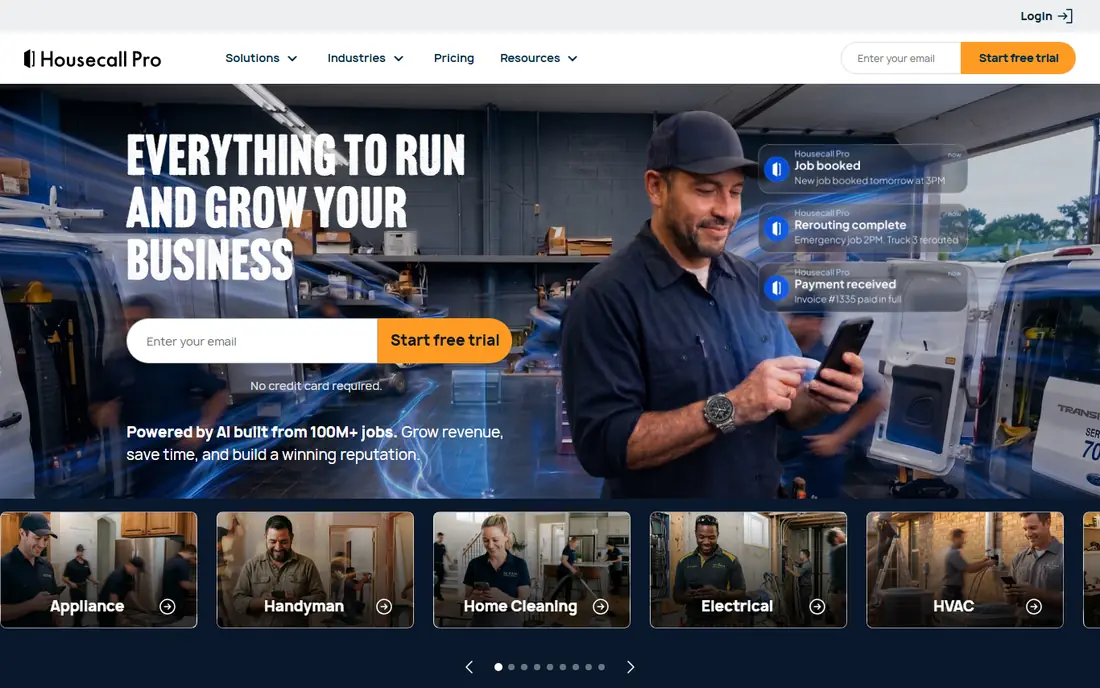
Housecall Pro puts the technician app at the center of the experience. Techs can see the day, update job status, collect payment on site and send review requests without calling the office. Automated reminders cut down on no-shows, and online booking lets customers pick a slot without a phone call.
Pricing is tiered by user count, so a shop that adds staff should model the next tier before signing up. The entry plan covers the basics, while dispatch and marketing extras sit higher up. For cleaning, pest control, plumbing and similar trades, the mobile experience is a genuine reason to pick it over a plainer tool.
- Polished mobile app
- Automated reminders
- Online booking and review requests
- Costs rise with extra users
- Higher plans needed for some advanced features
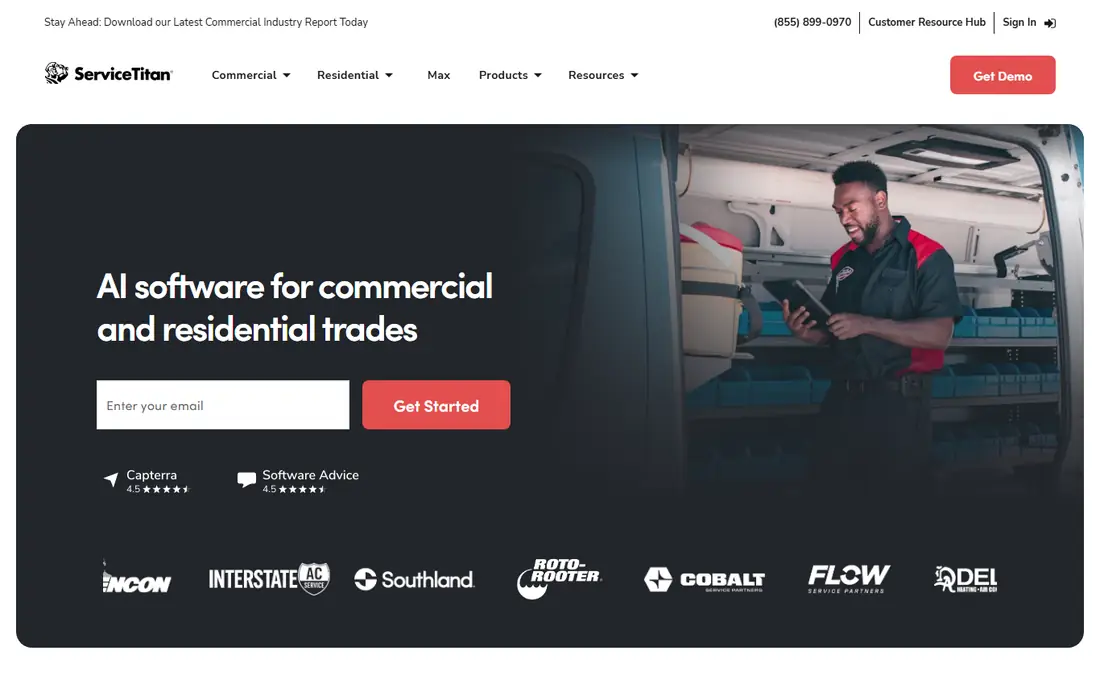
ServiceTitan is built for multi-truck operations that live on data. Its dispatch board, call tracking, marketing attribution and reporting go further than the small-business tools on this list, and larger HVAC, plumbing and electrical firms use it to tie marketing spend to booked jobs. If a business has office staff who will use those reports every week, that depth can pay for itself.
For a five-person shop, the case is weaker. Pricing is quoted per technician, setup takes real time, and the platform can feel heavy for a team that only needs scheduling and invoicing. Get a written quote, ask about implementation fees and contract length, and compare the total against a flat-rate option before deciding.
- Deep dispatch, reporting and marketing tools
- Strong call tracking and booking
- Quote-only pricing
- Long setup for a small team
- More software than a tiny shop needs
Service Fusion charges one flat monthly rate rather than a fee per user, which changes the math as a crew grows. A shop with fifteen staff pays the same plan price as a shop with five on the same tier, and that predictability helps when hiring is planned for the year ahead. GPS fleet tracking, estimates with good, better and best options, and QuickBooks sync cover the daily contractor workflow.
The interface is less modern than Jobber or Housecall Pro, and reporting is not its strongest area. Still, for an established contractor in HVAC, plumbing, electrical or appliance repair, the flat price and fleet visibility make it a practical pick that scales without a surprise bill each time a tech joins.
- Flat rate with unlimited users
- GPS fleet tracking
- QuickBooks sync
- Interface feels dated in places
- Reporting options are limited
Workiz bundles a phone system into the platform, with call recording, routing and number masking, so inbound calls, scheduling and job records sit in one place. It also offers an online booking widget, a service chatbot for inquiries, inventory tracking across locations and GPS tracking. For a team that fields a lot of calls, having the phone system inside the job software removes a separate subscription.
The catch is price progression. Paid plans start higher than Jobber or Housecall Pro, and some users report mobile app glitches and QuickBooks sync issues that need manual fixes. A free plan lets a small shop test the basics, but a team should trial the paid tier it would actually use.
- Built-in phone system with call routing
- Online booking widget
- Inventory tracking
- Higher paid plans cost more than rivals
- Mobile app has reported glitches
Kickserv keeps the feature set tight and the learning curve short, which suits a small shop that wants to move off paper or spreadsheets without a long rollout. Scheduling, customer records, invoicing and payments are covered, and links to QuickBooks, Xero and Stripe handle the money side. A free plan for two users gives a solo operator a low-risk way to start.
What it lacks is inventory management, and reporting stays basic. Shops that track parts across vans and a warehouse will feel that gap sooner than a cleaning or lawn care business with few parts. For price and simplicity, though, Kickserv is one of the easiest entries on this list.
- Low starting price
- Easy to learn
- QuickBooks and Xero links
- No inventory management
- Reporting is basic
FieldEdge is aimed squarely at trade contractors, with dispatch, scheduling, invoicing and job management built around how HVAC, plumbing and electrical crews work. Its QuickBooks integration keeps the office and the field in step, and the per-office-user and per-technician pricing model is easy to model once a quote is in hand.
The downside for a small business is the same as with ServiceTitan: the bill grows with each hire, and setup fees can add to the first-year cost. A five-tech shop should compare the quoted total with Service Fusion flat pricing and with Jobber tier pricing at the same headcount, rather than judging FieldEdge on features alone.
- Contractor-focused dispatch and job tracking
- QuickBooks integration
- Flat per-user structure that is easy to model
- Quote-based pricing
- Per-person pricing grows with headcount
- Setup fees may apply
Tradify appeals to tradespeople who want job management without a big platform wrapped around it. Quotes, jobs, scheduling, invoicing and timesheets sit in a clean layout, and the mobile app gives field staff what they need on site. Pricing per user is published, which makes budgeting simple for a small crew.
It does not try to match ServiceTitan on marketing or deep reporting, and a large multi-location firm will likely outgrow it. For a small trade business that values clarity over breadth, Tradify is a sensible, low-friction choice that a team can adopt in days rather than weeks.
- Simple quoting and job management
- Mobile app for field staff
- Straightforward pricing
- Fewer marketing tools
- Less suited to very large multi-location firms
How we picked these
We compared official feature pages, published pricing, trial terms and public user reviews for tools that serve small field service businesses in the United States. We favored products with live scheduling, invoicing and mobile access, and we kept quote-only enterprise tools on the list only where they are a realistic step up for a growing trade firm. Prices shown are starting prices from vendor and comparison sources checked in October 2026, and they change with users, billing term and add-ons.
What to check before you buy field service software
Start with headcount, not features. Count office staff and technicians separately, because some tools charge per user and others charge per technician or a flat rate. A tool that looks cheap for two people can become the most expensive option at twelve, while a flat-rate tool can look pricey until the crew grows into it.
Test the mobile app with a real technician, not just in a demo. Field staff will live in that app all day, so check how fast it is to update a job, add a photo or note, collect payment and move to the next visit. Weak mobile tools create phone calls back to the office, which defeats the purpose of the software.
Payments, accounting and customer contact
Confirm how payments work, including card processing rates and whether customers can pay from an invoice link or text. Check the accounting link carefully, since a sync that needs manual fixes each week costs office time. Also check reminders, review requests and online booking, because those small touches fill the schedule and bring repeat work.
Contracts, setup and exit
Ask about contract length, setup fees and what happens to customer and job history if you leave. A free trial is useful only if you test the plan you would actually buy, with your real services, prices and team. Shortlist two tools, run both on live jobs for a week, and pick the one the team actually opens without being told to.
FAQ
What is field service management software?
It is software that handles scheduling, dispatch, customer records, quoting, invoicing and payments for businesses whose staff work at customer sites. Plumbers, HVAC techs, electricians, cleaners and lawn care crews use it to replace paper schedules and scattered spreadsheets with one shared job list.
How much does field service software cost for a small business?
Entry prices on this list run from free plans to about $59 per month for a small team, while flat-rate and enterprise options run higher. The final bill depends on user count, billing term, payment processing and add-ons, so ask each vendor for a total at your exact headcount.
Is Jobber or Housecall Pro better for a small crew?
Jobber tends to suit a solo operator or small crew that wants a fast setup and clean invoicing, while Housecall Pro suits a crew that values its mobile app, reminders and online booking. Both offer trials, so the better fit is usually the one the field team finds easier after a week of real jobs.
Does field service software replace QuickBooks?
No, it works alongside accounting software. Most tools on this list sync invoices and payments to QuickBooks or Xero, but payroll, tax and full bookkeeping still sit in the accounting system. Check that the sync covers the items you bill most often before you commit.
Can small businesses use ServiceTitan?
Yes, but it is built for larger operations, so a small shop should weigh quote-only pricing, setup time and contract terms against simpler tools. It makes more sense once a business has several techs, office staff and a need for deep reporting and marketing attribution.
What should a first-time buyer test during a trial?
Test scheduling a real job, dispatching it to a tech, updating it from the field, invoicing the customer and collecting payment. Also test reminders, customer messages and the accounting sync, since those steps reveal friction that a sales demo can hide.