Best Field Service Management Software in 2026: 9 Tools Compared
Compare the best field service management software, from Jobber and Housecall Pro to ServiceTitan, for scheduling, dispatch and invoicing in October 2026.
- Editor's choice
 Jobber
Small service businesses
Starts at$29 per monthVisit getjobber.comFull review - Great alternative
 Housecall Pro
Residential home services
Starts at$59 per monthVisit housecallpro.comFull review - Also consider
 ServiceTitan
Large trades operations
Starts atSee websiteVisit servicetitan.comFull review
TL;DR:
- Jobber is the best starting point for small service businesses, with a low entry price and a balanced feature set.
- Housecall Pro suits residential teams that want strong customer messaging, online booking and easy onboarding.
- ServiceTitan is the most powerful option for larger trades businesses, but it is quote-only and costs far more per technician.
- Service Fusion suits mid-size crews that want flat pricing with unlimited users instead of per-user fees.
- Price the whole setup, including extra users and payment processing, not just the headline monthly plan.
Quick comparison
| Tool | Best for | Starts at | Free plan? | |
|---|---|---|---|---|
| Jobber | Small service businesses | $29 per month | Free trial | Visit |
| Housecall Pro | Residential home services | $59 per month | Free trial | Visit |
| ServiceTitan | Large trades operations | See website | No | Visit |
 Service Fusion | Flat pricing, unlimited users | See website | Free trial | Visit |
 FieldEdge | QuickBooks-heavy mid-market teams | See website | No | Visit |
 Workiz | Solo operators and small crews | See website | Yes | Visit |
 FieldPulse | Mobile-first growing teams | See website | Free trial | Visit |
 Kickserv | Budget-conscious starters | $60 per month | Free trial | Visit |
 Salesforce Field Service | Enterprise field operations | $175 per user per month | Free trial | Visit |
The best field service management software
Field service management software handles scheduling, dispatch, quoting, invoicing, payments and customer communication for teams that work at customer sites. The right tool depends heavily on crew size, trade and how you price jobs, so these nine cover the main options.
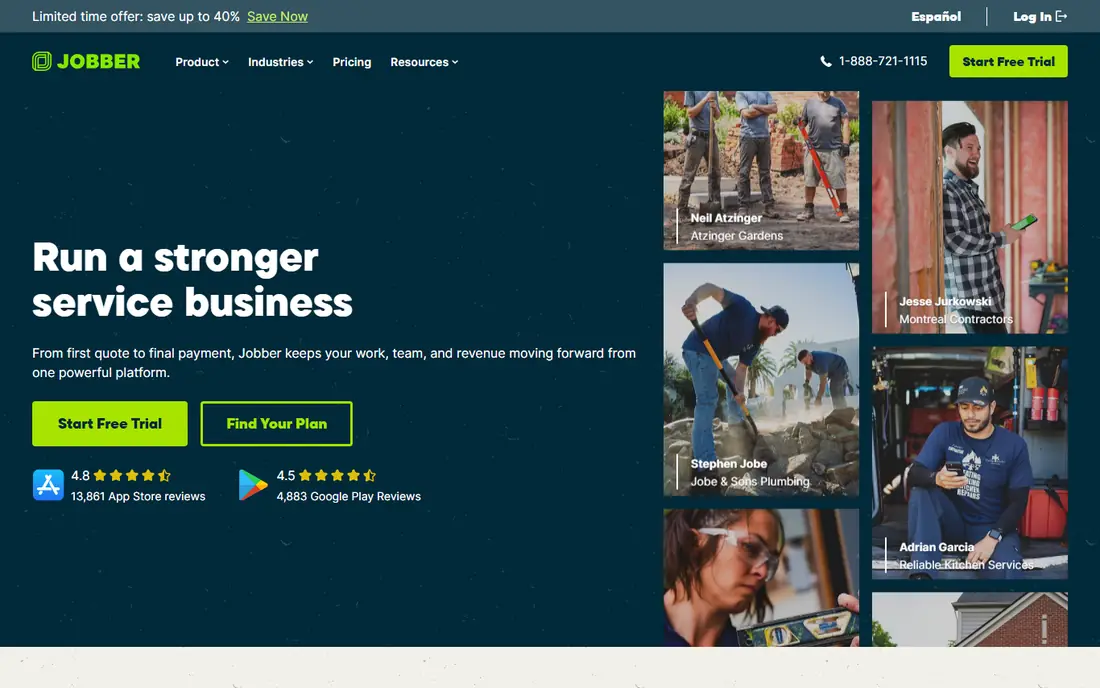
Jobber is our pick for most small service businesses because it covers the core workflow well without overwhelming new users. You can schedule jobs, send quotes, get client approval through Client Hub, invoice and take payments, all from one dashboard and a solid mobile app. Onboarding is fast, which matters for owner-operators who cannot spend weeks on setup.
The limits appear as crews grow. Job costing and more advanced reporting sit on higher tiers, and per-user pricing means a larger team pays noticeably more than a solo operator. For solo operators up to mid-size crews, though, Jobber is a strong, affordable standard.
- Balanced scheduling, quoting and invoicing
- Client Hub for customer approvals
- Easy to learn
- Advanced job costing needs higher tiers
- Per-user pricing grows with larger crews
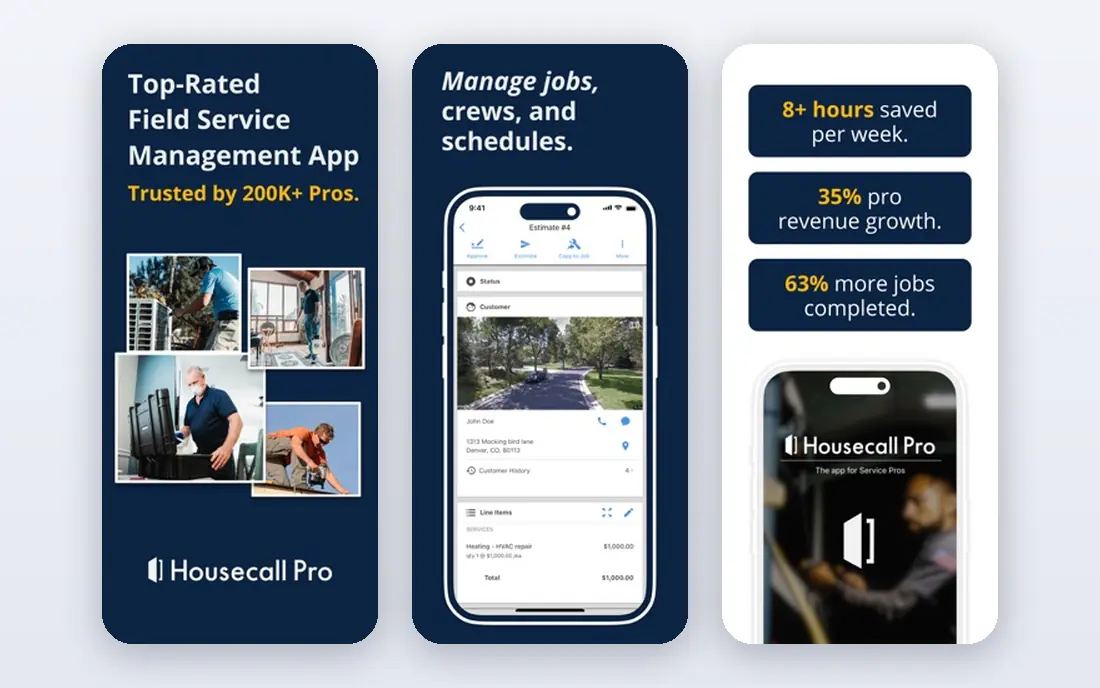
Housecall Pro is built for residential work such as plumbing, HVAC, electrical, cleaning and pest control. Automated on-my-way texts, review requests and online booking reduce no-shows and phone time, while dispatch and mobile invoicing keep technicians moving. Many owners find it the easiest platform to get a small team running.
Entry pricing starts at $59 per month billed annually, which is higher than Jobber for a solo user, and extra users beyond the plan cap add monthly cost. For teams of three to eight users, its included users and communication tools often make it the better value.
- Strong automated customer texts and review requests
- Online booking
- Easy dispatch
- Higher entry price than Jobber
- Extra users add cost beyond plan caps
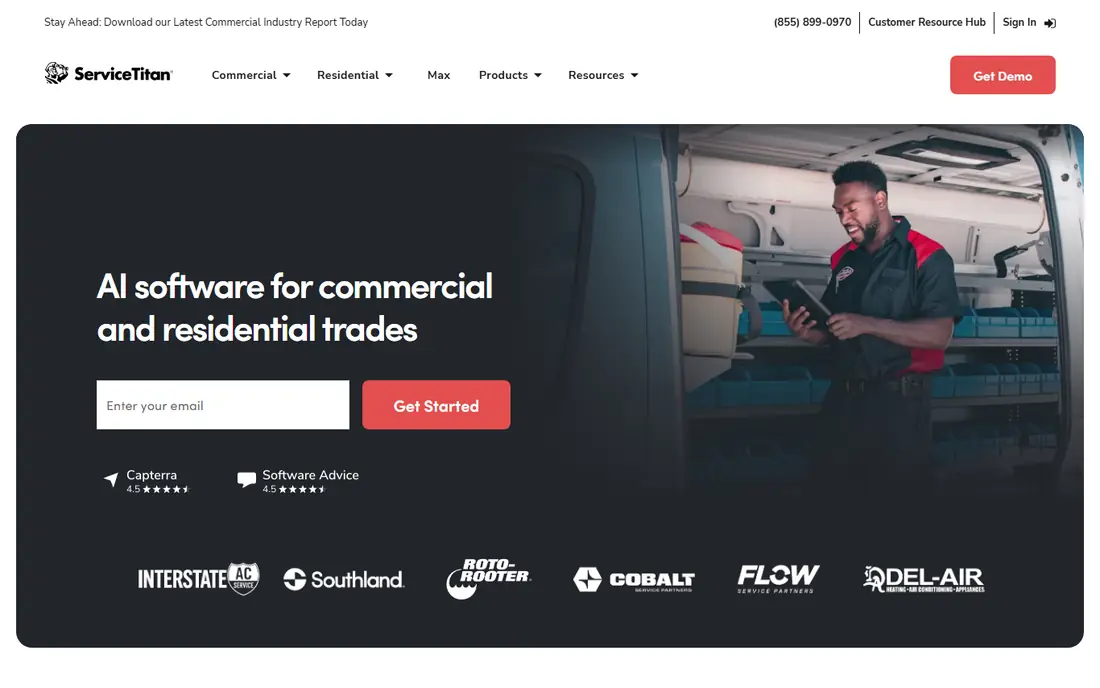
ServiceTitan is the most powerful platform on this list for large HVAC, plumbing and electrical businesses. It combines scheduling, dispatch, estimates, marketing automation, call booking and detailed reporting in a way that smaller tools cannot match. Companies with many technicians and high job volume use that depth to run a tighter operation.
The price and complexity are real. ServiceTitan does not publish a price, and third-party estimates commonly put it at $250 to $500 per technician per month, plus implementation. It also needs staff time to configure and maintain. For large, established operations, that investment can pay off. For small teams, it is usually overkill.
- Deepest tools for large residential trades
- Marketing, reporting and dispatch in one platform
- Strong integrations
- Quote-only pricing
- High per-technician cost
- Needs dedicated admin time to run well
Service Fusion appeals to mid-size crews because its tiers include unlimited users, so adding technicians does not raise the subscription in the same way per-user tools do. Job costing is stronger than in many rivals, which helps managers see which jobs actually make money after labor and materials.
The mobile experience is less polished than the leaders, so field teams should test it on real jobs before committing. Pricing is also less transparent, with published ranges varying by source, so get a written quote for your team size and required features.
- Unlimited users on every tier
- Strong job costing
- Good customer database
- Mobile app is less polished than Jobber or Housecall Pro
- Pricing is not fully published
FieldEdge suits mid-market HVAC, plumbing and electrical teams that run their books in QuickBooks. Its native sync reduces double entry, and service agreement tracking helps teams manage maintenance contracts and recurring visits. Dispatch and mobile job tools are solid for crews that do a mix of repair and planned work.
Pricing is quoted, with per-office-user and per-technician components reported in industry guides, plus possible setup fees. That makes total cost harder to compare at a glance, so ask for a full quote that includes both user types.
- Native QuickBooks sync
- Service agreement tracking
- Strong dispatch for HVAC and plumbing
- Quote-based pricing
- Setup costs may apply
- Interface feels dated in places
Workiz is a good starting point for solo operators and very small crews, partly because it offers a free Lite tier. Scheduling, invoicing and customer communication cover the basics, and AI call answering add-ons help owners who miss calls while on a job. That focus on lead capture sets it apart for small businesses.
Larger teams may find reporting and integrations thinner than in ServiceTitan or Service Fusion. If you run one to three people and want to start cheap, Workiz is worth testing before you pay for a bigger platform.
- Free Lite tier to start
- AI call answering add-ons
- Simple job and invoice flow
- Advanced features need higher tiers
- Smaller ecosystem than Jobber or Housecall Pro
FieldPulse is built around the technician in the field. Its mobile app handles jobs, forms, estimates, invoices, timesheets and materials, and office staff see updates, GPS data and job records in real time. That mobile-first design suits growing teams that live on their phones.
Pricing is quoted rather than published, so small teams should request a clear price for their user count. Marketing and review tools are also less developed than in Housecall Pro, so teams that rely heavily on automated reviews should weigh that gap.
- Strong mobile field app
- Estimates, invoices and timesheets
- GPS and materials tracking
- Quote-based pricing
- Fewer marketing tools than Housecall Pro
Kickserv has served small service businesses for many years, and its appeal is simplicity. Scheduling, dispatch, invoicing, payments and customer records are all covered in a straightforward package, with a 30-day trial that gives you time to test it properly. Starting at $60 per month billed annually, it sits in the affordable range for small crews.
It does not match ServiceTitan or Jobber on advanced reporting, marketing or integrations, and the interface looks more basic than modern rivals. If you want a dependable, no-surprises tool at a fair price, Kickserv is a solid choice.
- Simple, predictable pricing
- Long track record
- Covers scheduling, invoicing and payments
- Fewer advanced features than larger platforms
- Interface is more basic
Salesforce Field Service is the enterprise option for companies already running Salesforce. Work orders, scheduling, dispatch, asset tracking and mobile workflows connect directly to customer records, quotes and service contracts in Salesforce, which gives large operations a single source of truth.
The price starts at $175 per user per month billed annually, and configuration usually needs Salesforce skills or a partner. For companies outside Salesforce, that cost and complexity are hard to justify. For Salesforce-centered enterprises, it is the most integrated field service choice available.
- Deep customization and workflow automation
- Works inside Salesforce CRM
- Strong for large, complex operations
- High per-user price
- Needs Salesforce expertise to configure well
How we picked these
We compared official feature pages, pricing pages and recent independent pricing checks for field service platforms in October 2026. A tool made the list only if it handles scheduling, dispatch, quoting or invoicing for field teams, and if it is actively sold in the United States. We weighed mobile quality, scheduling and dispatch, payments, customer communication, accounting integrations, pricing transparency and fit for different crew sizes.
How to choose for your crew size
Solo operators and crews under five
Start with Jobber, Housecall Pro or Workiz, and test the mobile app on a real job day. The best tool here is the one your technicians will actually use, not the one with the longest feature list.
Crews of five to twenty
Compare Housecall Pro, Service Fusion and FieldPulse on total cost, including extra users. Flat unlimited-user pricing can beat per-user pricing quickly at this size, especially if office staff also need access.
Larger operations
Shortlist ServiceTitan, FieldEdge and Salesforce Field Service, and budget for implementation and admin time. At this scale, reporting, dispatch depth and accounting integration matter more than a low headline price.
FAQ
What is the best field service management software for a small business?
Jobber is the best starting point for most small businesses, thanks to its low entry price and balanced features. Housecall Pro is a strong alternative if automated customer messaging and online booking matter more to your team.
Which field service management software is best for scheduling?
Jobber, Housecall Pro and ServiceTitan all offer strong drag-and-drop scheduling and dispatch, but the best fit depends on crew size. Small teams should favor ease of use, while large teams should favor dispatch depth and reporting.
What is the best field service management app for technicians in the field?
FieldPulse and Jobber both offer strong mobile apps for job updates, photos, forms and payments. Test the app offline and on the phones your team actually uses, because mobile quality varies more than desktop features.
Is ServiceTitan worth the cost?
For large residential trades businesses with many technicians, ServiceTitan depth in marketing, dispatch and reporting can justify its high per-technician cost. For small teams, Jobber or Housecall Pro usually deliver the core workflow for far less money.
Do these tools integrate with QuickBooks?
Yes, most leading tools, including Jobber, Housecall Pro, FieldEdge and Service Fusion, offer QuickBooks integration. Check whether the sync is native or through a connector, and whether it covers invoices, payments and customer records or only part of that flow.