Top 6 Blueprint Markup Software for Field Superintendents for 2026 (Prices and Free Plans)
Compare 6 best blueprint markup software for field superintendents, with prices, free plans and who each fits. Hidden costs and gaps are flagged. Numbers first.
- Editor's choice
 Autodesk Construction Cloud
Connected design and construction workflows
Starts atSee websiteVisit construction.autodesk.comFull review - Great alternative
 PlanGrid
Existing users transitioning to Autodesk
Starts atSee websiteVisit plangrid.comFull review - Also consider
 Trimble Connect
Cloud-based project collaboration hub
Starts atSee websiteVisit connect.trimble.comFull review
Direct answer
For connected design and construction workflows, Autodesk Construction Cloud is where this list starts. Listed starting prices: Fieldwire from $39 per user per month. Look at PlanGrid for existing users transitioning to Autodesk, and at Trimble Connect for Cloud-based project collaboration hub. The remaining 3 options are covered below with prices and limits.
TL;DR:
- Top of the list is Autodesk Construction Cloud, which targets connected design and construction workflows.
- Fieldwire is the one to check for live task and drawing tracking.
- Starting prices begin at $39 per user per month with Fieldwire.
- Only Fieldwire offers a free plan among these 6 tools.
- A fair warning about Procore: full system may be more than markup needs.
Last checked November 2026. Prices and plan details were read from the vendors' own pages in November 2026; vendors change plans often, so confirm the current price on the vendor site before you buy.
Quick comparison
| Tool | Best for | Starts at | Free plan? | |
|---|---|---|---|---|
| Autodesk Construction Cloud | Connected design and construction workflows | See website | Not stated | Visit |
| PlanGrid | Existing users transitioning to Autodesk | See website | Not stated | Visit |
| Trimble Connect | Cloud-based project collaboration hub | See website | Not stated | Visit |
 Procore | Field-to-office project management | See website | Not stated | Visit |
 Bluebeam Revu | Full PDF markup and collaboration | See website | Free trial | Visit |
 Fieldwire | Live task and drawing tracking | $39 per user per month | Yes | Visit |
Tool-by-tool breakdown
This LinkVetted guide covers 6 blueprint markup software for field superintendents. Each profile lists a starting price, free plan details, strengths and drawbacks, so you can drop poor fits quickly.
Autodesk Construction Cloud
Best for: Connected design and construction workflows
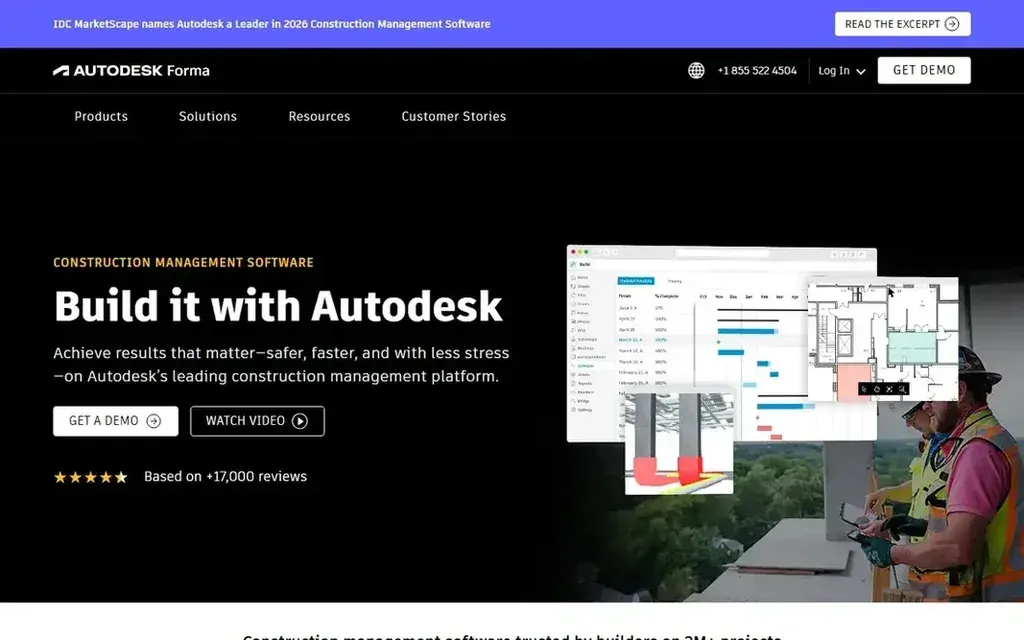
Autodesk Construction Cloud is a good fit for connected design and construction workflows. Autodesk Construction Cloud, now part of Autodesk Forma, is a construction management system that helps project teams collaborate securely and rapidly. It aims to keep delivery on time and on budget by connecting data across the project.
Drawbacks to consider: Setup can need planning.
Superintendents working with Autodesk design files will appreciate the continuity from design to field. As for the details, the product is wide, so small teams may find it heavy for straightforward markup needs. Pricing for Autodesk Construction Cloud is not stated here, so ask the vendor for current figures. As for free access: Not stated.
- Supports on-time delivery goals
- Secure cloud collaboration
- Wide platform may overwhelm new users
PlanGrid was built for existing users transitioning to Autodesk. PlanGrid is a construction app that is now part of Autodesk Forma, bringing its capabilities into the Autodesk ecosystem. The site offers login and support resources for existing users.
From a buyer's view, Superintendents already using PlanGrid can continue with familiar workflows whereas gaining access to broader Autodesk tools over time. Consider PlanGrid primarily if you are already in its ecosystem. Teams not invested in Autodesk may prefer a standalone markup tool. PlanGrid does not show a starting price in this comparison, so check the vendor site for current pricing. Free options: Not stated.
Where it falls short: New users should evaluate Autodesk Forma.
- Login and support resources available
- Now part of Autodesk Forma
- Transition may need workflow changes
Pick Trimble Connect if this describes you: Cloud-based project collaboration hub. Trimble Connect is a cloud-based collaboration environment that serves as a single source of truth for project data. It simplifies collaboration to boost efficiency and boost project outcomes.
Trade-offs to know: Collaboration focus over deep markup.
Also, if your primary need is advanced drawing annotation, a dedicated markup application may be more direct. For everyday use, teams outside the Trimble ecosystem may need additional integration effort. Trimble Connect shows no starting price here, so confirm the cost on the vendor site. As for free access: Not stated.
- Aims to boost efficiency and outcomes
- Cloud-based collaboration environment
- May need Trimble ecosystem alignment

Procore serves field-to-office project management. Since Procore handles broad project management scope, teams focused only on blueprint markup may find it broader than necessary. For everyday use, Procore is a construction management product that links the site and the office.
It supplies live visibility so teams can deliver quality projects on time. More specifically, if markup is the sole need, a dedicated annotation tool could be a more straightforward fit. From a buyer's view, for superintendents who want drawings, tasks, and project communication in one place, Procore provides a centralized hub that cuts switching between tools. No starting price is listed for Procore here; confirm pricing on the vendor site. Free options: Not stated.
Watch-outs: Needs consistent team adoption.
- Supports quality project delivery
- Links site and office teams
- Full system may be more than markup needs
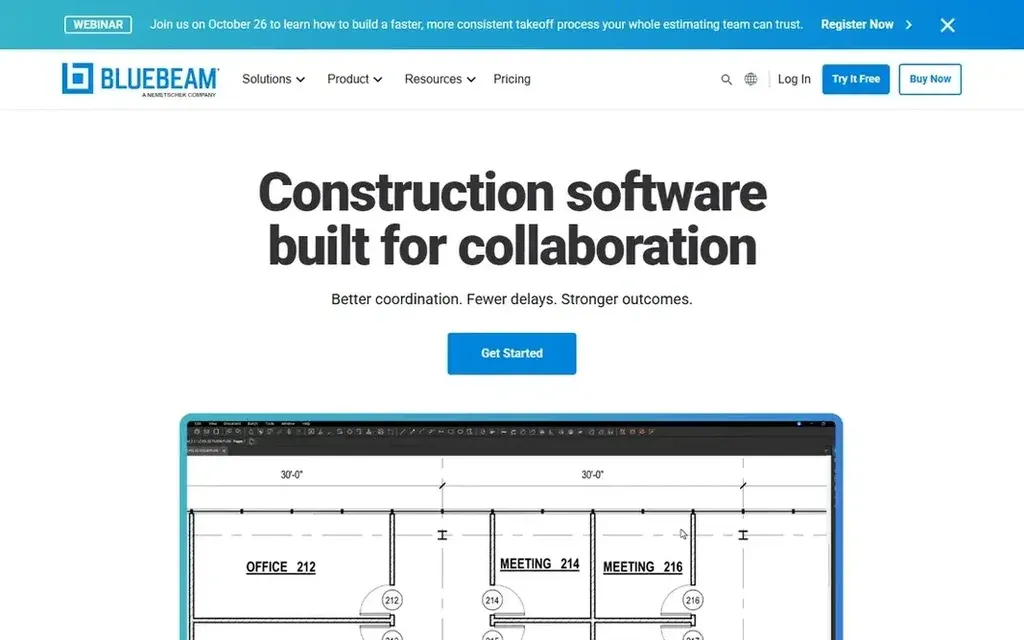
Bluebeam Revu is built with full PDF markup and collaboration in mind. Bluebeam Revu is a construction collaboration product centered on document management and markup.
In daily use, field superintendents who spend much of their day reviewing and annotating drawings will find its markup toolset well suited to in-depth PDF work and shared document control. Bluebeam Revu does not show a starting price in this comparison, so check the vendor site for current pricing. Trial and free access: Free trial.
Where it is weaker: May need training for advanced markup.
- Live collaboration on documents
- Works across design and completion phases
- Desktop-centric workflow
In short, Fieldwire is for live task and drawing tracking. Field superintendents who require to assign work, mark up drawings on the go, and keep the field and office synchronized will find Fieldwire designed for that daily rhythm.
It is used by owners, general contractors, and subcontractors. Fieldwire is oriented toward active task management, so teams needing only static document markup may find it more than required. The starting price for Fieldwire: $39 per user per month. You can start on Fieldwire without paying.
Where it falls short: Best value for active field teams.
- Used by owners, GCs, subcontractors
- Aims to cut costly rework
- Advanced features may need training
How the list was put together
LinkVetted used vendor pricing pages and product documentation as the base, then compared plans, free access and documented limits for 6 tools. Where a vendor does not publish a price, the entry says quote. Where a price depends on seats or billing term, the entry says so. The order reflects how well each tool fits the most common buying scenario for blueprint markup software for field superintendents, then price clarity, then free plan access. It is a starting point, not a verdict.
What to confirm before you sign up
- Confirm the entry price on the vendor page. For Autodesk Construction Cloud, PlanGrid, Trimble Connect and others that means a quote rather than a fixed price.
- Test the free plan from Fieldwire against your real workload before relying on it.
- Take the trial from Bluebeam Revu and push a live task through it before you pay.
- Read the limits listed for Autodesk Construction Cloud first: wide product may overwhelm new users.
- Involve the people who will use PlanGrid daily; a short pilot beats a long feature checklist.
- Look at which plan of Autodesk Construction Cloud unlocks the features you need; entry tiers are often cut down.
FAQ
How does Procore differ from a dedicated markup tool?
Procore is a wide construction management product connecting the site and office with live visibility. Teams needing both may use Procore for management and a specialized tool for in-depth markup.
Can I try these tools before paying?
Often, yes. Fieldwire has a free plan and Bluebeam Revu offers a free trial. Use your own data and a real task during the test, and check what the free tier or trial limits before you rely on it.
How are the tools for blueprint markup software for field superintendents ordered?
The order follows typical fit for blueprint markup software for field superintendents, with Autodesk Construction Cloud first and Fieldwire last, then price clarity and free access. It is editorial judgement, not a score, so another team could rank the tools differently.
Which options for blueprint markup software for field superintendents have a free plan?
Fieldwire is the only tool in this list with a free plan. Free plans usually cap users, projects or features, so check the limits on the vendor page. One other tool offers a trial instead.
Do these tools publish their prices?
Not all of them. Autodesk Construction Cloud, PlanGrid, Trimble Connect and others publish no starting price, so expect a quote request for those. The rest, Fieldwire included, show a starting price, though seats and billing terms still change the final cost.
Sources
- https://construction.autodesk.com
- https://www.plangrid.com
- https://connect.trimble.com
- https://www.procore.com
- https://www.bluebeam.com
- https://www.fieldwire.com