5 Landscape Design Software for Homeowners Worth Shortlisting in 2026
Best landscape design software for homeowners in 2026: 5 contenders with entry costs and free tiers. Each pick lists its main limit. Skim the table first.
- Editor's choiceLandscaping Software
Managing lawn and hardscape jobs
Starts at$99 a monthVisit landscapingsoftware.comFull review - Great alternative
 AutoCAD
Precise drafting for capable users
Starts atSee websiteVisit autodesk.comFull review - Also considerChief Architect Home Designer
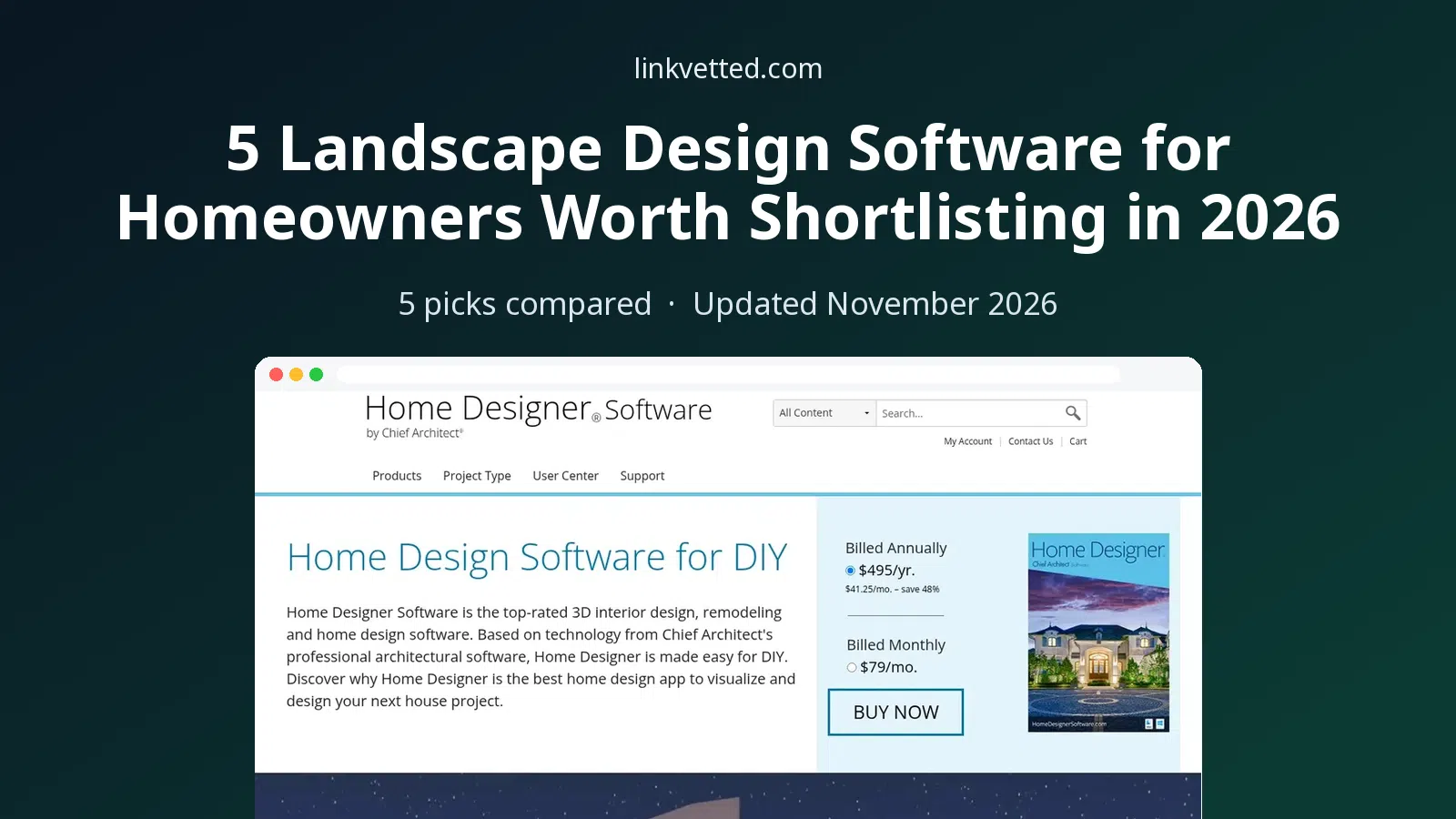
DIY home and yard planning in 3D
Starts atSee websiteVisit homedesignersoftware.comFull review
Direct answer
Start with Landscaping Software if you need managing lawn and hardscape jobs. Listed starting prices: Landscaping Software from $99 a month, Planner 5D from $19.99 a month and VizTerra from $84 per user per month. Look at AutoCAD for precise drafting for capable users, and at Chief Architect Home Designer for DIY home and yard planning in 3D. Prices, free plans and limits for all 5 tools follow.
TL;DR:
- Landscaping Software takes the first slot, best suited to managing lawn and hardscape jobs.
- One limit worth knowing about Planner 5D: general home design, not landscape-first.
- VizTerra is the one to check for in-depth 2D and 3D landscape plans.
- Only Planner 5D offers a free plan among these 5 tools.
- The lowest published monthly entry price here is $19.99 per month, from Planner 5D.
Last checked November 2026. Prices and plan details were read from the vendors' own pages in November 2026; vendors change plans often, so confirm the current price on the vendor site before you buy.
Quick comparison
| Tool | Best for | Starts at | Free plan? | |
|---|---|---|---|---|
| Landscaping Software | Managing lawn and hardscape jobs | $99 a month | Free trial | Visit |
| AutoCAD | Precise drafting for capable users | See website | Not stated | Visit |
| Chief Architect Home Designer | DIY home and yard planning in 3D | See website | Not stated | Visit |
 Planner 5D | Simple visual concepts for beginners | $19.99 a month | Yes | Visit |
| VizTerra | In-depth 2D and 3D landscape plans | $84 per user per month | Free trial | Visit |
5 landscape design software for homeowners in detail
LinkVetted compared 5 landscape design software for homeowners. The goal is a practical shortlist: published prices, free plan facts, best-fit use cases and honest limits for every entry.
Landscaping Software
Best for: Managing lawn and hardscape jobs
Landscaping Software works best for managing lawn and hardscape jobs. Homeowners who run a small property service, or who coordinate regular crews and want jobs and invoices organized in one place, will find it pitched at operations instead of design. It does not help you draw or visualize a landscape, so it cannot replace a design tool.
Pick it only when the need is managing service work and paperwork, not planning the yard itself. Landscaping Software is landscape management software for lawn care, fertilization, hardscape and snow removal work, including scheduling, dispatch, invoicing and payments. Price to start with Landscaping Software: $99 per month. As for free access: Free trial.
Limits to weigh: not a design tool.
- Invoicing and payments included
- Includes lawn care and snow removal
- Management tool
AutoCAD is built with precise drafting for capable users in mind. AutoCAD from Autodesk is professional drafting software, with the current release emphasizing automation, performance and shared DWG collaboration across desktop and web.
Points against: Overkill for straightforward yard sketches.
For a straightforward backyard concept, a friendlier planner is the practical choice. AutoCAD does not show a starting price in this comparison, so check the vendor site for current pricing. On free options: Not stated.
- Industry-standard drafting precision
- Automation features in current release
- Steep ramp-up time
Chief Architect Home Designer
Best for: DIY home and yard planning in 3D
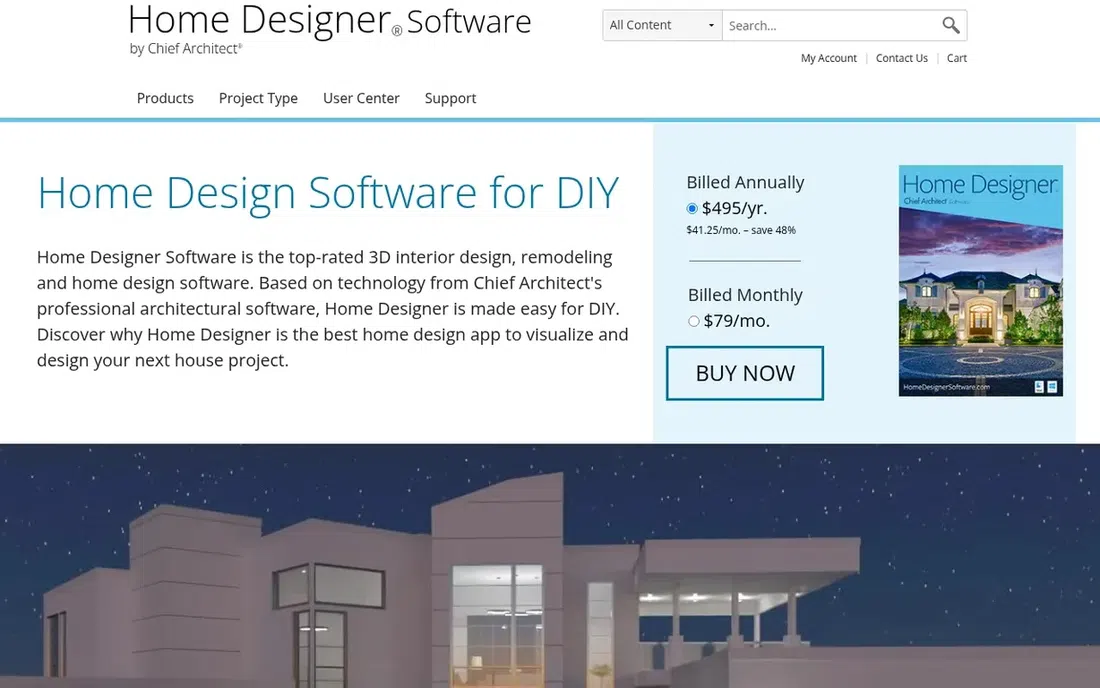
Where Chief Architect Home Designer fits: DIY home and yard planning in 3D. Its focus is home and interior design instead of dedicated planting or hardscape tools, so a yard-only project may feel underserved.
The main drawbacks: Ramp-up time for full feature set.
If your priority is plant libraries, terrain shaping or contractor-ready landscape sheets, a landscape-focused tool is the better fit. Chief Architect Home Designer does not show a starting price in this comparison, so check the vendor site for current pricing. Trial and free access: Not stated.
- Spans interior and remodeling work
- Designed for do-it-yourself design
- Not landscape-specific
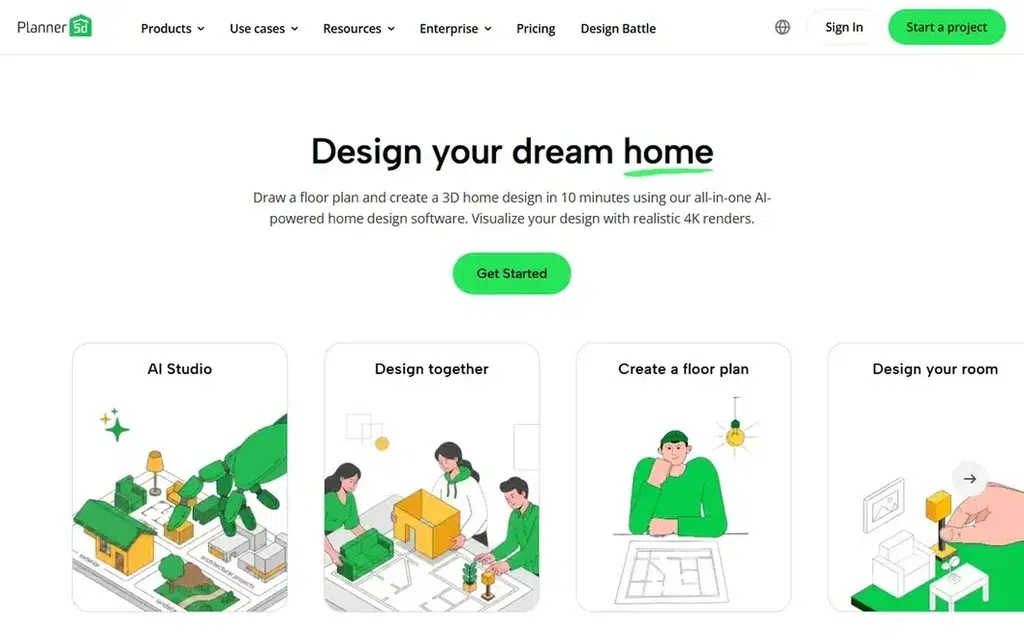
Planner 5D works best for simple visual concepts for beginners. It is a general home design product, so dedicated landscape features like terrain and plant planning are restricted compared to landscape-specific tools.
Pick it for early concepts, then move to a specialized tool if the project grows in-depth. Planner 5D starts at: $19.99 per month. Free access exists with Planner 5D.
Where it falls short: General home design, not landscape-first.
- Approachable for non-designers
- Straightforward 2D and 3D design
- May lack specialist outdoor tools
VizTerra
Best for: In-depth 2D and 3D landscape plans
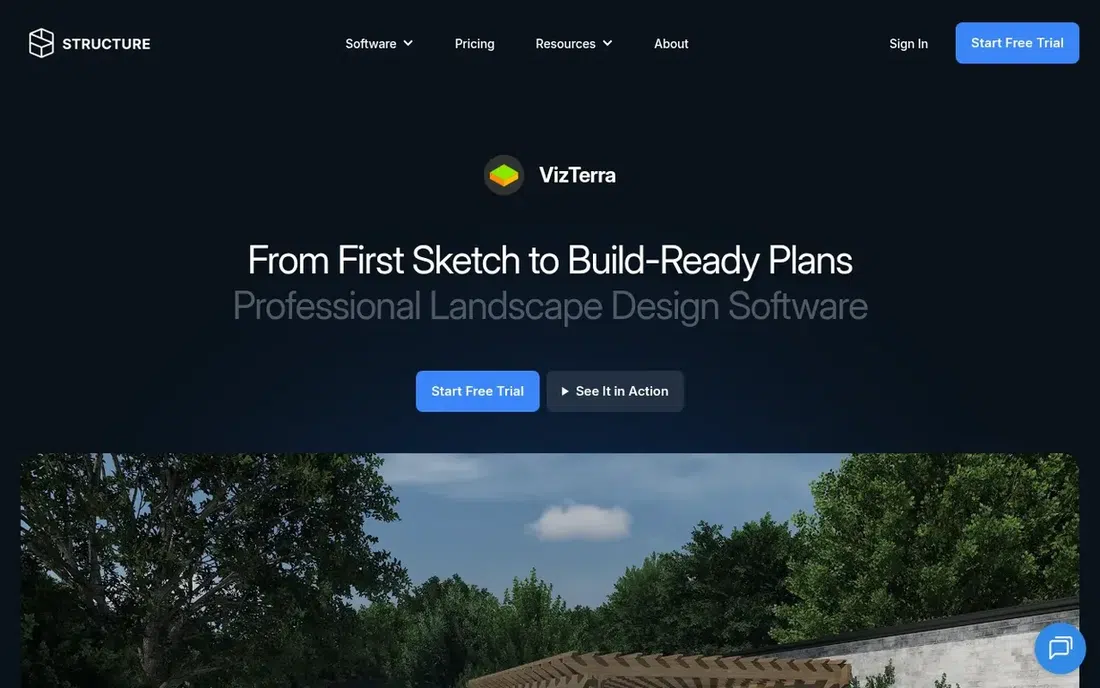
VizTerra serves in-depth 2D and 3D landscape plans. Homeowners tackling a serious outdoor project, like a patio, planting scheme or full yard redesign, get a tool shaped around landscape work instead of general architecture.
If you only want a fast visual sketch to discuss with family, a more straightforward planner will be quicker to learn. VizTerra cost at the entry level: $84 per user per month. As for free access: Free trial.
Downsides: Less suited to interior-only projects.
- Designed for landscape design
- Aims at build-ready plan output
- Professional orientation may overwhelm beginners
Selection criteria
What to confirm before you sign up
- Ask AutoCAD and Chief Architect Home Designer for a written quote, since no starting price is shown.
- Test the free plan from Planner 5D against your real workload before relying on it.
- Use real work to test the free trial from Landscaping Software and VizTerra, rather than a demo project.
- Read the limits listed for Landscaping Software first: management tool, not a design tool.
- Ask VizTerra which support channels and response times come with the plan you would buy.
- Price Planner 5D for your actual team size; headline prices rarely include add-ons or overage.
FAQ
Do I need professional software to design a backyard?
Most homeowners do not. A straightforward 2D and 3D planner is enough for concepts and family discussions, whereas professional drafting tools matter when a contractor needs precise, shareable drawings.
Can I try these tools before paying?
Often, yes. Planner 5D has a free plan and Landscaping Software and VizTerra offer a free trial. Use your own data and a real task during the test, and check what the free tier or trial limits before you rely on it.
Can I use general home design software for a yard?
Tools like Chief Architect Home Designer and Planner 5D help you see how outdoor spaces relate to the house. But they lack specialist planting and terrain features found in landscape-specific software.
What should I check before choosing landscape software?
Confirm the outdoor features you need, the file formats your contractor accepts, and how much time you can spend learning the tool.
How are the tools for landscape design software for homeowners ordered?
Landscaping Software sits first and VizTerra last because the order follows typical fit for landscape design software for homeowners, then price clarity and free access. It is a judgement call, so read each profile for fit and limits.
What is the cheapest option for landscape design software for homeowners in this list?
On published monthly entry prices, Planner 5D is the lowest here at $19.99 per month. Entry price is only part of the cost, because seats, add-ons and billing terms can change the total. Each of the 5 options in this landscape design software for Homeowners guide has its own card above with the price, free plan and limits.
Sources
- https://www.landscapingsoftware.com
- https://www.autodesk.com/products/autocad
- https://www.homedesignersoftware.com
- https://planner5d.com
- https://www.vizterra.com