Best 3D Design Software for Tradeshow Kiosks for 2026: Our 6 Vetted Picks
6 best 3D design software for tradeshow kiosks, compared on pricing, free plans and best-fit use. Each tool is judged on the same checks. Narrow your shortlist.
- Editor's choice
 Cinema 4D
Motion graphics and refined kiosk visualization
Starts atSee websiteVisit maxon.netFull review - Great alternative
 AutoCAD
Precise 2D drafting and 3D kiosk layouts
Starts atSee websiteVisit autodesk.comFull review - Also consider
 KeyShot
Live rendering for kiosk product visuals
Starts at$7.92 a monthVisit keyshot.comFull review
Direct answer
For motion graphics and refined kiosk visualization, Cinema 4D is where this list starts. Listed starting prices: KeyShot from $7.92 a month. AutoCAD is the stronger choice for precise 2D drafting and 3D kiosk layouts, while KeyShot suits live rendering for kiosk product visuals. The other 3 tools in the list cover narrower or pricier cases.
TL;DR:
- Cinema 4D takes the first slot, best suited to motion graphics and refined kiosk visualization.
- Cinema 4D, Vectorworks and the 4 others all need a premium plan or a trial, since no free plan is listed.
- Vectorworks suits adaptable CAD for kiosk design and documentation.
- KeyShot has the lowest monthly starting price in this list: $7.92 per month.
Last checked November 2026. Prices and plan details were read from the vendors' own pages in November 2026; vendors change plans often, so confirm the current price on the vendor site before you buy.
Quick comparison
| Tool | Best for | Starts at | Free plan? | |
|---|---|---|---|---|
| Cinema 4D | Motion graphics and refined kiosk visualization | See website | Not stated | Visit |
| AutoCAD | Precise 2D drafting and 3D kiosk layouts | See website | Not stated | Visit |
| KeyShot | Live rendering for kiosk product visuals | $7.92 a month | Free trial | Visit |
| 3ds Max | High-end modeling and rendering for kiosk visuals | See website | Not stated | Visit |
 Fusion | Parametric CAD for fabrication-ready kiosk designs | See website | Not stated | Visit |
 Vectorworks | Adaptable CAD for kiosk design and documentation | See website | Not stated | Visit |
Tool-by-tool breakdown
Choosing 3D design software for tradeshow kiosks usually comes down to price, fit and limits. This LinkVetted guide sets 6 tools side by side on those three points, with the facts kept short and checkable.

Where Cinema 4D fits: motion graphics and refined kiosk visualization. Cinema 4D is a widely used 3D modeling and animation application known for its approachable interface and capable motion graphics capabilities.
For everyday use, Cinema 4D is not a CAD package, so it lacks the drafting and documentation features needed for fabrication drawings. Choose it when animation and visual polish matter more than build documentation. Cinema 4D shows no starting price here, so confirm the cost on the vendor site. On free options: Not stated.
Where it is weaker: Better suited to visualization than fabrication.
- High-quality rendering
- Approachable modeling workflow
- Restricted CAD documentation tools
AutoCAD is aimed squarely at precise 2D drafting and 3D kiosk layouts. Autodesk AutoCAD is a design and drafting product with AI automation, performance improvements, and shared DWG collaboration across desktop and web. AutoCAD's 3D modeling is capable but less fluid than dedicated 3D tools for complicated organic shapes.
For tradeshow kiosks, it is solid for precise floor plans, elevations, and in-depth layouts that coordinate with fabricators. High-quality rendering usually needs complementary software. AutoCAD shows no starting price here, so confirm the cost on the vendor site. On free options: Not stated.
Where it is weaker: Rendering needs extra software.
- Industry-standard DWG collaboration
- AI automation features
- 3D modeling less easy-to-learn than dedicated tools
In short, KeyShot is for live rendering for kiosk product visuals. KeyShot is 3D rendering and AI visualization software that makes it possible for live rendering and collaboration from concept to product launch for product design firms. In practice, KeyShot does not build models itself, so you need a separate design tool for geometry.
It is a visualization specialist instead of an all-in-one kiosk design product. For tradeshow kiosks, it rapidly turns CAD models into realistic visuals for client approval and marketing. On cost, KeyShot starts like this: $7.92 per month. Free plan details: Free trial.
Trade-offs to know: Not a modeling tool.
- Live rendering technology
- AI visualization features
- Needs models from other software
3ds Max
Best for: High-end modeling and rendering for kiosk visuals
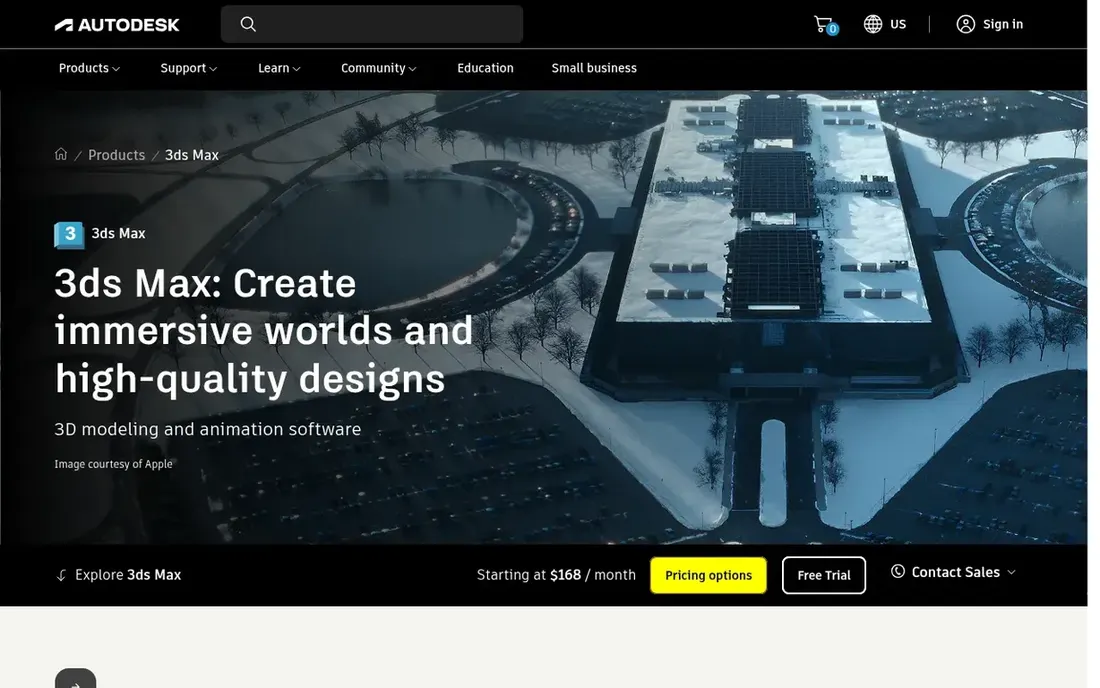
Where 3ds Max fits: high-end modeling and rendering for kiosk visuals. It suits visualization specialists and studios that require cinematic presentation quality.
Drawbacks to consider: Not centred on fabrication output.
Pick it when the primary goal is stunning marketing imagery instead of build-ready drawings. No starting price is listed for 3ds Max here; confirm pricing on the vendor site. Trial and free access: Not stated.
- High-quality rendering tools
- Professional modeling and animation
- Steep ramp-up time
Pick Fusion if this describes you: Parametric CAD for fabrication-ready kiosk designs. Autodesk Fusion, formerly Fusion 360, is a cloud-based system for 3D CAD, modeling, manufacturing, industrial design, electronics, and mechanical engineering.
Trade-offs to know: Less concentrated on high-end rendering.
Beyond that, cloud-based workflows need dependable connectivity. This comparison lists no price for Fusion; ask the vendor. Trial and free access: Not stated.
- Cloud-based collaboration
- Integrated CAD, CAM, CAE
- Cloud dependency for collaboration
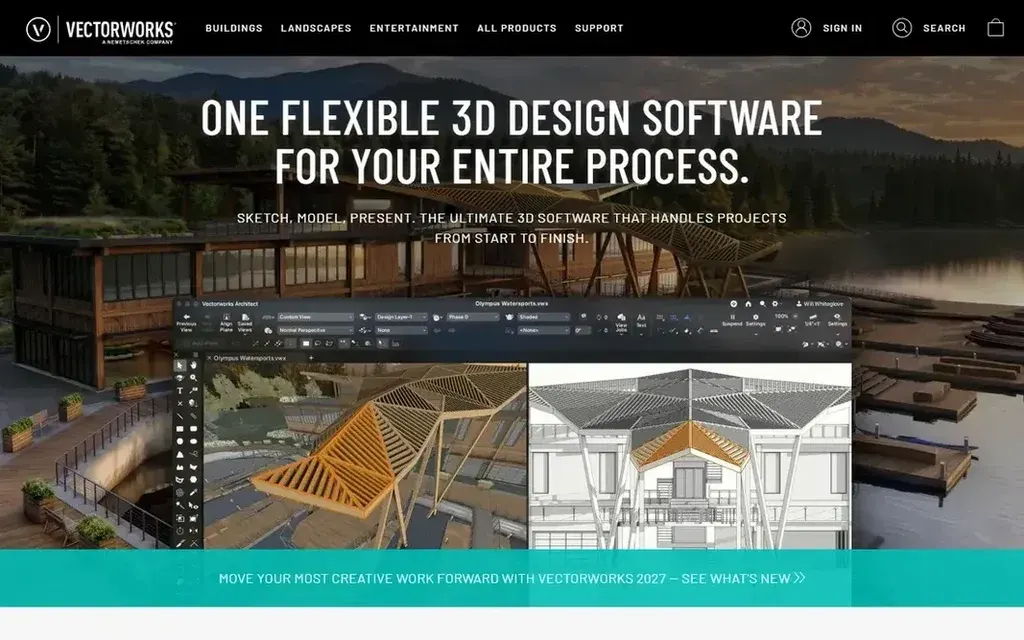
Vectorworks makes the most sense for adaptable CAD for kiosk design and documentation. For tradeshow kiosks, its mix of modeling and documentation tools helps teams move from concept to build drawings in one environment.
On top of that, Vectorworks is a 3D modeling and design software that gives an adaptable and collaborative CAD process for architecture, landscaping, and entertainment professionals. Choose Vectorworks when kiosk design needs coordinated drawings and cross-team collaboration. Vectorworks shows no starting price here, so confirm the cost on the vendor site. As for free access: Not stated.
Honest limits: May need extras for advanced rendering.
- Suited to entertainment and architecture
- Collaborative CAD process
- Ramp-up time for new users
Selection criteria
LinkVetted used vendor pricing pages and product documentation as the base, then compared plans, free access and documented limits for 6 tools. Plan names, prices and limits change often. Treat the figures here as a starting point and verify them with the vendor. The ranking is editorial: typical fit first, then clear pricing, then free access. If your needs are unusual, read the profiles rather than relying on position.
Before you commit
- Get a written quote from Cinema 4D, AutoCAD, 3ds Max and others; the list shows no starting price for them.
- Run a trial of KeyShot with real work before paying for a year; your own workflow is the best test.
- Read the limits listed for Cinema 4D first: restricted CAD documentation tools.
- Check how data leaves Vectorworks: formats, limits and whether exports are available on every plan.
- Confirm minimum seats and billing terms with KeyShot before you commit to an annual plan.
FAQ
Is Cinema 4D the right pick for everyone comparing 3D design software for tradeshow kiosks?
No single tool suits every team. Cinema 4D comes first because it fits motion graphics and polished kiosk visualization, while AutoCAD suits precise 2D drafting and 3D kiosk layouts and KeyShot suits real-time rendering for kiosk product visuals. Match the tool to your own size, budget and workflow before deciding.
Which tool is a good match for fabrication-ready kiosk designs?
For most readers this guide would start with Cinema 4D, built for motion graphics and refined kiosk visualization. AutoCAD is the alternative for precise 2D drafting and 3D kiosk layouts, and KeyShot for live rendering for kiosk product visuals. The right answer depends on budget and workflow.
Do these tools publish their prices?
Not all of them. Cinema 4D, AutoCAD, 3ds Max and others publish no starting price, so expect a quote request for those. The rest, KeyShot included, show a starting price, though seats and billing terms still change the final cost.
What is the cheapest option for 3D design software for tradeshow kiosks in this list?
On published monthly entry prices, KeyShot is the lowest here at $7.92 per month. Entry price is only part of the cost, because seats, add-ons and billing terms can change the total. Prices, free plan details and limits for all 6 tools in this 3D design software for Tradeshow Kiosks roundup sit on the individual cards above.
Can I use rendering software alone to design a kiosk?
Rendering tools like KeyShot need models created in other software, so they are not standalone design options. Worth adding: you will need a modeling or CAD tool to build the kiosk geometry first.
How are the tools for 3D design software for tradeshow kiosks ordered?
Cinema 4D sits first and Vectorworks last because the order follows typical fit for 3D design software for tradeshow kiosks, then price clarity and free access. It is a judgement call, so read each profile for fit and limits.
Sources
- https://www.maxon.net/en/cinema-4d
- https://www.autodesk.com/products/autocad
- https://www.keyshot.com
- https://www.autodesk.com/products/3ds-max
- https://www.autodesk.com/products/fusion-360
- https://www.vectorworks.net