Top 6 3D Design Software for Tradeshow Flyers for 2026 (Prices and Free Plans)
6 best 3D design software for tradeshow flyers, with entry costs, free tiers and the buyer each one serves. Plain-spoken summaries throughout. Clear verdicts.
- Editor's choice
 Cinema 4D
3D product visuals for flyers
Starts atPricing on requestVisit maxon.netFull review - Great alternative
 CorelDRAW Graphics Suite
Vector and technical illustration work
Starts atPricing on requestVisit coreldraw.comFull review - Also consider
 Adobe Illustrator
Print-ready vector flyer design
Starts atPricing on requestVisit adobe.comFull review
Direct answer
Start with Cinema 4D if you need 3D product visuals for flyers. CorelDRAW Graphics Suite is better for vector and technical illustration work, and Adobe Illustrator is better for print-ready vector flyer design. All 6 tools are compared below on fit, free plan and limits. None of these vendors publish plan prices, so pricing is on request for every option.
TL;DR:
- Cinema 4D takes the first slot, best suited to 3D product visuals for flyers.
- Affinity Designer suits precise vector art on a budget.
- No starting price is shown for any of the 6 tools, Cinema 4D and Affinity Designer included, so plan time for sales calls.
- Cinema 4D, Affinity Designer and the 4 others all need a premium plan or a trial, since no free plan is listed.
Last checked November 2026. Pricing on request: vendors did not publish plan prices when this guide was last checked (November 2026), so ask each vendor for a written quote.
Quick comparison
| Tool | Best for | Starts at | Free plan? | |
|---|---|---|---|---|
| Cinema 4D | 3D product visuals for flyers | Pricing on request | Not stated | Visit |
| CorelDRAW Graphics Suite | Vector and technical illustration work | Pricing on request | Not stated | Visit |
| Adobe Illustrator | Print-ready vector flyer design | Pricing on request | Not stated | Visit |
 Adobe Photoshop | Image editing and composite scenes | Pricing on request | Not stated | Visit |
 Canva | Quick template-based flyer layouts | Pricing on request | Not stated | Visit |
 Affinity Designer | Precise vector art on a budget | Pricing on request | Not stated | Visit |
Every option for 3D design software for tradeshow flyers explained
LinkVetted put together this guide to 3D design software for tradeshow flyers for readers who want a clear shortlist without reading every vendor page. It compares 6 tools on starting price, free plans, who each one suits and where each one falls short.
Cinema 4D serves 3D product visuals for flyers. In a tradeshow flyer workflow, it is the tool that produces the rendered product shots, abstract 3D backgrounds or dimensional type that vector editors cannot create.
Points against: Steep ramp-up time.
Its ramp-up time is significant for teams without 3D experience. Also, choose it when the flyer concept relies on original 3D renders instead of stock imagery. Cinema 4D shows no starting price here, so confirm the cost on the vendor site. As for free access: Not stated.
- Professional 3D modeling and animation
- Capable motion graphics integration
- Not a layout or vector tool
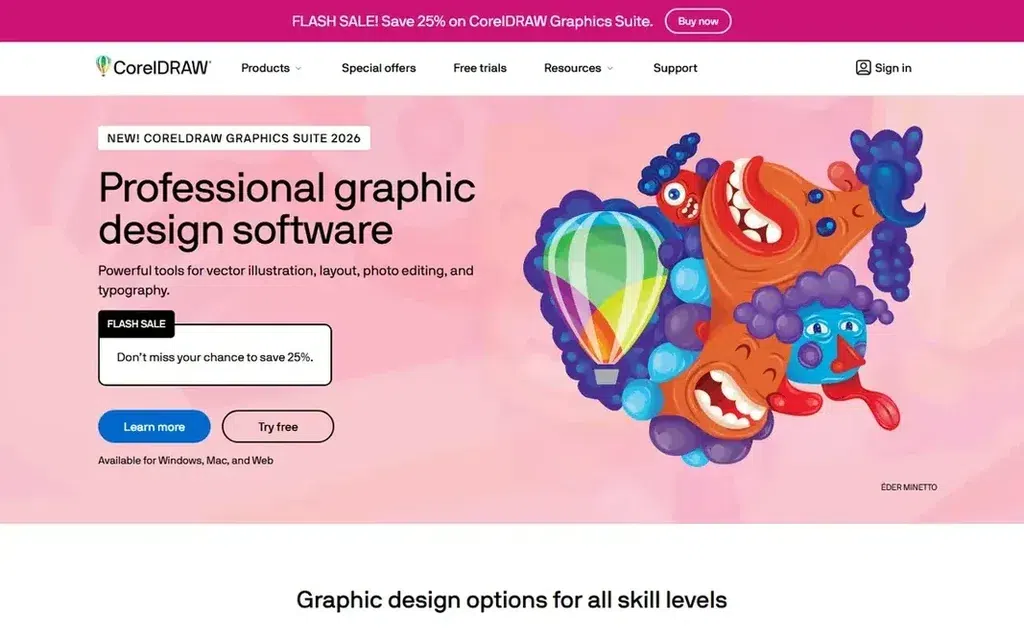
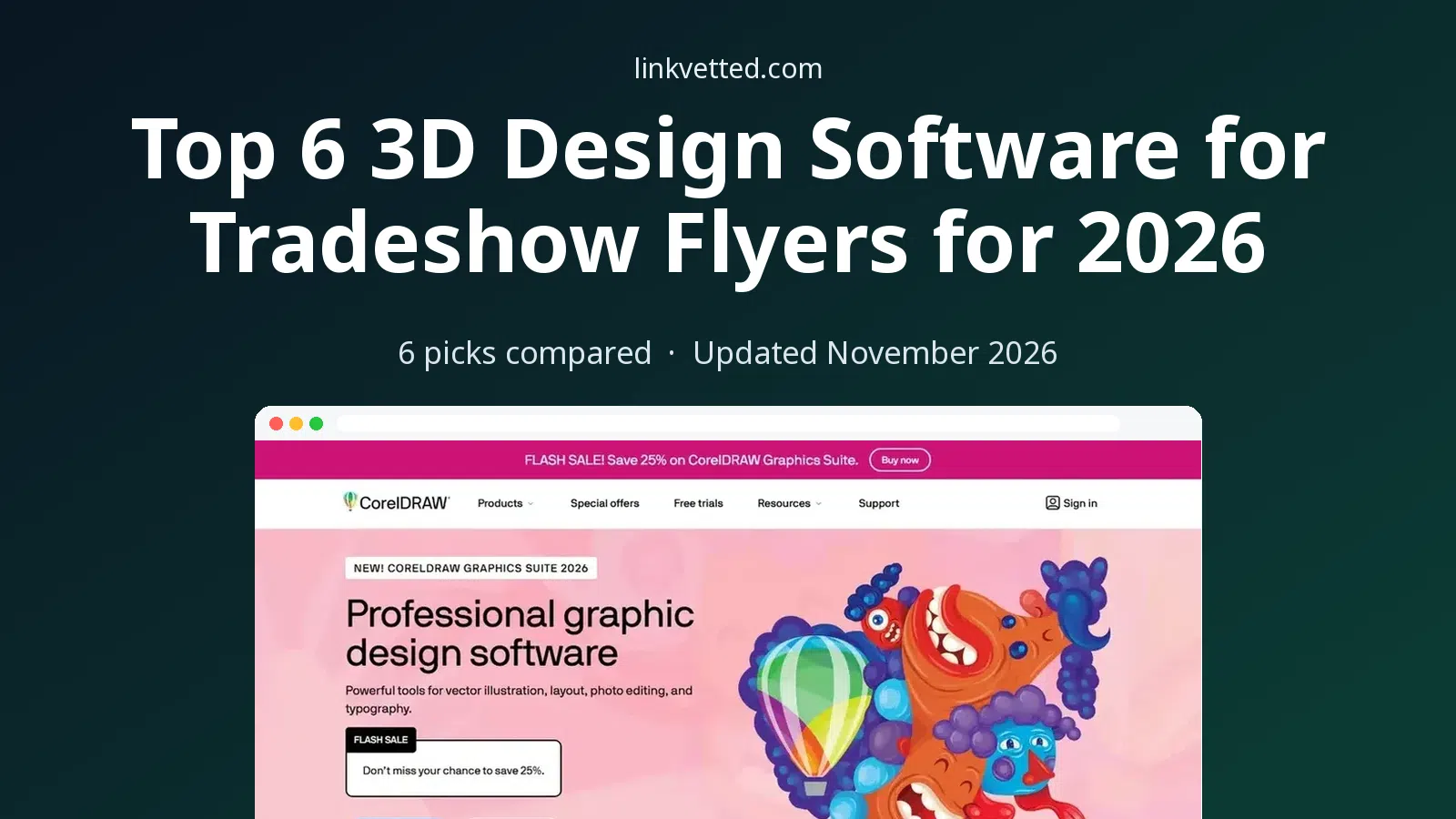
For vector and technical illustration work, CorelDRAW Graphics Suite is a natural candidate. The suite carries a learning curve, and its interface and file conventions differ from Adobe-centric studio workflows.
Drawbacks to consider: Interface differs from Adobe workflows.
What CorelDRAW Graphics Suite does well: Suited to logos. Pricing for CorelDRAW Graphics Suite is not stated here, so ask the vendor for current figures. Free options: Not stated.
- Posters and drafting
- Wide production feature set
- Feature depth can overwhelm beginners
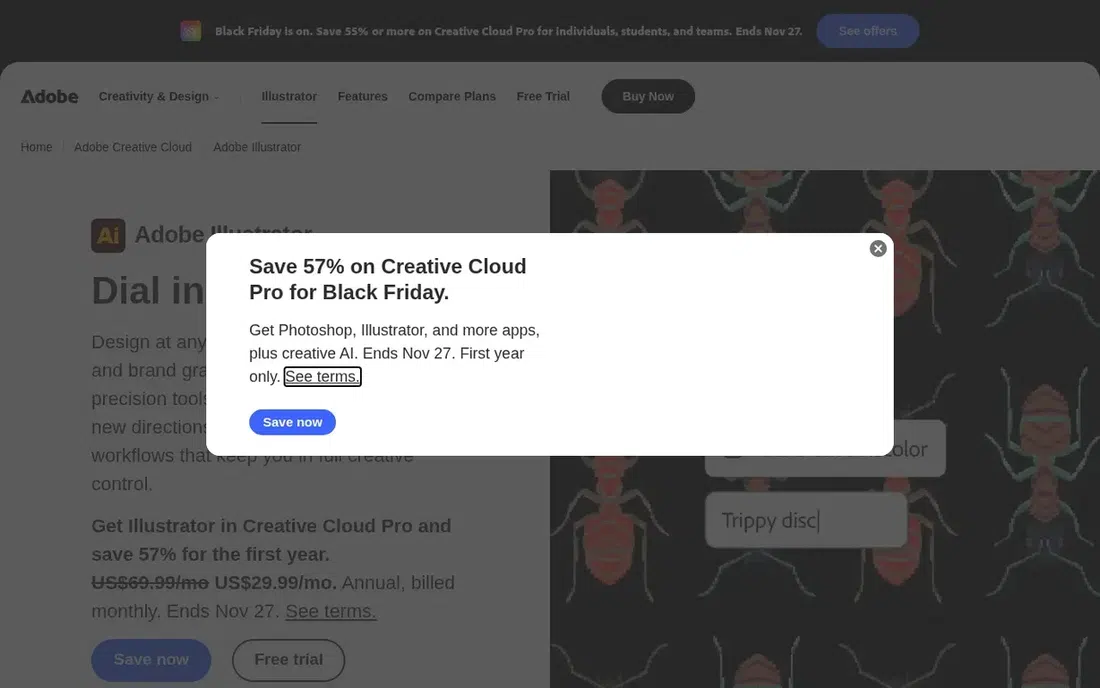
Where Adobe Illustrator fits: print-ready vector flyer design. If your flyers are largely template-driven and you seldom touch anchor points, a more straightforward layout tool will get you to a finished file quicker.
Where it falls short: Ramp-up time for new users.
More specifically, for tradeshow flyers that must stay crisp at large print sizes, that combination handles layout, typography and illustration in one file. In practice, the software assumes some familiarity with vector concepts, and its subscription model may not suit occasional users. Pricing for Adobe Illustrator is not stated here, so ask the vendor for current figures. Trial and free access: Not stated.
- Capable fit for print production
- Generative AI turns text prompts into editable vectors
- Subscription-based access
Choose Adobe Photoshop for image editing and composite scenes. Choose Photoshop for image work, and pair it with a vector tool for the flyer layout itself. As for the details, in a tradeshow flyer workflow, it is where photos are retouched, 3D renders are composited and textured backgrounds are built before layout.
It also does not model or render 3D scenes the way dedicated 3D software does. Adobe Photoshop is an image editing and design application for creating custom scenes, making complex edits and combining images. Adobe Photoshop shows no starting price here, so confirm the cost on the vendor site. Trial and free access: Not stated.
Trade-offs to know: Subscription access required.
- Feature-rich image editing and compositing
- Links up with vector workflows
- Raster-based, not vector-native
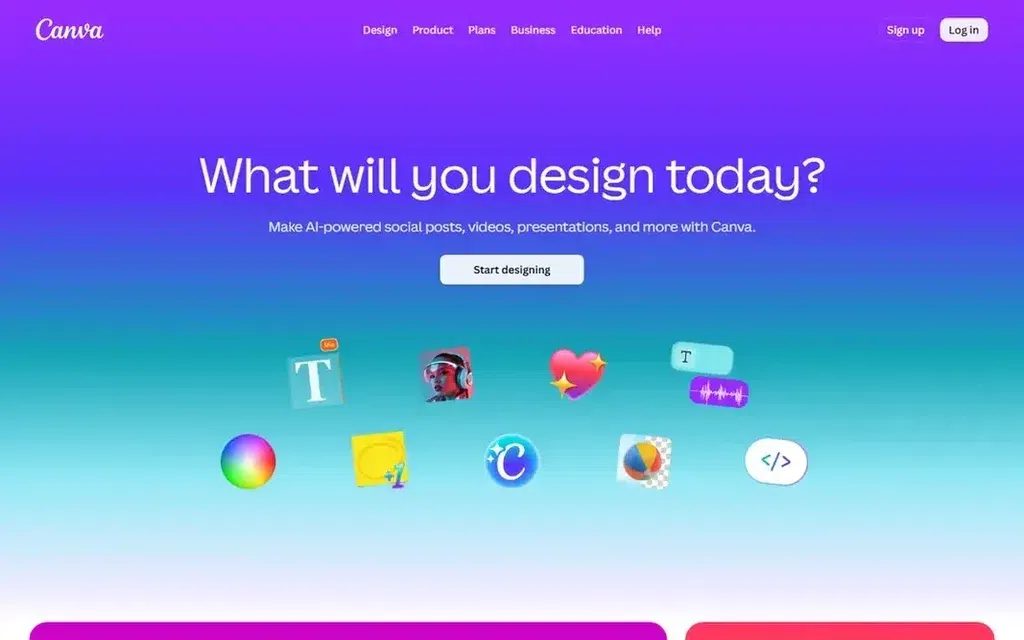
Choose Canva for quick template-based flyer layouts. Canva is not a precision vector editor, and it does not produce true 3D renders on its own. For tradeshow flyers, it shortens the path from blank page to finished layout, which helps teams that require consistent materials without a dedicated design background.
The main drawbacks: Restricted for complicated 3D work.
In daily use, flyers with complicated die lines, exact brand color separations or heavy 3D imagery may need a different tool. Pick Canva when speed and template variety matter more than fine-grained print control. Pricing for Canva is not stated here, so ask the vendor for current figures. Free options: Not stated.
Upsides: Online design tool with wide template coverage.
- Low barrier to entry
- Social posts and presentations
- Less precise vector control
Affinity Designer was built for precise vector art on a budget. Affinity Designer is professional design software aimed at precision, speed and freedom, centred on crisp vector art and bold graphics. Affinity Designer does not contain 3D modeling or rendering, so flyers that rely on rendered product scenes need another tool in the pipeline.
Its ecosystem of plugins and external integrations is smaller than Adobe's. For tradeshow flyers, it manages typography, shapes and illustration with the control print work demands. Check the vendor site for Affinity Designer pricing; none is listed in this comparison. Free access: Not stated.
Where it is weaker: No built-in 3D rendering.
- Professional feature set
- Designed for precision and speed
- Smaller ecosystem than Adobe
How we chose
We compared the tools on published pricing, free plan or trial availability, feature coverage for 3D design software for tradeshow flyers, and the limits each vendor documents. Prices and plan limits come from vendor pages and can change, so confirm them on the vendor site before you buy. The order reflects how well each tool fits the most common buying scenario for 3D design software for tradeshow flyers, then price clarity, then free plan access. It is a starting point, not a verdict.
A buyer's checklist
- Request quotes from Cinema 4D, Affinity Designer and the others; the list shows no fixed prices.
- Read the limits listed for Cinema 4D first: steep ramp-up time.
- Confirm that Cinema 4D connects to the apps your team already uses, on the plan you would actually buy.
- Work out what Canva costs with your real seat count, add-ons and usage, not just the entry price.
- Check how data leaves Adobe Illustrator: formats, limits and whether exports are available on every plan.
FAQ
How are the tools for 3D design software for tradeshow flyers ordered?
The order follows typical fit for 3D design software for tradeshow flyers, with Cinema 4D first and Affinity Designer last, then price clarity and free access. It is editorial judgement, not a score, so another team could rank the tools differently.
Can I try these tools before paying?
Not by default. None of the tools, from Cinema 4D to Affinity Designer, lists a free plan or a free trial here, so ask each vendor for a demo before committing.
Do I need a 3D tool to design a tradeshow flyer?
Not always. Numerous flyers work well with vector layout and edited photography alone. As for the details, a 3D tool becomes handy when the design calls for original product renders or dimensional backgrounds that cannot be sourced otherwise.
Do these tools publish their prices?
No. None of the tools, from Cinema 4D to Affinity Designer, shows a fixed starting price here, so budget time for quotes.
Does any tool for 3D design software for tradeshow flyers here have a free plan?
A permanent free plan is not offered by Cinema 4D, Affinity Designer or the other tools here. Plan a short evaluation period instead.
How should I choose between Illustrator and Affinity Designer?
Illustrator layers on generative AI and a bigger ecosystem, whereas Affinity Designer centres on precision and speed in a simplified vector application.
Sources
- https://www.maxon.net/en/cinema-4d
- https://www.coreldraw.com
- https://www.adobe.com/products/illustrator.html
- https://www.adobe.com/products/photoshop.html
- https://www.canva.com
- https://affinity.serif.com/en-us/designer