Best 3D Design Software for Tradeshow Videos (2026): 6 Picks Checked on Vendor Pages
Best 3D design software for tradeshow videos: 6 tools compared on price, free plans and fit. Trade-offs are spelled out for each entry. Choose faster.
- Editor's choice3ds Max
Large-scale modeling and animation
Starts atSee websiteVisit autodesk.comFull review - Great alternative
 V-Ray
Photorealistic rendering inside design systems
Starts atSee websiteVisit chaos.comFull review - Also consider
 KeyShot
Live product rendering
Starts at$7.92 per monthVisit keyshot.comFull review
Direct answer
This list puts 3ds Max first for large-scale modeling and animation. Listed starting prices: KeyShot from $7.92 per month. Look at V-Ray for Photorealistic rendering inside design platforms, and at KeyShot for live product rendering. Prices, free plans and limits for all 6 tools follow.
TL;DR:
- The list opens with 3ds Max, aimed at large-scale modeling and animation.
- For animated tradeshow motion graphics, Cinema 4D is worth a look.
- The cheapest monthly starting price in the list is $7.92 per month, offered by KeyShot.
- Neither 3ds Max nor Cinema 4D, nor any of the other 4 tools, has a permanent free plan; trials and quotes are the norm.
- One limit worth knowing about KeyShot: restricted as a full animation suite.
Last checked November 2026. Prices and plan details were read from the vendors' own pages in November 2026; vendors change plans often, so confirm the current price on the vendor site before you buy.
Quick comparison
| Tool | Best for | Starts at | Free plan? | |
|---|---|---|---|---|
| 3ds Max | Large-scale modeling and animation | See website | Not stated | Visit |
| V-Ray | Photorealistic rendering inside design systems | See website | Not stated | Visit |
| KeyShot | Live product rendering | $7.92 per month | Free trial | Visit |
| LightWave 3D | Modeling, animation and visual effects | See website | Not stated | Visit |
 Adobe After Effects | Compositing and finishing motion graphics | See website | Not stated | Visit |
 Cinema 4D | Animated tradeshow motion graphics | See website | Not stated | Visit |
6 3D design software for tradeshow videos in detail
If you are comparing 3D design software for tradeshow videos, this page covers 6 tools in one place: what each is best for, what it costs to start, whether it has a free plan, and the main limit to know about.
3ds Max
Best for: Large-scale modeling and animation
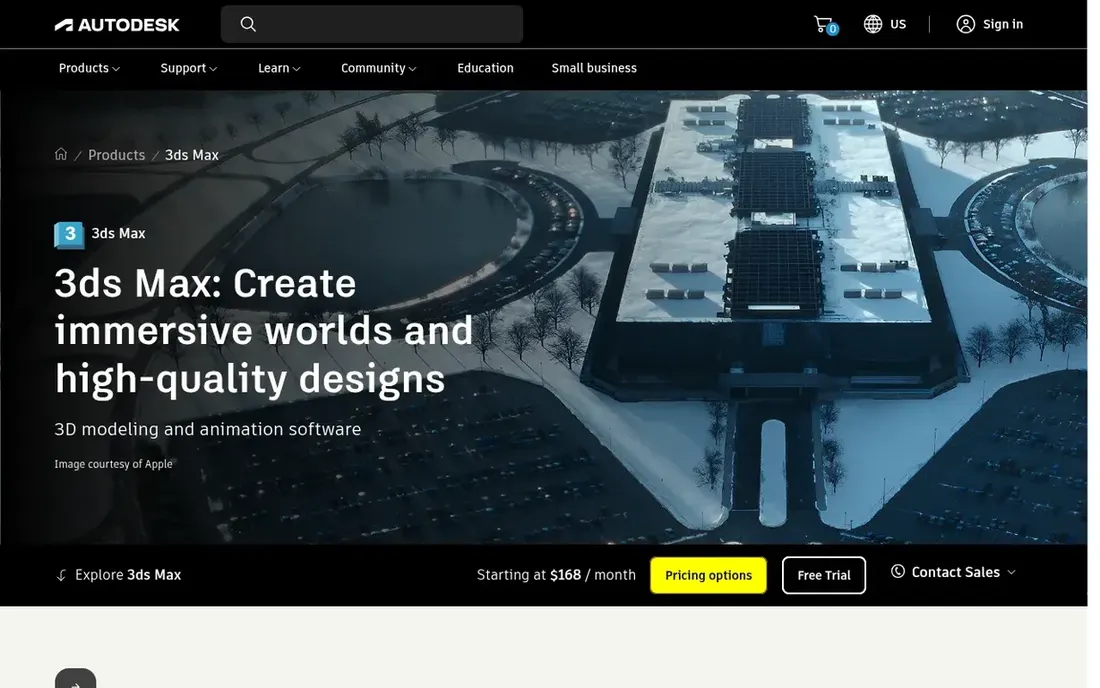
3ds Max works best for large-scale modeling and animation. Autodesk 3ds Max is professional 3D modeling, animation and rendering software pitched at creating expansive worlds and high-quality designs. It is commonly chosen in architectural and product visualization pipelines where scene complexity is high.
Where it is weaker: Steep ramp-up time.
In practice, 3ds Max runs on Windows and its feature depth can overwhelm newcomers. More specifically, smaller teams wanting fast product renders may prefer a lighter, more focused tool. As for the details, pick 3ds Max when your tradeshow scenes demand heavy modeling and in-depth environment work. Pricing for 3ds Max is not stated here, so ask the vendor for current figures. Trial and free access: Not stated.
- Takes care of expansive
- Detailed scenes
- Windows-only product
V-Ray serves Photorealistic rendering inside design products. Photoreal rendering can be demanding on hardware and render times.
Watch-outs: Rendering can be resource intensive.
Chaos V-Ray is photorealistic 3D rendering software available as a plugin for widely used design systems including 3ds Max, SketchUp, Rhino, Maya and Blender. Pick V-Ray when realistic lighting and materials are central to your tradeshow visuals and you already work in a supported system. V-Ray does not show a starting price in this comparison, so check the vendor site for current pricing. Trial and free access: Not stated.
- Suits existing design workflows
- Works as a plugin across widely used products
- Needs a host application
KeyShot is a good fit for live product rendering. If your tradeshow video is animation-heavy, pair it with a modeling suite.
Where it falls short: Restricted as a full animation suite.
As for the details, choose KeyShot when product appearance and fast visual iteration are the priority. Starting cost for KeyShot: $7.92 per month. Trial and free access: Free trial.
- Supports collaboration from concept to launch
- Live rendering approach
- Best paired with modeling tools
LightWave 3D
Best for: Modeling, animation and visual effects
In short, LightWave 3D is for modeling, animation and visual effects. Its community is smaller than some bigger suites, which can mean fewer shared tutorials and plugins.
Pricing for LightWave 3D is not stated here, so ask the vendor for current figures. On free options: Not stated.
Downsides: Interface differs from other suites.
- Suited to artists and studios
- Animation and rendering
- Smaller user community
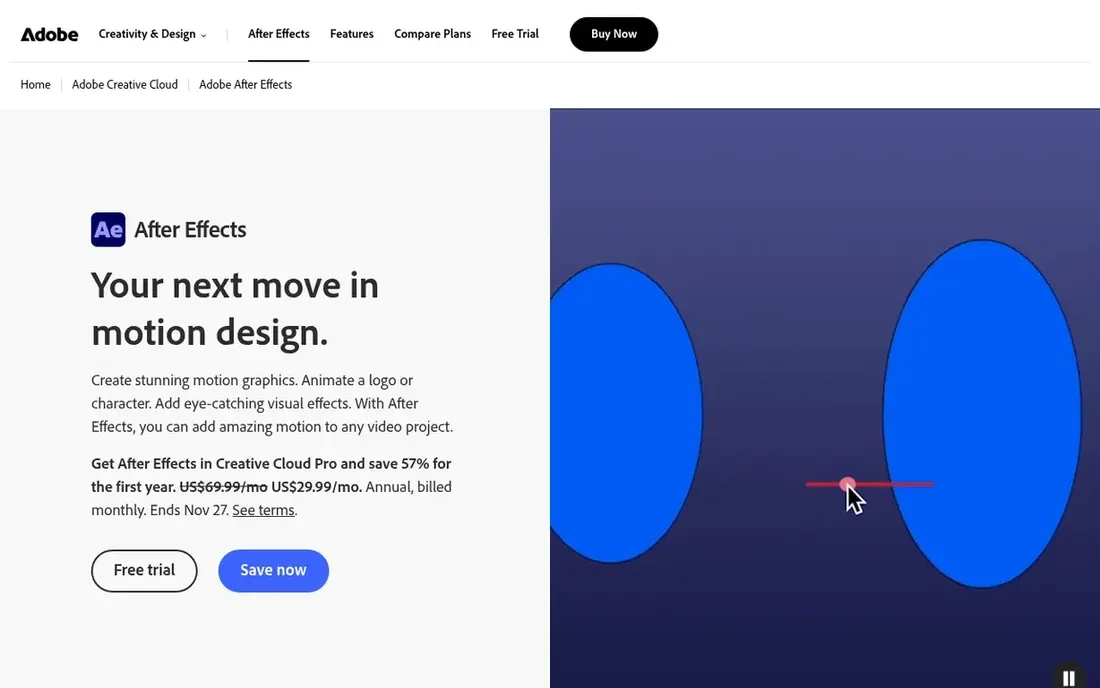
Where Adobe After Effects fits: compositing and finishing motion graphics. In tradeshow video production it serves as the finishing layer, where rendered 3D elements, text, logos and footage are composited into a refined sequence. Heavy 3D scenes can strain system resources.
Adobe After Effects is motion graphics software used to design for film, TV, video and web. Choose it as the compositing and graphics hub instead of a standalone 3D design tool. In practice, After Effects is not designed for modeling or texturing 3D assets, so it fits best alongside a dedicated 3D application. No starting price is listed for Adobe After Effects here; confirm pricing on the vendor site. Free plan details: Not stated.
Main advantages: TV and web workflows; Capable compositing and text animation.
Downsides: Can be demanding on hardware.
- Industry-standard motion graphics tool
- Suits film
- Not a full 3D modeling suite

Cinema 4D is built with animated tradeshow motion graphics in mind. If your priority is purely product stills instead of animation, a focused rendering tool may be more straightforward.
Drawbacks to consider: Ramp-up time for new users.
It suits studios and designers who require to build animated product visuals, logo sequences and booth graphics for tradeshow videos. This comparison lists no price for Cinema 4D; ask the vendor. Free access: Not stated.
- Widely used for broadcast-style visuals
- Plugs into typical post-production tools
- Rendering may need additional tools
How the list was put together
We compared the tools on published pricing, free plan or trial availability, feature coverage for 3D design software for tradeshow videos, and the limits each vendor documents. Treat prices as a snapshot: vendors change plans often, so check the vendor site for the figure that applies today. The sequence is a judgement call: typical use case first, then pricing transparency, then free access. Use the profiles to check fit.
Things to verify first
- Confirm the entry price on the vendor page. For 3ds Max, V-Ray, LightWave 3D and others that means a quote rather than a fixed price.
- Run a trial of KeyShot with real work before paying for a year; your own workflow is the best test.
- Read the limits listed for 3ds Max first: Windows-only system.
- Find out whether the entry plan of LightWave 3D covers your must-haves or only a trimmed-down version.
- Confirm that Cinema 4D connects to the apps your team already uses, on the plan you would actually buy.
FAQ
Does any tool for 3D design software for tradeshow videos here have a free plan?
No tool in this list, 3ds Max and Cinema 4D included, has a permanent free plan. KeyShot offer a trial. Trials and quotes are the usual route, so plan a short evaluation period.
How are the tools for 3D design software for tradeshow videos ordered?
The order follows typical fit for 3D design software for tradeshow videos, with 3ds Max first and Cinema 4D last, then price clarity and free access. It is editorial judgement, not a score, so another team could rank the tools differently.
Do I need separate tools for modeling and rendering?
Not always, since suites like Cinema 4D, 3ds Max and LightWave 3D combine modeling, animation and rendering. V-Ray instead plugs into products you already use.
Can I try these tools before paying?
Often, yes. KeyShot offers a free trial. Use your own data and a real task during the test, and check what the free tier or trial limits before you rely on it. All 6 picks in this 3D design software for Tradeshow videos comparison list a starting price, free plan details and the main limits on their cards above.
Do these tools publish their prices?
Not all of them. 3ds Max, V-Ray, LightWave 3D and others publish no starting price, so expect a quote request for those. The rest, KeyShot included, show a starting price, though seats and billing terms still change the final cost.
Sources
- https://www.autodesk.com/products/3ds-max
- https://www.chaos.com/vray
- https://www.keyshot.com
- https://www.lightwave3d.com
- https://www.adobe.com/products/aftereffects.html
- https://www.maxon.net/en/cinema-4d