5 Best 2D Landscape Design Software for 2026, Vetted and Compared
Best 2D landscape design software in 2026: 5 contenders with entry costs and free tiers. Strengths and weak spots are spelled out. Budget notes included.
- Editor's choice
 Chief Architect
Residential and landscape integration
Starts atSee websiteVisit chiefarchitect.comFull review - Great alternative
 DynaSCAPE
Design and business management integration
Starts at$48 a monthVisit dynascape.comFull review - Also consider
 Vectorworks Landmark
Professional landscape design and documentation
Starts atSee websiteVisit vectorworks.netFull review
Direct answer
Chief Architect comes first here, mainly for residential and landscape integration. Listed starting prices: DynaSCAPE from $48 a month. DynaSCAPE is the stronger choice for design and business management integration, while Vectorworks Landmark suits professional landscape design and documentation. Details, prices and limits for the rest of the 5 tools are below.
TL;DR:
- This list starts with Chief Architect, which is built for residential and landscape integration.
- A fair warning about Chief Architect: Landscape features may be secondary.
- Land F/X suits Landscape-specific CAD plugins and tools.
- Chief Architect, Land F/X and the 3 others all need a premium plan or a trial, since no free plan is listed.
- DynaSCAPE has the lowest monthly starting price in this list: $48 per month.
Last checked November 2026. Prices and plan details were read from the vendors' own pages in November 2026; vendors change plans often, so confirm the current price on the vendor site before you buy.
Quick comparison
| Tool | Best for | Starts at | Free plan? | |
|---|---|---|---|---|
| Chief Architect | Residential and landscape integration | See website | Not stated | Visit |
| DynaSCAPE | Design and business management integration | $48 a month | Free trial | Visit |
| Vectorworks Landmark | Professional landscape design and documentation | See website | Not stated | Visit |
 AutoCAD | DWG collaboration and precise 2D drafting | See website | Not stated | Visit |
| Land F/X | Landscape-specific CAD plugins and tools | See website | Not stated | Visit |
The best 2D landscape design software
This LinkVetted guide covers 5 options for 2D landscape design software. Each profile lists a starting price, free plan details, strengths and drawbacks, so you can drop poor fits quickly.
Chief Architect is aimed squarely at residential and landscape integration. Chief Architect is professional home design software that also supports landscape and site planning. It is handy for designers who require to display how a landscape links up with a residential structure, with tools for terrain, hardscapes, and planting.
In daily use, Chief Architect is primarily a home design tool. So its landscape-specific features may not be as deep as dedicated landscape software. On top of that, for pure 2D landscape plans, it may be more complicated than necessary. In practice, the software excels at 3D visualization and construction documentation for residential projects. Chief Architect shows no starting price here, so confirm the cost on the vendor site. Free options: Not stated.
Limits to weigh: Higher complexity for pure 2D work.
- Integrates home and landscape design
- Professional documentation
- Landscape features may be secondary
DynaSCAPE is designed for design and business management integration. The business management side may be more than a solo designer needs, and the full suite can take time to master.
It bundles design features for 2D plans and links up with estimating and client management. The system is designed for landscape businesses that want to simplify both creative and operational tasks. DynaSCAPE starts at: $48 per month. Trial and free access: Free trial.
Downsides: Business features may be unnecessary for solo designers.
- Merges design with business tools
- Helps scale operations
- Ramp-up time for full suite
Vectorworks Landmark
Best for: Professional landscape design and documentation
Vectorworks Landmark targets professional landscape design and documentation. Vectorworks Landmark is a professional landscape design platform that merges 2D drafting with 3D modeling, irrigation planning, and presentation tools. Choose Vectorworks Landmark when you need integrated 3D visualization and in-depth construction documentation in one package.
The depth of features means a steeper ramp-up time and a higher time investment for new users. Also, if you only need entry-level 2D planting plans, a more straightforward tool may be more efficient. The software is designed for the landscape industry, so it comes with plant libraries and site planning features that general CAD tools may lack. Vectorworks Landmark shows no starting price here, so confirm the cost on the vendor site. Free access: Not stated.
Drawbacks to consider: May be overkill for straightforward plans.
- Designed for irrigation and presentation
- Capable documentation tools
- Steeper ramp-up time
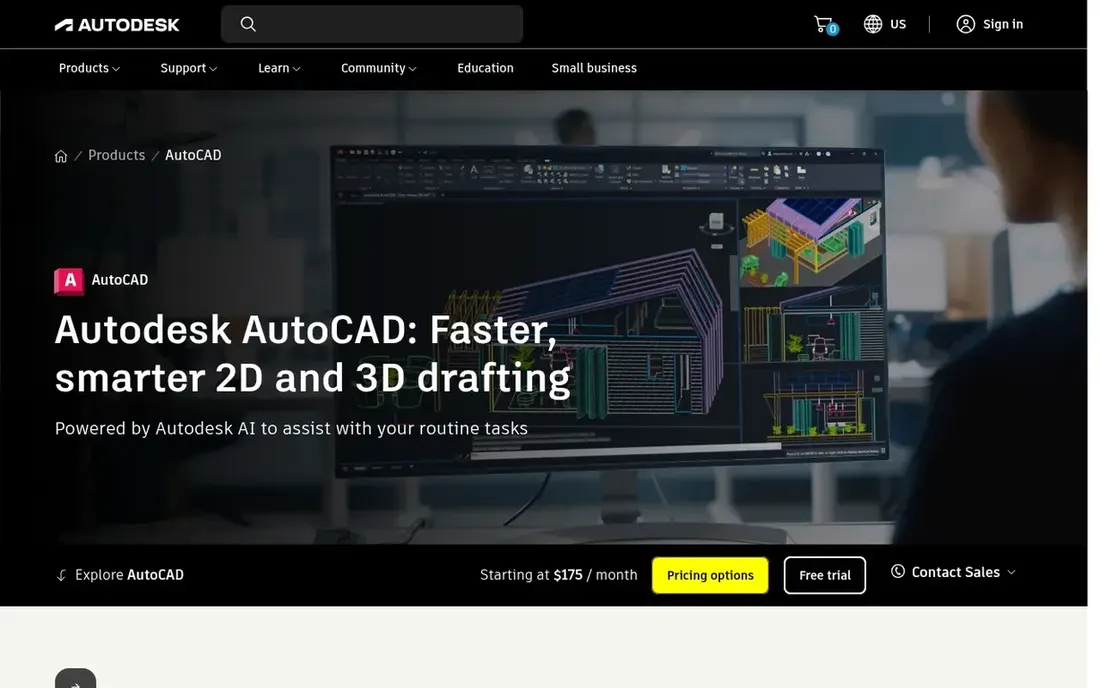
AutoCAD works best for DWG collaboration and precise 2D drafting. Pick AutoCAD when interoperability and drafting precision matter more than landscape-specific automation. AutoCAD is not tailored to landscape design, so you will have to build or source your own plant libraries and workflows.
Worth adding: AutoCAD is a widely used CAD product for precise 2D drafting and design. As for the details, Landscape designers frequently use AutoCAD for base plans and construction details, then add planting and irrigation information with custom blocks or extras. Pricing for AutoCAD is not stated here, so ask the vendor for current figures. Trial and free access: Not stated.
Trade-offs to know: Not landscape-specific.
- Web and desktop access
- Deep drafting tools
- Needs customization for planting plans
Land F/X
Best for: Landscape-specific CAD plugins and tools
Land F/X serves Landscape-specific CAD plugins and tools. Choose Land F/X if you want to enhance an existing CAD workflow with landscape-specific automation. Land F/X supplies landscape-specific tools that extend widely used CAD products with plant databases, irrigation design, and detailing features.
Drawbacks to consider: Plugin workflow may add complexity.
It is targeted at landscape professionals who already use CAD and want to accelerate repetitive tasks like planting schedules and irrigation layouts. The toolset is built around landscape workflows instead of general drafting. Since Land F/X works as an add-on, you need a compatible CAD application to use it, which brings to the overall setup. Land F/X shows no starting price here, so confirm the cost on the vendor site. On free options: Not stated.
- Connects with CAD systems
- Plant and irrigation libraries
- Needs compatible CAD software
How we compared the tools
Each tool was reviewed on what its vendor publishes: price, plan limits, core features and stated drawbacks. We did not run hands-on tests. Where a vendor does not publish a price, the entry says quote. Where a price depends on seats or billing term, the entry says so. Order on the page follows fit for the typical buyer first, then price transparency and free access. Your own requirements should decide the final pick.
Pre-purchase checklist
- Get a written quote from Chief Architect, Vectorworks Landmark, AutoCAD and Land F/X; the list shows no starting price for them.
- Run a trial of DynaSCAPE with real work before paying for a year; your own workflow is the best test.
- Before choosing Chief Architect, weigh its main limit: Landscape features may be secondary.
- Test how quickly AutoCAD answers a pre-sales question; it hints at how support will feel later.
- Pick one real project and run it in DynaSCAPE first; a small pilot shows fit faster than a checklist.
FAQ
Is Chief Architect the right pick for everyone comparing 2D landscape design software?
No single tool suits every team. Chief Architect comes first because it fits residential and landscape integration, while DynaSCAPE suits design and business management integration and Vectorworks Landmark suits professional landscape design and documentation. Match the tool to your own size, budget and workflow before deciding.
Do these tools publish their prices?
Not all of them. Chief Architect, Vectorworks Landmark, AutoCAD and Land F/X publish no starting price, so expect a quote request for those. The rest, DynaSCAPE included, show a starting price, though seats and billing terms still change the final cost.
How are the tools for 2D landscape design software ordered?
Chief Architect sits first and Land F/X last because the order follows typical fit for 2D landscape design software, then price clarity and free access. It is a judgement call, so read each profile for fit and limits.
Which tool is a good match for client presentations?
Start with Chief Architect if you need residential and landscape integration. DynaSCAPE is the better match for design and business management integration, and Vectorworks Landmark for professional landscape design and documentation. The best choice depends on budget, team size and workflow.
Can I try these options before paying?
Often, yes. DynaSCAPE offers a free trial. Use your own data and a real task during the test, and check what the free tier or trial limits before you rely on it.
Sources
- https://www.chiefarchitect.com
- https://www.dynascape.com
- https://www.vectorworks.net/en-US/landmark
- https://www.autodesk.com/products/autocad/overview
- https://www.landfx.com