Best Design Software for Landscape Architects (2026): 6 Picks Checked on Vendor Pages
Weighing the best design software for landscape architects? We lined up 6 products by cost, free access and fit. Prices and drawbacks included. Decide faster.

- Editor's choice
 Enscape
One-click live visualization inside design tools
Starts atSee websiteVisit enscape3d.comFull review - Great alternative
 Vectorworks Landmark
All-in-one landscape design and documentation
Starts atSee websiteVisit vectorworks.netFull review - Also consider
 AutoCAD
Precise drafting and construction documents
Starts atSee websiteVisit autodesk.comFull review
Direct answer
Enscape leads the list, best for one-click live visualization inside design tools. Listed starting prices: Lumion from $96 named user a month. Vectorworks Landmark fits all-in-one landscape design and documentation; AutoCAD fits precise drafting and construction documents. The full list of 6 tools follows, with prices and free plan facts.
TL;DR:
- Enscape is the opening pick, best for one-click live visualization inside design tools.
- For BIM coordination on complicated projects, Revit is worth a look.
- Lumion has the lowest monthly starting price in this list: $96 named user per month.
- Neither Enscape nor Revit, nor any of the other 4 tools, has a permanent free plan; trials and quotes are the norm.
Last checked November 2026. Prices and plan details were read from the vendors' own pages in November 2026; vendors change plans often, so confirm the current price on the vendor site before you buy.
Quick comparison
| Tool | Best for | Starts at | Free plan? | |
|---|---|---|---|---|
| Enscape | One-click live visualization inside design tools | See website | Not stated | Visit |
| Vectorworks Landmark | All-in-one landscape design and documentation | See website | Not stated | Visit |
| AutoCAD | Precise drafting and construction documents | See website | Not stated | Visit |
 Adobe Illustrator | Vector diagrams, plans and presentation layouts | See website | Not stated | Visit |
 Lumion | Quick, presentation-quality landscape renderings | $96 named user a month | Free trial | Visit |
 Revit | BIM coordination on complicated projects | See website | Not stated | Visit |
The 6 tools in detail
LinkVetted put together this guide to design software for landscape architects for readers who want a clear shortlist without reading every vendor page. It compares 6 tools on starting price, free plans, who each one suits and where each one falls short.
Enscape is designed for one-click live visualization inside design tools. Enscape is live rendering and virtual reality software from Chaos that plugs into Revit, SketchUp, Rhino, ArchiCAD and Vectorworks with one-click rendering. That live link lets landscape architects review designs inside their modeling environment and share walkthroughs or VR experiences with clients.
In practice, very large or in-depth scenes can strain hardware. Because it follows the host model, changes appear in visualization without a separate export step. Enscape brings no drafting, planting or documentation capability of its own, so its value depends entirely on the host software and model quality. Enscape does not show a starting price in this comparison, so check the vendor site for current pricing. Trial and free access: Not stated.
What to check first: Visualization only, no design tools.
- ArchiCAD and Vectorworks
- One-click rendering
- Relies on host software models
Think of Vectorworks Landmark for all-in-one landscape design and documentation. Since it is a specialized platform, new users should expect time to learn its workflows, and file exchange with businesses standardized on other formats can need care.
More specifically, Vectorworks Landmark is positioned as an all-in-one 3D landscape design tool made for professional practice. In daily use, the 3D modeling supports masterful project visualization, and the documentation side aims to cut file handoffs between programs. No starting price is listed for Vectorworks Landmark here; confirm pricing on the vendor site. Free options: Not stated.
Where it is weaker: Less typical outside design businesses.
- Presentation and irrigation
- Purpose-built landscape workflows
- Ramp-up time for new users
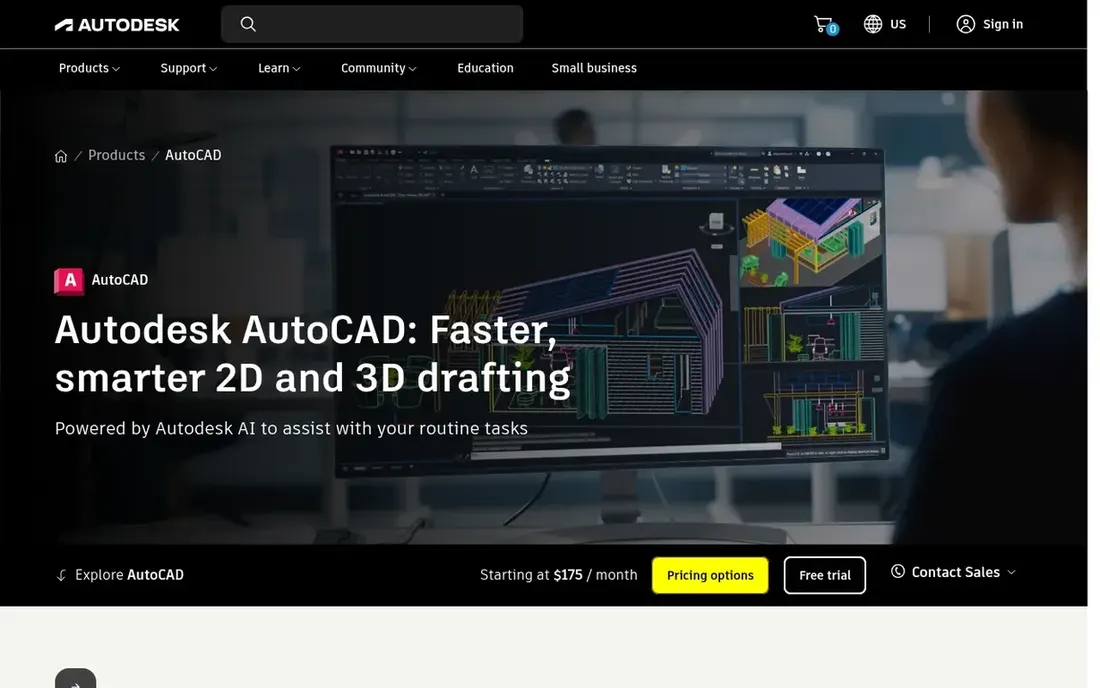
Pick AutoCAD if this describes you: precise drafting and construction documents. For landscape architects it takes care of base plans, grading notes, detail drawings and planting layouts with precise 2D tools.
Drawbacks to consider: Rendering needs separate software.
In daily use, choose it when drafting precision and DWG exchange are the priority, and pair it with a dedicated landscape tool or rendering package for design exploration and presentation. Shared DWG collaboration across desktop and web helps teams exchange files with civil engineers and contractors, whereas AI automation aims to speed repetitive tasks. No starting price is listed for AutoCAD here; confirm pricing on the vendor site. On free options: Not stated.
- Broad DWG collaboration across desktop and web
- Solid 2D drafting precision
- Restricted built-in landscape-specific tools
Choose Adobe Illustrator for vector diagrams, plans and presentation layouts. Illustrator is not a drafting or modeling environment, so measured plans must originate in CAD or BIM and be imported. Complex files can grow heavy, and consistent layer and scale discipline is needed.
Downsides: Not designed for measured drawings.
Generative AI features can transform a text prompt into editable vector artwork, handy for fast graphic motifs. Beyond that, choose it for graphic refinement and diagramming, and keep technical production in a design platform made for documentation. Adobe Illustrator does not show a starting price in this comparison, so check the vendor site for current pricing. On free options: Not stated.
- Precise vector graphics
- Generative AI vector tools
- Needs careful file setup

Lumion is a good fit for quick, presentation-quality landscape renderings. Lumion is live 3D rendering software geared toward architects and designers who require to visualize every step from concept to final image.
In daily use, pick it when presentation quality and quick iteration are the goal, and keep a dedicated design and documentation product alongside it. For everyday use, hardware demands and scene complexity can affect performance. What you pay to start with Lumion: $96 named user per month. Free access: Free trial.
Limits to weigh: Not a drafting or documentation tool.
- Live rendering from concept to final
- Solid visual quality
- Needs models from other software
Revit makes the most sense for BIM coordination on complicated projects. Revit is Autodesk's BIM system for designing, documenting and coordinating building projects.
Where it falls short: Heavy for small landscape jobs.
From a buyer's view, optional AI-assisted workflows aim to simplify repetitive work. The product is also demanding for small or purely conceptual landscape work. Pricing for Revit is not stated here, so ask the vendor for current figures. On free options: Not stated.
- Optional AI-assisted workflows
- Drawings update instantly
- Site tools less landscape-specific
How the list was put together
What to check before you buy
- Ask Enscape, Vectorworks Landmark, AutoCAD and others for a written quote, since no starting price is shown.
- Use real work to test the free trial from Lumion, rather than a demo project.
- Read the limits listed for Enscape first: visualization only, no design tools.
- Find out whether the entry plan of Revit covers your must-haves or only a trimmed-down version.
- Confirm that Lumion connects to the apps your team already uses, on the plan you would actually buy.
FAQ
Is Enscape the right pick for everyone comparing design software for landscape architects?
No single tool suits every team. Enscape comes first because it fits one-click real-time visualization inside design tools, while Vectorworks Landmark suits all-in-one landscape design and documentation and AutoCAD suits precise drafting and construction documents. Match the tool to your own size, budget and workflow before deciding.
Does any tool for design software for landscape architects here have a free plan?
No tool in this list, Enscape and Revit included, has a permanent free plan. Lumion offer a trial. Trials and quotes are the usual route, so plan a short evaluation period.
How are the tools for design software for landscape architects ordered?
The order follows typical fit for design software for landscape architects, with Enscape first and Revit last, then price clarity and free access. It is editorial judgement, not a score, so another team could rank the tools differently.
Where do Photoshop and Illustrator fit in a landscape workflow?
They manage communication instead of production. Keep measured drawings and models in CAD or BIM software and use the Adobe tools for visual polish.
Which tool is a good match for planting and irrigation design?
The first pick on this list is Enscape, because it suits one-click live visualization inside design tools. Vectorworks Landmark is better for all-in-one landscape design and documentation, and AutoCAD for precise drafting and construction documents. Check price and limits against your own needs before choosing.
Do landscape architects need both CAD and rendering software?
A drafting or BIM product for example AutoCAD, Revit or Vectorworks Landmark produces measured drawings, whereas Lumion or Enscape turns those models into visuals. Some tools overlap, but most practices combine a documentation base with a visualization layer.
Sources
- https://enscape3d.com
- https://www.vectorworks.net/en-US/landmark
- https://www.autodesk.com/products/autocad
- https://www.adobe.com/products/illustrator.html
- https://lumion.com
- https://www.autodesk.com/products/revit