Best Construction CRM Software for Startups in 2026: Prices, Free Plans and 6 Picks
Compare 6 best construction CRM software for startups, with prices, free plans and who each fits. Every pick includes one clear drawback. Updated for 2026.
- Editor's choice
 Pipedrive
Sales pipeline management
Starts atPricing on requestVisit pipedrive.comFull review - Great alternative
 Monday CRM
Adaptable workflows across teams
Starts atPricing on requestVisit monday.comFull review - Also consider
 Salesforce Sales Cloud
Scalable enterprise-grade CRM
Starts atPricing on requestVisit salesforce.comFull review
Direct answer
Start with Pipedrive if you need Sales pipeline management. Alternatives: Monday CRM for adaptable workflows across teams, and Salesforce Sales Cloud for scalable enterprise-grade CRM. All 6 tools are compared below on fit, free plan and limits. None of these vendors publish plan prices, so pricing is on request for every option.
TL;DR:
- Pipedrive is the opening pick, best for Sales pipeline management.
- Neither Pipedrive nor Zoho CRM, nor any of the other 4 tools, has a permanent free plan; trials and quotes are the norm.
- No starting price is shown for any of the 6 tools, Pipedrive and Zoho CRM included, so plan time for sales calls.
- Zoho CRM suits configurable sales operations.
Last checked November 2026. Pricing on request: vendors did not publish plan prices when this guide was last checked (November 2026), so ask each vendor for a written quote.
Quick comparison
| Tool | Best for | Starts at | Free plan? | |
|---|---|---|---|---|
| Pipedrive | Sales pipeline management | Pricing on request | Not stated | Visit |
| Monday CRM | Adaptable workflows across teams | Pricing on request | Not stated | Visit |
| Salesforce Sales Cloud | Scalable enterprise-grade CRM | Pricing on request | Not stated | Visit |
 CoConstruct | Construction-specific project management | Pricing on request | Not stated | Visit |
 HubSpot CRM | Startups wanting a free, simple CRM | Pricing on request | Not stated | Visit |
 Zoho CRM | Configurable sales operations | Pricing on request | Not stated | Visit |
Every option for construction CRM software for startups explained
Choosing construction CRM software for startups usually comes down to price, fit and limits. This LinkVetted guide sets 6 tools side by side on those three points, with the facts kept short and checkable.
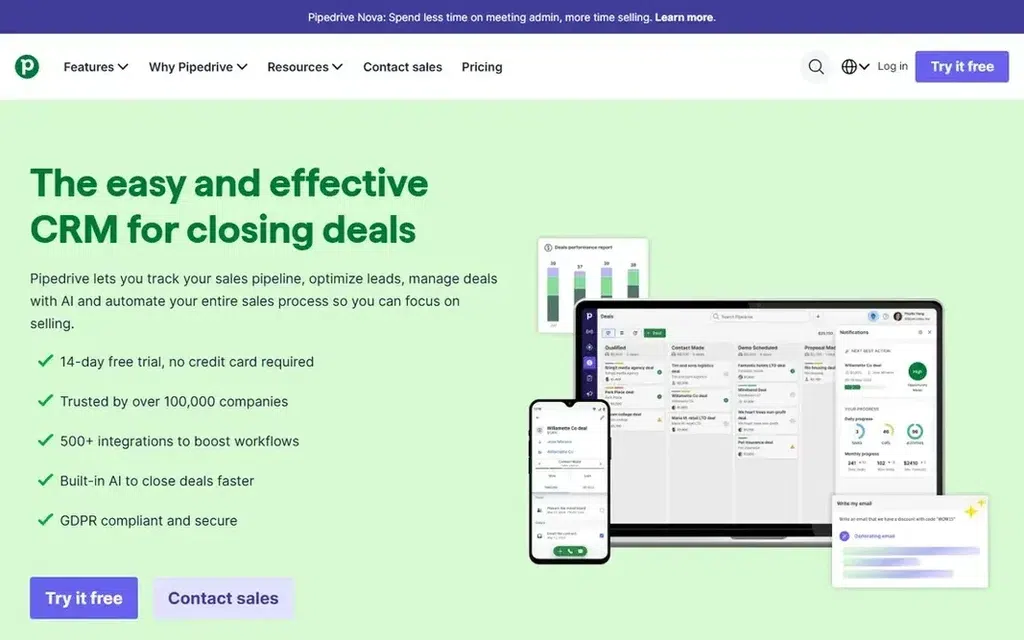
For Sales pipeline management, Pipedrive is a natural candidate. Startups that require to run jobs, subcontractors, or client selections may need extra software. It is a solid fit for teams that prioritize a straightforward, sales-oriented CRM.
As for the details, Pipedrive centres on sales and lacks built-in construction project management. It is noted for its visual pipeline interface, which makes it simple to see where each opportunity stands. Pipedrive does not show a starting price in this comparison, so check the vendor site for current pricing. Free options: Not stated.
The main drawbacks: Restricted construction features.
- Focus on deal progression
- Visual pipeline view
- May need extras for full functionality
Choose Monday CRM for adaptable workflows across teams. Monday CRM is an AI-powered revenue execution product that accelerates revenue growth for marketing, sales, and delivery teams.
Where it is weaker: May need setup for construction use.
It gives you AI agents that work the pipeline continuously, making it an adaptable choice for construction startups that want to link different functions. Pricing for Monday CRM is not stated here, so ask the vendor for current figures. Trial and free access: Not stated.
- Supports marketing, sales, delivery
- Configurable workflows
- Pricing can scale with team size
Salesforce Sales Cloud is built with scalable enterprise-grade CRM in mind. Salesforce Sales Cloud is a sales force automation product that helps firms grow accounts, find new customers, and close deals quicker from anywhere. It is noted for its deep features and customization choices, making it right for construction startups with ambitious growth plans.
The product can scale as the business expands. Salesforce Sales Cloud can be complicated to implement and may require specialized administrators, which can be a challenge for startups with restricted resources. It also lacks construction-specific features without extras. Salesforce Sales Cloud shows no starting price here, so confirm the cost on the vendor site. On free options: Not stated.
Watch-outs: Can be complicated and expensive.
- Large ecosystem
- Highly configurable
- May need dedicated administration
Choose CoConstruct for construction-specific project management. Startups that only need a straightforward sales CRM might find it more than necessary. Also, CoConstruct is tailored to construction and may not offer the same breadth of general CRM features as sales-focused products.
In practice, CoConstruct is construction management software that has unified with Buildertrend to supply a smooth experience. It is designed specifically for builders and remodelers, offering features that combine CRM with project management, client selections, and scheduling. Check the vendor site for CoConstruct pricing; none is listed in this comparison. Trial and free access: Not stated.
Drawbacks to consider: May be more than needed for pure sales.
- Client communication tools
- Integrates CRM with project management
- Restricted general CRM features

HubSpot CRM is a good fit for startups wanting a free, simple CRM. HubSpot CRM is a free CRM for small companies that helps organize contacts, track deals, and close more sales with built-in AI. In daily use, the system is noted for its approachable interface and fast setup.
Drawbacks to consider: Advanced features may need upgrades.
In daily use, startups with complex construction workflows may have to integrate other tools or choose a specialized option. Whereas HubSpot CRM includes core sales needs, it lacks construction-specific features like project management or job costing. HubSpot CRM shows no starting price here, so confirm the cost on the vendor site. Free plan details: Not stated.
- Free to start
- Built-in AI
- Less construction-specific
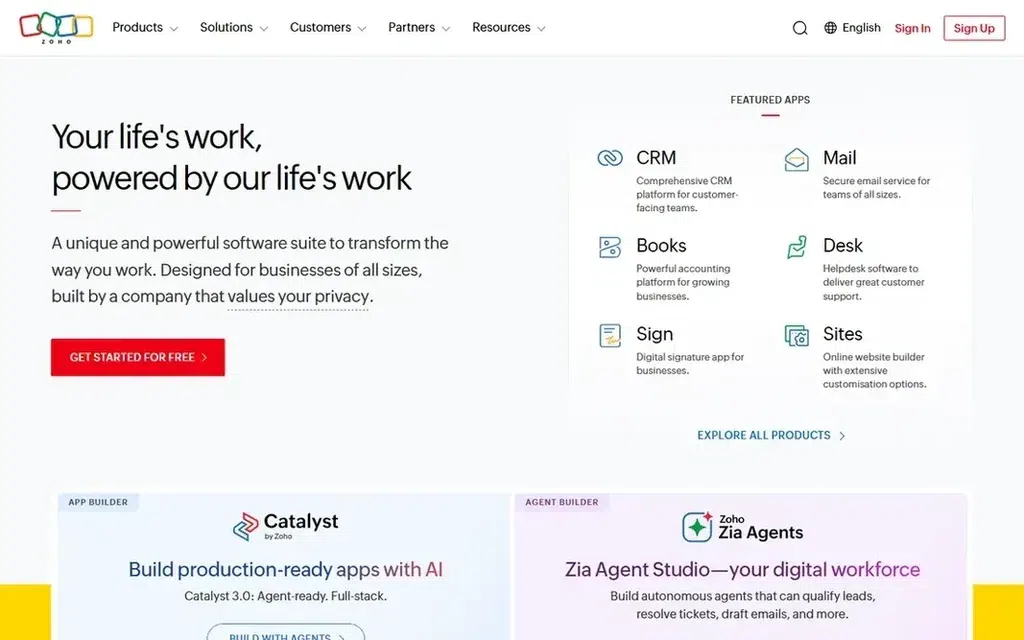
Zoho CRM was built for configurable sales operations. Zoho CRM is an agentic CRM system that helps handle sales operations and close more deals.
Where it falls short: May need configuration for construction.
It supplies a broad set of features and customization choices, making it a good match for construction startups that want an adaptable system they can tailor to their processes. Zoho CRM does not show a starting price in this comparison, so check the vendor site for current pricing. Free plan details: Not stated.
- Wide feature set
- Agentic CRM system
- Can be complicated to set up
How these tools were picked
Selection started from tools commonly considered for construction CRM software for startups, then narrowed to 6 that have clear pricing information or a clear quote process. Treat prices as a snapshot: vendors change plans often, so check the vendor site for the figure that applies today. The order reflects how well each tool fits the most common buying scenario for construction CRM software for startups, then price clarity, then free plan access. It is a starting point, not a verdict.
What to confirm before you sign up
- Confirm the entry price with every vendor: no tool from Pipedrive to Zoho CRM shows a fixed starting price.
- Read the limits listed for Pipedrive first: restricted construction features.
- Involve the people who will use Zoho CRM daily; a short pilot beats a long feature checklist.
- Test how quickly Monday CRM answers a pre-sales question; it hints at how support will feel later.
- Verify that exporting from CoConstruct is possible on your plan and covers all your records.
FAQ
What should a construction startup look for in a CRM?
A construction startup should consider a CRM that balances sales management with project-related features. Construction-specific features like job costing can be beneficial if you handle projects directly.
Can I try these tools before paying?
Not by default. None of the tools, from Pipedrive to Zoho CRM, lists a free plan or a free trial here, so ask each vendor for a demo before committing.
Is a free CRM sufficient for a construction startup?
A free CRM like HubSpot CRM can be sufficient for early-stage startups concentrated on organizing contacts and tracking deals. That said, as you grow, you may need advanced features or construction-specific tools.
How does CoConstruct differ from general CRMs?
General CRMs like HubSpot or Pipedrive focus primarily on sales and may lack construction-specific features. The choice relies on whether you need an all-in-one construction option or a dedicated sales tool.
Is Pipedrive the right pick for everyone comparing construction CRM software for startups?
No single tool suits every team. Pipedrive comes first because it fits Sales pipeline management, while Monday CRM suits flexible workflows across teams and Salesforce Sales Cloud suits scalable enterprise-grade CRM. Match the tool to your own size, budget and workflow before deciding.
Do these tools publish their prices?
No. None of the tools, from Pipedrive to Zoho CRM, shows a fixed starting price here, so budget time for quotes.
Sources
- https://www.pipedrive.com
- https://monday.com/crm
- https://www.salesforce.com/sales/cloud
- https://www.coConstruct.com
- https://www.hubspot.com/products/crm
- https://www.zoho.com/crm