Top 5 Construction Project Management Software for Startups for 2026 (Prices and Free Plans)
Best construction project management software for startups: 5 tools compared on price, free plans and fit. Each entry gets a plain verdict. Prices checked.
- Editor's choice
 Houzz Pro
Design-led remodelers and builders
Starts atSee websiteVisit houzz.comFull review - Great alternative
 JobTread
Startups simplifying financials and resources
Starts at$199 a monthVisit jobtread.comFull review - Also consider
 Procore
Startups needing site-to-office visibility
Starts atSee websiteVisit procore.comFull review
Direct answer
Our first pick is Houzz Pro, best for design-led remodelers and builders. Listed starting prices: JobTread from $199 a month. For a different need, JobTread covers startups simplifying financials and resources and Procore covers startups needing site-to-office visibility. The full list of 5 tools follows, with prices and free plan facts.
TL;DR:
- Houzz Pro sits first on this list: design-led remodelers and builders.
- Check the limits for Houzz Pro before you commit: AI claims should be validated against your workflow.
- None of the 5 tools, from Houzz Pro to Autodesk Construction Cloud, has a free plan, so budget for a subscription or use a trial.
- Starting prices begin at $199 per month with JobTread.
Last checked November 2026. Prices and plan details were read from the vendors' own pages in November 2026; vendors change plans often, so confirm the current price on the vendor site before you buy.
Quick comparison
| Tool | Best for | Starts at | Free plan? | |
|---|---|---|---|---|
| Houzz Pro | Design-led remodelers and builders | See website | Not stated | Visit |
| JobTread | Startups simplifying financials and resources | $199 a month | No | Visit |
| Procore | Startups needing site-to-office visibility | See website | Not stated | Visit |
 Buildxact | Builders centred on estimating and project management | See website | Free trial | Visit |
 Autodesk Construction Cloud | Secure collaboration across project teams | See website | Not stated | Visit |
The 5 tools in detail
LinkVetted compared 5 construction project management software for startups. The goal is a practical shortlist: published prices, free plan facts, best-fit use cases and honest limits for every entry.
Houzz Pro makes the most sense for design-led remodelers and builders. Houzz Pro is described as an all-in-one AI product and software for builders, remodelers, and designers. Its homepage states that the AI is trained on the industry to accelerate business tasks.
Beyond that, startups in remodeling or design-build work, where client-facing presentation and business management matter, may find the combined approach handy as they organize leads, projects, and design work. Choose Houzz Pro when design and business management are central to your startup. If your work is heavy on site coordination, a construction-first product may be a better fit. Houzz Pro shows no starting price here, so confirm the cost on the vendor site. As for free access: Not stated.
Trade-offs to know: AI claims should be validated against your workflow.
- All-in-one business software
- Geared toward builders, remodelers, designers
- May be less centred on heavy field operations
JobTread is built with startups simplifying financials and resources in mind. Since the homepage invites contact for more information, a startup should confirm the exact feature set and fit before deciding.
Trade-offs to know: Needs contacting the vendor for details.
Consider JobTread when simplifying financials and resource handling in one place is the priority. JobTread starts at: $199 per month. There is no free plan with JobTread.
- All-in-one from planning to completion
- Includes estimating and project management
- May need setup to match your workflows
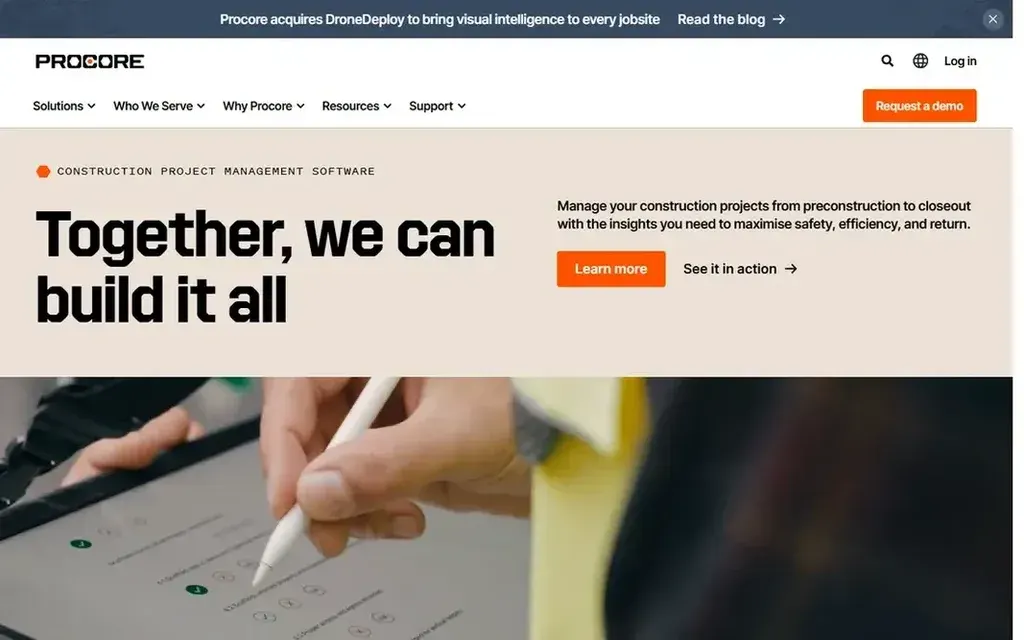
Procore is aimed squarely at startups needing site-to-office visibility. Choose Procore when cross-team visibility and a unified project record are central to how you plan to grow.
Watch-outs: Feature depth can need onboarding time.
Worth adding: Procore is a construction management product that links the job site with the office. From a buyer's view, since Procore covers numerous workflows, a very small startup may find the system broader than needed at first. Procore shows no starting price here, so confirm the cost on the vendor site. Free plan details: Not stated.
- Links site and office teams
- Supports quality and on-time delivery
- Wide system may feel heavy for very small teams
Choose Buildxact for builders concentrated on estimating and project management. Startups that spend significant time on takeoffs and estimates and want a straightforward management layer alongside that work may find it a reasonable fit, especially small builder-led teams.
Limits to weigh: May not suit businesses needing deep enterprise controls.
Beyond that, businesses needing deep enterprise controls or broad integrations may prefer a broader product. As for the details, consider Buildxact when estimating and straightforward project management are the central needs. This comparison lists no price for Buildxact; ask the vendor. Free access: Free trial.
- Easy-to-use project management
- Estimating emphasis for builders
- Restricted public detail on advanced features
Autodesk Construction Cloud
Best for: Secure collaboration across project teams
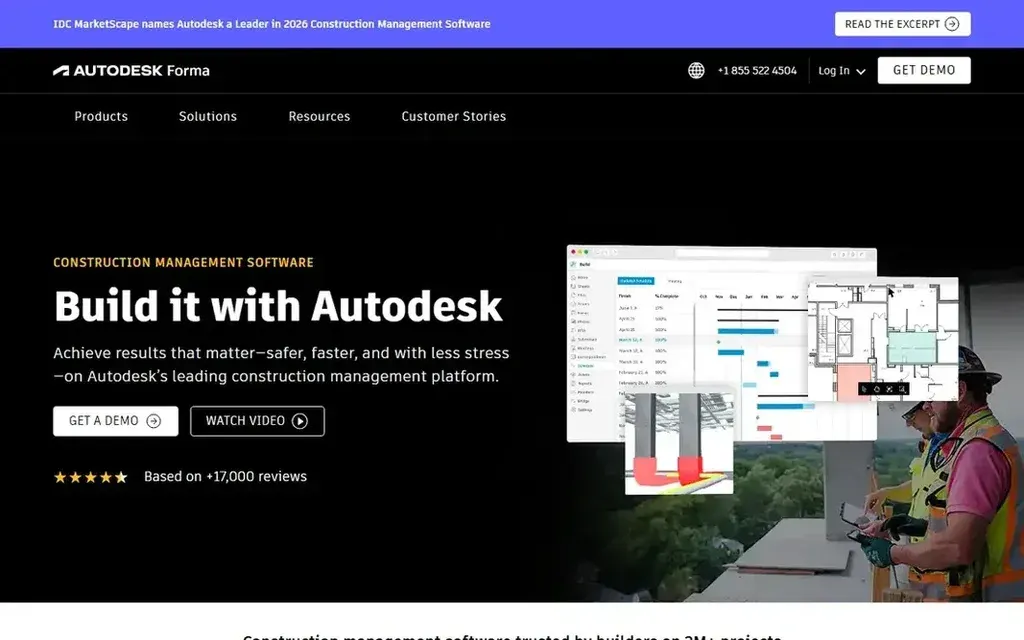
Think of Autodesk Construction Cloud for secure collaboration across project teams. Autodesk Construction Cloud, now presented under Autodesk Forma, centres on helping project teams collaborate securely and rapidly. Its homepage states the goal of delivering projects on time and on budget.
Drawbacks to consider: May need time to align teams on workflows.
Where Autodesk Construction Cloud stands out: Aims at on-time. Beyond that, the product's breadth means a startup should plan for setup and team alignment. Also, startups that work with design and construction partners and value a shared, secure project environment may find this a natural fit as they scale. Beyond that, if your work is straightforward and you need only entry-level scheduling and estimating, a more straightforward tool may be simpler to adopt. This comparison lists no price for Autodesk Construction Cloud; ask the vendor. Free plan details: Not stated.
- On-budget delivery
- Part of the Autodesk Forma family
- Wide scope can be more than a small team needs
Selection criteria
Things to verify first
- Confirm the entry price on the vendor page. For Houzz Pro, Procore, Buildxact and Autodesk Construction Cloud that means a quote rather than a fixed price.
- Take the trial from Buildxact and push a live task through it before you pay.
- Read the limits listed for Houzz Pro first: AI claims should be validated against your workflow.
- A short pilot of Autodesk Construction Cloud with your real workflow tells you more than a feature table.
- Ask whether JobTread integrates with your current software, and whether that comes standard or as an add-on.
FAQ
Do these tools publish their prices?
Not all of them. Houzz Pro, Procore, Buildxact and Autodesk Construction Cloud publish no starting price, so expect a quote request for those. The rest, JobTread included, show a starting price, though seats and billing terms still change the final cost.
Can I try these tools before paying?
Often, yes. Buildxact offers a free trial. Use your own data and a real task during the test, and check what the free tier or trial limits before you rely on it.
What is the cheapest option for construction project management software for startups in this list?
On published monthly entry prices, JobTread is the lowest here at $199 per month. Entry price is only part of the cost, because seats, add-ons and billing terms can change the total.
Do startups need the same software as large construction businesses?
Large businesses commonly need wide systems with deep controls, whereas startups may benefit from more straightforward tools that handle core workflows. Match the tool to your expected growth and the complexity of your projects instead of to firm size alone.
What should a construction startup look for first in project management software?
Start with the workflows you use daily, for example estimating, scheduling, and invoicing. Then check how well the tool links field and office teams.
How can I evaluate a tool when public details are restricted?
Contact the vendor straight and ask for a walkthrough of the workflows you need. Compare those answers with tools that publish more detail, like Procore and Autodesk Construction Cloud.
Sources
- https://www.houzz.com/pro
- https://www.jobtread.com
- https://www.procore.com
- https://www.buildxact.com
- https://construction.autodesk.com