Top 5 Construction ERP Software for Contractors for 2026 (Prices and Free Plans)
5 best construction ERP software for contractors, with entry costs, free tiers and the buyer each one serves. Plus the drawbacks of each tool. Easy to scan.
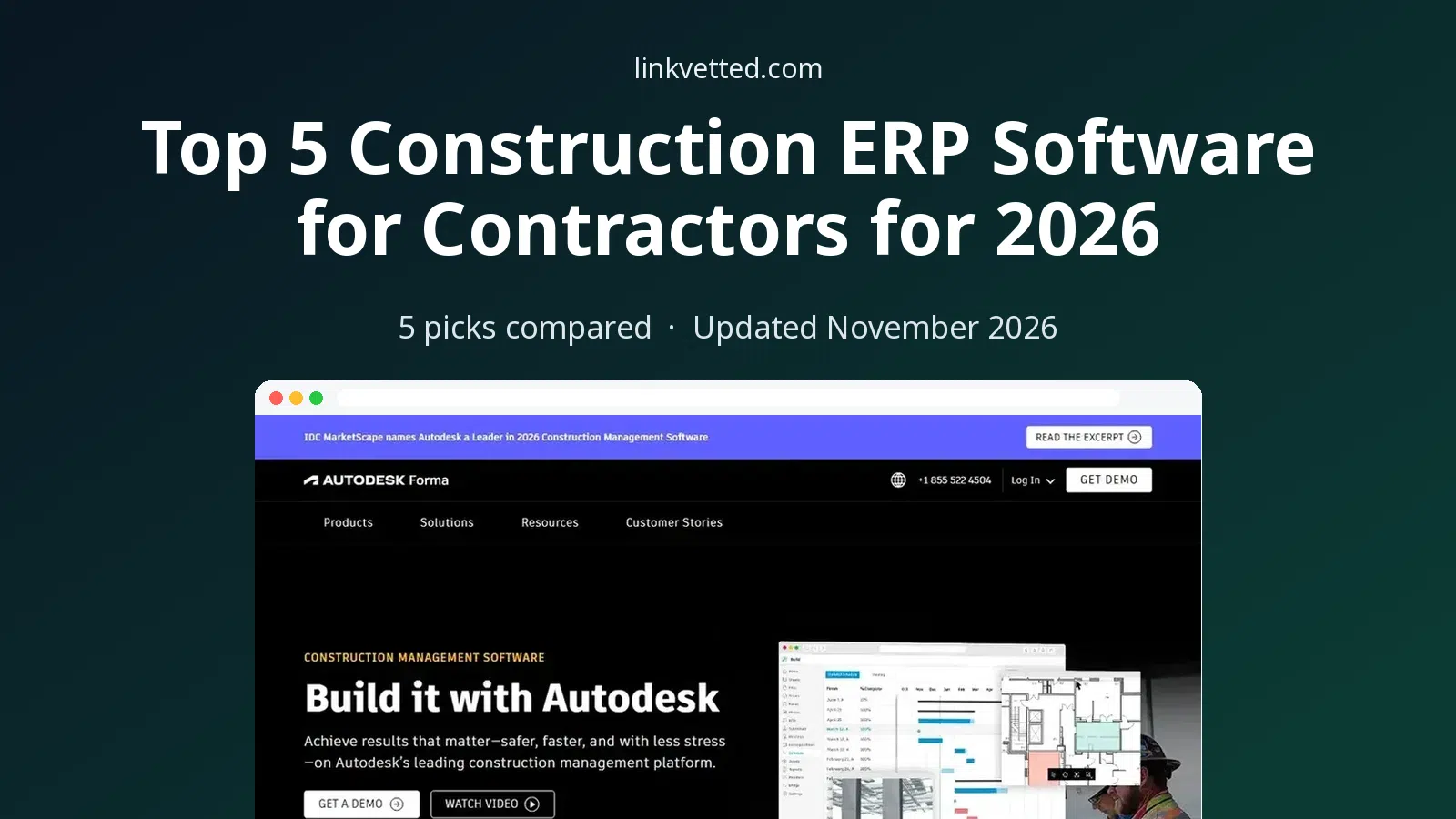
- Editor's choice
 CMiC
Integrated accounting, projects, and people management
Starts atPricing on requestVisit cmicglobal.comFull review - Great alternativeJonas Construction Software
Unified job costing and field operations
Starts atPricing on requestVisit jonasconstruction.comFull review - Also consider
 Autodesk Construction Cloud
Secure collaboration across project teams
Starts atPricing on requestVisit construction.autodesk.comFull review
Direct answer
CMiC comes first here, mainly for integrated accounting, projects, and people management. If your case is different, Jonas Construction Software suits unified job costing and field operations and Autodesk Construction Cloud suits secure collaboration across project teams. The remaining 2 options are covered below with pricing notes and limits. None of these vendors publish plan prices, so pricing is on request for every option.
TL;DR:
- Number one here is CMiC, a fit for integrated accounting, projects, and people management.
- Procore is the one to check for live project visibility and collaboration.
- None of the 5 tools, from CMiC to Procore, has a free plan, so budget for a subscription or use a trial.
- Before buying Jonas Construction Software, weigh this: may need training to use effectively.
- No starting price is shown for any of the 5 tools, CMiC and Procore included, so plan time for sales calls.
Last checked November 2026. Pricing on request: vendors did not publish plan prices when this guide was last checked (November 2026), so ask each vendor for a written quote.
Quick comparison
| Tool | Best for | Starts at | Free plan? | |
|---|---|---|---|---|
| CMiC | Integrated accounting, projects, and people management | Pricing on request | Not stated | Visit |
| Jonas Construction Software | Unified job costing and field operations | Pricing on request | Not stated | Visit |
| Autodesk Construction Cloud | Secure collaboration across project teams | Pricing on request | Not stated | Visit |
| Trimble Viewpoint Spectrum | Simplifying field-to-office workflows | Pricing on request | Not stated | Visit |
 Procore | Live project visibility and collaboration | Pricing on request | Not stated | Visit |
5 construction ERP software for contractors in detail
LinkVetted compared 5 construction ERP software for contractors. The goal is a practical shortlist: published prices, free plan facts, best-fit use cases and honest limits for every entry.
Choose CMiC for integrated accounting, projects, and people management. CMiC is a construction management software that supplies a simplified system for managing accounting, projects, and people. It is built for construction companies looking to unify these functions, making it a good fit for mid-size to large contractors seeking an integrated ERP approach.
Upsides: simplified system for accounting and projects.
Downsides: Can be expensive for smaller businesses.
Worth adding: CMiC is a good match for businesses ready to adopt a full ERP. On top of that, CMiC's full nature means it may be more than a small contractor needs, and implementation can be involved. This comparison lists no price for CMiC; ask the vendor. Free access: Not stated.
- Industry-standard for construction firms
- Runs people and financials in one system
- May need significant configuration
Jonas Construction Software
Best for: Unified job costing and field operations
Jonas Construction Software was built for unified job costing and field operations. It helps contractors replace generic accounting and disconnected tools, making it a solid fit for those seeking an integrated system to simplify operations.
Jonas may be more than a small contractor needs, and its wide feature set can need a learning period. This comparison lists no price for Jonas Construction Software; ask the vendor. Free access: Not stated.
Where it falls short: Can be complicated for very small contractors.
- Replaces generic accounting and disconnected tools
- Brings together job costing, payroll, financials
- May need training to use effectively
Autodesk Construction Cloud
Best for: Secure collaboration across project teams
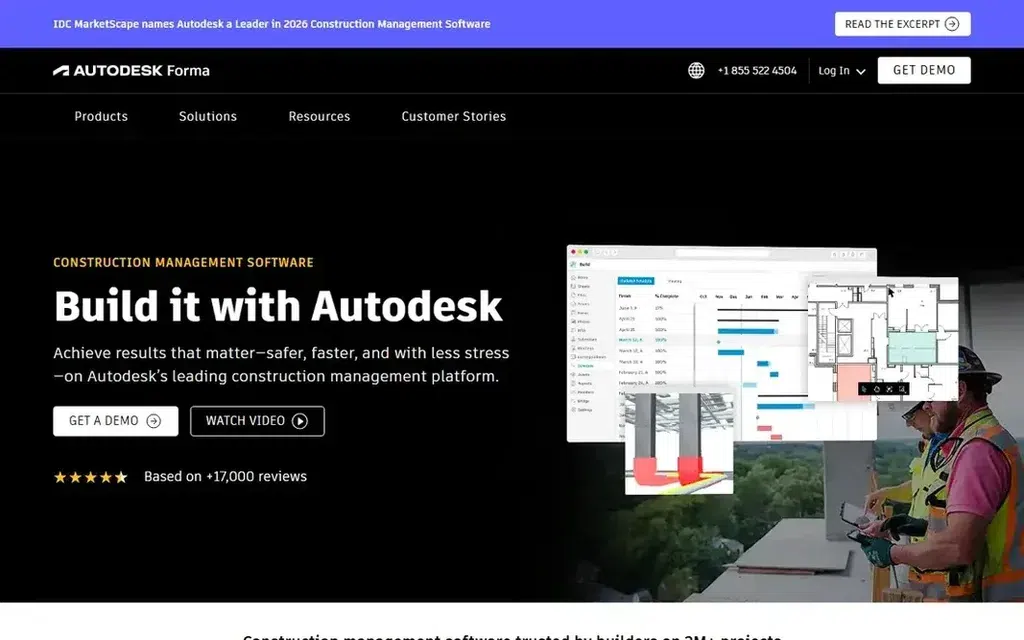
Autodesk Construction Cloud makes the most sense for secure collaboration across project teams. Whereas capable in collaboration, it may not handle every accounting or payroll function from day one.
Where it is weaker: May have a ramp-up time for new users.
Autodesk Construction Cloud, now under Autodesk Forma, is a construction management system that makes it possible for project teams to collaborate securely and rapidly. It is well suited to contractors who require to coordinate design and construction data across several stakeholders to keep projects on time and on budget. This comparison lists no price for Autodesk Construction Cloud; ask the vendor. Free options: Not stated.
- Secure collaboration environment
- Part of Autodesk Forma ecosystem
- Integration with non-Autodesk tools can be restricted
Trimble Viewpoint Spectrum
Best for: Simplifying field-to-office workflows
Trimble Viewpoint Spectrum makes the most sense for simplifying field-to-office workflows. Trimble Viewpoint Spectrum is construction ERP software that eases construction management from the field to the office, helping contractors finish projects quicker and smarter.
Limits to weigh: Can be less feature-rich than Vista.
If you need deeper financial management, consider Vista. Check the vendor site for Trimble Viewpoint Spectrum pricing; none is listed in this comparison. Free options: Not stated.
- Eases construction management
- Helps finish projects quicker
- May need training for full adoption

Procore is a good fit for real-time project visibility and collaboration. Procore is a construction management product that links the job site with the office, giving teams live visibility to deliver quality projects on time. It is well-suited for contractors who require a centralized system for project management, quality control, and communication across stakeholders.
Upsides: Links field and office teams.
Its wide feature set can need significant setup and training. Beyond that, if your focus is primarily on accounting or payroll, a specialized construction accounting tool might be a better fit. Pricing for Procore is not stated here, so ask the vendor for current figures. Free options: Not stated. Downsides: May need training to completely adopt.
- Supports on-time
- Quality project delivery
- Can be complicated for smaller contractors
How we built this list
LinkVetted looked at what each vendor publishes: pricing, plan limits, feature coverage for construction ERP software for contractors and stated drawbacks. No hands-on testing is claimed. Where a vendor does not publish a price, the entry says quote. Where a price depends on seats or billing term, the entry says so. Order on the page follows fit for the typical buyer first, then price transparency and free access. Your own requirements should decide the final pick.
What to confirm before you sign up
- Ask each vendor, from CMiC to Procore, for a written quote; none of them publishes a starting price.
- Read the limits listed for CMiC first: may require significant configuration.
- Find out whether the entry plan of CMiC covers your must-haves or only a trimmed-down version.
- Ask Jonas Construction Software how an export works before you move any records in; an easy exit lowers the risk.
- Ask Autodesk Construction Cloud whether prices are locked for the first term and what happens at renewal.
FAQ
How are the tools for construction ERP software for contractors ordered?
The order follows typical fit for construction ERP software for contractors, with CMiC first and Procore last, then price clarity and free access. It is editorial judgement, not a score, so another team could rank the tools differently.
What is construction ERP software?
Construction ERP software integrates core business processes for example accounting, project management, job costing, and payroll into a single system. It helps contractors simplify operations and boost visibility across projects.
Can I try these tools before paying?
Not by default. None of the tools, from CMiC to Procore, lists a free plan or a free trial here, so ask each vendor for a demo before committing.
Does any tool for construction ERP software for contractors here have a free plan?
A permanent free plan is not offered by CMiC, Procore or the other tools here. Plan a short evaluation period instead.
Is CMiC the right pick for everyone comparing construction ERP software for contractors?
No single tool suits every team. CMiC comes first because it fits integrated accounting, projects, and people management, while Jonas Construction Software suits unified job costing and field operations and Autodesk Construction Cloud suits secure collaboration across project teams. Match the tool to your own size, budget and workflow before deciding.
Sources
- https://www.cmicglobal.com
- https://www.jonasconstruction.com
- https://construction.autodesk.com
- https://www.viewpoint.com/spectrum
- https://www.procore.com