5 AI App Builder for Beginners Worth Shortlisting in 2026
Need the best AI app builder for beginners? We compare 5 tools on cost, free access and who each suits. Limits and pricing notes included. Decide faster.
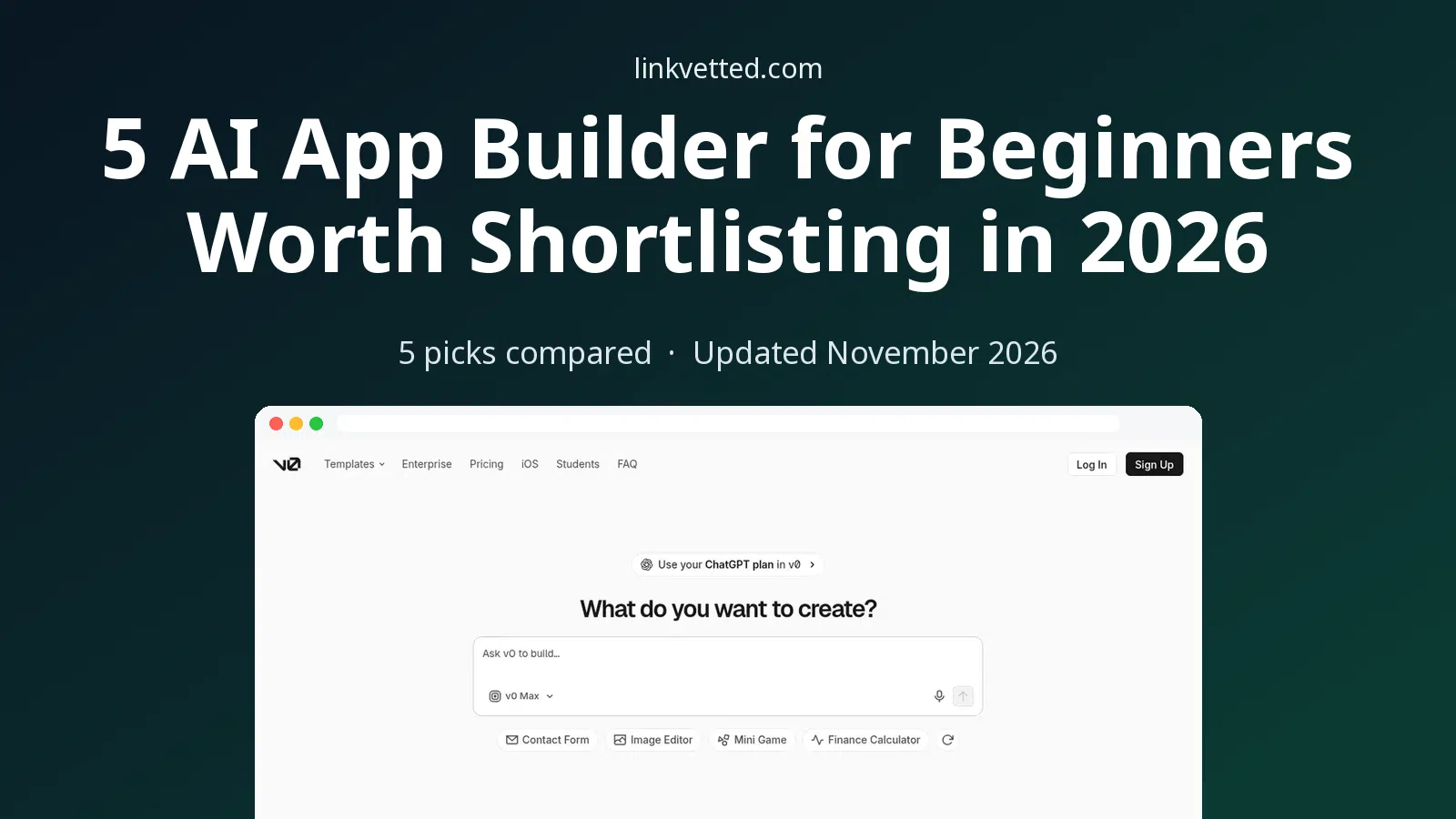
- Editor's choice
 v0
Full-stack web apps with AI assistance
Starts at$30 per user per monthVisit v0.devFull review - Great alternative
 FlutterFlow
Describe once, publish to both keeps
Starts at$29 a monthVisit flutterflow.ioFull review - Also consider
 Bubble
AI speed plus visual precision
Starts atSee websiteVisit bubble.ioFull review
Direct answer
For full-stack web apps with AI assistance, v0 is where this list starts. Listed starting prices: v0 from $30 per user per month, FlutterFlow from $29 a month and Glide from $25 a month. FlutterFlow is the stronger choice for describe once, publish to both keeps, while Bubble suits AI speed plus visual precision. The remaining 2 options are covered below with prices and limits.
TL;DR:
- Number one here is v0, a fit for full-stack web apps with AI assistance.
- Replit suits fastest text-to-app starting point.
- v0, FlutterFlow, Glide: these are the 3 tools out of 5 that offer a free plan.
- The cheapest monthly starting price in the list is $18 per month, billed annually, offered by Replit.
- Check the limits for v0 before you commit: web-focused instead of native mobile.
Last checked November 2026. Prices and plan details were read from the vendors' own pages in November 2026; vendors change plans often, so confirm the current price on the vendor site before you buy.
Quick comparison
| Tool | Best for | Starts at | Free plan? | |
|---|---|---|---|---|
| v0 | Full-stack web apps with AI assistance | $30 per user per month | Yes | Visit |
| FlutterFlow | Describe once, publish to both keeps | $29 a month | Yes | Visit |
| Bubble | AI speed plus visual precision | See website | Not stated | Visit |
 Glide | Internal business apps from spreadsheets | $25 a month | Yes | Visit |
 Replit | Fastest text-to-app starting point | $18 a month, billed yearly | Not stated | Visit |
The best AI app builder for beginners
This LinkVetted guide covers 5 AI app builder for beginners. Each profile lists a starting price, free plan details, strengths and drawbacks, so you can drop poor fits quickly.
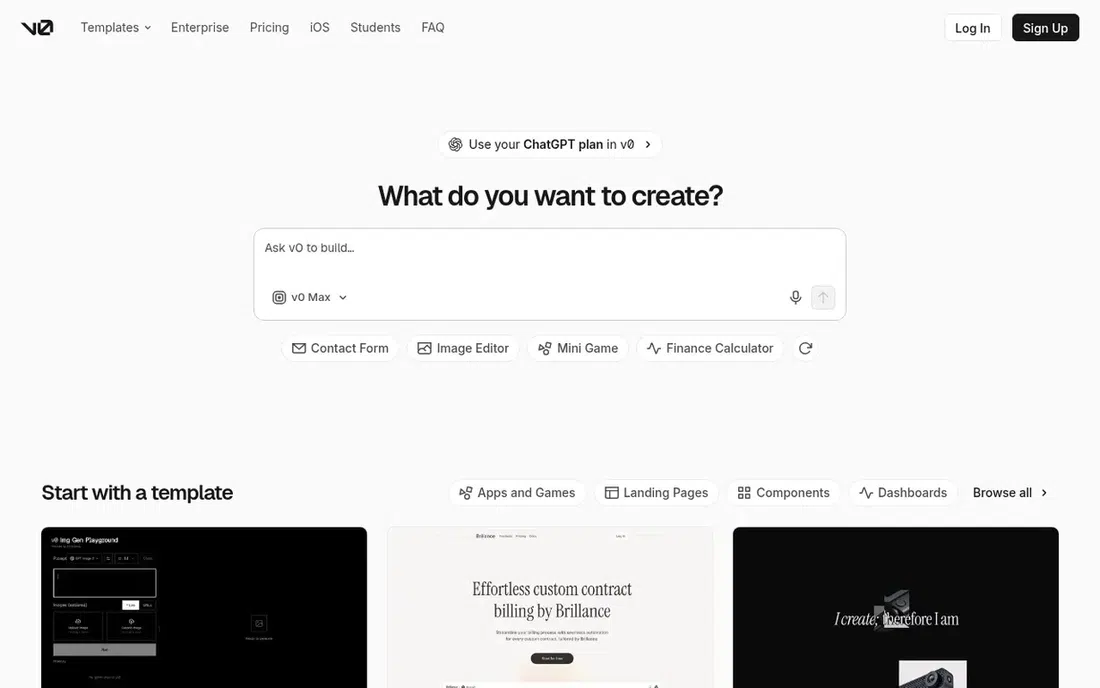
For full-stack web apps with AI assistance, v0 is a natural candidate. v0 by Vercel is described as a collaborative AI assistant to design, iterate, and scale full-stack applications for the web.
The main drawbacks: Beginner may have to learn web concepts.
For everyday use, the focus is on web applications, so anyone set on publishing native iOS or Android apps should look at mobile-oriented builders instead. Price to start with v0: $30 per user per month. v0 has a free plan.
- Focus on full-stack web applications
- Collaborative AI assistant for design and iteration
- Web-focused instead of native mobile
FlutterFlow works best for describe once, publish to both keeps. FlutterFlow lets you build an iPhone and Android app by describing it. Changes made through the agent may also need review before publishing.
Where it is weaker: Store submission still needs setup.
For everyday use, sending an app to the App Store and Google Play involves store requirements that go beyond describing the app, so beginners should expect some setup work. In practice, choose FlutterFlow when mobile store distribution is the goal and you want an agent to deal with changes. More specifically, the homepage says you can start with a first version in about five minutes, ask the agent for any change, and send it to the App Store and Google Play. That makes it a good fit for beginners who know they want to ship to both mobile keeps and want a quick first version to react to. Starting cost for FlutterFlow: $29 per month. FlutterFlow has a free plan.
- Ask the agent for any change
- Build an iPhone and Android app by describing it
- Agent-driven changes may need review
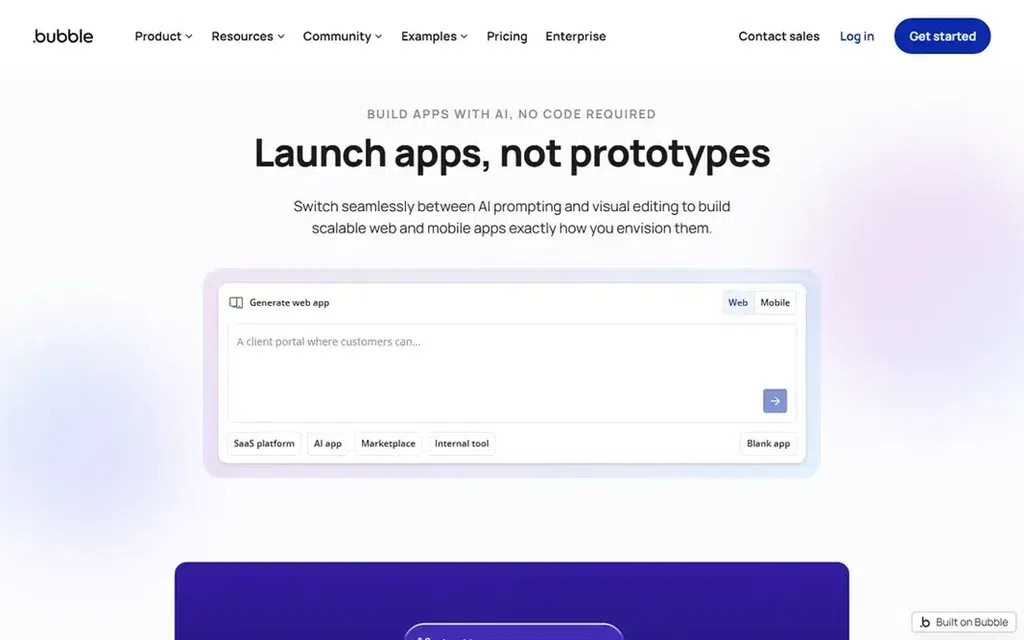
For AI speed plus visual precision, Bubble is a natural candidate. That breadth means more concepts to absorb than a prompt-only builder, and the visual editor can feel dense for a first project.
Also, if you want the simplest possible start, a lighter tool may be simpler. Choose Bubble when you expect to keep building and need control over data and privacy rules. Bubble shows no starting price here, so confirm the cost on the vendor site. Trial and free access: Not stated.
Where it falls short: More concepts to learn than prompt-only tools.
- Privacy rules
- Design, database, logic
- Visual editing can feel complicated at first
Glide makes the most sense for internal business apps from spreadsheets. The stated focus is internal business apps, so someone building a consumer product or a native mobile app may find a different tool more appropriate.
The main drawbacks: Consumer-facing apps may need another tool.
For everyday use, beginners outside a business context may also have less to gain from the spreadsheet starting point. Glide cost at the entry level: $25 per month. Free access exists with Glide.
- Build from a spreadsheet or a prompt
- Ready in minutes
- Geared toward internal business apps
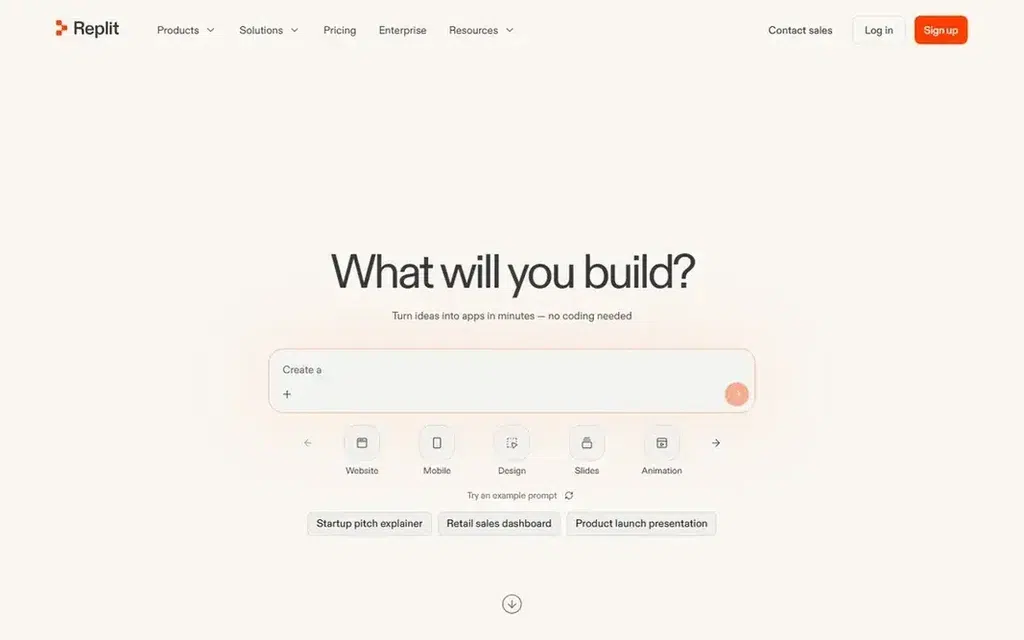
In short, Replit is for fastest text-to-app starting point. The homepage promises a working app or website in minutes with no coding required. From a buyer's view, choose Replit when speed from idea to working result matters most.
Points against: Less visual editing than canvas-based tools.
Replit presents itself as an AI app and website builder where you describe what you want and it builds it. Since the workflow opens from a description, fine control over layout and behavior may feel restricted compared to tools that offer a visual editor. On cost, Replit starts like this: $18 per month, billed annually. Free access: Not stated.
- Working app or website in minutes
- Describe what you want and Replit builds it
- Complicated custom logic may need code later
How the list was put together
Selection started from tools commonly considered for AI app builder for beginners, then narrowed to 5 that have clear pricing information or a clear quote process. Prices and plan limits come from vendor pages and can change, so confirm them on the vendor site before you buy. We ordered the tools by general fit, then by how clearly pricing is shown, then by free access. A buyer with unusual needs may reorder them.
Before you commit
- Get a written quote from Bubble; the list shows no starting price for them.
- Read the fine print on the free plans from v0, FlutterFlow and Glide; seat, project and feature caps differ.
- Before choosing v0, weigh its main limit: web-focused instead of native mobile.
- Read the plan comparison for Bubble carefully; key features often start on a higher tier.
- Before you load data into FlutterFlow, check what an export looks like and who can run it.
FAQ
Is v0 the right pick for everyone comparing AI app builder for beginners?
No single tool suits every team. v0 comes first because it fits full-stack web apps with AI assistance, while FlutterFlow suits describe once, publish to both stores and Bubble suits AI speed plus visual precision. Match the tool to your own size, budget and workflow before deciding.
Which AI app builder for beginners have a free plan?
v0, FlutterFlow and Glide offer a free plan in this list. Free plans usually cap users, projects or features, so check the limits on the vendor page.
Can I try these tools before paying?
Often, yes. v0, FlutterFlow and Glide have a free plan. Use your own data and a real task during the test, and check what the free tier or trial limits before you rely on it.
Do these tools publish their prices?
Not all of them. Bubble publishes no starting price, so expect a quote request for it. The rest, v0 included, show a starting price, though seats and billing terms still change the final cost.
What is the difference between prompt-based and visual app builders?
Prompt-based builders like Replit start from a description and create a working result rapidly. Beginners frequently start with a prompt and move to visual editing as the app grows.
Sources
- https://v0.dev
- https://www.flutterflow.io
- https://bubble.io
- https://www.glideapps.com
- https://replit.com