Best AI Resume Builder Tools in 2026: 9 Tools Compared
Compare the best ai resume builder tools in 2026, from ATS scoring and tailored versions to design-led templates, with prices and free plans in detail.

- Editor's choice
 Rezi
ATS-focused corporate applications
Starts at$29 per monthVisit rezi.aiFull review - Great alternative
 Teal
Managing a high-volume job search
Starts at$29 per 30 daysVisit tealhq.comFull review - Also consider
 Kickresume
Design-led resumes on a budget
Starts atSee websiteVisit kickresume.comFull review
TL;DR:
- Teal and Rezi suit job seekers who apply at volume, because both pair resume editing with targeting and tracking tools.
- Kickresume and Enhancv lead on design, while Resume.io and Zety lead on guided, step-by-step building for first-time writers.
- Jobscan is the strongest diagnostic tool when a specific job posting is in hand, rather than a general builder.
- Free plans vary widely, and several builders only allow text-only exports until you pay, so check download terms before you start.
Quick comparison
| Tool | Best for | Starts at | Free plan? | |
|---|---|---|---|---|
| Rezi | ATS-focused corporate applications | $29 per month | Yes | Visit |
| Teal | Managing a high-volume job search | $29 per 30 days | Yes | Visit |
| Kickresume | Design-led resumes on a budget | See website | Yes | Visit |
 Resume.io | Fast guided resume building | See website | Yes | Visit |
 Novoresume | One-time purchase buyers | See website | Yes | Visit |
 Enhancv | Creative layouts and storytelling | $24.99 per month | Free trial (7 days) | Visit |
 Zety | Step-by-step writing help | See website | Free trial (14 days) | Visit |
 Jobscan | Matching a resume to a job posting | $49.95 per month | Yes | Visit |
 FlowCV | Clean resumes with no clutter | See website | Yes | Visit |
The best ai resume builder tools
These tools differ more in workflow than in basic templates. Some help you write, some help you match a posting, and some help you manage dozens of applications. Pick based on the part of the search that slows you down most.

Rezi is built around one clear job: getting a resume past automated screening and into a recruiter search. Its AI keyword targeting compares your draft with a job description and flags terms and skills that are missing. That focus makes it a strong fit for corporate, government and large-company roles, where the first read may be a database search rather than a person.
The trade-off is style. Rezi templates stay simple on purpose, which helps parsing but leaves less room for visual flair. If you work in design, marketing or another portfolio-led field, you may want a second tool for a visually led version. For most office and technical roles, though, clarity beats decoration, and Rezi keeps that priority front and center.
- Live ATS scoring
- Keyword targeting against job descriptions
- Clean single-column layouts
- Monthly price is high for occasional use
- Design options are more restrained than creative builders
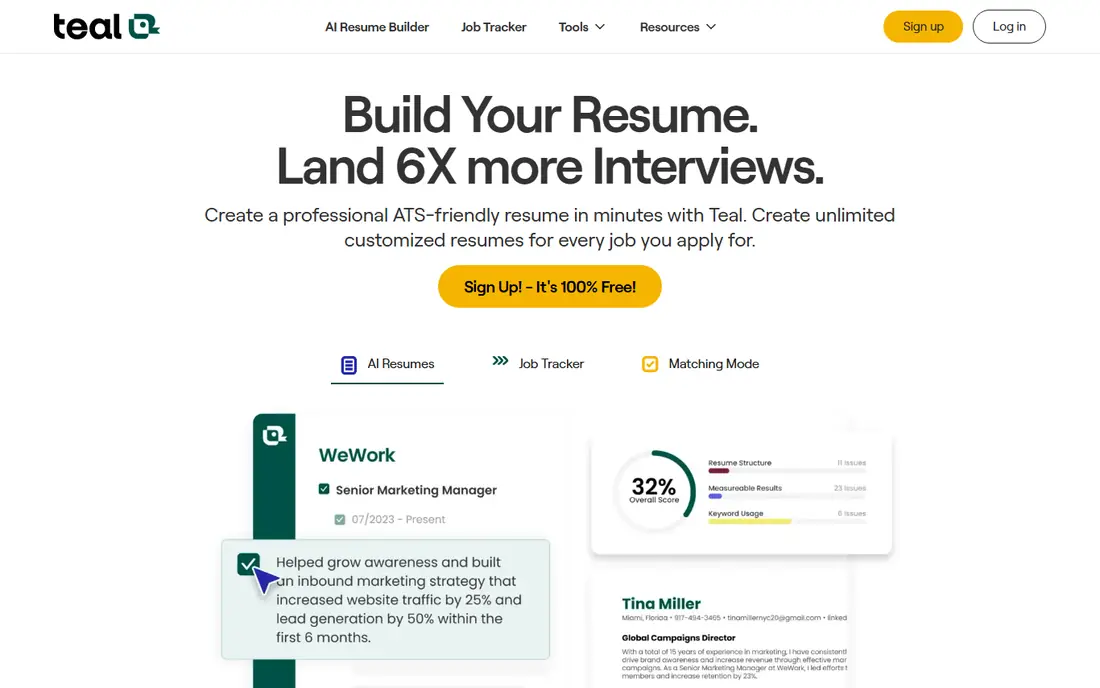
Teal treats the resume as one part of a larger search. You can track applications, save postings and create tailored versions of a resume for different roles without starting from scratch each time. That structure helps when you are applying to twenty roles at once and need to remember which version went where.
The free tier is genuinely usable for building and downloading a resume, which sets Teal apart from builders that lock downloads behind paywalls. Teal Plus adds deeper keyword matching and more tracking features. It is our pick for most people who are actively job hunting, because the tracker alone prevents the usual spreadsheet chaos.
- Job tracker built in
- Tailored resume versions
- Useful free tier
- Paid plan is priced per 30 days
- Some features are best for US job boards
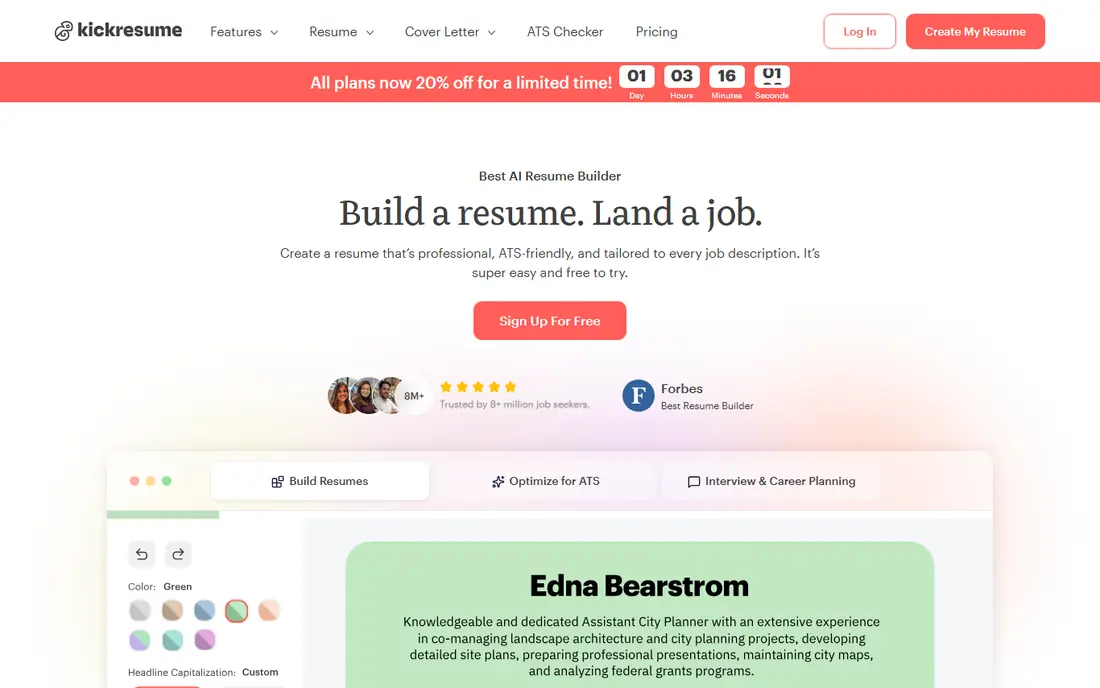
Kickresume is a good middle ground between a plain text builder and a full design tool. Its templates look polished without demanding design skill, and its AI writer can turn rough notes into a first draft you can then edit. That starting draft matters, because a blank page is where most resume projects stall.
Pick a single-column template if the role will pass through an applicant tracking system, and save the two-column designs for direct emails or portfolio sites. Kickresume also offers a free tier with a small set of basic templates, so you can test the editor before paying. For students and early-career job seekers, that low entry cost is a real plus.
- Large template library
- AI-generated first drafts
- Cover letter builder included
- Some premium templates require payment
- ATS safety varies by template choice
Resume.io is the tool to choose when speed matters most. The guided flow asks for each section in turn, suggests phrasing, and produces a polished document in under an hour. People writing their first resume, or updating one after years in the same job, will find the structure reassuring rather than restrictive.
Read the pricing terms carefully before you pay. The free plan lets you build, but a polished PDF download sits behind a paid plan, and trials convert to a recurring subscription. Set a calendar reminder if you only need one month. Used with that caution, Resume.io is one of the easiest builders to finish with.
- Very fast setup
- Clear guided steps
- Wide template range
- Free plan allows text-only export
- Subscription renews automatically unless cancelled
Novoresume appeals to people who dislike subscriptions. Its premium option can be bought as a one-time purchase for a set period, which suits a single job search with a clear end date. The editor also pushes you toward a tight one-page resume, which is the right length for most early and mid-career roles.
The free plan covers a single-page basic resume, so you can judge the layout before spending anything. Novoresume is less flashy than Enhancv and less diagnostic than Jobscan, but it does the core job well: a clean, readable resume that a recruiter can scan in seconds. That restraint is a feature, not a gap.
- One-time purchase option
- Strict one-page optimization
- Clean layouts
- Premium features are limited on the free plan
- Fewer templates than some rivals
Enhancv is for candidates whose story does not fit a standard template. It offers sections for projects, strengths, courses and personal notes, plus layouts that let a strong achievement stand out visually. Product managers, marketers and senior professionals with varied experience often benefit most from that flexibility.
That freedom comes with a warning. A heavily designed resume can parse poorly in some hiring systems, so keep a plain version for online portals and use the Enhancv version for direct applications and networking. The seven-day trial is enough to test a full draft, but check the renewal terms if you only need a short burst of access.
- Distinctive templates
- Content sections for projects and strengths
- Strong visual control
- No permanent free plan
- Bold designs need care for ATS parsing
Zety guides you section by section and offers suggested bullet points you can adapt rather than copy word for word. That library helps when you know what you did but struggle to phrase it as an achievement with a result. The builder also handles formatting, so you spend time on wording instead of margins.
As with Resume.io, the trial and subscription terms matter. A short trial followed by a recurring charge is the standard model here, so cancel promptly if you only need one resume. If you want a lot of writing help and a traditional look, Zety remains a dependable choice, especially for first-time builders.
- Large library of suggested phrases
- Guided builder
- Cover letters included
- Download terms require care
- Templates can look similar across users
Jobscan does a different job from the builders above. You paste in a job posting, upload your resume, and it shows how closely the two match, including keywords, skills and formatting issues. That diagnostic view is useful when you keep getting no response and cannot tell why.
Use it as a second step, not a starting point. Build your resume in Teal, Rezi or Kickresume, then run the final version through Jobscan for a target role and adjust the wording. The free plan includes a limited number of scans per month, which is enough to test the approach on one or two roles before paying.
- Detailed job-description matching
- Clear missing-keyword lists
- LinkedIn optimization
- Price is high for casual use
- It is a checker, not a full resume designer
FlowCV is the quiet option on this list, and that is its appeal. The editor is fast, the layouts are clean, and the free tier covers the core building and export features many people need. There is less AI hand-holding here, so it suits writers who already know what they want to say and just need a tidy document.
If you need heavy AI rewriting or ATS scoring, pair FlowCV with Jobscan or Rezi. On its own, it is a strong choice for a straightforward resume, a quick update before a deadline, or a second version tailored to a different industry. It proves that a good resume does not need a long feature list.
- Simple editor
- Free core features
- Easy PDF export
- Fewer AI writing features than rivals
- Smaller template range
How we picked these
We compared official feature pages, pricing pages and app listings for builders that are live and maintained in October 2026. We favored tools with a clear free or trial route, a working export option, and a distinct strength, rather than listing near-identical builders. We also weighted ATS handling, because a resume that cannot be parsed cannot be read, and we checked download and renewal terms where those terms affect the real cost.
What to check before you pay
Start with the job, not the template. A single-column layout, standard section headings and a PDF export are the safest defaults for online applications. Save creative layouts for direct contacts, hiring managers and portfolio links, where a person will open the file directly.
Read the trial terms before entering payment details. Several builders convert a short trial into a monthly plan, and some limit free exports to plain text. If you only need one resume, a one-time purchase or a single month with a cancellation reminder is usually cheaper than an open-ended plan.
Finally, edit every AI suggestion. AI writing can improve phrasing, but it can also invent duties, soften real results or repeat generic claims. Keep only lines you can defend in an interview, add numbers where you have them, and have a friend read the final version for clarity. The tool speeds up drafting, but the judgment stays with you.
FAQ
What are the best ai resume builder apps for a first resume?
Resume.io, Zety and Novoresume are strong first choices because they guide each section and suggest wording. Teal is also good if you want to track applications at the same time. Start with a free plan, finish one complete draft, and only pay if you need a polished PDF or a premium template.
Is an AI resume builder safe for ATS screening?
A builder helps, but it does not guarantee a pass. Single-column layouts, standard headings such as Experience and Education, and keywords taken from the actual posting all help parsing. Avoid graphics, tables and unusual fonts in the version you submit through a portal, and keep a plain copy ready.
Do I still need to tailor my resume for each job?
Yes, for roles you care about most. A general resume works for broad applications, but a tailored version that mirrors the posting language and highlights the closest experience will perform better. Tools such as Jobscan and Rezi make that tailoring faster, but the final wording choices are yours.
Can I build a good resume for free?
Yes, in many cases. Teal, FlowCV and Novoresume offer usable free tiers, and Kickresume offers free basic templates. The limits usually involve premium designs or advanced AI features, not basic building. Check whether PDF download is included before you invest hours in a draft.
Should I use AI to write my whole resume?
Use AI for a first draft and for phrasing help, then rewrite in your own words and check every claim. Recruiters notice generic language, and hiring managers will ask about any achievement you list. AI is a drafting aid, not a substitute for accurate, specific work history.