Best AI Research Platforms for Data Analysts in 2026: 8 Platforms Compared
Compare the best ai research platforms for data analysts in 2026, with pricing, citation checks, extraction tables, and tools for papers and reports today.
- Editor's choice
 Elicit
Structured extraction from many papers
Starts at$11 per monthVisit elicit.comFull review - Great alternative
 Consensus
Quick evidence summaries with agreement signals
Starts at$12 per monthVisit consensus.appFull review - Also consider
 Scite
Checking how later work treats a finding
Starts at$20 per monthVisit scite.aiFull review
TL;DR:
- Elicit is our pick for structured extraction, because it turns papers into comparable tables instead of long summaries.
- Semantic Scholar and ResearchRabbit give analysts a strong free starting point for discovery before any paid plan is needed.
- Scite adds a check other tools skip, by showing whether later papers support or contrast a claim.
- Every AI summary still needs a human check against the original paper, especially for numbers, methods, and dates.
Quick comparison
| Tool | Best for | Starts at | Free plan? | |
|---|---|---|---|---|
| Elicit | Structured extraction from many papers | $11 per month | Yes | Visit |
| Consensus | Quick evidence summaries with agreement signals | $12 per month | Yes | Visit |
| Scite | Checking how later work treats a finding | $20 per month | Free trial | Visit |
 SciSpace | Reading dense PDFs with AI help | $12 per month | Yes | Visit |
 Semantic Scholar | Free discovery across a large paper index | Free | Yes | Visit |
 ResearchRabbit | Finding related papers through citation networks | Free | Yes | Visit |
 Connected Papers | One page visual maps of a field | $3 per month | Yes | Visit |
 Litmaps | Visual timelines of citations over time | $10 per month | Yes | Visit |
The best AI research platforms for data analysts
Data analysts need more than a chatbot answer. They need sources they can trace, numbers they can verify, and a paper trail that a manager or client can follow. The tools below cover that work in different ways, from search and extraction to citation checks and visual maps.
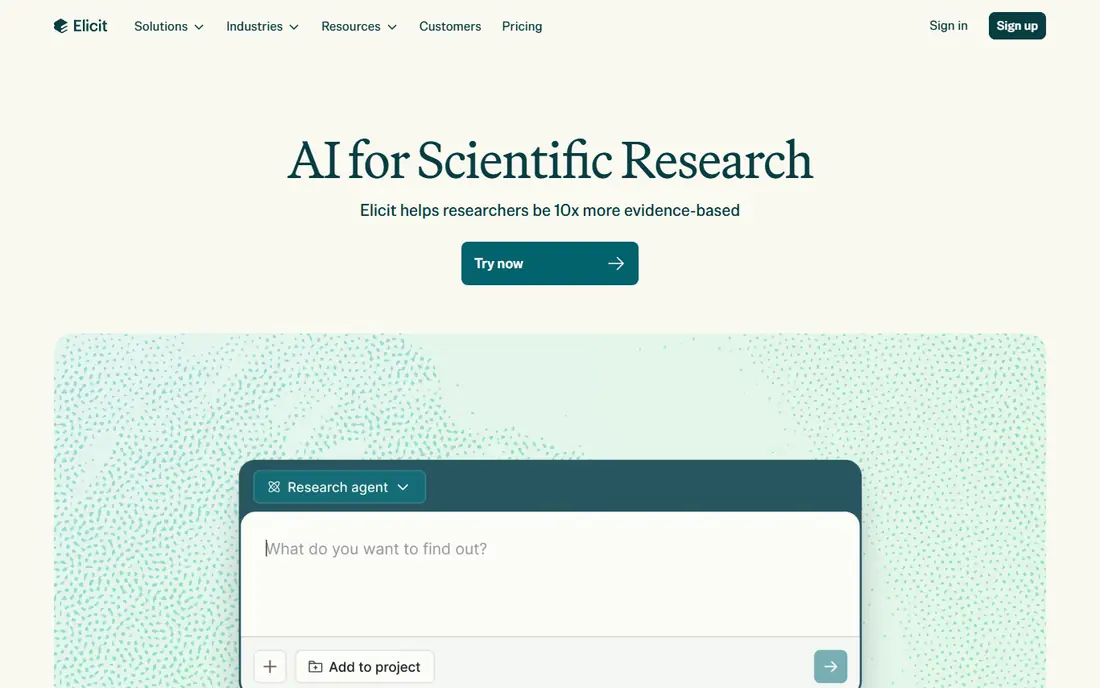
Elicit suits analysts who must compare dozens of papers on the same questions. You ask a research question, set the columns you care about, and get a table that lines up methods, samples, and findings side by side. That structure saves hours of copy work when a report needs consistent evidence.
The catch is cost and care. Large systematic reviews sit on higher plans, and the free plan has limits that show up quickly on big projects. We also found its value drops if you only need one or two papers, since a simple search tool may be faster. For repeated research, though, the table format is hard to beat.
- Custom extraction columns
- Systematic review workflows
- Export to common formats
- Paid plans rise fast for large reviews
- Summaries still need manual verification
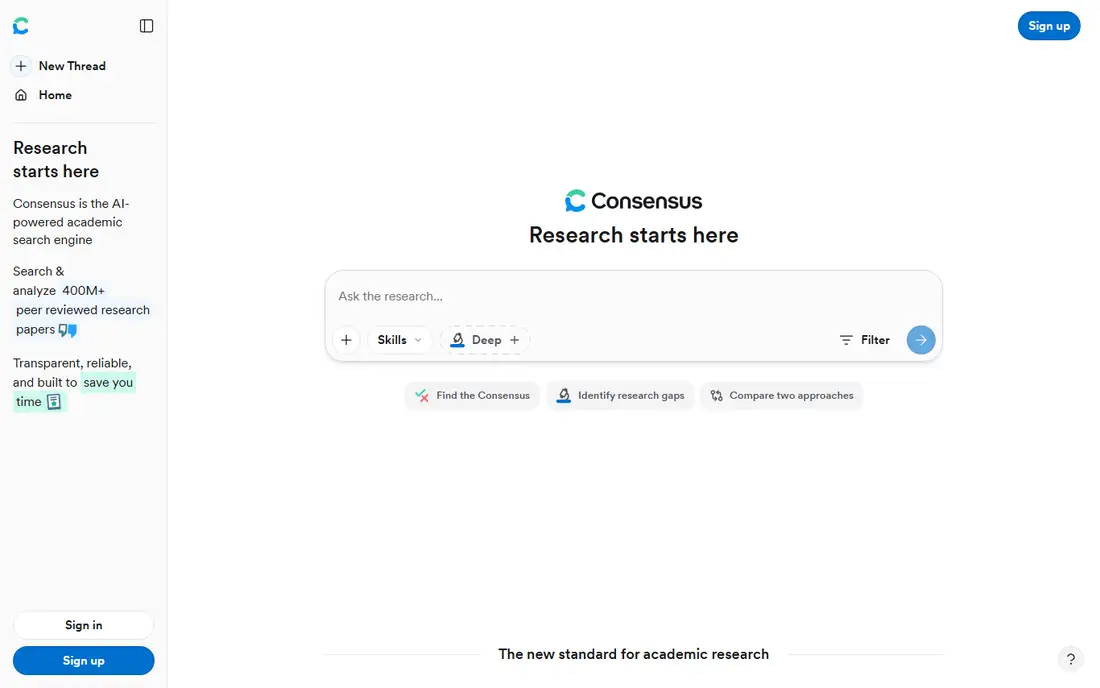
Consensus answers a direct question with a short synthesis and a meter showing how the literature leans. For an analyst checking a claim before it goes into a deck, that first pass is useful. It points back to papers, so you can open the strongest sources and read further.
It is not a replacement for full reading. On very new or narrow topics, the pool of papers may be thin, and the summary can smooth over disagreements that matter. Use it to triage, then read the papers that drive the result.
- Consensus Meter shows agreement
- Clear source links
- Fast first pass on a claim
- Depth is limited on narrow topics
- Paid messages are capped on some plans
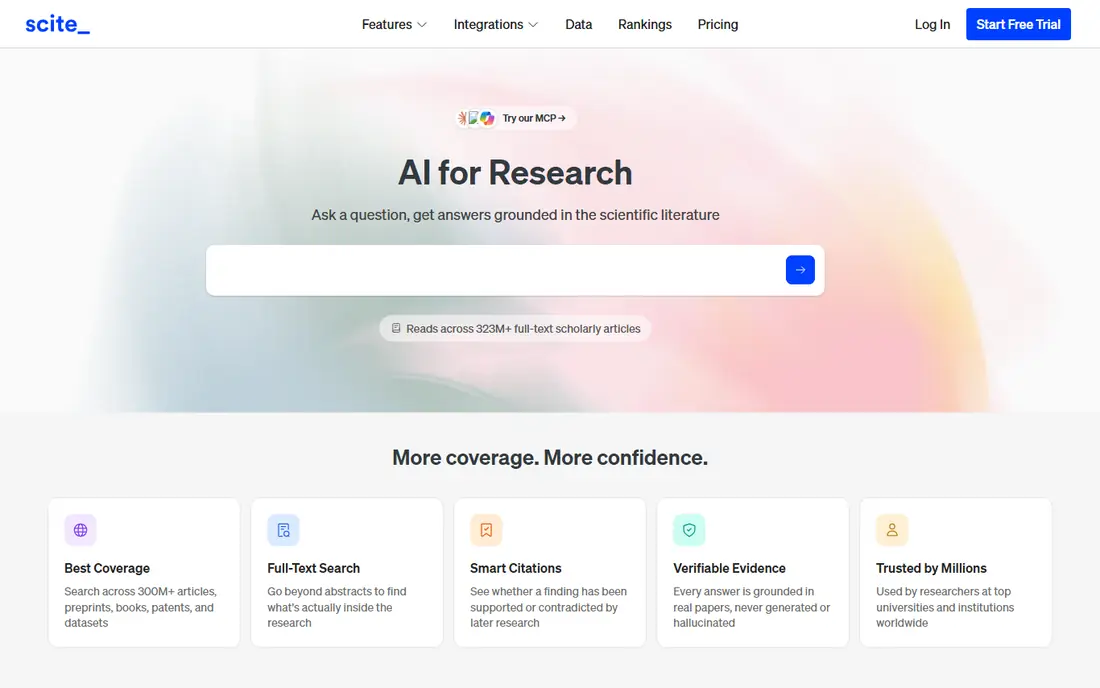
Scite stands apart because it classifies citations. Instead of only counting how often a paper is cited, it shows whether citing papers support, mention, or contrast the result. That detail matters when an analyst must defend a number in a report or flag a finding that later work questioned.
The interface takes a little learning, and the free trial is short for a deep project. Still, for claims that carry risk, this is the check we would run before publishing. A paper with many contrasting citations deserves a closer read, not a footnote.
- Smart Citations flag support and contrast
- Large citation index
- Useful for due diligence
- Higher starting price
- Full reports sit behind paid plans
SciSpace is built around the reading step. You can upload a paper, ask what a table means, and get explanations tied to the text. For analysts who did not train in a paper's field, that guidance lowers the barrier to understanding methods and limits.
Credit limits are the main drawback. Heavy weeks of PDF work can burn through a plan, so it pays to save the tool for the hardest papers. Treat its answers as a reading aid, and always quote numbers from the paper itself.
- Chat with PDFs
- Formula and table explanations
- Literature review matrices
- Credits run out fast on heavy use
- Writing tools can tempt overuse
Semantic Scholar is the free backbone of many research workflows. Its index is large, its search is fast, and its short summaries help you decide which papers deserve a full read. Analysts on a tight budget can do real discovery here without paying anything.
It does not try to do everything. You will not get Elicit style extraction tables or Scite style citation classification in the same depth. Pair it with one paid tool for extraction or citation checks, and keep it as your everyday search home.
- Free search
- Short TLDR summaries
- Citation graphs and recommendations
- No deep extraction tables
- AI features are lighter than paid rivals
ResearchRabbit starts from papers you already trust and finds more like them. Add a few strong seeds, and it builds a network of related work, authors, and citations. That approach often surfaces papers that keyword search misses, especially in fields with varied terms.
The tool depends on your starting point. Weak or off topic seeds lead to weak recommendations, so choose seeds with care. It also works best as a discovery step, with reading and extraction done elsewhere.
- Free to start
- Visual collections
- Strong recommendations from seed papers
- Less useful without good seed papers
- No full text analysis on every paper
Connected Papers turns one seed paper into a graph of similar work. Papers that sit close together share citations and references, which gives a quick sense of clusters, schools of thought, and key prior work. For a new topic, one graph can replace an afternoon of blind searching.
Graphs can mislead if read too literally. Closeness shows citation similarity, not quality or agreement, so check the papers behind the nodes. At its low price, though, it is a cheap way to map a field before you commit to deeper tools.
- Clear similarity graphs
- Low starting price
- Fast orientation in a new field
- Free graphs are limited each month
- Graphs need interpretation
Litmaps shows how papers connect over time, which helps analysts see when an idea gained traction and which later papers built on it. That timeline view is useful for trend reports and for explaining the history of a method to non technical readers.
It is narrower than Elicit or SciSpace, and it will not carry a whole systematic review on its own. Use it when the story over time matters, and pair it with a search tool for the papers themselves.
- Interactive citation maps
- Timeline view
- Helpful for tracking how ideas spread
- Smaller feature set than full review suites
- Paid plan needed for larger maps
How we picked these
We compared official feature pages, pricing pages, and public reviews for tools that work with academic papers and data sources in October 2026. We favoured tools with clear source links, a large paper index or a distinct method such as citation classification or visual mapping, and pricing that a small team can actually test. We did not claim hands-on testing. Where prices differ by billing period or academic status, we used the commonly listed starting figure and noted that you should check the vendor page before buying.
What to check before you pick a research tool
Start with the question you answer most often. If you compare many papers on the same measures, extraction tables matter most. If you check single claims, a consensus summary plus a citation check may be enough. If you explore new fields, discovery and visual maps will save more time than writing help.
Check three practical points before paying. First, look at export options, since tables and citations must move into your reports without retyping. Second, check how the tool handles your own uploads and private data, and read its privacy policy for retention rules. Third, test the free plan on a real past project and compare its output with papers you already know well. That test reveals limits faster than any demo.
FAQ
What is the best AI research platform for data analysts?
Elicit is our pick for most analysts who compare many papers, while Semantic Scholar is the best free starting point. The right choice depends on whether your main job is extraction, quick evidence checks, or discovery. Try the free plans on one real project before you commit.
Can AI research tools replace reading papers?
No. They speed up search, extraction, and first-pass summaries, but they can miss nuance and misstate numbers. Read the methods and results sections of any paper you cite, and quote figures from the original text. Use AI output as a draft aid, not as a source.
Are these tools good for datasets as well as papers?
Most tools here focus on papers, not datasets. For dataset work, pair a research tool with your usual data platform, notebook, or warehouse, and use the paper tool to document methods and prior findings. Check whether the tool links to data repositories for the papers you read.
How much should a small team budget?
A free stack of Semantic Scholar and ResearchRabbit covers discovery at no cost. Adding one paid tool for extraction or citation checks typically starts around $10 to $20 per month per user. Larger reviews and team plans cost more, so price your real monthly paper volume first.
Do these tools work for non academic topics?
They work best for academic and technical literature. For market reports, company filings, and news, a general search tool with citations may fit better. Some tools here also handle uploaded reports, but check upload limits and source coverage before relying on them.