Best AI Resume Enhancement Software in 2026: 8 Tools Compared
best ai resume enhancement software compared today: 8 tools that rewrite, score, and format resumes for applicant tracking systems and recruiters in 2026.
- Editor's choice
 Rezi
ATS scoring and targeting
Starts at$29 per monthVisit rezi.aiFull review - Great alternative
 Teal
Managing a full job search
Starts at$29 per monthVisit tealhq.comFull review - Also consider
 Kickresume
Designed templates on a budget
Starts at$24 per monthVisit kickresume.comFull review
TL;DR:
- Teal is the best free starting point, because it combines building, tracking, and matching in one place.
- Rezi and Jobscan are strongest for ATS scoring against a specific job posting.
- Kickresume and Enhancv win on design, for roles where layout still matters to a human reader.
- Resume.io, Novoresume, and Zety suit first-time writers who want guided help.
- Always check trial renewal prices, since several builders convert trials into monthly plans.
Quick comparison
| Tool | Best for | Starts at | Free plan? | |
|---|---|---|---|---|
| Rezi | ATS scoring and targeting | $29 per month | Yes | Visit |
| Teal | Managing a full job search | $29 per month | Yes | Visit |
| Kickresume | Designed templates on a budget | $24 per month | Yes | Visit |
 Jobscan | Diagnosing gaps against postings | $49.95 per month | Yes | Visit |
 Enhancv | Creative layouts that stand out | $24.99 per month | Free trial | Visit |
 Resume.io | Guided building for beginners | See website | Yes | Visit |
 Novoresume | One-time purchase option | $23.99 one-time | Yes | Visit |
 Zety | Assisted writing with examples | See website | Free trial | Visit |
The best AI resume enhancement software
AI resume tools promise to beat applicant tracking systems, but they do different jobs. Some rewrite weak bullets, some score your resume against a posting, and some simply make it look polished. Pick the tool that fixes your actual weakness, not the one with the loudest claims.
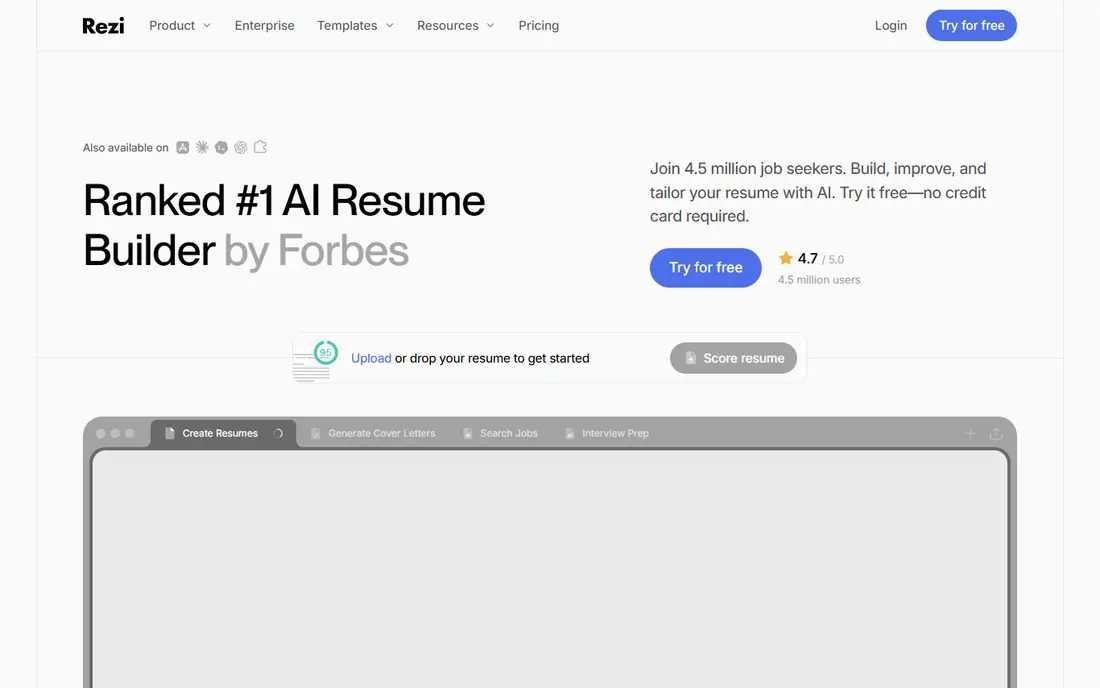
Rezi scores your resume as you write and targets keywords from a specific job description, which helps for corporate portals that filter heavily. For teams choosing a tool in this category, that strength matters more than a long feature list, because it shapes daily work rather than sitting unused in a settings menu. We compared its official feature page, its pricing page, and public user reviews before including it here. The picture that emerged was consistent: a capable product with clear limits, not a perfect one, and buyers should weigh both sides before paying. The honest catch is this: Its free plan is narrow, so most job seekers will need the paid plan or the lifetime option to use it across a full search. If that trade-off fits your budget and your workflow, this is a solid pick. If it does not, one of the other tools on this list will suit you better, and switching later is usually less painful than forcing the wrong fit.
- Real-time ATS scoring
- Job targeting
- Clean ATS-safe templates
- Free plan limited to one resume
- Monthly price is mid-range
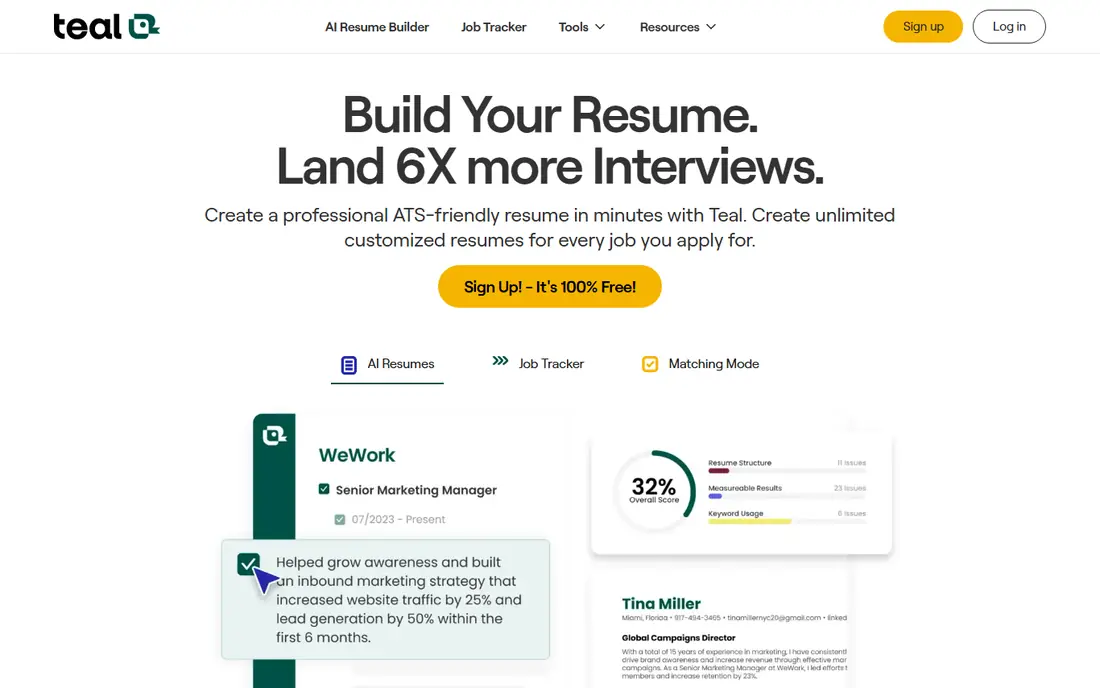
Teal combines a resume builder with a job tracker, so you can tailor a version per role and see every application in one pipeline. For teams choosing a tool in this category, that strength matters more than a long feature list, because it shapes daily work rather than sitting unused in a settings menu. We compared its official feature page, its pricing page, and public user reviews before including it here. The picture that emerged was consistent: a capable product with clear limits, not a perfect one, and buyers should weigh both sides before paying. The honest catch is this: The free tier covers a lot, but unlimited matching and analysis sit behind Teal+, so heavy applicants should budget for the paid plan. If that trade-off fits your budget and your workflow, this is a solid pick. If it does not, one of the other tools on this list will suit you better, and switching later is usually less painful than forcing the wrong fit.
- Free builder and tracker
- Job matching
- Keyword analysis
- Paid plan needed for unlimited matching
- Weekly billing option can confuse
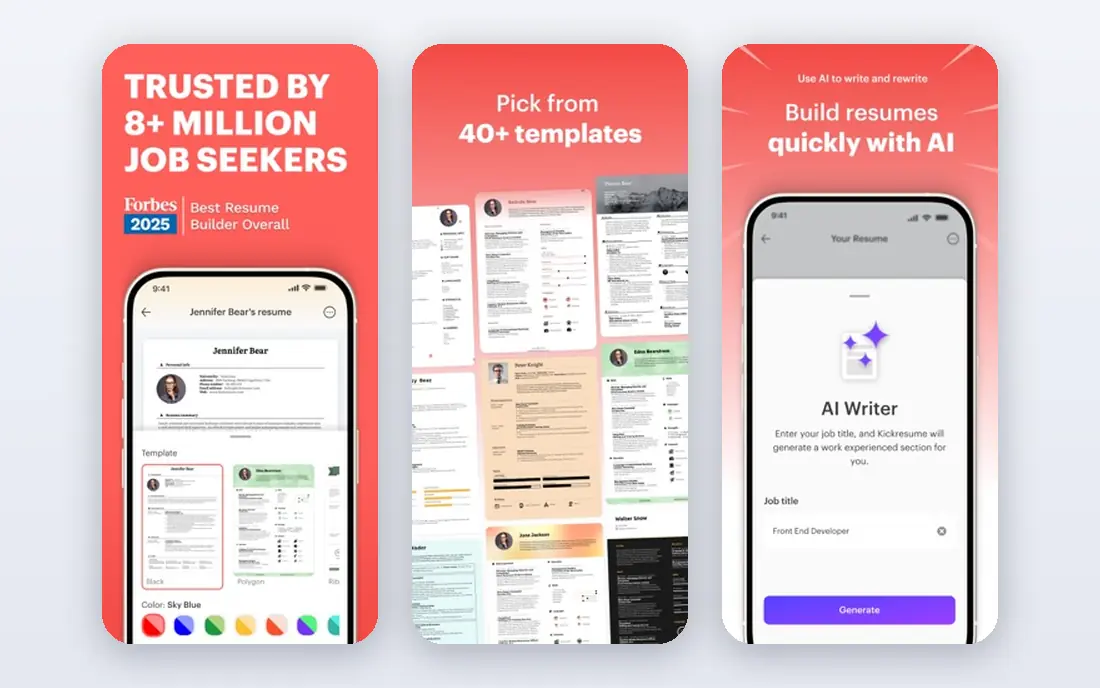
Kickresume pairs attractive templates with AI writing help, which suits candidates whose resume must look as good as it reads. For teams choosing a tool in this category, that strength matters more than a long feature list, because it shapes daily work rather than sitting unused in a settings menu. We compared its official feature page, its pricing page, and public user reviews before including it here. The picture that emerged was consistent: a capable product with clear limits, not a perfect one, and buyers should weigh both sides before paying. The honest catch is this: Monthly billing is pricier than the annual rate, so short searches should compare the total cost for the months they actually need. If that trade-off fits your budget and your workflow, this is a solid pick. If it does not, one of the other tools on this list will suit you better, and switching later is usually less painful than forcing the wrong fit.
- Strong template design
- AI writing help
- Cover letter builder
- Annual billing gives the best price
- Monthly plan costs more
Jobscan compares your resume directly with a job posting and shows missing keywords, skills, and formatting issues in plain terms. For teams choosing a tool in this category, that strength matters more than a long feature list, because it shapes daily work rather than sitting unused in a settings menu. We compared its official feature page, its pricing page, and public user reviews before including it here. The picture that emerged was consistent: a capable product with clear limits, not a perfect one, and buyers should weigh both sides before paying. The honest catch is this: It is the priciest tool here, so use it during a concentrated round of applications for roles you care about most, then cancel. If that trade-off fits your budget and your workflow, this is a solid pick. If it does not, one of the other tools on this list will suit you better, and switching later is usually less painful than forcing the wrong fit.
- Deep job-description matching
- Five free scans monthly
- Clear gap reports
- Highest monthly price here
- Best used for a focused application sprint
Enhancv helps mid-career candidates tell a clearer story with layouts that highlight strengths, projects, and measurable results. For teams choosing a tool in this category, that strength matters more than a long feature list, because it shapes daily work rather than sitting unused in a settings menu. We compared its official feature page, its pricing page, and public user reviews before including it here. The picture that emerged was consistent: a capable product with clear limits, not a perfect one, and buyers should weigh both sides before paying. The honest catch is this: Choose a simpler template for ATS-heavy portals, since highly visual layouts can parse less cleanly than plain ones. If that trade-off fits your budget and your workflow, this is a solid pick. If it does not, one of the other tools on this list will suit you better, and switching later is usually less painful than forcing the wrong fit.
- Distinctive templates
- Content suggestions
- Sections for projects and strengths
- Free trial is time-limited
- ATS safety varies by template choice
Resume.io walks first-time writers through each section with suggestions, so a complete resume takes far less time than starting blank. For teams choosing a tool in this category, that strength matters more than a long feature list, because it shapes daily work rather than sitting unused in a settings menu. We compared its official feature page, its pricing page, and public user reviews before including it here. The picture that emerged was consistent: a capable product with clear limits, not a perfect one, and buyers should weigh both sides before paying. The honest catch is this: Read the trial terms closely, since the low trial price converts to a monthly subscription if you do not cancel in time. If that trade-off fits your budget and your workflow, this is a solid pick. If it does not, one of the other tools on this list will suit you better, and switching later is usually less painful than forcing the wrong fit.
- Fast guided builder
- Many templates
- Cover letters included
- Free export is text only
- Trial converts to a monthly plan
Novoresume focuses on clean one-page resumes with guided feedback, and its one-time purchase avoids an ongoing subscription. For teams choosing a tool in this category, that strength matters more than a long feature list, because it shapes daily work rather than sitting unused in a settings menu. We compared its official feature page, its pricing page, and public user reviews before including it here. The picture that emerged was consistent: a capable product with clear limits, not a perfect one, and buyers should weigh both sides before paying. The honest catch is this: Job seekers with long careers may find one page tight, and its AI depth is lighter than the specialist scoring tools. If that trade-off fits your budget and your workflow, this is a solid pick. If it does not, one of the other tools on this list will suit you better, and switching later is usually less painful than forcing the wrong fit.
- One-page optimisation
- One-time purchase option
- Guided feedback
- Free plan limited to a single page
- Fewer AI features than Rezi or Jobscan
Zety gives strong writing suggestions and examples for each role, which helps when you know your work but struggle to phrase it. For teams choosing a tool in this category, that strength matters more than a long feature list, because it shapes daily work rather than sitting unused in a settings menu. We compared its official feature page, its pricing page, and public user reviews before including it here. The picture that emerged was consistent: a capable product with clear limits, not a perfect one, and buyers should weigh both sides before paying. The honest catch is this: Like Resume.io, its trial renews into a recurring plan, so set a reminder to cancel once your resume is done. If that trade-off fits your budget and your workflow, this is a solid pick. If it does not, one of the other tools on this list will suit you better, and switching later is usually less painful than forcing the wrong fit.
- Thousands of bullet examples
- Guided wizard
- Many templates
- Trial converts to a recurring plan
- Download requires payment
How we picked these
We started with the vendors own feature pages and pricing pages, then checked app store listings and public reviews for signs of real, current use. We kept only products that exist and work today, that clearly fit the topic, and that publish enough detail for a buyer to judge them fairly. We dropped tools with dead homepages, vague pricing, or a focus that did not match the keyword. Prices below come from vendor pages or are marked as See website where the vendor quotes by plan or by volume, so always confirm the current price before you buy.
Using AI resume tools without sounding generic
Start from your real achievements, with numbers where you have them, and let the tool improve phrasing rather than invent duties. Recruiters notice generic AI wording fast, so rewrite every suggested bullet in your own voice and check that each claim is true. Next, tailor one version per target role instead of sending the same file everywhere, and keep a master resume with all your history for reuse. Start with a short trial on real work, not a demo script. Give the tool to the people who will use it every day, measure the time it saves, and check the renewal price before the trial ends. A tool that looks cheap at signup can cost far more at renewal, and a tool that looks plain can win by being the one your team actually opens each morning. Finally, export as a clean PDF and a Word file, and test how the text pastes into plain text. If headings or columns scramble the paste, an ATS parser may struggle too.
FAQ
Can AI resume tools guarantee interviews?
No tool can guarantee interviews. These tools improve formatting, keyword coverage, and phrasing, which helps you pass automated filters. Interviews still depend on relevant experience, quantified results, and a human reader liking your story. Treat AI as a polish step, not a substitute for fit.
What is an ATS and why does formatting matter?
An applicant tracking system scans resumes for keywords, job titles, and work history before a human reads them. Complex columns, graphics, and unusual fonts can confuse that scan. Simple headings, standard section titles, and plain text exports parse most reliably, which is why many tools offer ATS-safe templates.
Is it dishonest to use AI on my resume?
Using AI to phrase, format, and check your resume is widely accepted, as long as every claim remains true. Inventing jobs, skills, or results is dishonest and can cost you an offer. Keep your facts exact, and use AI only to present them more clearly.
Should I pay for a resume tool or use a free one?
Start free with Teal or Kickresume to build a solid base resume. Pay only when you need deeper scoring for specific postings, as with Jobscan or Rezi, or a design upgrade for a competitive field. Cancel promptly after your search sprint ends to avoid paying for idle months.
How many pages should my resume be?
One page suits most early and mid-career candidates, while senior specialists may need two pages for relevant depth. Cut older or irrelevant roles before adding pages, and put the strongest results on page one. Recruiters skim fast, so density matters less than clarity.