7 AI Agent Builder Platforms, Compared by Cost and Features
Best AI agent builder platforms, compared. 7 tools with published prices, free plans and limits. Each pick comes with its main catch. Full profiles inside.
- Editor's choice
 Make
Teams that want agents inside visual automations
Starts at$9/monthVisit make.comFull review - Great alternative
 Voiceflow
Design teams building conversational experiences
Starts atSee websiteVisit voiceflow.comFull review - Also consider
 Lindy
Non-technical teams that want ready-made AI employees
Starts at$49.99/monthVisit lindy.aiFull review
Direct answer
For teams that want agents inside visual automations, Make is where this list starts. Alternatives: Voiceflow for design teams building conversational experiences, and Lindy for non-technical teams that want ready-made AI employees. The remaining 4 options are covered below with prices and limits.
TL;DR:
- Make sits first on this list: teams that want agents inside visual automations.
- Free access is easy to find: 6 of the 7 tools have a free plan, for example Make, Voiceflow, Lindy and Relevance AI.
- The cheapest monthly starting price in the list is $9/month, offered by Make.
- n8n fits technical teams that want open, self-hosted automation.
- Check the limits for Make before you commit: AI agent features are newer than competitors.
Quick comparison
| Tool | Best for | Starts at | Free plan? | |
|---|---|---|---|---|
| Make | Teams that want agents inside visual automations | $9/month | Yes | Visit |
| Voiceflow | Design teams building conversational experiences | See website | Yes | Visit |
| Lindy | Non-technical teams that want ready-made AI employees | $49.99/month | Yes | Visit |
 Relevance AI | No-code teams building agents on their own data | $19/month | Yes | Visit |
 Botpress | Developers who want full control over agent behavior | See website | Yes | Visit |
 Microsoft Copilot Studio | Organizations standardized on Microsoft 365 and Azure | See website | Free trial | Visit |
 n8n | Technical teams that want open, self-hosted automation | See website | Yes | Visit |
Every option for AI agent builder platforms explained
LinkVetted compared 7 AI agent builder platforms. The goal is a practical shortlist: published prices, free plan facts, best-fit use cases and honest limits for every entry.
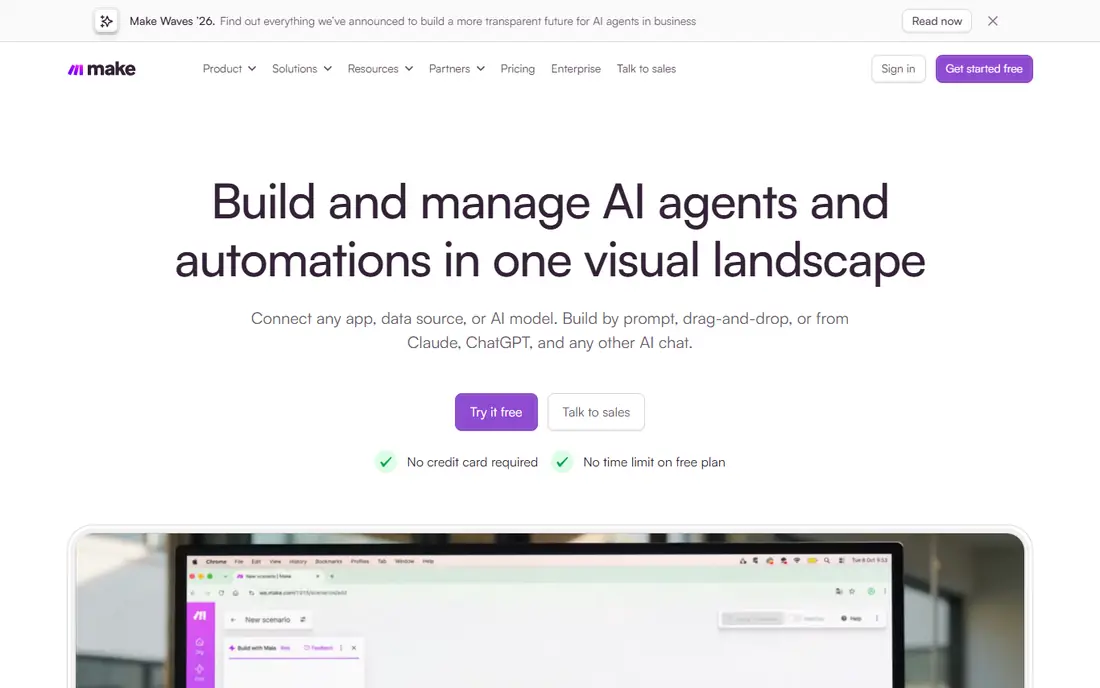
Make is built with teams that want agents inside visual automations in mind. The visual builder is genuinely approachable, and the free plan is enough to learn the system. As for the details, Make is best known for visual automation scenarios.
Drawbacks to consider: Operation-based pricing needs monitoring.
It has added AI agent capabilities on top of that foundation. Premium plans start at $9 a month, which makes Make one of the cheapest ways to experiment with agent-like behavior in production. In daily use, agent functionality is less mature than on dedicated agent platforms, so treat Make as the right choice when your agents live inside broader automations instead of as standalone products. You can build scenarios where an agent reasons over data, calls tools across thousands of integrated apps, and hands results back into your workflows. Make cost at the entry level: $9/month. Make offers a free plan.
- Easy-to-learn visual scenario builder
- Solid error handling and scheduling
- AI agent features are newer than competitors
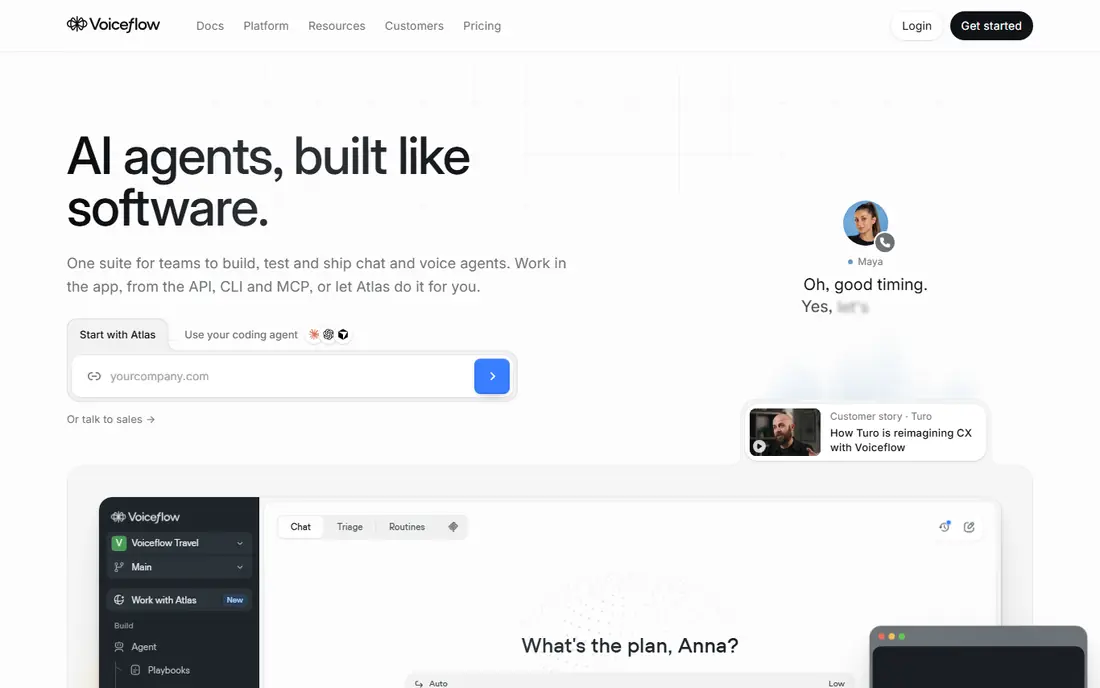
Pick Voiceflow if this describes you: design teams building conversational experiences. The per-seat pricing on premium plans means costs grow with team size instead of usage. It is a natural fit when conversation quality is the priority and you have designers in the loop, less so when you need heavy backend orchestration.
Also, Voiceflow started in voice assistants and grew into a full conversational AI design product. Its canvas makes it simple to map out dialogs, test them with real users, and hand refined prototypes to stakeholders before anything is built. From a buyer's view, teams can publish the same design to web chat, phone systems, and smart speakers. Check the vendor site for Voiceflow pricing; none is listed in this comparison. Voiceflow offers a free plan.
Honest limits: Complicated logic can get messy on the canvas.
- Supports voice and chat from one design
- Decent documentation and community
- API adaptability trails developer-first tools
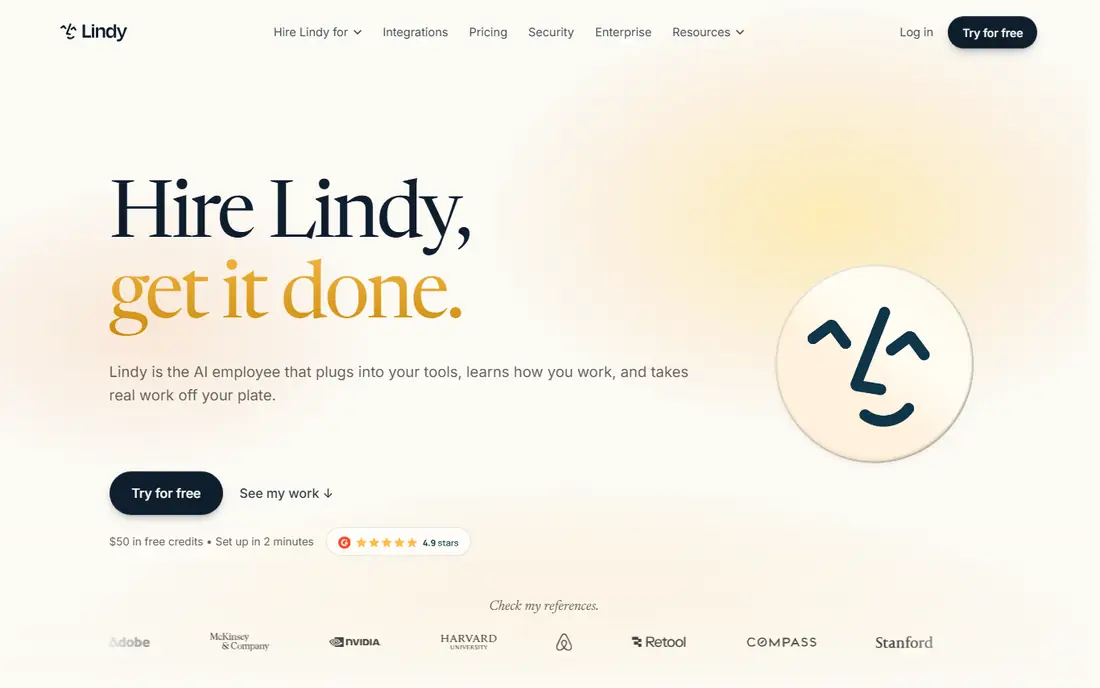
Pick Lindy if this describes you: non-technical teams that want ready-made AI employees. You pick a template, for example a SDR agent, a meeting assistant, or a support agent, link your tools, and the agent starts working with minimal configuration. That template-first approach is the entire point.
In daily use, the trade-off is depth. When a template does not match your process exactly, customization choices are thinner than on products like Botpress or n8n. It is a strong match for standard business tasks, less well suited to unusual or highly regulated workflows. A small business can deploy a lead-qualification agent in an afternoon without hiring a developer. Starting cost for Lindy: $49.99/month. Lindy includes a free tier.
Where it is weaker: Template quality varies by use case.
- CRM tools
- Plugs into email, calendar
- Pricing scales with task volume
In short, Relevance AI is for no-code teams building agents on their own data. Multi-agent setups are supported, so you can have one agent research, another draft, and a third review, all coordinated in one workflow.
Downsides: Advanced customization is restricted.
What users get: No-code agent builder with capable data connectors. Check that your must-have integrations are supported before committing, and use the free plan to validate the core workflow first. Worth adding: pricing opens at $19 per month with a free plan for trying things out, which positions it as an accessible choice for startups and small teams. Entry price for Relevance AI: $19/month. A free plan is available with Relevance AI.
- A decent match for research and analysis agents
- Multi-agent workflows supported
- Some integrations are still maturing
Botpress serves developers who want full control over agent behavior. Botpress merges a visual conversation builder with the choice to drop into code when flows get complicated.
The main drawbacks: Usage-based billing can spike with traffic.
Also, developers can define custom actions, call any API, and link their own language models, which makes it a favorite for teams that outgrow template-based builders. Botpress charges partly on usage, so costs scale with message volume. No starting price is listed for Botpress here; confirm pricing on the vendor site. Botpress includes a free tier. What users get: Visual flow builder plus code-level control.
- Open and extensible with custom integrations
- Ample free level for testing
- Advanced setups still need developer skill
Microsoft Copilot Studio
Best for: Organizations standardized on Microsoft 365 and Azure
Microsoft Copilot Studio makes the most sense for organizations standardized on Microsoft 365 and Azure. Since it inherits Microsoft's identity and permission model, an agent only sees the data the user is allowed to see, which matters an excellent deal for regulated industries. On top of that, the system comes with prebuilt connectors for Salesforce, ServiceNow, Zendesk, and numerous other systems, plus the capacity to call custom APIs.
Strengths: Deep integration with Microsoft 365 apps, SharePoint, Teams.
As for the details, agents can run autonomously on triggers, like a new email arriving, or act as assistants inside a chat window. Teams on Google Workspace or mixed stacks will find the integrations thinner. The metered pricing means you should model a handful of usage scenarios before committing. Microsoft Copilot Studio shows no starting price here, so confirm the cost on the vendor site. Trial and free access: Free trial.
Points against: Full value requires Microsoft 365 licenses.
- Built-in connectors to hundreds of data sources
- Strong governance for IT admins
- Less adaptable for non-Microsoft stacks
n8n is designed for technical teams that want open, self-hosted automation. n8n is a workflow automation system with first-class support for AI agents. On top of that, since the core is open source, you can self-host n8n at no license cost and keep sensitive data inside your own network.
Where it is weaker: Cloud pricing is execution-based.
Where it shines: Open source with a large node library. In daily use, the community has published thousands of workflow templates, so typical patterns seldom have to be built from scratch. For everyday use, the main limit is operational. Self-hosting means you own updates, backups, and scaling. No starting price is listed for n8n here; confirm pricing on the vendor site. n8n has a free plan.
- Active community and templates
- AI agent nodes support leading models
- Interface has a ramp-up time for non-developers
Notes on AI agent builder platforms
An AI agent builder is a product for creating software agents that can reason, use tools, and complete multi-step tasks with restricted human input. Rather than a chatbot that only answers from a script, an agent can check a calendar, query a database, draft a document, and follow up by email, all from one instruction. Beyond that, one camp sells to enterprises that already live in a big ecosystem, for example Microsoft 365 or Salesforce, and wants agents that plug into existing permissions and data.
Pricing is still settling. Some systems charge per conversation or per message, some charge per active agent, and some follow classic per-seat SaaS pricing.
Selection criteria
For each of the 7 tools we noted price, free plan or trial, fit for AI agent builder platforms and the main limit, using vendor pages and documentation. Seat minimums, billing terms and add-ons can move the real cost, so the starting prices here are a guide and not a quote. The order reflects how well each tool fits the most common buying scenario for AI agent builder platforms, then price clarity, then free plan access. It is a starting point, not a verdict.
Before you commit
- Get a written quote from Voiceflow, Botpress, Microsoft Copilot Studio and n8n; the list shows no starting price for them.
- Check what the free option really includes: Make, Voiceflow, Lindy and others offer a free plan, and usage caps differ.
- Use real work to test the free trial from Microsoft Copilot Studio, rather than a demo project.
- Before choosing Make, weigh its main limit: AI agent features are newer than competitors.
- Make sure Botpress lets you export your data in a format another tool can read.
- Check whether the features you need in Lindy sit on the entry plan or only on higher tiers.
FAQ
What is the difference between an AI agent builder and a chatbot builder?
A chatbot builder produces bots that respond to messages, typically from scripts or a knowledge base. As for the details, an AI agent builder builds software that can plan multi-step work, call tools and APIs, and act on your systems with restricted supervision.
Is Make the right pick for everyone comparing AI agent builder platforms?
No single tool suits every team. Make comes first because it fits teams that want agents inside visual automations, while Voiceflow suits design teams building conversational experiences and Lindy suits non-technical teams that want ready-made AI employees. Match the tool to your own size, budget and workflow before deciding.
How are the tools for AI agent builder platforms ordered?
The order follows typical fit for AI agent builder platforms, with Make first and n8n last, then price clarity and free access. It is editorial judgement, not a score, so another team could rank the tools differently.
Can I try these options before paying?
Often, yes. Make, Voiceflow, Lindy and others have a free plan and Microsoft Copilot Studio offers a free trial. Use your own data and a real task during the test, and check what the free tier or trial limits before you rely on it.
Are AI agents safe to provide access to company data?
Look for permission inheritance, audit logs, data masking, and SSO. Enterprise-focused choices like Copilot Studio and Agentforce build these in, whereas smaller systems may need additional configuration.
Do these tools publish their prices?
Not all of them. Voiceflow, Botpress, Microsoft Copilot Studio and n8n publish no starting price, so expect a quote request for those. The rest, Make included, show a starting price, though seats and billing terms still change the final cost.