6 Voice Recognition Software Out There Worth Shortlisting in 2026
Compare 6 picks for the best voice recognition software out there, with prices, free plans and who each fits. The catches are listed up front. Updated for 2026.
- Editor's choiceAmazon Transcribe
Adding speech to text to apps
Starts atSee websiteVisit aws.amazon.comFull review - Great alternative
 Microsoft Azure AI Speech
Customized multilingual speech apps
Starts atSee websiteVisit azure.microsoft.comFull review - Also consider
 Google Cloud Speech-to-Text
Multilingual voice typing and transcription
Starts atSee websiteVisit cloud.google.comFull review
Direct answer
Amazon Transcribe is the first pick on this list for adding speech to text to apps. Listed starting prices: Rev from $25.49 per seat a month, AssemblyAI from $0.02 per hour and Otter.ai from $8.33 per user per month. Microsoft Azure AI Speech fits customized multilingual speech apps; Google Cloud Speech-to-Text fits multilingual voice typing and transcription. Details, prices and limits for the rest of the 6 tools are below.
TL;DR:
- This list starts with Amazon Transcribe, which is built for adding speech to text to apps.
- Only 3 of the 6 tools have a free plan (Amazon Transcribe, AssemblyAI, Otter.ai), so check the caps.
- The cheapest monthly starting price in the list is $8.33 per user per month, offered by Otter.ai.
- Otter.ai fits meeting transcription with summaries.
Last checked November 2026. Prices and plan details were read from the vendors' own pages in November 2026; vendors change plans often, so confirm the current price on the vendor site before you buy.
Quick comparison
| Tool | Best for | Starts at | Free plan? | |
|---|---|---|---|---|
| Amazon Transcribe | Adding speech to text to apps | See website | Yes | Visit |
| Microsoft Azure AI Speech | Customized multilingual speech apps | See website | Not stated | Visit |
| Google Cloud Speech-to-Text | Multilingual voice typing and transcription | See website | Not stated | Visit |
 Rev | Legal and investigative transcription | $25.49 per seat a month | Not stated | Visit |
 AssemblyAI | Speech transcription and understanding models | $0.02 per hour | Yes | Visit |
 Otter.ai | Meeting transcription with summaries | $8.33 per user per month | Yes | Visit |
Every option for voice recognition software out there explained
This LinkVetted guide covers 6 options for voice recognition software out there. Each profile lists a starting price, free plan details, strengths and drawbacks, so you can drop poor fits quickly.
Amazon Transcribe
Best for: Adding speech to text to apps
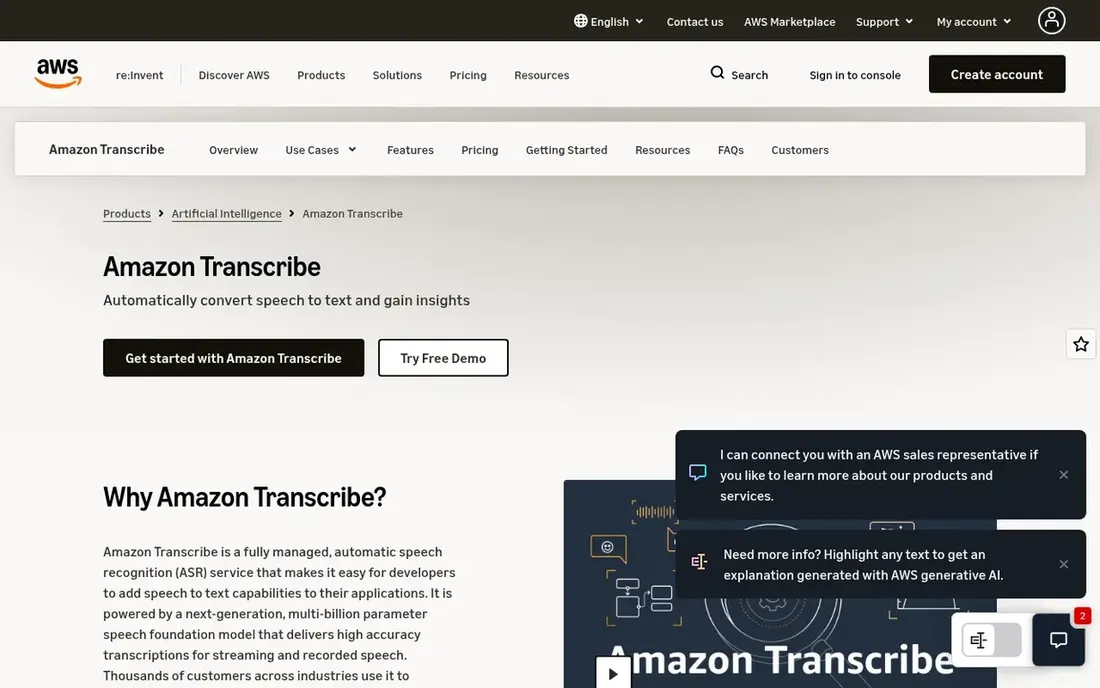
Think of Amazon Transcribe for adding speech to text to apps. It suits engineering teams already working in the AWS ecosystem who want to transcribe audio programmatically and feed text into their own products, pipelines, or analytics.
It is a building block instead of an end-user transcription app, so nontechnical users will find it less approachable than a meeting notetaker. Amazon Transcribe does not show a starting price in this comparison, so check the vendor site for current pricing. Amazon Transcribe has a free plan.
Watch-outs: Not a ready-made notetaker.
- Simple to add to applications
- Automatic speech recognition service
- Needs developer setup
Think of Microsoft Azure AI Speech for customized multilingual speech apps. The service is aimed at builders, so it involves setup and model configuration instead of a straightforward upload-and-read workflow.
In daily use, organizations without engineering support may find a hosted notetaker simpler to adopt. Check the vendor site for Microsoft Azure AI Speech pricing; none is listed in this comparison. On free options: Not stated.
What to check first: Geared toward builders, not end users.
- Voice recognition and text to speech
- Customized speech models
- Configuration required
Google Cloud Speech-to-Text
Best for: Multilingual voice typing and transcription
Choose Google Cloud Speech-to-Text for multilingual voice typing and transcription. Google Cloud Speech-to-Text offers accurate voice typing and transcription powered by Gemini, converting speech to text across a broad set of languages with state-of-the-art AI accuracy.
From a buyer's view, like other cloud APIs, it expects technical integration and cloud configuration, so it is not a plug-and-play notetaker. This comparison lists no price for Google Cloud Speech-to-Text; ask the vendor. Free plan details: Not stated.
Downsides: Developer-oriented interface.
- Wide language coverage
- Powered by Gemini
- Needs cloud setup
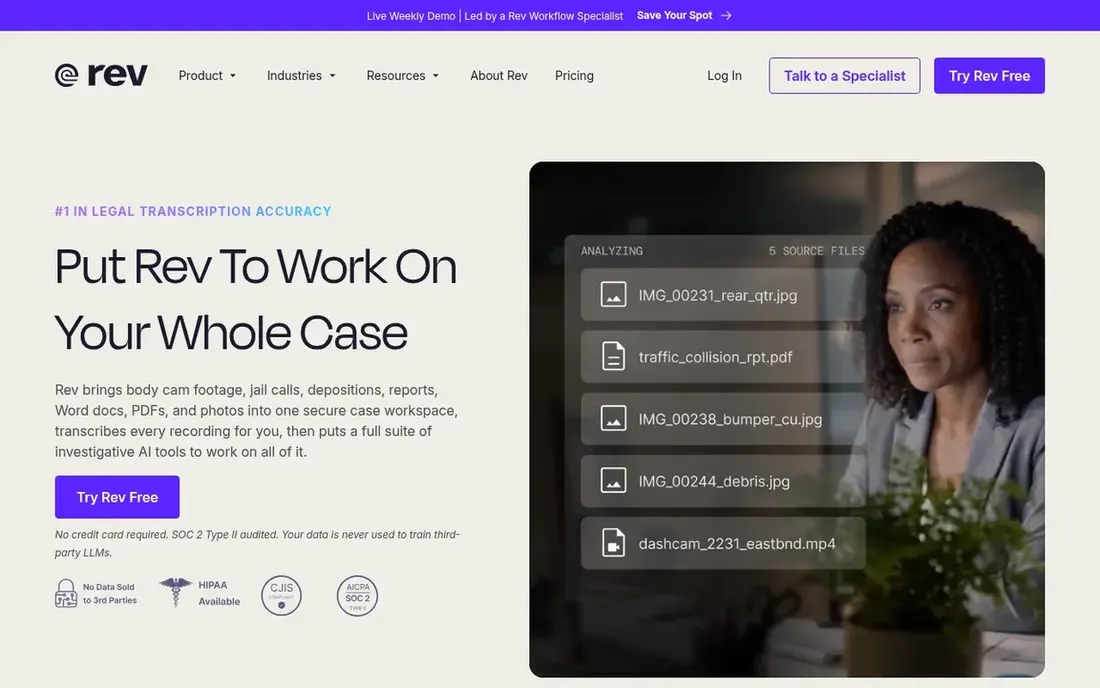
Choose Rev for legal and investigative transcription. Rev presents a legal AI system built for investigations that must hold up under court scrutiny. It turns digital evidence into verified, citable findings to help run a case, which makes it relevant for legal teams, investigators, and firms that require defensible transcripts instead of casual notes.
Accuracy and traceability are the central themes of its offering. As for the details, the platform is tailored to legal and investigative workflows, so it is not the obvious pick for everyday meeting notes or for developers wanting a general speech API. Entry price for Rev: $25.49 per seat per month. Free plan details: Not stated.
Where it falls short: Narrow legal focus.
- Citable findings
- Made for investigative work
- Not a general meeting notetaker
AssemblyAI works best for Speech transcription and understanding models. AssemblyAI supplies AI models to transcribe and understand speech, positioning it for developers who want more than raw text from audio.
It suits teams building products that require transcription plus downstream understanding of what was said, like content analysis or searchable audio features. Starting cost for AssemblyAI: $0.02 per hour. AssemblyAI offers a free plan.
Where it falls short: No built-in meeting assistant.
- Models to transcribe speech
- Developer-friendly API focus
- Needs coding to use
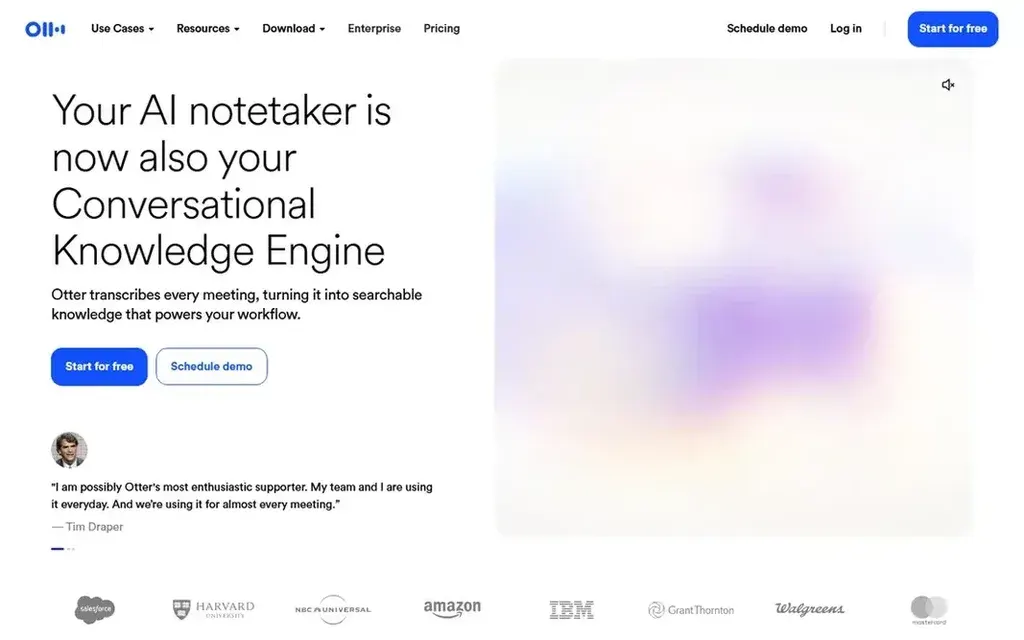
Choose Otter.ai for meeting transcription with summaries. Otter.ai is an AI notetaker built around meetings.
Points against: Less suited to custom app integration.
Its agent supports live transcription, live chat, automatic summaries, insights, and action items, which makes it a fit for teams that want searchable records of conversations without manual note taking. Since it centers on meeting capture, Otter.ai is less of a fit if you need raw speech to text inside your own product or heavy customization of recognition models. Starting cost for Otter.ai: $8.33 per user per month. You can start on Otter.ai without paying.
- Live chat and insights
- Live transcription
- Centred on meeting workflows
What went into this list
We compared the tools on published pricing, free plan or trial availability, feature coverage for voice recognition software out there, and the limits each vendor documents. Seat minimums, billing terms and add-ons can move the real cost, so the starting prices here are a guide and not a quote. Tools are placed by general fit for voice recognition software out there, with price clarity and free access as tie-breakers. A different team can reasonably rank them differently.
Things to verify first
- Get a written quote from Amazon Transcribe, Microsoft Azure AI Speech and Google Cloud Speech-to-Text; the list shows no starting price for them.
- Read the fine print on the free plans from Amazon Transcribe, AssemblyAI and Otter.ai; seat, project and feature caps differ.
- Read the limits listed for Amazon Transcribe first: needs developer setup.
- Total up the real monthly cost of Otter.ai, including add-ons, extra users and usage-based fees.
- Before rolling out Amazon Transcribe, verify the integrations your workflow depends on.
FAQ
How are the tools for voice recognition software out there ordered?
The order follows typical fit for voice recognition software out there, with Amazon Transcribe first and Otter.ai last, then price clarity and free access. It is editorial judgement, not a score, so another team could rank the tools differently.
What is the cheapest option for voice recognition software out there in this list?
On published monthly entry prices, Otter.ai is the lowest here at $8.33 per user per month. Entry price is only part of the cost, because seats, add-ons and billing terms can change the total. For the full picture, the cards above cover all 6 entries of this voice recognition software out there list, including price, free plan and limits.
Which options for voice recognition software out there have a free plan?
On this list, Amazon Transcribe, AssemblyAI and Otter.ai include a free plan. Caps on seats, usage or features are common, so test the free plan against your real workload.
What is the difference between a notetaker and a speech API?
A notetaker like Otter.ai records meetings and produces summaries and action items for end users. A speech API for example Amazon Transcribe or AssemblyAI hands developers raw transcription capability to embed in their own applications.
Is Amazon Transcribe the right pick for everyone comparing voice recognition software out there?
No single tool suits every team. Amazon Transcribe comes first because it fits adding speech to text to apps, while Microsoft Azure AI Speech suits customized multilingual speech apps and Google Cloud Speech-to-Text suits multilingual voice typing and transcription. Match the tool to your own size, budget and workflow before deciding.
Sources
- https://aws.amazon.com/transcribe
- https://azure.microsoft.com/en-us/products/ai-services/ai-speech
- https://cloud.google.com/speech-to-text
- https://www.rev.com
- https://www.assemblyai.com
- https://otter.ai