Best Accent Voice Alternatives in 2026: 9 Voice Tools Compared
Looking for accent voice alternatives? We compare 9 real-time accent and voice changer tools for calls, meetings, streaming, and creators on price and quality.
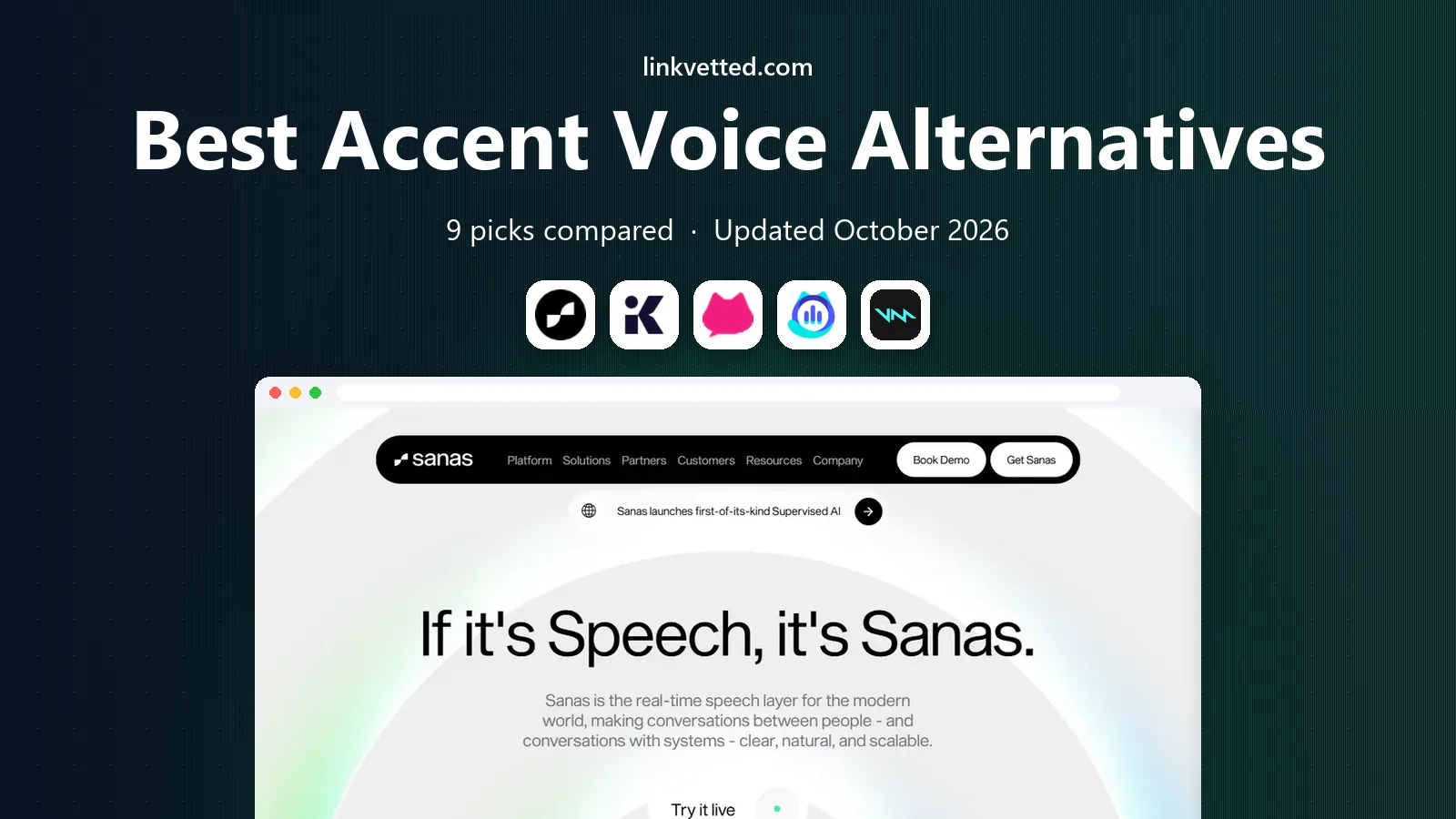
- Editor's choice
 Sanas
Real-time accent conversion for calls
Starts atSee websiteVisit sanas.aiFull review - Great alternative
 Krisp
Noise removal plus accent help for meetings
Starts atFreeVisit krisp.aiFull review - Also consider
 Utell AI
Real-time accent softening for agents
Starts atSee websiteVisit utell.aiFull review
TL;DR:
- Accent voice tools fall into two groups: real-time accent softening for calls, and voice changers for creators and streamers.
- Sanas and Utell AI lead for call center and meeting use, where clarity and low delay matter more than fun effects.
- Krisp is the best general pick for meetings, because noise removal plus accent features help every call, not just accented speech.
- Voice cloning tools need consent: never clone a real person's voice without clear permission, and check each vendor's consent rules.
- Our pick for most professionals is Krisp for everyday calls, with Sanas as the pick for teams that need dedicated accent conversion.
Quick comparison
| Tool | Best for | Starts at | Free plan? | |
|---|---|---|---|---|
| Sanas | Real-time accent conversion for calls | See website | No | Visit |
| Krisp | Noise removal plus accent help for meetings | Free | Yes | Visit |
| Utell AI | Real-time accent softening for agents | See website | No | Visit |
 Dubbing AI | Real-time voice changing for games and streams | Free | Yes | Visit |
 Voicemod | Fun voice changer for Discord and games | Free | Yes | Visit |
 MorphVOX | Voice changing for PC games and chat | See website | No | Visit |
 Voxal Voice Changer | Voice effects for recordings and calls | See website | No | Visit |
 ElevenLabs | Text to speech and voice design for creators | Free | Yes | Visit |
 FineVoice | AI voices and accents for video narration | Free | Yes | Visit |
The best accent voice alternatives
Accent voice is a broad search term, covering both accent conversion for clearer calls and voice changing for entertainment. The tools below are grouped so you can tell which job each one does best. For work calls, favor low delay and natural sound. For content, favor voice range and export quality.

Sanas is the most direct accent conversion pick for professional calls. It processes speech in real time so listeners hear a clearer accent while the speaker keeps their own tone and pace. That focus matters in support and sales calls, where understanding drives resolution and customer satisfaction.
The main barrier is access. Sanas sells to teams and enterprises, so solo users will not find a simple consumer plan. If you run a contact center or a global support team, request a demo with your own agents and accents, since results vary by speaker and accent pair.
- Built for contact centers and live calls
- Aims to keep a speaker's own voice character
- Works with common call platforms
- Enterprise pricing with no public starter price
- Best results need a good headset and stable connection
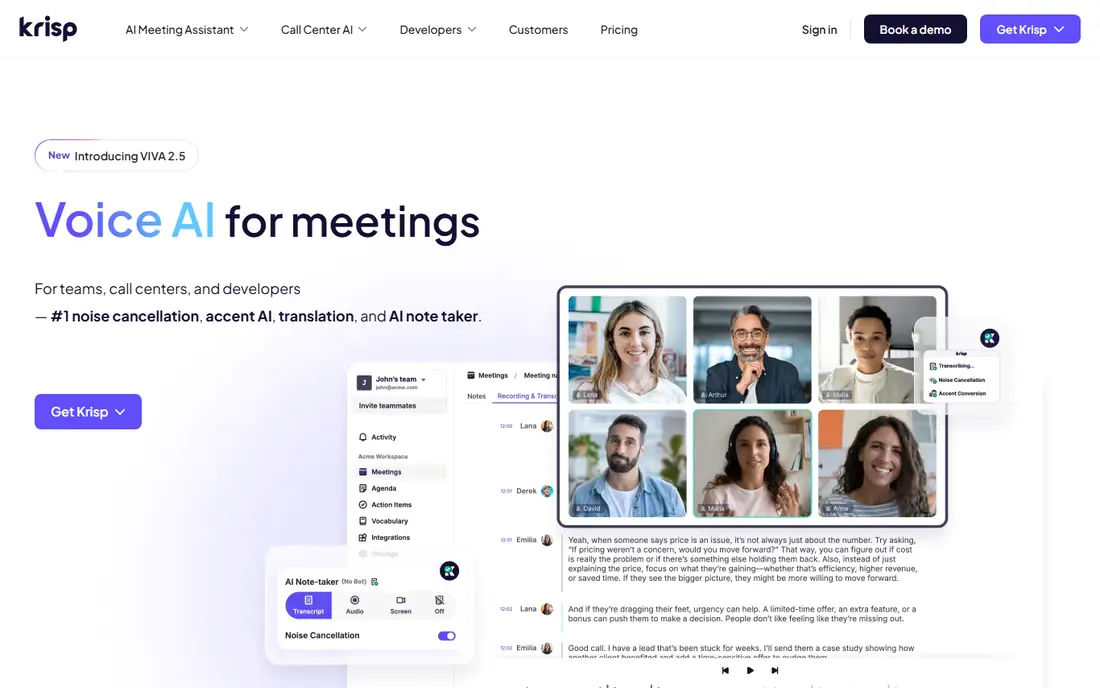
Krisp is our pick for most professionals because it improves every call, not only calls where accent clarity is an issue. Noise removal alone makes meetings easier, and accent conversion, live translation, transcription, and summaries add value for global teams. It runs with Zoom, Meet, Teams, and other apps without changing your workflow.
Free use covers basic noise removal, while paid plans add the fuller AI set. That tiering means you can test Krisp on real meetings before paying. If accent conversion is your only need and you run a large contact center, Sanas may still be the stronger dedicated tool.
- Removes background noise and echo in real time
- Accent conversion and transcription features for meetings
- Works with any meeting app
- Advanced accent and AI meeting features sit on paid plans
- Processing load varies by device

Utell AI targets the same professional use as Sanas, with accent filtering and softening in real time. It also reduces background noise and aims to preserve rhythm and intonation, so the output still sounds like the speaker. That balance is important, since a flat or robotic output can feel worse than a strong accent.
Public pricing and trial details are limited, so teams should ask for a live test before committing. Try it with several agents, different accents, and your actual call platform, and listen for delay, artifacts, and fatigue over a full shift.
- Real-time accent filtering, softening, and neutralization
- Noise reduction included
- Designed for meetings, sales, and support calls
- Smaller vendor with less public pricing detail
- Performance depends on accent, hardware, and network quality
Dubbing AI sits between professional accent tools and creator voice changers. It offers real-time voice changing and accent translation across many languages, with a virtual microphone that works in Discord, Zoom, and games. The free tier gives daily voice trials, which is enough to test sound quality.
For work calls, Dubbing AI is less proven than Sanas or Krisp, and marketing claims about delay should be tested on your own machine. For streamers and creators who want varied voices and accents in real time, it is a strong, low cost starting point.
- Large voice library with real-time changing
- Low delay design for games and streams
- Works as a virtual microphone in chat apps
- Accent translation quality varies by language pair
- Free tier rotates voices and limits full access
Voicemod is the fun pick on this list, and it is honest about that job. It changes your voice in real time for games, Discord chats, and streams, with soundboard effects for jokes and roleplay. Setup is quick, and the free tier lets you test core voices before paying.
Do not buy Voicemod expecting professional accent conversion for customer calls. Its strength is character voices and effects, not clearer business speech. For gaming groups and streamers, that focus is exactly right, and the paid plan adds the full library.
- Large library of voices and soundboard effects
- Easy setup for Discord, games, and streams
- Regular new voices and seasonal packs
- Focus is entertainment, not accent clarity for work
- Full voice library requires a paid plan
MorphVOX has served PC gamers for years with voice morphing, pitch and timbre controls, and background effects. It integrates with games and voice chat apps as a microphone source, so friends hear the changed voice live. The controls reward users who like to tune a voice by hand.
The interface shows its age, and it does not offer the AI accent conversion of newer tools. If you want a stable PC voice changer with manual control, MorphVOX still works. If you want AI accent softening, look at Sanas, Utell AI, or Krisp instead.
- Long running PC voice changer with voice morphing controls
- Works with games and chat apps
- Background and sound effects included
- Windows focused and older interface
- Accent specific features are limited next to AI tools
Voxal Voice Changer from NCH Software is a practical tool for recordings, podcasts, and casual calls. You can apply voice effects live or to an existing file, which suits creators who record first and edit later. The price is modest next to subscription AI platforms.
Sound quality is the limit. Preset effects change pitch and tone, but they do not reshape accent in the natural way AI tools attempt. For character voices in a video or a prank call with friends, Voxal is enough. For professional clarity, an AI tool will sound better.
- Works for live calls and recorded audio
- Simple effect presets for voice changing
- Low cost compared with AI platforms
- Effects can sound processed next to AI voices
- Accent conversion is basic, not AI driven
ElevenLabs is the creator pick for recorded narration rather than live calls. You can generate speech from text in many voices and accents, design a custom voice, or clone a voice with consent and verification steps. That range suits video narration, audiobooks, ads, and app voices.
Consent is central here. ElevenLabs requires verification for cloning, and you should never clone a real person's voice without clear permission, even for a joke. Credit based pricing also means long projects cost more, so estimate character counts before starting a series.
- High quality text to speech in many languages and accents
- Voice design and cloning with consent controls
- API for apps and production use
- Voice to voice and cloning features need care with consent
- Usage is credit based, so costs scale with volume
FineVoice bundles text to speech, voice transformation, and transcription into one creator toolkit. The voice library covers many languages and accents, which helps video makers localize narration or test different tones for a script. A free tier lets you compare voices before paying.
As with other AI voice libraries, not every voice sounds equally natural, and less common accents may have fewer strong options. Listen to full samples, not short previews, and check commercial use terms for the plan you choose before publishing client work.
- Large library of AI voices across many languages and accents
- Text to speech, voice changing, and transcription tools
- Free tier for testing
- Quality varies by voice and language
- Advanced features and higher limits need a paid plan
How we picked these
We compared official product pages, pricing pages, app listings, and public documentation for accent and voice tools available in October 2026. We grouped tools by job, live accent conversion, live voice changing, or recorded AI speech, and we favored tools with clear consent rules for cloning. Prices shown are starting list prices, or marked as See website where vendors sell by team, usage, or contract.
How to choose the right voice tool
Match the tool to live or recorded use
Live calls need low delay, natural sound, and platform compatibility. Recorded content needs voice range, export quality, and commercial rights. A tool that excels at one job may disappoint at the other, so test in the exact setting where you will use it.
Test with real voices and real rooms
Accent results vary by speaker, accent pair, headset, and network. Test with several speakers, background noise, and your actual meeting or call app. Listen for delay, robotic artifacts, and listener fatigue over a full call, not just a short sample.
Check consent and disclosure rules
Never clone or imitate a real person's voice without permission, and be open with listeners when AI speech is used in published content. Check vendor terms for cloning verification, commercial use, and data handling, especially for customer calls that may be recorded.
FAQ
What are accent voice alternatives used for?
They serve two main jobs. Accent conversion tools such as Sanas, Utell AI, and Krisp aim to make live speech clearer on calls. Voice changers and AI speech tools such as Voicemod, ElevenLabs, and FineVoice create character voices or narration for games, streams, and videos.
Can an app really change my accent in real time?
AI tools can soften or shift accent features in real time, but results vary by speaker, language pair, and audio quality. No tool guarantees a perfect native accent, so test with your own voice and ask listeners for honest feedback before using it for work.
Is it ethical to use an accent changer for work calls?
Using a tool to improve clarity on a call you are part of is different from impersonating someone else. Do not use voice changing to mislead customers, hide identity in a regulated call, or clone a colleague. When in doubt, tell the other person you are using voice processing.
Which accent voice tool is best for call centers?
Sanas and Utell AI are built for that job, with real-time accent conversion and noise handling for agents. Krisp is a strong general option for smaller teams, since it adds noise removal and meeting tools for everyday calls as well.
Do voice changers work with Discord and Zoom?
Yes, most live tools act as a virtual microphone you select in Discord, Zoom, Teams, or a game. Setup usually takes a minute, but check audio settings and test with a friend before a live stream or an important meeting.
Are there free accent voice tools?
Krisp, Dubbing AI, Voicemod, ElevenLabs, and FineVoice all offer free tiers, with limits on voices, minutes, or features. Free tiers are good for testing, while professional accent conversion for teams is usually a paid, quote based product.