7 AI Orchestration Software, Compared by Cost and Features
Comparing the best AI orchestration software? 7 contenders, each with entry cost, free tier and best-fit buyer. Each pick lists its main limit. No filler.
- Editor's choice
 Haystack
Developers who want retrieval-strong, production-ready pipelines
Starts atSee websiteVisit haystack.deepset.aiFull review - Great alternative
 Flowise
Teams that want to build LLM apps on a drag-and-drop canvas
Starts at$0/monthVisit flowiseai.comFull review - Also consider
 CrewAI
Teams that want role-based AI agents collaborating as a crew
Starts atSee websiteVisit crewai.comFull review
TL;DR:
- The list opens with Haystack, aimed at developers who want retrieval-strong, production-ready pipelines.
- Free access is easy to find: 6 of the 7 tools have a free plan, for example Haystack, Flowise, CrewAI and n8n.
- Check the limits for CrewAI before you commit: token spend multiplies with agent count.
- The cheapest monthly starting price in the list is $0/month, offered by Flowise.
Direct answer
Haystack comes first here, mainly for developers who want retrieval-strong, production-ready pipelines. Flowise is better for teams that want to build LLM apps on a drag-and-drop canvas, and CrewAI is better for teams that want role-based AI agents collaborating as a crew. The other 4 tools in the list cover narrower or pricier cases.
Quick comparison
| Tool | Best for | Starts at | Free plan? | |
|---|---|---|---|---|
| Haystack | Developers who want retrieval-strong, production-ready pipelines | See website | Yes | Visit |
| Flowise | Teams that want to build LLM apps on a drag-and-drop canvas | $0/month | Yes | Visit |
| CrewAI | Teams that want role-based AI agents collaborating as a crew | See website | Yes | Visit |
 n8n | Teams that want AI agents inside broader workflow automation | See website | Yes | Visit |
 Dust | Businesses that want AI agents running on their internal tools and data | See website | Not stated | Visit |
 LangChain | Developers building LLM applications in Python or JavaScript | See website | Yes | Visit |
 LlamaIndex | Teams whose agents must reason over documents and private data | Free (open source) | Yes | Visit |
The full AI orchestration software list
Choosing AI orchestration software usually comes down to price, fit and limits. This LinkVetted guide sets 7 tools side by side on those three points, with the facts kept short and checkable.
Haystack
Best for: Developers who want retrieval-strong, production-ready pipelines
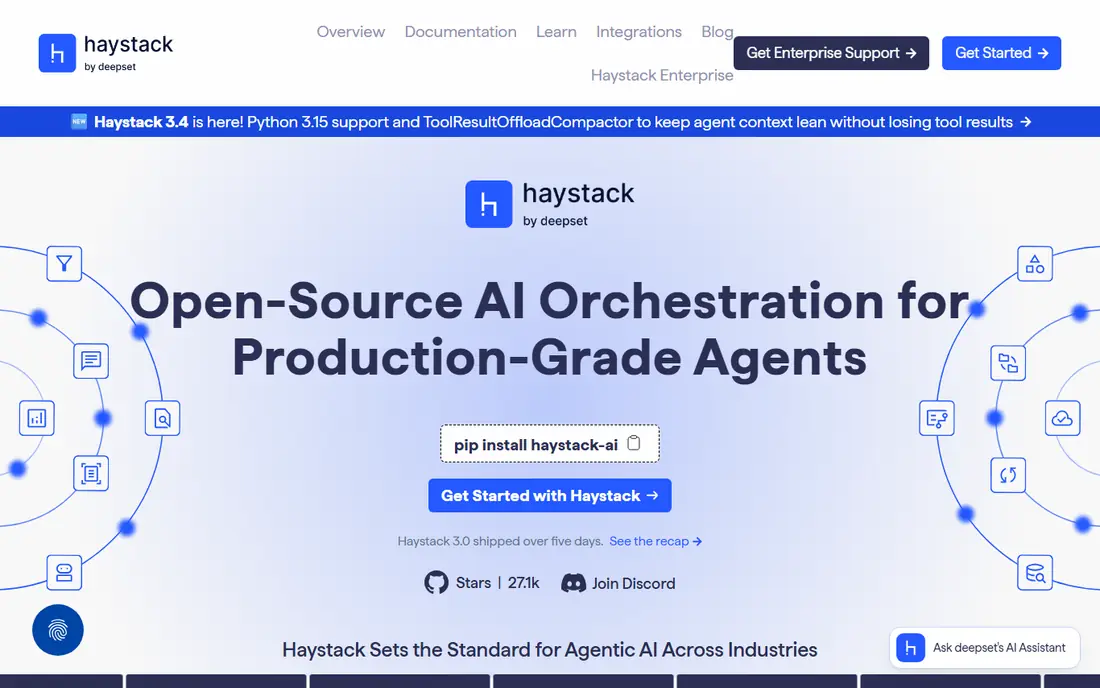
Haystack serves developers who want retrieval-strong, production-ready pipelines. You assemble components, retrievers, generators, document keeps, rankers, into pipelines for RAG, semantic search, agents, conversational AI, and content generation, with standardized interfaces that make swapping models straightforward. Its heritage is retrieval: Haystack grew out of NLP and search, so hybrid retrieval, self-correction loops, and multimodal pipelines (image processing, audio transcription) are first-class instead of bolted on.
In practice, teams that care about retrieval quality and European data-sovereignty choices should shortlist it. Also, the trade-off is a steeper ramp-up time from the sheer number of interchangeable components, and deployment asks for real infrastructure skill. Pricing for Haystack is not stated here, so ask the vendor for current figures. Free access exists with Haystack.
Honest limits: Modularity can overwhelm beginners.
- Modular pipeline design with 100+ components
- Standardized interfaces across models
- Smaller community than LangChain
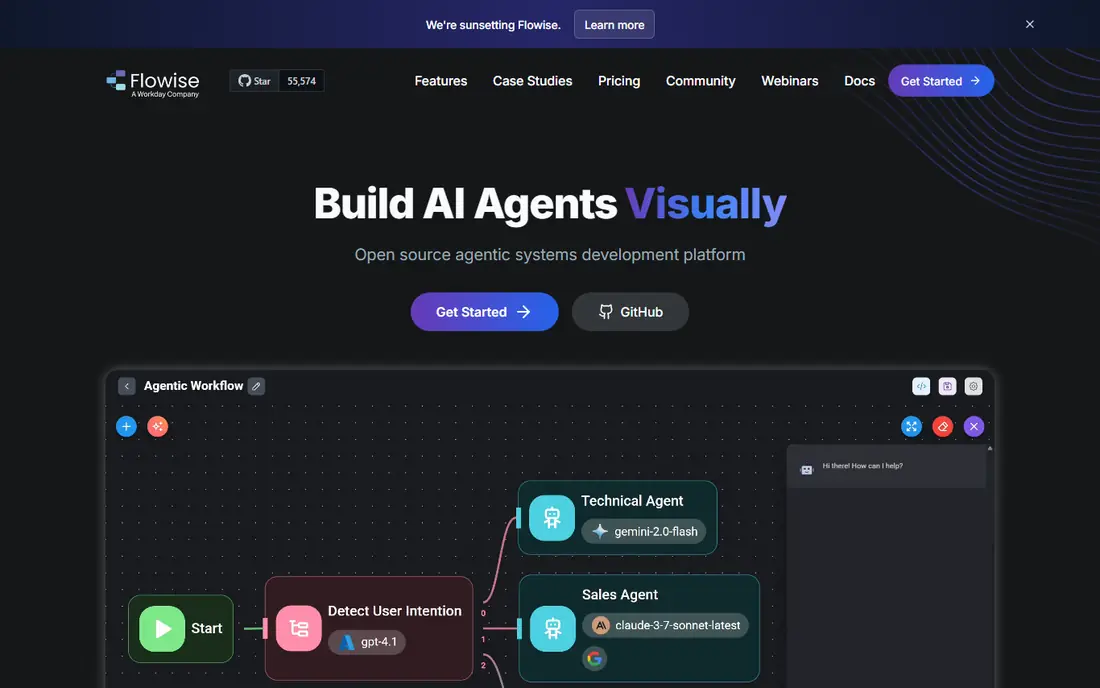
In short, Flowise is for teams that want to build LLM apps on a drag-and-drop canvas. You drag nodes for models, vector keeps, memory, tools, and APIs onto a canvas to assemble chatflows (single-agent chatbots with RAG) and agentflows (multi-agent systems), with human-in-the-loop steps, execution traces, and Prometheus/OpenTelemetry observability built in. Every flow exposes a REST API plus TypeScript and Python SDKs and an embeddable chat widget, so prototypes ship as real product surfaces.
Also, you can also self-host the Apache 2.0 codebase. It is the fastest way for a mixed team to ship a working RAG chatbot, but code-first teams will outgrow the canvas for complicated logic. In practice, pricing is public and straightforward: Free at $0 per month (2 flows, 100 predictions), Starter at $35 per month (unlimited flows, 10,000 predictions), Pro at $65 per month. What you pay to start with Flowise: $0/month. Flowise includes a free tier.
Trade-offs to know: Less control than code-first frameworks.
- API, SDKs
- 100+ LLMs, embeddings
- Complicated visual flows get fragile and hard to debug
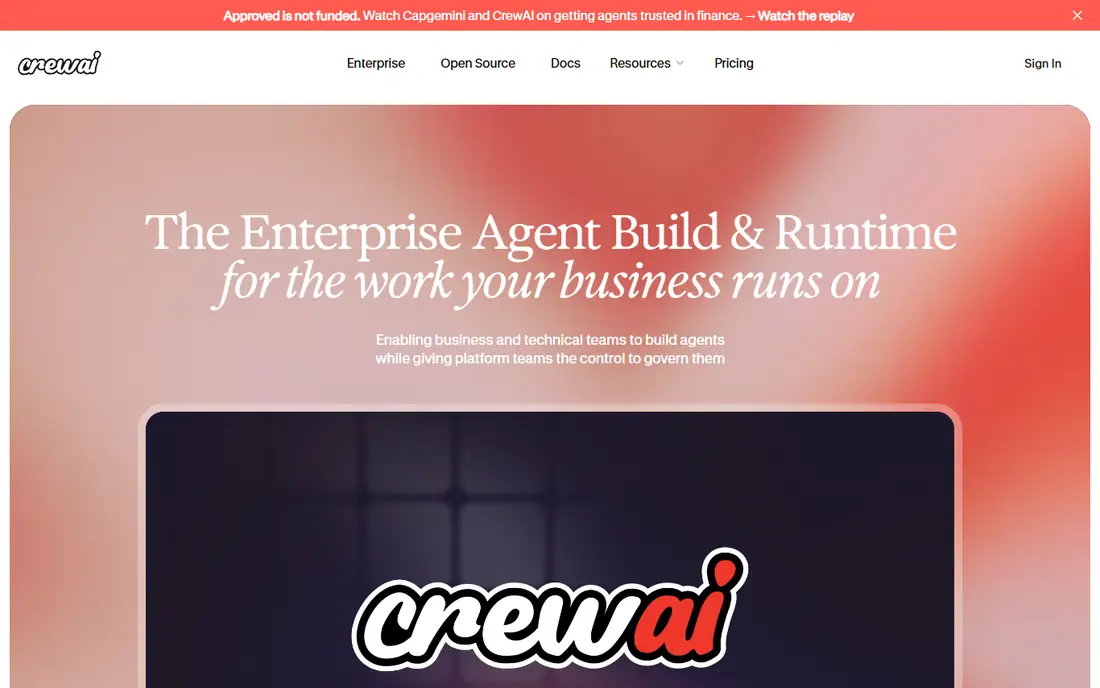
Pick CrewAI if this describes you: teams that want role-based AI agents collaborating as a crew. The vendor claims usage by 65% of the Fortune 500. CrewAI is the open-source framework (MIT) for orchestrating role-playing AI agents that collaborate on complicated tasks.
Downsides: Complicated conditional logic still favors LangGraph.
It supports any LLM backend and plugs into LangChain tools, MCP, and the A2A protocol. Watch the token math: every agent in a crew makes its own model calls, so costs scale with crew size. This comparison lists no price for CrewAI; ask the vendor. Free access exists with CrewAI.
- No-code Studio builder plus a code-first API
- Easy-to-learn role, goal
- Production observability is most solid on the Enterprise level
n8n targets teams that want AI agents inside broader workflow automation. n8n is the open-source workflow automation product that has grown into a capable AI agent builder.
Pricing for n8n is not stated here, so ask the vendor for current figures. n8n includes a free tier.
Points against: Cloud pricing is execution-based.
- 400+ integration nodes with native AI agent nodes
- Self-hosted choice for full data control
- Complicated canvases get hard to maintain
Dust
Best for: Businesses that want AI agents running on their internal tools and data
For businesses that want AI agents running on their internal tools and data, Dust is a natural candidate. Agents get context from 70-plus connectors and can use 20-plus models from OpenAI, Anthropic, Google, Mistral, and others.
Dust fits operations, sales, and support teams that want agents on company data without building the plumbing themselves. This comparison lists no price for Dust; ask the vendor. Free plan details: Not stated.
The main drawbacks: Less of a developer framework than a platform.
- 70+ connectors to Slack, Notion
- Google Drive, GitHub, Salesforce, more
- Pricing is not public
LangChain
Best for: Developers building LLM applications in Python or JavaScript
LangChain is designed for developers building LLM applications in Python or JavaScript. LangChain is the framework that defined the category: an open-source library for connecting language models to tools, memory, and data sources through composable chains and agents. On top of that, LangGraph is the orchestration engine for stateful, multi-agent workflows modeled as graphs, with checkpoints, human-in-the-loop, and durable execution.
Downsides: Production governance needs LangSmith or custom tooling.
More specifically, the stack has three parts. Also, the ecosystem is the moat: hundreds of integrations mean you seldom build a connector from scratch. On top of that, the vendor's own site now frames it as an open agent product spanning build, test, deploy, monitor, iterate, and govern, with 350 million-plus monthly open-source downloads and LangSmith customers including five of the Fortune 10. This comparison lists no price for LangChain; ask the vendor. A free plan is available with LangChain.
- Largest ecosystem and integration catalog in the space
- LangSmith handles testing, tracing, evals
- Complicated workflows push you into lower-level LangGraph code
LlamaIndex
Best for: Teams whose agents must reason over documents and private data
Where LlamaIndex fits: teams whose agents must reason over documents and private data. The company has grown around LlamaParse, its agentic OCR product that converts messy PDFs, tables, charts, and handwriting into clean structured data.
Downsides: Multi-agent orchestration is weaker than LangGraph.
LlamaIndex cost at the entry level: Free. LlamaIndex includes a free tier.
- Open-source framework under MIT
- Retrieval for RAG
- The company site now centers on LlamaParse document OCR, which can confuse framework users
How these tools were picked
We compared the tools on published pricing, free plan or trial availability, feature coverage for AI orchestration software, and the limits each vendor documents. Seat minimums, billing terms and add-ons can move the real cost, so the starting prices here are a guide and not a quote. The sequence is a judgement call: typical use case first, then pricing transparency, then free access. Use the profiles to check fit.
Pre-purchase checklist
- Get a written quote from Haystack, CrewAI, n8n and others; the list shows no starting price for them.
- Look at free plan limits closely: Haystack, Flowise, CrewAI and others have one, and the caps decide whether it is usable for real work.
- Before choosing Haystack, weigh its main limit: Modularity can overwhelm beginners.
- Confirm minimum seats and billing terms with n8n before you commit to an annual plan.
- Verify that exporting from CrewAI is possible on your plan and covers all your records.
FAQ
Which options for AI orchestration software have a free plan?
6 of the 7 tools have a free plan, including Haystack, Flowise, CrewAI and n8n. Free plans usually cap users, projects or features, so check the limits on the vendor page.
What is the cheapest option for AI orchestration software in this list?
On published monthly entry prices, Flowise is the lowest here at $0/month. Entry price is only part of the cost, because seats, add-ons and billing terms can change the total.
What is AI orchestration software?
Software that coordinates the moving parts of an AI application: model calls, tools, memory, retrieval, human approvals, retries, and state. Rather than one prompt in and one answer out, orchestration handles multi-step workflows where agents call tools, read data, and hand off to each other dependably.
How are the tools for AI orchestration software ordered?
Haystack sits first and LlamaIndex last because the order follows typical fit for AI orchestration software, then price clarity and free access. It is a judgement call, so read each profile for fit and limits.
Can I try these options before paying?
Often, yes. Haystack, Flowise, CrewAI and others have a free plan. Use your own data and a real task during the test, and check what the free tier or trial limits before you rely on it.
How do I avoid runaway AI costs in orchestrated workflows?
Multi-agent systems multiply token spend since every agent makes its own model calls. Set per-workflow budgets, use less expensive models for routine steps, cache repeated retrieval, and monitor cost per run.