Best AI Agent Builder Platforms in 2026: 8 Platforms Compared
Compare the best AI agent builder platform options for 2026, from no-code tools to developer frameworks, with pricing, free plans, and honest trade-offs.
- Editor's choice
 n8n
Technical teams that want control and self-hosting
Starts at$20 per monthVisit n8n.ioFull review - Great alternative
 Make
Non-developers building visual workflows
Starts at$9 per monthVisit make.comFull review - Also consider
 Zapier Agents
Teams already running Zapier automations
Starts atSee websiteVisit zapier.comFull review
TL;DR:
- No-code builders suit teams that want working agents this week, while code frameworks suit teams that need full control over logic, memory, and deployment.
- Self-hosted tools can keep data inside your own systems, but they add setup and maintenance work that a hosted tool handles for you.
- Per-task and per-operation pricing can grow fast, so check how each platform counts a run before you commit to a paid plan.
- The strongest starting point for most small teams is a visual builder with a free plan, then a move to code only when a real limit appears.
Quick comparison
| Tool | Best for | Starts at | Free plan? | |
|---|---|---|---|---|
| n8n | Technical teams that want control and self-hosting | $20 per month | Yes | Visit |
| Make | Non-developers building visual workflows | $9 per month | Yes | Visit |
| Zapier Agents | Teams already running Zapier automations | See website | Yes | Visit |
 LangChain and LangGraph | Developers building custom production agents | Free | Yes | Visit |
 Relevance AI | Business teams starting from templates | $19 per month | Yes | Visit |
 Lindy | Personal productivity and sales operations | $49 per month | Yes | Visit |
 Gumloop | Content, research, and operations workflows | See website | Yes | Visit |
 Flowise | Visual LLM flows you can run yourself | Free | Yes | Visit |
The best AI agent builder platforms
We compared official feature pages, pricing pages, and public documentation for tools that let you build agents rather than only chat with a model. The list below mixes visual builders, business platforms, and developer frameworks, because the right choice depends far more on your skills and data rules than on a single feature chart.
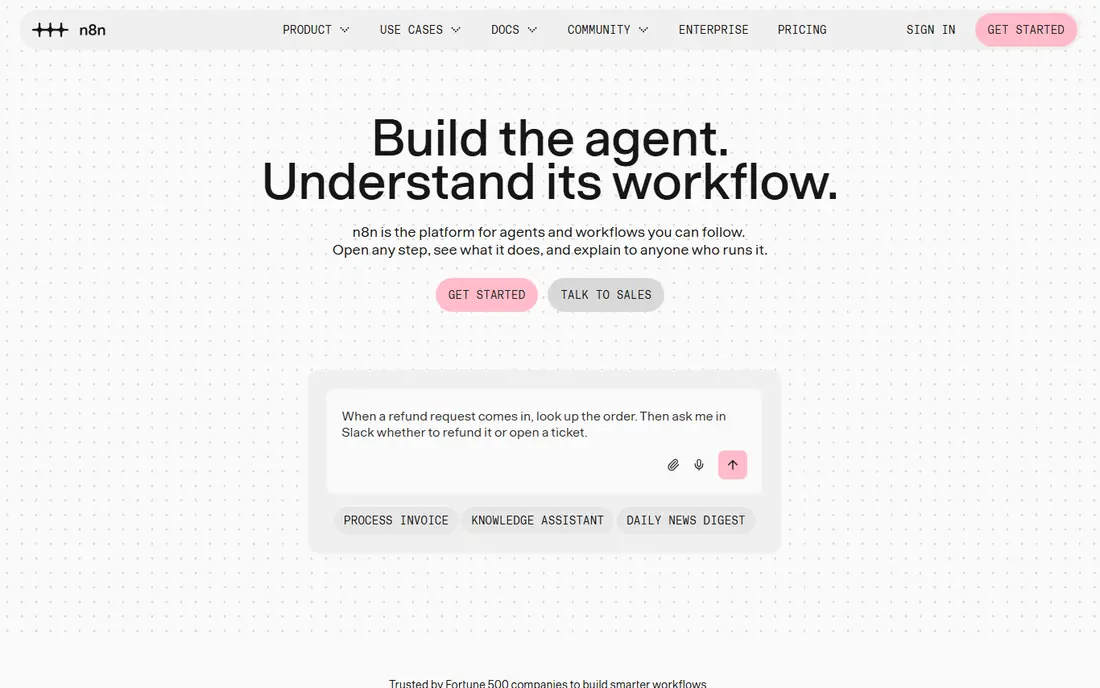
n8n sits in a useful middle ground between a simple automation app and a full code framework. You build on a visual canvas, but you can drop into JavaScript or Python when a step needs custom logic, and you can connect to language models through dedicated AI nodes. That combination makes it a strong fit for teams that already understand APIs and want agents that read documents, check a CRM, draft a reply, and wait for approval before acting.
The honest catch is the learning curve and the cost of running it yourself. The hosted cloud plan removes server work, while self-hosting gives you control over data and hosting at the price of updates, backups, and security patches. We would start with the cloud plan for a first project, then consider self-hosting only when privacy rules or volume make it worth the extra work.
- Visual builder with code nodes
- Self-hosted option
- AI agent nodes and broad API support
- Steeper learning curve than simple automation tools
- Self-hosting adds maintenance work
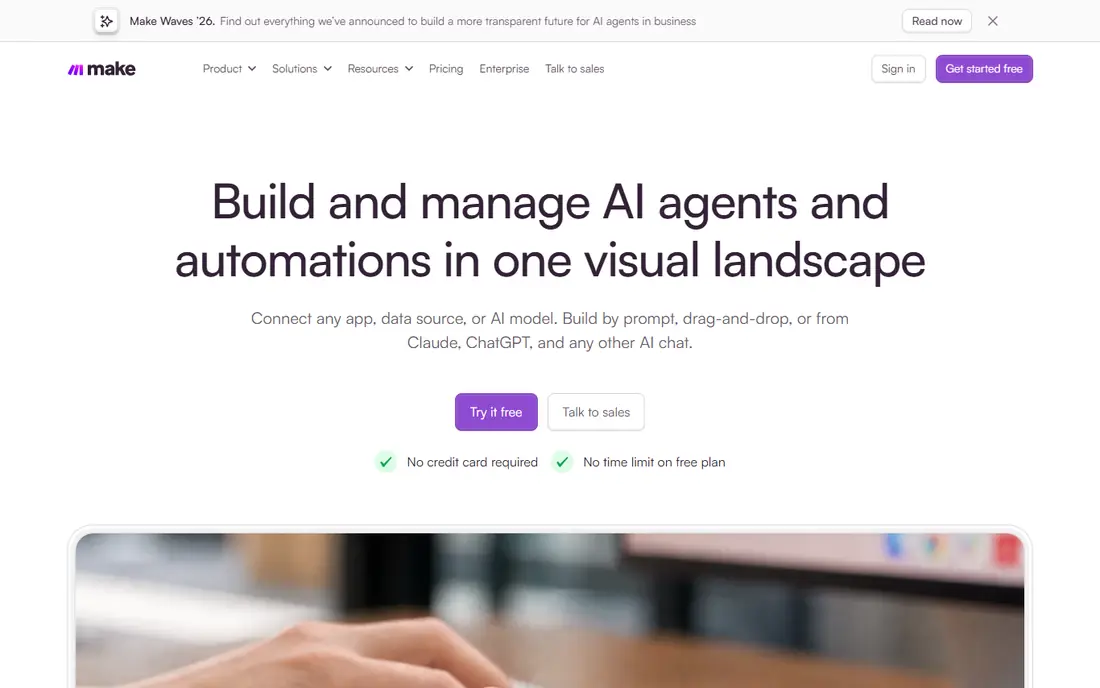
Make is one of the easiest ways for a non-developer to build an agent-like workflow. You drag modules onto a canvas, connect apps such as Gmail, Slack, Notion, and Airtable, and add a language model step to classify, summarize, or draft text. The run history shows what data entered each module and what left it, which makes debugging far less painful than guessing why an agent gave a strange answer.
The limit to watch is how Make counts work. Each module run counts as an operation, so a workflow with many steps can burn through a monthly allowance faster than expected. Make also works best for triggered scenarios rather than agents that run for hours on their own. For short, repeatable jobs such as inbox triage, lead enrichment, and report building, it remains a practical pick.
- Clear visual canvas
- Large app library
- Strong error handling and testing tools
- Operation-based pricing can add up
- Long-running agents need careful design
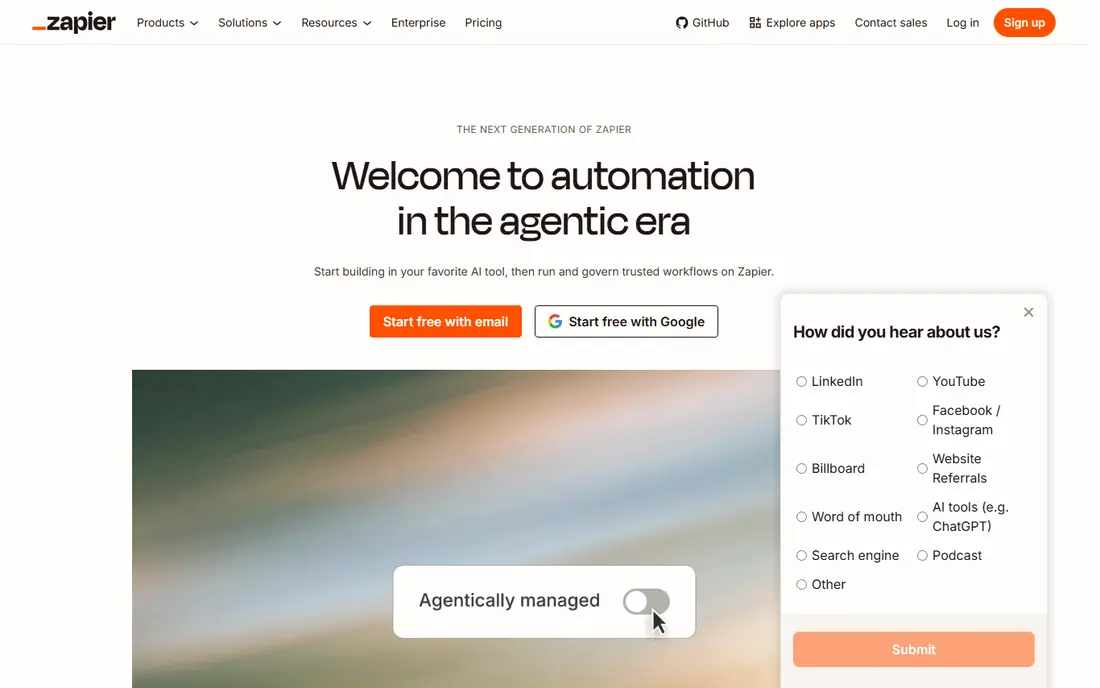
Zapier Agents builds on the automation tool many small businesses already use. You describe what an agent should do in plain language, connect the apps it may use, and let it handle routine tasks such as drafting replies, updating records, or preparing summaries. If your team already lives in Zapier, the short setup time is a real advantage, because you do not need to learn a new platform or rebuild every integration.
The trade-off is price and depth. Zapier charges by tasks, and agent work can generate many tasks in a busy week, so a plan that looks cheap at first can grow quickly. Complex branching, long memory, and custom tool use are also easier in a developer framework. We would use Zapier Agents for straightforward, well-defined jobs and keep the agent's permissions narrow, so a mistake touches only a small part of your data.
- Very large app catalog
- Simple setup
- Natural language instructions for agents
- Costs rise with task volume
- Complex logic is harder to express than in code
LangChain and LangGraph are frameworks, not a finished app, and that distinction matters. They give developers building blocks for prompts, tools, memory, retrieval, and multi-step graphs, plus a way to run agents that can loop, retry, and branch based on results. If you need an agent that follows strict business rules, calls internal APIs, and logs every step for review, this level of control is hard to match in a visual tool.
The cost is time and responsibility. There is no drag-and-drop onboarding for a non-developer, and you still pay for the language models and infrastructure you use. Hosting, error handling, and evaluation become your job. For a software team with those skills, LangChain and LangGraph are a strong foundation. For everyone else, they are a reason to pick a hosted builder first and revisit code later.
- Open-source frameworks
- Fine control over tools, memory, and graphs
- Large developer community
- Requires coding skill
- You handle hosting, monitoring, and costs yourself
Relevance AI aims at business teams that want an agent workforce without hiring developers. You can start from templates for research, support, sales, and operations, connect your tools and documents, and build multi-agent workflows in which one agent gathers information and another drafts the output. That template-first approach shortens the gap between signing up and having something useful to test.
The catch is that templates are starting points, not finished products. You still need to check outputs, tune instructions, and set guardrails for sensitive actions such as sending messages or updating customer records. Pricing also deserves a close look as your usage grows, because agent work and model calls can sit on top of the base plan. Used with human review in the loop, it is a solid choice for teams that want speed over deep customization.
- Template library for common business roles
- Multi-agent workflows
- No-code builder
- Template quality varies
- Advanced customization can feel limited
Lindy focuses on the everyday jobs that eat up a workday, such as triaging email, scheduling meetings, taking notes, and following up with leads. You can describe an assistant in plain language and pick from templates, which makes it one of the faster tools to try if you are an individual or a small sales team. The interface keeps the focus on outcomes, not on building graphs and nodes.
The main drawback is price relative to simpler automation tools, especially if you only need a few workflows. Lindy also fits personal and team productivity better than complex engineering projects that need custom code, databases, and strict deployment controls. If your goal is to hand off repetitive inbox and calendar work to a reliable assistant, the premium may be worth it. If your goal is to build a product, look at the developer options above.
- Ready-made templates for email and meetings
- Quick setup
- Natural language agent creation
- Higher starting price
- Less suited to heavy custom engineering
Gumloop is a visual builder with a strong focus on workflows that combine web research, documents, spreadsheets, and messaging apps. You can build an agent that gathers sources, summarizes them, fills a sheet, and posts the result to Slack or email. That makes it a natural fit for marketing, research, and operations teams that repeat the same information-gathering job every week.
The honest limit is breadth. Its integration catalog is smaller than the biggest automation platforms, so a niche app may need a webhook or API step instead of a ready-made connector. Pricing also changes with credits and plan tiers, so test a real workflow on the free plan and watch credit use before you scale. For content and research work, the canvas is clear and the time saved can be easy to measure.
- Visual canvas for multi-step workflows
- Supports multiple models
- Useful for research tasks
- Pricing can be hard to compare across plans
- Smaller app catalog than the largest automation tools
Flowise gives you a visual way to build language model flows without writing a full application. You can chain prompts, retrieval steps, tools, and memory, then expose the result as a chatbot or API. Because it is open source and can be self-hosted, it appeals to teams that want to keep data close and avoid a monthly fee for the builder itself, while still paying for model use.
The trade-off is polish and support. The interface can feel rougher than a commercial product, documentation varies by feature, and you are responsible for deployment and security. Flowise is a good fit for a technical team that wants to prototype quickly, or for a developer who likes LangChain concepts but prefers a visual canvas. It is less suited to a non-technical team that wants a vendor to handle everything.
- Drag-and-drop LLM chains
- Open-source and self-hostable
- Supports many models and vector stores
- Interface is less polished than commercial tools
- Setup and updates fall to you
How we picked these
We compared official feature pages, pricing pages, and public documentation, and we favored tools that are available and maintained in October 2026. We looked for a clear way to build an agent, not just a chatbot, plus controls for tools, approvals, and data sources. We also weighed ease of use, hosting options, pricing transparency, and how honestly each tool handles failure, because an agent that acts on your behalf needs limits and logs.
What to check before you build
Start with one narrow job and a clear measure of success, such as hours saved per week or tickets answered without a follow-up correction. Write the agent's instructions in plain language, list the apps and data it may touch, and list the actions it must never take alone, such as sending payments, deleting records, or emailing customers. Human approval is the simplest safety net, and it should stay in place until the agent has a track record on real work.
Next, test with messy inputs, not only clean examples. Feed it incomplete emails, duplicate records, and conflicting dates, and see how it responds. Check the logs after each run, and keep a small set of test cases you rerun after any prompt change. Finally, track cost per completed job, not only the monthly plan price. A tool that charges by operations, tasks, or credits can look cheap until a busy workflow runs every hour, so measure a full week before you scale.
FAQ
What is the best AI agent builder platform for beginners?
Make and Zapier Agents are the easiest starting points for beginners, because both use visual or plain-language setup and connect to common business apps. Relevance AI and Lindy are also friendly if you prefer templates over building from scratch. Pick the one that already connects to the apps you use every day, and start with a single workflow.
Are AI agent builders the same as chatbots?
No, although a chatbot can be part of an agent. A chatbot usually answers one question at a time, while an agent can plan steps, call tools, read data, and complete a multi-step job. That extra power is why permissions, approvals, and logs matter more for agents than for a simple question-and-answer bot.
Can I build an AI agent without coding?
Yes, if the job is well defined and uses common apps. Visual builders and template platforms let non-developers create agents for email triage, research summaries, and data entry. Coding becomes useful when you need custom logic, strict rules, private systems, or a level of control that a visual tool does not offer.
How much does an AI agent builder cost?
Costs range from free open-source frameworks and free plans to monthly plans that start around $9 to $49, plus model and usage charges on some tools. The total depends on how often the agent runs, how many steps each run takes, and which language model it uses. Always test a real workflow for a week and check the usage report before you commit.
Is it safe to let an AI agent send emails or update records?
It can be safe with limits, but it should not start with full access. Give the agent read-only access first, add human approval for outbound messages and record changes, and review logs regularly. Remove permissions it does not need, and keep sensitive actions, such as payments and deletions, under human control.
Should I self-host my AI agent builder?
Self-hosting makes sense when you have strict data rules, existing infrastructure, and someone to maintain it. Hosted tools make sense when you want fast setup, vendor support, and automatic updates. Many teams start hosted, learn what they need, and only move to self-hosting when a clear privacy or cost reason appears.