Best AI Mobile App Builders in 2026: 8 Builders Compared
Compare the best AI mobile app builder tools for 2026, with pricing, free plans, native app publishing, and code export options explained. See our top pick.
- Editor's choice
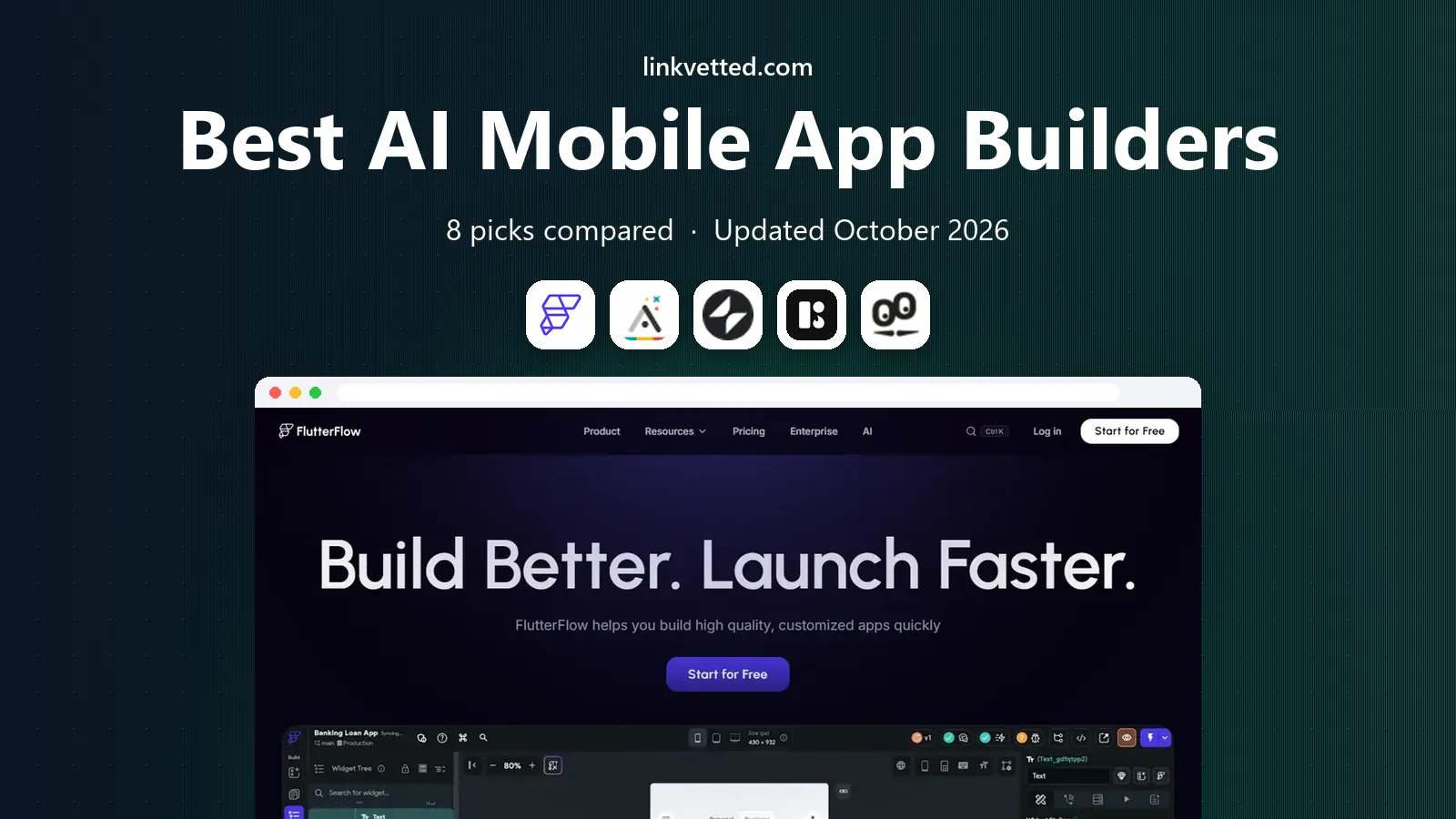
 FlutterFlow
Native apps with code export
Starts at$39 per monthVisit flutterflow.ioFull review - Great alternative
 Adalo
Beginner native apps
Starts at$36 per monthVisit adalo.comFull review - Also consider
 Glide
Spreadsheet-based apps fast
Starts at$25 per monthVisit glideapps.comFull review
TL;DR:
- FlutterFlow is our pick for teams that want real native apps plus code they can keep and move elsewhere.
- Adalo and Glide suit beginners best, with Adalo closer to a consumer app feel and Glide fastest when data already lives in a spreadsheet.
- Appy Pie and GoodBarber work well for template-led small business apps, while BuildFire fits businesses that want guided setup and support.
- Check publishing costs and store accounts separately, since builder pricing does not always include Apple or Google developer fees.
- Start on a free plan and build one real screen with real data before paying, because demo templates can hide limits in logic, payments, and user accounts.
Quick comparison
| Tool | Best for | Starts at | Free plan? | |
|---|---|---|---|---|
| FlutterFlow | Native apps with code export | $39 per month | Yes | Visit |
| Adalo | Beginner native apps | $36 per month | Yes | Visit |
| Glide | Spreadsheet-based apps fast | $25 per month | Yes | Visit |
 BuildFire | Guided business apps | See website | No | Visit |
 GoodBarber | Content and shopping apps | See website | Free trial | Visit |
 Appy Pie | Template apps on a budget | $18 per month | Free trial | Visit |
 Thunkable | Learning and drag-and-drop builds | See website | Yes | Visit |
 Draftbit | Developer-friendly app builds | See website | Free trial | Visit |
The best AI mobile app builders
These builders turn a written idea, a template, or a data source into a working mobile app with far less code than a traditional build. Some focus on speed, some on design control, and some on giving you code at the end.

FlutterFlow is the strongest choice when you want an app that feels native and a path out if you later hire developers. Its visual builder covers screens, navigation, and data, and the Flutter code export means your work is not trapped inside one editor forever. That matters for a business app that may grow past its first version.
The trade-off is time. You will need to learn how its data, actions, and state work, and AI generation gives you a starting point rather than a finished product. We would still pick it for a serious product, a client app, or a startup prototype that might need custom work later.
- Exports Flutter code
- Builds for iOS and Android
- Connects to Firebase, Supabase, and APIs
- Steeper learning curve than template builders
- Paid plan needed for app store publishing features
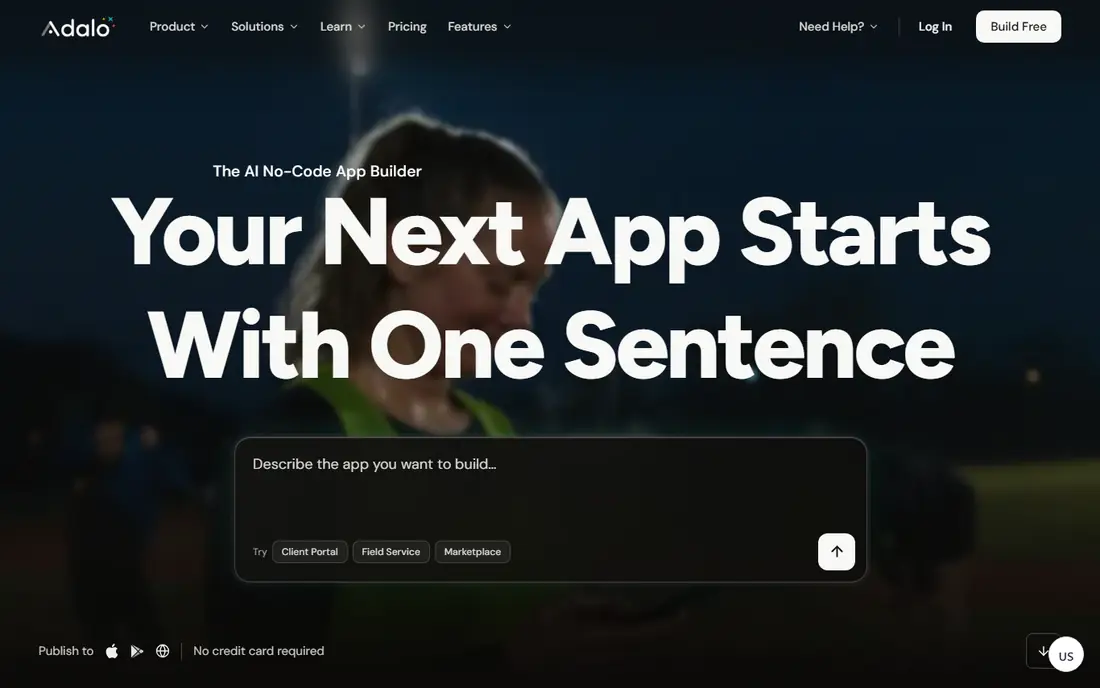
Adalo suits a first app built by one person or a small team without a developer. You design screens, add lists and forms, connect actions, and publish to both major stores from one project. Its AI starting points help with layout and structure, and the built-in database removes the need to set up a separate backend for simple apps.
The catch is scale and complexity. Heavy data work, advanced custom logic, or highly custom screens can feel constrained next to FlutterFlow. For a booking app, a directory, a community app, or a simple store, that limit may never matter.
- Native iOS and Android publishing
- Built-in database
- Visual logic builder
- Limited for very complex apps
- Costs rise as features grow
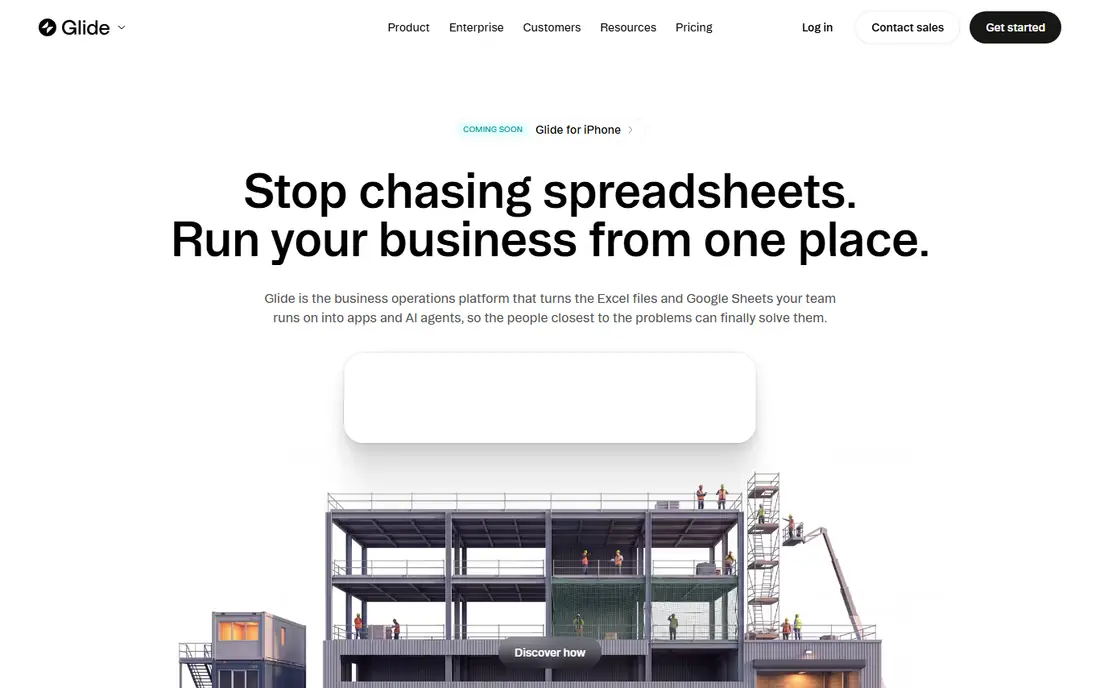
Glide is the fastest route when your information already sits in Google Sheets, Excel, Airtable, or Glide Tables. A staff directory, an inventory checker, a field form, or a client portal can go from data to a usable app in an afternoon. The interface stays clean on phones, which helps adoption by staff who do not want to learn new software.
Be clear about the output. Glide apps run well on mobile browsers and can be installed like apps, but they are not the same as a fully native store app in every case. If you need deep device features or a store listing as the main channel, check that point before you commit.
- Turns sheets and tables into apps quickly
- Clean mobile design
- AI columns and generation
- Apps are web-based rather than fully native
- Row and user limits apply on lower plans
BuildFire fits a business owner who wants help rather than a blank canvas. Its templates cover common business needs, such as restaurants, fitness studios, churches, and service firms, and plugins add bookings, loyalty, shopping, and messaging. The guided path can save weeks of trial and error for a team with no app experience.
The downside is less freedom and less price clarity up front. You should request a quote and confirm which plugins carry extra fees before you plan a budget. For a business that values support and a proven template over full custom control, that trade can be worth it.
- Business templates and plugins
- Guided setup
- Support for publishing
- Pricing is not shown as a simple entry tier
- Less design freedom than code-led tools
GoodBarber is a good fit for content apps, news and magazine apps, and small shops that need a polished look. It gives you more control over design than many template builders, with sections for articles, audio, video, products, and push messages. That mix suits publishers and retailers who update content often.
It does take time to learn, and the best plan depends on whether you build a content app, a shopping app, or both. Try the trial with your own articles or products, not just the demo content, so you can judge editing speed and store preview quality.
- Strong design controls
- Shopping and content features
- Native app publishing
- Learning curve for advanced features
- Pricing varies by app type
Appy Pie is worth a look when budget matters more than a fully custom design. Its template library covers restaurants, stores, churches, gyms, and many local businesses, and the builder walks you through screens step by step. For a simple app with menus, contact details, bookings, or a small catalog, it can be enough.
Expect a template look unless you spend time on design and images. Complex workflows, custom databases, and unusual app logic are not its strength. Use it for a clear, simple job, and move to a more flexible builder if the app grows into a product in its own right.
- Low entry price
- Many industry templates
- No-code builder
- Design can feel template-led
- Advanced logic is limited
Thunkable works well for schools, hobby builders, and small teams learning how apps work. Its block logic makes actions visible, so you can see what happens when a button is tapped or a form is sent. Live testing on a real phone helps you catch layout problems early, before you publish anything.
For a commercial app with payments, large data sets, and long-term maintenance, compare its paid tiers carefully against Adalo and FlutterFlow. Thunkable is at its best when learning, prototyping, or building a modest internal tool matters more than maximum scale.
- Block-based logic is easy to follow
- Live testing on a phone
- Cross-platform builds
- Higher paid tiers can be costly
- Less suited to large commercial apps
Draftbit sits between a no-code builder and a developer tool. You build visually, but the output is React Native code, which a developer can extend later. That makes it a sensible choice for a team that has some technical help but does not want to start from a blank code project.
Beginners may find it less guided than Adalo or Appy Pie. If your team can handle APIs, data sources, and basic app logic, Draftbit gives you more control and a cleaner exit path than a closed template system.
- Exports React Native code
- Flexible data connections
- Good design control
- Needs more technical comfort than template tools
- Smaller template library
How we picked these
We compared official feature pages, pricing pages, app store listings, and public documentation for builders that offer AI generation or AI help, real mobile publishing, and a working product in October 2026. We favored tools that publish to iOS and Android or offer a credible mobile install route, and we left out web-only page builders that do not fit a mobile app brief. Prices shown are starting paid prices where vendors publish them, and we wrote See website where pricing depends on a quote, a plan type, or a regional offer.
What to check before you choose an AI app builder
Start with the job, not the demo
Write down the five screens your app must have, the data it must store, and the actions users must take. A directory needs search and profiles. A shop needs products, checkout, and order history. A booking app needs calendars, reminders, and cancellations. Test those exact flows in a trial, because a builder can look fast on a landing page and slow on your real use case.
Check publishing, data, and ownership
Confirm whether the plan includes app store publishing, a custom domain or store listing help, and export options for your data and code. Ask who owns the app content, what happens if you cancel, and whether you can export user data. These points matter more than a small monthly price gap, since switching builders later can mean rebuilding screens and logic.
Budget for the full cost
Add builder fees, Apple Developer and Google Play fees, payment processing fees, and any paid plugins or AI credits. AI generation may use credits, so check whether regenerating screens costs extra. A low starting price can rise quickly if every useful feature sits on a higher tier.
FAQ
What is the best rated AI app builder for mobile apps?
There is no single winner for every project. FlutterFlow rates highly for native quality and code export, Adalo rates highly for beginner ease, and Glide rates highly for speed when data already exists in a table. Pick based on your need for native publishing, design control, and a code exit path.
Can AI build a complete mobile app with no editing?
AI can create a strong first draft with screens, sample data, and basic navigation, but it rarely produces a finished, store-ready app on its own. You will still need to check logic, fix data connections, test on real phones, write store text, and handle privacy and payment details. Treat AI as a fast start, not a finished product.
Do I need a developer to publish to the App Store and Google Play?
Most builders in this list guide you through publishing, but you still need Apple and Google developer accounts and you must meet store rules on privacy, payments, and content. Builders help with builds and certificates, yet the accounts and final store responsibility stay with you.
Is a native app better than a web app for mobile?
A native app can offer better store discovery, push messages, and device features, while a web-based app can be faster and cheaper to build and update. For internal tools and simple customer tools, a web-based app is often enough. For a consumer product that lives in app stores, native publishing is usually the better long-term choice.
How much does an AI mobile app builder cost?
Entry paid plans in this list start around $18 to $39 per month where vendors publish a clear entry price, while other tools price by quote or by app type. Free plans and trials help you test, but publishing, extra users, and advanced features usually need a paid plan. Always check the current pricing page before budgeting.