5 AI Agent for Computer Control Worth Shortlisting in 2026
Need the best AI agent for computer control? We compare 5 tools on cost, free access and who each suits. Honest caveats for every entry. Numbers first.
- Editor's choice
 Gemini
Google-centric assistant and research tasks
Starts atSee websiteVisit gemini.google.comFull review - Great alternative
 UiPath
Enterprise orchestration and robot automation
Starts at$25 a monthVisit uipath.comFull review - Also consider
 n8n
Technical teams blending code and no-code
Starts at€20 a month, billed yearlyVisit n8n.ioFull review
Direct answer
Our first pick is Gemini, best for Google-centric assistant and research tasks. Listed starting prices: UiPath from $25 a month and n8n from €20 a month, billed yearly. If your case is different, UiPath suits enterprise orchestration and robot automation and n8n suits technical teams blending code and no-code. All 5 tools are compared below on price, free plan and limits.
TL;DR:
- Gemini is the opening pick, best for Google-centric assistant and research tasks.
- For the cheapest start, look at UiPath: $25 per month.
- For visual no-code workflow automation, Make is worth a look.
- A free plan is available from 3 of the 5 tools: UiPath, ChatGPT, Make.
Last checked November 2026. Prices and plan details were read from the vendors' own pages in November 2026; vendors change plans often, so confirm the current price on the vendor site before you buy.
Quick comparison
| Tool | Best for | Starts at | Free plan? | |
|---|---|---|---|---|
| Gemini | Google-centric assistant and research tasks | See website | Not stated | Visit |
| UiPath | Enterprise orchestration and robot automation | $25 a month | Yes | Visit |
| n8n | Technical teams blending code and no-code | €20 a month, billed yearly | Free trial | Visit |
 ChatGPT | General chat, writing and coding help | See website | Yes | Visit |
 Make | Visual no-code workflow automation | See website | Yes | Visit |
Tool-by-tool breakdown
LinkVetted put together this guide to AI agent for computer control for readers who want a clear shortlist without reading every vendor page. It compares 5 tools on starting price, free plans, who each one suits and where each one falls short.
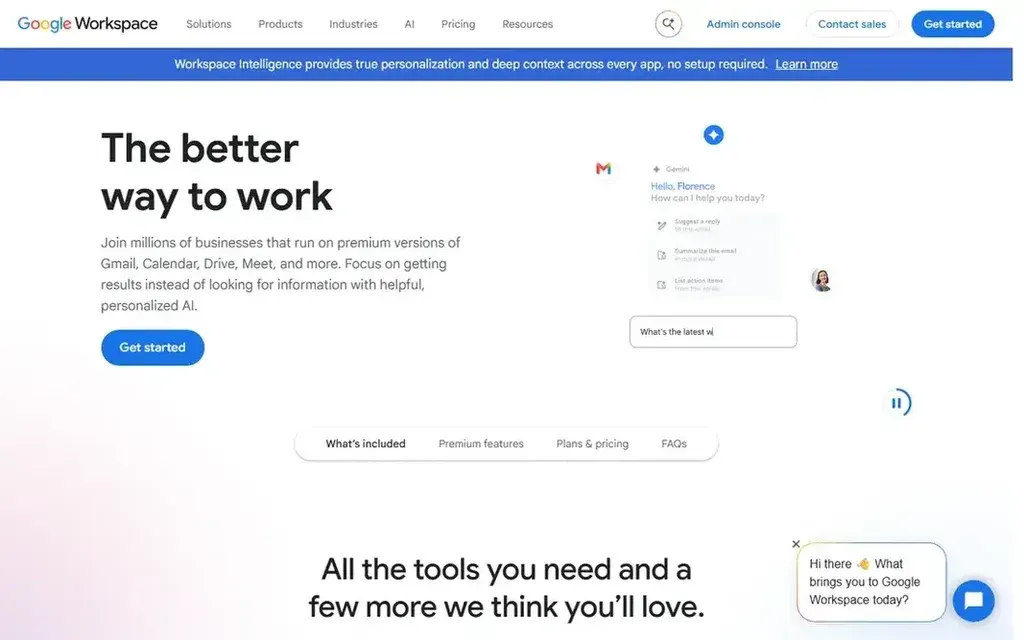
Gemini works best for Google-centric assistant and research tasks. Gemini is Google's AI assistant, widely known for conversational help with research, writing and everyday questions. It sits within Google's wider set of products.
Where Gemini stands out: Suits naturally into Google's broader ecosystem.
Worth adding: as a general assistant it can support planning and content work that precedes automation. Its public materials do not emphasize dedicated computer-control or robot orchestration features. So teams needing to drive desktop applications or coordinate enterprise robots should look at UiPath or a workflow product. For everyday use, pick Gemini when you want a broadly capable assistant instead of a purpose-built automation engine. No starting price is listed for Gemini here; confirm pricing on the vendor site. On free options: Not stated. Watch-outs: Agentic automation may need companion tools.
- Drafting and general assistance
- Accessible through a web interface
- Restricted public detail on dedicated computer control
Pick UiPath if this describes you: enterprise orchestration and robot automation. UiPath presents its system for business orchestration and automation, enabling AI agents, robots and people to deliver secure, compliant outcomes at scale.
If you need fast visual workflows without heavy governance, Make or n8n may be more straightforward starting points. On top of that, the framing is organizational instead of individual, which fits IT and operations teams managing automation programs. Starting cost for UiPath: $25 per month. UiPath offers a free plan.
Honest limits: Enterprise focus can feel heavy for small teams.
- Emphasis on secure
- Product made for business orchestration and automation
- Setup and governance demand planning
n8n is aimed squarely at technical teams blending code and no-code. n8n is a workflow automation platform that uniquely merges AI capabilities with business process automation, giving technical teams the adaptability of code with the speed of no-code.
Honest limits: Needs comfort with workflow concepts.
It is also not a dedicated desktop-control agent for driving local applications. What you pay to start with n8n: €20 per month, billed annually. Free access: Free trial.
- Merges AI capabilities with business process automation
- Geared toward technical teams
- Less approachable for non-technical users
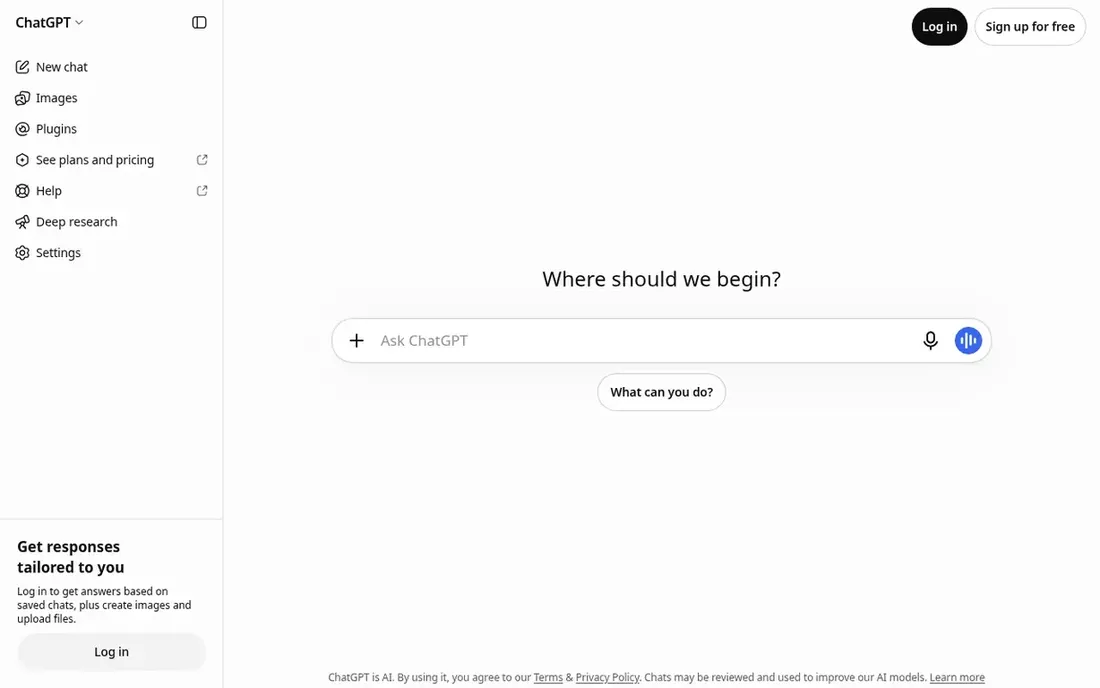
ChatGPT is designed for general chat, writing and coding help. Choose ChatGPT when versatility and everyday assistance matter most.
Strengths: Available through the web and a downloadable app.
Watch-outs: Deep workflow automation needs other tools.
On top of that, if your goal is visual workflow building or enterprise-grade robot orchestration, a system like Make, n8n or UiPath may be the better fit. For everyday use, for plenty of people it is the natural starting point before moving to a dedicated agent product. ChatGPT does not show a starting price in this comparison, so check the vendor site for current pricing. Free access exists with ChatGPT.
- Wide everyday usefulness beyond automation
- Images and code in one place
- Not positioned as a dedicated computer-control agent
Pick Make if this describes you: visual no-code workflow automation. The visual canvas makes the flow of work easy to see and adjust. Visual builders can become unwieldy for highly complicated logic or code-heavy requirements, where a product for example n8n may suit technical teams better.
It is also not positioned as a desktop computer-control agent. As for the details, Make is described as AI workflow automation software that lets you visually build, scale and automate AI and agentic workflows, with a user friendly no-code integration approach. Make does not show a starting price in this comparison, so check the vendor site for current pricing. Make offers a free plan.
Honest limits: Complicated logic can strain a visual builder.
- Links integrations without programming
- Visually build
- Not a dedicated desktop-control agent
What went into this list
The comparison looks at four things: starting price, free access, how well the feature set matches AI agent for computer control, and the main limit of each tool. Plan names, prices and limits change often. Treat the figures here as a starting point and verify them with the vendor. Order on the page follows fit for the typical buyer first, then price transparency and free access. Your own requirements should decide the final pick.
Questions to settle before buying
- Confirm the entry price on the vendor page. For Gemini, ChatGPT and Make that means a quote rather than a fixed price.
- Read the fine print on the free plans from UiPath, ChatGPT and Make; seat, project and feature caps differ.
- Run a trial of n8n with real work before paying for a year; your own workflow is the best test.
- Read the limits listed for Gemini first: restricted public detail on dedicated computer control.
- Pick one real project and run it in Make first; a small pilot shows fit faster than a checklist.
- Confirm the exact UiPath plan that includes your must-have features.
FAQ
Do these tools publish their prices?
Not all of them. Gemini, ChatGPT and Make publish no starting price, so expect a quote request for those. The rest, UiPath included, show a starting price, though seats and billing terms still change the final cost.
Can I try these tools before paying?
Often, yes. UiPath, ChatGPT and Make have a free plan and n8n offers a free trial. Use your own data and a real task during the test, and check what the free tier or trial limits before you rely on it.
What is the cheapest option for AI agent for computer control in this list?
On published monthly entry prices, UiPath is the lowest here at $25 per month. Entry price is only part of the cost, because seats, add-ons and billing terms can change the total. Prices, free plan details and limits for all 5 tools in this AI agent for computer control roundup sit on the individual cards above.
Is Gemini the right pick for everyone comparing AI agent for computer control?
No single tool suits every team. Gemini comes first because it fits Google-centric assistant and research tasks, while UiPath suits enterprise orchestration and robot automation and n8n suits technical teams blending code and no-code. Match the tool to your own size, budget and workflow before deciding.
What does computer control mean for an AI agent?
It usually means an agent can perform multi-step tasks, for example operating applications, moving data between systems or running workflows, instead of only answering questions. The degree of control varies widely, so check what each vendor documents about task execution and integrations.
Sources
- https://gemini.google.com
- https://www.uipath.com
- https://n8n.io
- https://chatgpt.com
- https://www.make.com