5 Best Computer-Aided Manufacturing Software for Startups for 2026, Vetted and Compared
Weighing the best Computer-Aided manufacturing software for startups? We lined up 5 products by cost, free access and fit. Short verdicts, no fluff. Facts only.
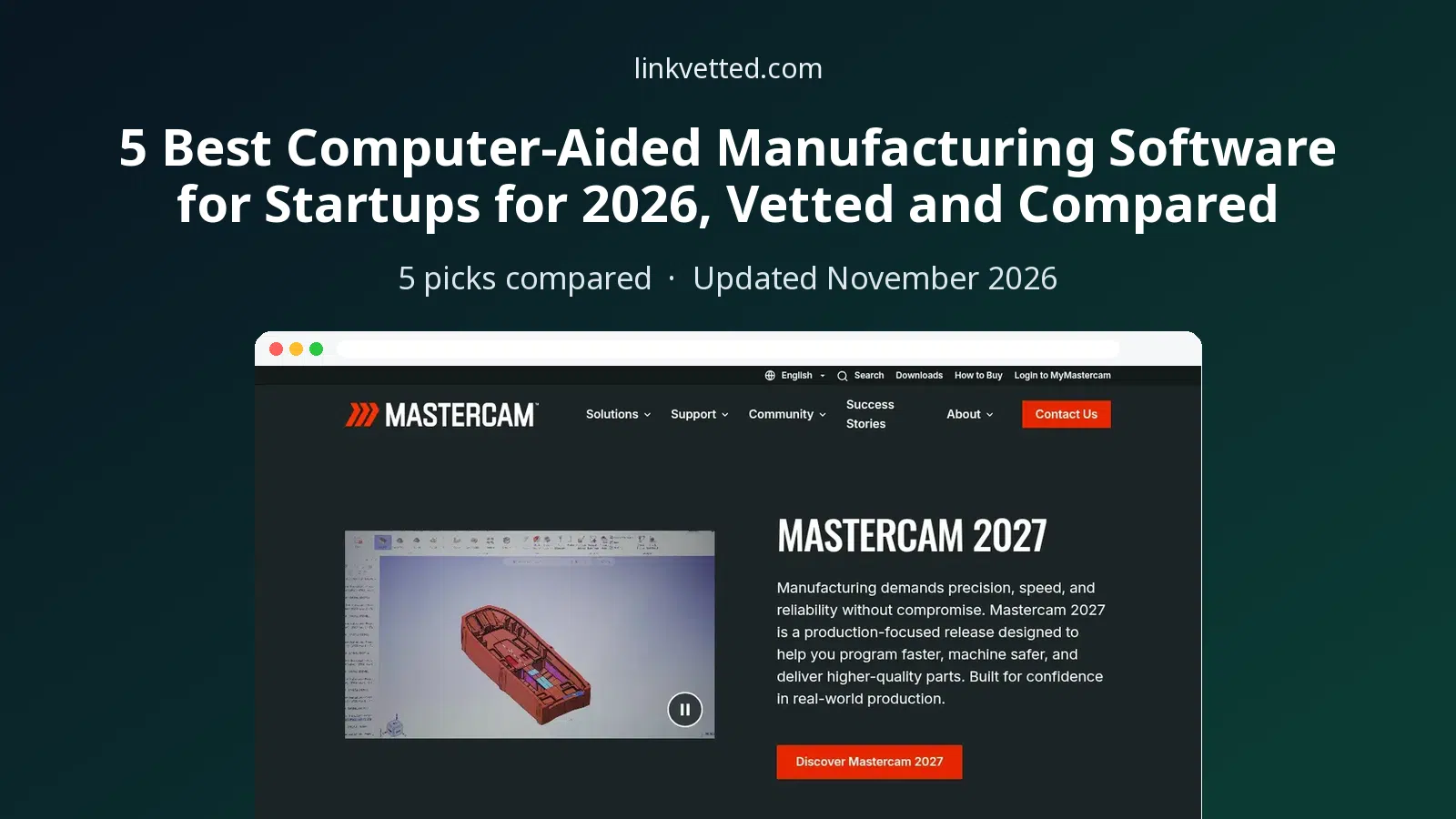
- Editor's choice
 Mastercam
Startups needing versatile CNC programming
Starts atPricing on requestVisit mastercam.comFull review - Great alternativeBobCAD-CAM
Startups wanting an all-in-one CAD/CAM system
Starts atPricing on requestVisit bobcad.comFull review - Also consider
 Fusion 360
Startups wanting integrated CAD/CAM in the cloud
Starts atPricing on requestVisit autodesk.comFull review
Direct answer
Mastercam is the first pick on this list for startups needing versatile CNC programming. BobCAD-CAM is better for startups wanting an all-in-one CAD/CAM system, and Fusion 360 is better for startups wanting integrated CAD/CAM in the cloud. Details and limits for the rest of the 5 tools are below. None of these vendors publish plan prices, so pricing is on request for every option.
TL;DR:
- Mastercam is the opening pick, best for startups needing versatile CNC programming.
- Check the limits for Fusion 360 before you commit: cloud dependency may concern some shops.
- PowerMill is the one to check for startups tackling complicated high-speed and 5-axis machining.
- Pricing across the list, from Mastercam to PowerMill, is by quote only.
Last checked November 2026. Pricing on request: vendors did not publish plan prices when this guide was last checked (November 2026), so ask each vendor for a written quote.
Quick comparison
| Tool | Best for | Starts at | Free plan? | |
|---|---|---|---|---|
| Mastercam | Startups needing versatile CNC programming | Pricing on request | Not stated | Visit |
| BobCAD-CAM | Startups wanting an all-in-one CAD/CAM system | Pricing on request | Not stated | Visit |
| Fusion 360 | Startups wanting integrated CAD/CAM in the cloud | Pricing on request | Not stated | Visit |
| GibbsCAM | Startups seeking adaptable CNC programming | Pricing on request | Not stated | Visit |
| PowerMill | Startups tackling complicated high-speed and 5-axis machining | Pricing on request | Not stated | Visit |
Computer-Aided Manufacturing Software for Startups profiles
Choosing Computer-Aided manufacturing software for startups usually comes down to price, fit and limits. This LinkVetted guide sets 5 tools side by side on those three points, with the facts kept short and checkable.
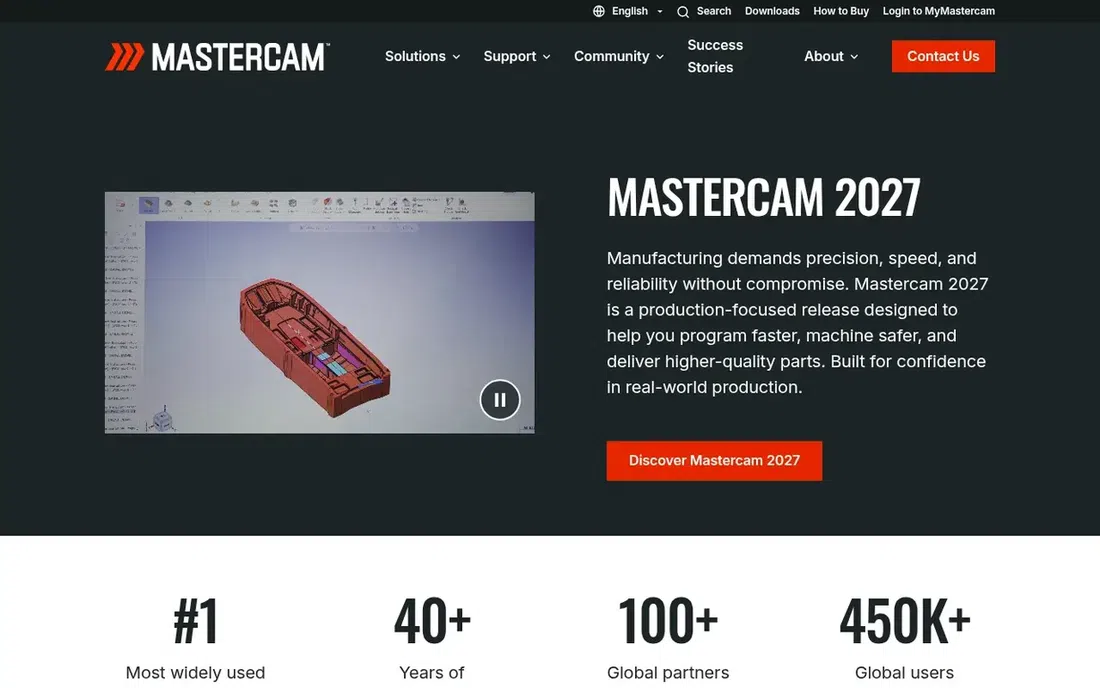
Mastercam targets startups needing versatile CNC programming. Mastercam is primarily a CAM option, so startups without existing CAD software may have to invest in a separate design tool.
Limits to weigh: Needs separate CAD software.
Mastercam is CAM software made for CNC programming, offering tools to address manufacturing challenges and help ensure project success. Pricing for Mastercam is not stated here, so ask the vendor for current figures. Free options: Not stated.
- Wide CNC programming support
- Focus on project success
- May have a steeper ramp-up time
BobCAD-CAM
Best for: Startups wanting an all-in-one CAD/CAM system
BobCAD-CAM serves startups wanting an all-in-one CAD/CAM system. BobCAD-CAM offers complete CAD/CAM software for CNC machining, allowing users to design, program, and simulate for CNC mills, lathes, routers, mill-turn, and wire EDM all in one integrated system. Whereas BobCAD-CAM is versatile, it may not match the advanced capabilities of specialized CAM software for complicated 5-axis or high-speed machining.
What to check first: User interface may feel dated to some.
Also, the interface may not appeal to those accustomed to modern cloud-based systems. Startups looking for a single option to handle both design and machining will find it a practical choice. This comparison lists no price for BobCAD-CAM; ask the vendor. As for free access: Not stated.
Highlights: simulate in one place.
- Integrated CAD and CAM in one system
- Wire EDM
- May not offer the depth of high-end CAM packages
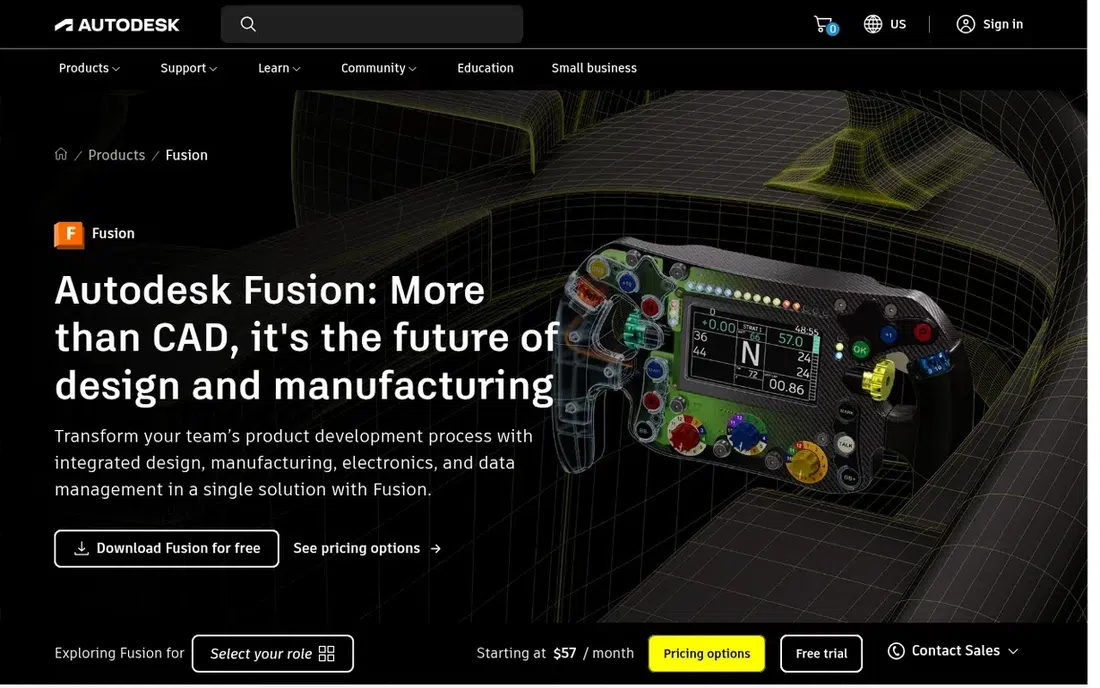
Fusion 360 makes the most sense for startups wanting integrated CAD/CAM in the cloud. Fusion 360 is a cloud-based system from Autodesk that integrates 3D CAD, CAM, CAE, and PCB design. It supports modeling, manufacturing, and mechanical engineering tasks.
Reasons to shortlist it: PCB in one product.
Where it falls short: Advanced CAM features may need extras. In practice, startups that require a single environment for design and machining will find it especially suitable, as it cuts the have to run several software tools. Whereas Fusion 360 spans numerous workflows, its CAM capabilities may not match dedicated high-end CAM packages for complicated 5-axis or high-speed machining. Fusion 360 does not show a starting price in this comparison, so check the vendor site for current pricing. Free plan details: Not stated.
- Comes with manufacturing and industrial design tools
- Merges CAD, CAM, CAE
- Cloud dependency may concern some shops
GibbsCAM
Best for: Startups seeking adaptable CNC programming
GibbsCAM is a good fit for startups seeking adaptable CNC programming. GibbsCAM is modern CAM software for programming CNC machine tools, offering the power and adaptability to make parts the way you want.
Drawbacks to consider: Restricted CAD functionality compared with integrated suites.
GibbsCAM does not show a starting price in this comparison, so check the vendor site for current pricing. As for free access: Not stated.
- Power and adaptability to make parts as desired
- Modern CAM for CNC machine tools
- May need extra training for advanced features
PowerMill
Best for: Startups tackling complicated high-speed and 5-axis machining
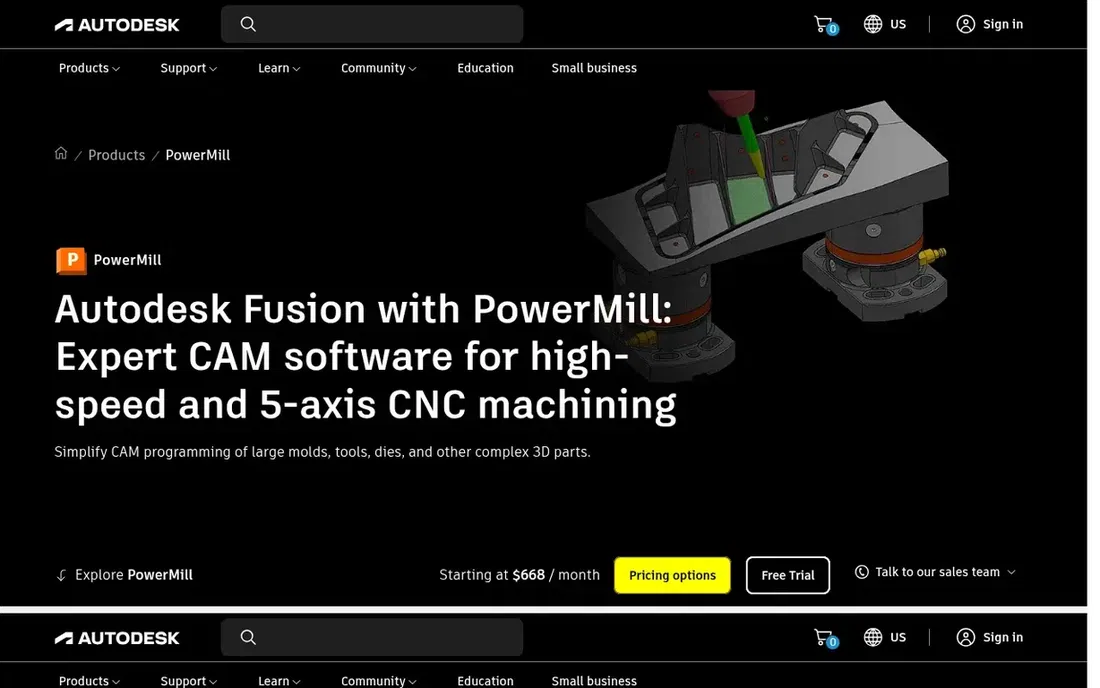
Pick PowerMill if this describes you: startups tackling complicated high-speed and 5-axis machining. PowerMill, part of Autodesk Fusion, is expert CAM software tailored for complicated high-speed and 5-axis machining.
PowerMill's advanced capabilities come with a ramp-up time and may be excessive for startups concentrated on more straightforward 2.5D or 3D milling. No starting price is listed for PowerMill here; confirm pricing on the vendor site. Free plan details: Not stated.
Honest limits: May be overkill for straightforward parts.
- Expert CAM for high-speed machining
- Part of Autodesk Fusion system
- Needs specialized training
How these tools were picked
Pricing pages, product documentation and feature lists were the main sources, and every entry carries at least one honest drawback. Seat minimums, billing terms and add-ons can move the real cost, so the starting prices here are a guide and not a quote. Tools are placed by general fit for Computer-Aided manufacturing software for startups, with price clarity and free access as tie-breakers. A different team can reasonably rank them differently.
Things to verify first
- Ask each vendor, from Mastercam to PowerMill, for a written quote; none of them publishes a starting price.
- Read the limits listed for Mastercam first: may have a steeper ramp-up time.
- Check how data leaves BobCAD-CAM: formats, limits and whether exports are available on every plan.
- Involve the people who will use Mastercam daily; a short pilot beats a long feature checklist.
- Add up seats, add-ons and usage charges for GibbsCAM before comparing it with cheaper entries.
FAQ
Does any tool for Computer-Aided manufacturing software for startups here have a free plan?
No tool in this list, Mastercam and PowerMill included, has a permanent free plan. Trials and quotes are the usual route, so plan a short evaluation period.
Do these tools publish their prices?
No. None of the tools, from Mastercam to PowerMill, shows a fixed starting price here, so budget time for quotes.
How are the tools for Computer-Aided manufacturing software for startups ordered?
The order follows typical fit for Computer-Aided manufacturing software for startups, with Mastercam first and PowerMill last, then price clarity and free access. It is editorial judgement, not a score, so another team could rank the tools differently.
What is the best CAM software for a startup with restricted budget?
This list starts with Mastercam, which fits startups needing versatile CNC programming. For other needs, BobCAD-CAM is aimed at startups wanting an all-in-one CAD/CAM system, and Fusion 360 at startups wanting integrated CAD/CAM in the cloud. Check each tool's price and main limit first.
Do I need separate CAD software if I choose Mastercam or GibbsCAM?
Yes, Mastercam and GibbsCAM are primarily CAM software, so you will likely need separate CAD software for design. If you prefer an integrated option, consider Fusion 360 or BobCAD-CAM, which bundle CAD capabilities.
Which CAM software is a good match for 5-axis machining?
The first pick on this list is Mastercam, because it suits startups needing versatile CNC programming. BobCAD-CAM is better for startups wanting an all-in-one CAD/CAM system, and Fusion 360 for startups wanting integrated CAD/CAM in the cloud. Check price and limits against your own needs before choosing.
Sources
- https://www.mastercam.com
- https://bobcad.com
- https://www.autodesk.com/products/fusion-360
- https://www.gibbscam.com
- https://www.autodesk.com/products/powermill