5 Best Code Assistant AI for 2026, Vetted and Compared
5 products for the best code assistant AI, ranked by fit, with starting costs and free tiers. Weaknesses are named for every tool. Refreshed for 2026.
- Editor's choiceGoogle Gemini Code Assist
Teams building on Google Cloud
Starts atSee websiteVisit cloud.google.comFull review - Great alternative
 JetBrains AI Assistant
JetBrains IDE users working with agents
Starts atSee websiteVisit jetbrains.comFull review - Also consider
 GitHub Copilot
End-to-end workflow inside GitHub
Starts atSee websiteVisit github.comFull review
Direct answer
Our first pick is Google Gemini Code Assist, best for teams building on Google Cloud. Listed starting prices: Claude Code from $17 a month and Cursor from $8 per month. If your case is different, JetBrains AI Assistant suits JetBrains IDE users working with agents and GitHub Copilot suits end-to-end workflow inside GitHub. All 5 tools are compared below on price, free plan and limits.
TL;DR:
- Number one here is Google Gemini Code Assist, a fit for teams building on Google Cloud.
- What to know about JetBrains AI Assistant first: most handy inside JetBrains environments.
- Cursor is the lowest-priced starter here at $8 per month.
- Cursor is the one to check for agent-driven building of bigger features.
- Free plans exist at 2 of 5 tools (Claude Code, Cursor).
Last checked November 2026. Prices and plan details were read from the vendors' own pages in November 2026; vendors change plans often, so confirm the current price on the vendor site before you buy.
Quick comparison
| Tool | Best for | Starts at | Free plan? | |
|---|---|---|---|---|
| Google Gemini Code Assist | Teams building on Google Cloud | See website | Not stated | Visit |
| JetBrains AI Assistant | JetBrains IDE users working with agents | See website | Not stated | Visit |
| GitHub Copilot | End-to-end workflow inside GitHub | See website | Not stated | Visit |
 Claude Code | Terminal-first agentic coding work | $17 a month | Yes | Visit |
 Cursor | Agent-driven building of bigger features | $8 per month | Yes | Visit |
Our 5 picks for code assistant AI
Choosing code assistant AI usually comes down to price, fit and limits. This LinkVetted guide sets 5 tools side by side on those three points, with the facts kept short and checkable.
Google Gemini Code Assist
Best for: Teams building on Google Cloud
In short, Google Gemini Code Assist is for teams building on Google Cloud. Consider it when Google Cloud is your system; otherwise compare broader tools such as GitHub Copilot first. The documentation frames the tool around Google Cloud workflows, so teams on other clouds may get less direct value.
What Google Gemini Code Assist does well: AI assistance across build.
Where it falls short: Team-level setup needs planning.
Gemini Code Assist hands development teams AI-powered assistance from Gemini to help build, deploy and operate applications. It is documented as part of the Gemini for Google Cloud offering. Google Gemini Code Assist does not show a starting price in this comparison, so check the vendor site for current pricing. On free options: Not stated.
- Deploy and operate
- Backed by Gemini models
- Documented around Google Cloud context
JetBrains AI Assistant is built with JetBrains IDE users working with agents in mind. How well a given agent works depends on its ACP compatibility.
Points against: Agent compatibility relies on the agent.
For everyday use, if you want a single vendor agent across plenty of surfaces, GitHub Copilot or Cursor may be the more straightforward choice. JetBrains AI Assistant does not show a starting price in this comparison, so check the vendor site for current pricing. Free plan details: Not stated.
- Suits JetBrains tooling
- Supports ACP-compatible agents
- Most handy inside JetBrains environments
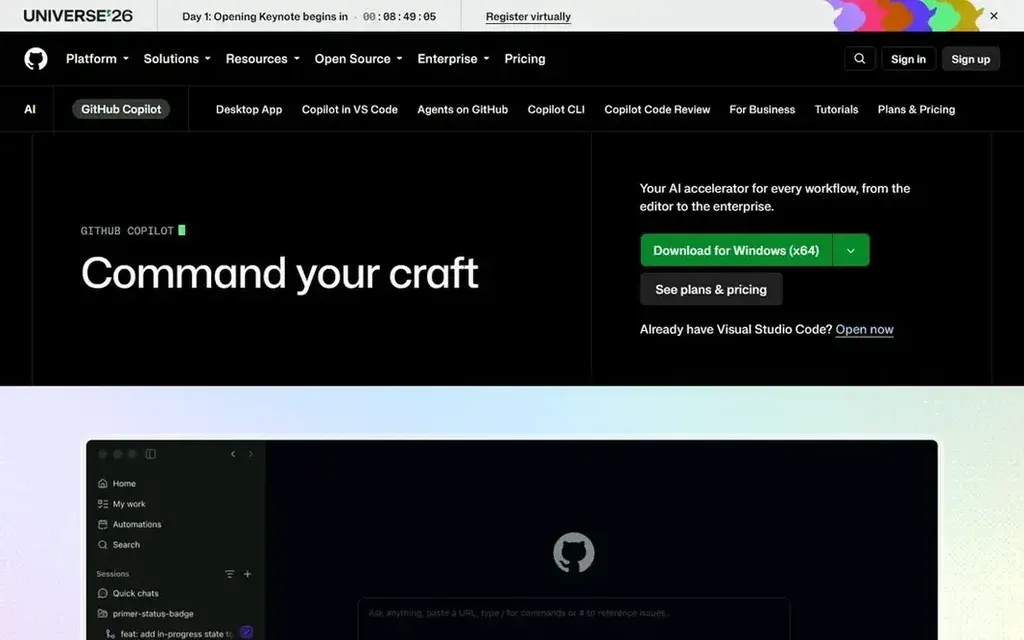
Choose GitHub Copilot for end-to-end workflow inside GitHub. It runs in your editor, in the terminal, on the desktop and on GitHub itself.
The main drawbacks: Value relies on GitHub-centric workflows.
Beyond that, since it spans so numerous surfaces, new users may need time to learn which features fit their habits. The deepest value appears in GitHub-centered workflows. This comparison lists no price for GitHub Copilot; ask the vendor. As for free access: Not stated.
- Desktop and GitHub
- Suits teams already living in GitHub
- Wide surface can take time to learn

Claude Code targets terminal-first agentic coding work. Teams that prefer a graphical, editor-centric agent may find Cursor or Copilot a better fit. Choose Claude Code when command-line work is central to how your team builds.
Where it falls short: Agentic edits need review discipline.
From a buyer's view, Claude Code is Anthropic's agentic coding tool for the terminal and IDE. It understands your codebase, edits files, runs commands and helps you ship quicker. On cost, Claude Code starts like this: $17 per month. A free plan is available with Claude Code.
- Edits files and runs commands
- Understands your codebase
- Terminal focus is not for every developer
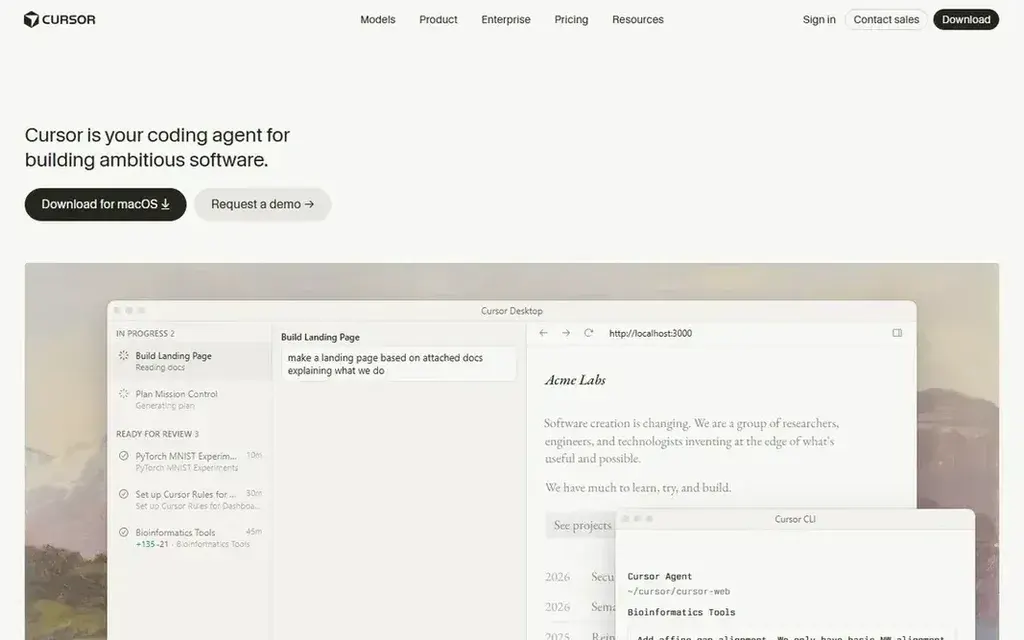
Think of Cursor for agent-driven building of bigger features. Cursor is an AI coding agent built to make developers extraordinarily productive, with agents that turn ideas into code. From a buyer's view, Cursor is less centered on the issue-to-pull-request review flow that GitHub-native teams may want.
What to check first: Less concentrated on GitHub-native review flow.
In daily use, handing off tasks to an agent performs best when the task is plainly scoped, so vague requests can produce work that needs rework. In daily use, you can accelerate development by handing off tasks to Cursor and letting it work through them. Pick something else if your priority is deep integration with GitHub planning and review. Entry price for Cursor: $8 per month. Cursor has a free plan. Strengths: Agents turn ideas into code.
- Aimed at handing off tasks
- Aims at high developer productivity
- Agent handoffs need clear task scoping
How the list was put together
LinkVetted looked at what each vendor publishes: pricing, plan limits, feature coverage for code assistant AI and stated drawbacks. No hands-on testing is claimed. Prices and plan limits come from vendor pages and can change, so confirm them on the vendor site before you buy. Tools are placed by general fit for code assistant AI, with price clarity and free access as tie-breakers. A different team can reasonably rank them differently.
Before you commit
- Ask Google Gemini Code Assist, JetBrains AI Assistant and GitHub Copilot for a written quote, since no starting price is shown.
- Read the fine print on the free plans from Claude Code and Cursor; seat, project and feature caps differ.
- Before choosing Google Gemini Code Assist, weigh its main limit: documented around Google Cloud context.
- Check how data leaves Cursor: formats, limits and whether exports are available on every plan.
- Check whether the features you need in Google Gemini Code Assist sit on the entry plan or only on higher tiers.
FAQ
Which code assistant is a good match for beginners?
This list starts with Google Gemini Code Assist, which fits teams building on Google Cloud. For other needs, JetBrains AI Assistant is aimed at JetBrains IDE users working with agents, and GitHub Copilot at end-to-end workflow inside GitHub. Check each tool's price and main limit first.
How are the tools for code assistant AI ordered?
The order follows typical fit for code assistant AI, with Google Gemini Code Assist first and Cursor last, then price clarity and free access. It is editorial judgement, not a score, so another team could rank the tools differently.
How should a team choose between these assistants?
Start from where your team works: GitHub-centric teams may favor Copilot, Google Cloud teams may look at Gemini Code Assist, and JetBrains users may prefer JetBrains AI Assistant. Then test a shortlist on real tasks and confirm current features on each vendor site.
Do these tools publish their prices?
Not all of them. Google Gemini Code Assist, JetBrains AI Assistant and GitHub Copilot publish no starting price, so expect a quote request for those. The rest, Claude Code included, show a starting price, though seats and billing terms still change the final cost.
Can I try these tools before paying?
Often, yes. Claude Code and Cursor have a free plan. Use your own data and a real task during the test, and check what the free tier or trial limits before you rely on it.
Do these tools replace developer review?
No. Agentic tools like Cursor and Claude Code can edit files and run commands, which makes human review more important, not less.
Sources
- https://cloud.google.com/gemini/docs/codeassist/overview
- https://www.jetbrains.com/ai
- https://github.com/features/copilot
- https://www.anthropic.com/claude-code
- https://cursor.com