Alternatives to Claude Code in 2026: 9 Tools Compared
We compare alternatives to claude code across 9 agentic tools, covering terminal and IDE workflows, model choice, pricing and honest limits for devs in 2026.

- Editor's choice
 Cursor
AI-first IDE agents
Starts at$20 per monthVisit cursor.comFull review - Great alternative
 GitHub Copilot
Agent help in your editor
Starts at$10 per monthVisit github.comFull review - Also consider
 Windsurf
Agentic IDE with free tier
Starts atFreeVisit windsurf.comFull review
TL;DR:
- Cursor and Windsurf offer the closest IDE-based alternative to Claude Code, with agents that work across files.
- GitHub Copilot suits developers who want agent help inside their existing editor and GitHub workflow.
- Aider and Continue suit terminal and open-source fans who want model choice and local control.
- OpenAI Codex, JetBrains Junie and Amazon Q Developer suit teams already invested in those ecosystems.
Quick comparison
| Tool | Best for | Starts at | Free plan? | |
|---|---|---|---|---|
| Cursor | AI-first IDE agents | $20 per month | Yes | Visit |
| GitHub Copilot | Agent help in your editor | $10 per month | Yes | Visit |
| Windsurf | Agentic IDE with free tier | Free | Yes | Visit |
 Aider | Terminal-based pair programming | Free | Yes | Visit |
 OpenAI Codex | Terminal agent for OpenAI users | See website | Free trial | Visit |
 JetBrains Junie | Agent inside JetBrains IDEs | See website | Free trial | Visit |
 Amazon Q Developer | AWS-focused agent work | $19 per user per month | Yes | Visit |
 Continue | Open agent setup | Free | Yes | Visit |
 Tabnine | Privacy-focused agent teams | $39 per user per month | No | Visit |
The best alternatives to Claude Code
We compared official feature and pricing pages plus public reviews to find tools that offer agentic coding, meaning they can plan, edit multiple files, run commands and iterate on results. Our pick for most developers is Cursor, with GitHub Copilot as the pick for teams that want to stay in their current editor.

Cursor is the most direct IDE rival to Claude Code for developers who prefer a graphical editor over a terminal. Its agent can read a codebase, plan changes, edit multiple files and run tests, while chat and inline edits cover smaller tasks. Model choice across providers lets developers switch when one model handles a task better.
The Pro plan at $20 per month includes capped agent usage, so developers running agents all day may need a higher tier. For developers who want agent power without leaving an editor workflow, Cursor is the closest match to Claude Code in daily use.
- Agent mode for multi-file tasks
- Model choice across providers
- Familiar VS Code workflow
- Pro agent usage is capped
- Higher tiers cost more for heavy use
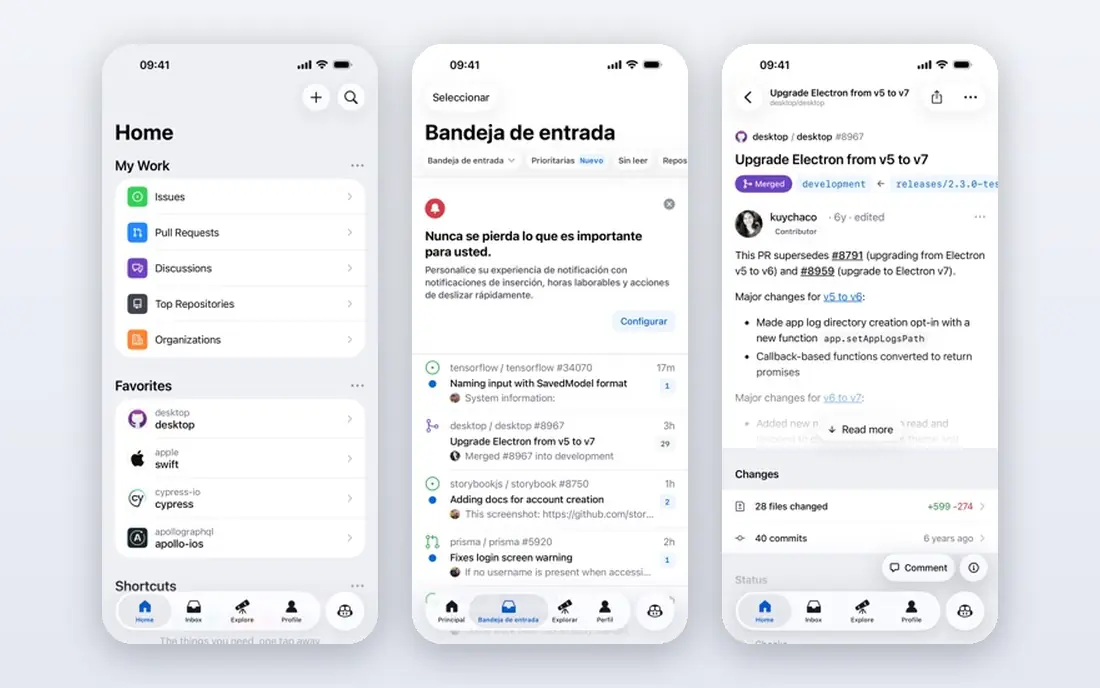
GitHub Copilot has grown from completions into a full agent platform. Agent mode can work across files, propose changes and open pull requests, while chat and inline edits handle smaller work. The Pro plan at $10 per month makes it the cheapest paid agent option here, with a free tier for limited use.
Credit limits on premium requests are the main caution, especially for heavy agent use. For GitHub-based teams that want agent help without switching editors or paying $20 per month, Copilot is a practical alternative to Claude Code.
- Low paid price
- Agent mode in VS Code and other editors
- Deep GitHub integration
- Premium agent requests run on credits
- Free tier is limited

Windsurf offers an AI editor with a Cascade agent that can plan, edit, run commands and reason about a codebase. The free tier includes completions and limited agent use, which makes it easy to test agentic coding before paying. The Pro plan is listed at $20 per month in recent comparisons.
Windsurf suits developers who want Cursor-style agent work with a free starting point. Heavy agent users should check premium request caps, since those limits affect how far a $20 plan goes in a busy week.
- Cascade agent across files and commands
- Generous free tier
- Multi-model support
- Premium agent usage is capped on Pro
- Brand is newer than GitHub or JetBrains
Aider is the closest terminal alternative to Claude Code for developers who like working in a shell. It pairs with your codebase, edits files from chat prompts, runs tests and commits changes, and it works with models from many providers. The tool itself is open source and free to install.
The cost model differs from hosted tools. You pay your model provider for API tokens, so heavy use can cost more or less than a flat subscription depending on model choice and task size. Developers comfortable with API keys and terminal workflows will appreciate the control Aider offers.
- Terminal workflow close to Claude Code
- Works with many models
- Open source
- You pay separately for model API use
- Setup takes more effort than a hosted tool
OpenAI Codex is a coding agent that works in the terminal and in editors, with access to OpenAI models for planning, editing and testing. It suits developers already using ChatGPT or OpenAI APIs who want agent coding in the same ecosystem. Codex can handle multi-step tasks, run commands and propose changes for review.
Pricing and access depend on the OpenAI plan, so check the current Codex page before budgeting. Developers who prefer Claude models or open model choice may favor Cursor, Aider or Continue instead.
- Terminal and IDE agent workflows
- Strong reasoning models
- GitHub integration options
- Pricing and access vary by plan
- Best value tied to OpenAI subscriptions
Junie is JetBrains answer to agentic coding, built into its IDE family. It can plan tasks, edit code, run tests and iterate on results without leaving IntelliJ IDEA, PyCharm, WebStorm or GoLand. Project context is strong, since Junie understands the IDE project model.
The limit is ecosystem. Teams mixing VS Code and JetBrains editors will find a cross-editor tool simpler to standardize, and pricing varies by plan and region. For JetBrains-only teams, Junie keeps agent work inside the tools developers already use daily.
- Native agent in IntelliJ, PyCharm and other JetBrains IDEs
- Project-aware planning
- Test running
- Less useful outside JetBrains tools
- Pricing varies by plan
Amazon Q Developer offers agent features for building, transforming and reviewing code, with deep knowledge of AWS services. It can help modernize language versions, review code and suggest changes for Lambda, S3 and other services. The Pro plan is listed at $19 per user per month, with a free tier for limited agent requests.
Developers outside AWS will get less unique value than from Cursor or Copilot. For teams building mainly on AWS, Q Developer agent features during migrations can save meaningful time.
- Agent help for AWS services
- Code transformation and review
- Free tier for individuals
- Unique value is tied to AWS
- Less broad for non-cloud projects
Continue adds agent and chat features to VS Code and JetBrains without locking you to one model provider. Developers can connect models from many providers or run local models, and teams can share configuration on the Team plan at $10 per developer per month. That flexibility suits teams with model policies or cost controls.
Setup is more hands-on than a hosted agent tool, and free users rely on documentation and community help. For developers who value model choice and open tooling over a polished one-click agent, Continue is a strong Claude Code alternative.
- Open source
- Agent and chat in VS Code and JetBrains
- Use your own models
- Setup takes more effort
- Free support relies on docs and community
Tabnine suits regulated teams that need agent help without sending code to a public cloud without controls. It offers private deployment, team models and agent features on higher tiers, with support across VS Code, JetBrains and other editors. The developer plan is listed at $39 per user per month in recent listings, with an agentic tier higher.
Solo developers will likely find Copilot, Cursor or Windsurf better value, since Tabnine pricing reflects enterprise privacy controls. For teams where deployment control is a hard requirement, Tabnine is one of the few agent tools that meets it.
- Private and self-hosted deployment options
- Agent features on higher tiers
- Broad IDE support
- Higher starting price
- Agent tier costs more than basic plans
How we picked these
We reviewed official feature and pricing pages plus public comparisons, favoring tools with real agent capabilities rather than completions alone. We included terminal, IDE and open tools because Claude Code users differ on whether they want to stay in a terminal, move to an IDE or keep model choice open. Where pricing varies, we list the starting paid price and note caps.
How to switch from Claude Code
Start by testing the new agent on a small, real task in a branch, such as a refactor or a test fix, and review every change before merging. Agent tools differ in how they plan, which files they touch and how they run tests, so a small trial reveals fit faster than a feature list.
Keep review habits strict
Agent output still needs human review, tests and code review, especially for security-sensitive code. Set rules for secrets, customer data and production changes, and check each vendor privacy page for code retention and training policies before rolling a tool out to a team.
Compare total cost, not just the seat price
Flat subscriptions, credit allowances and API token costs behave differently. A $10 plan with tight credit caps can cost more in practice than a $20 plan for heavy agent users, while Aider with a cheap model API can cost less for light users. Track a week of real usage before standardizing.
FAQ
What is the best alternative to Claude Code?
Cursor is the best IDE alternative for most developers, while Aider is the best terminal alternative for developers who want model choice. GitHub Copilot is the best low-cost alternative for teams already using GitHub and their current editor.
What are the best Claude Code alternatives for terminal users?
Aider and OpenAI Codex suit terminal users best. Aider is open source and model-flexible, while Codex ties agent work to OpenAI models and plans. Both support multi-step tasks, file edits and test runs from the command line.
Is there a free alternative to Claude Code?
Yes, Windsurf, Continue and Aider offer free starting points, and GitHub Copilot, Cursor and Amazon Q Developer offer free tiers with limits. Free agent use is usually capped, so heavy users should expect to pay for a Pro plan.
How much do Claude Code alternatives cost?
Paid plans commonly start at $10 to $20 per month per user, with Tabnine and enterprise agent tiers higher. Aider costs depend on model API tokens, while Continue Team is listed at $10 per developer per month.
Do agentic coding tools replace code review?
No, agent tools speed up drafting and refactoring, but they still make mistakes and miss business context. Human review, automated tests and security checks remain essential before merging agent-produced code.