5 Enterprise AI Code Assistant Platforms Worth Shortlisting in 2026
5 products for the best enterprise AI code assistant platforms, ranked by fit, with starting costs and free tiers. Prices and drawbacks included. Numbers first.
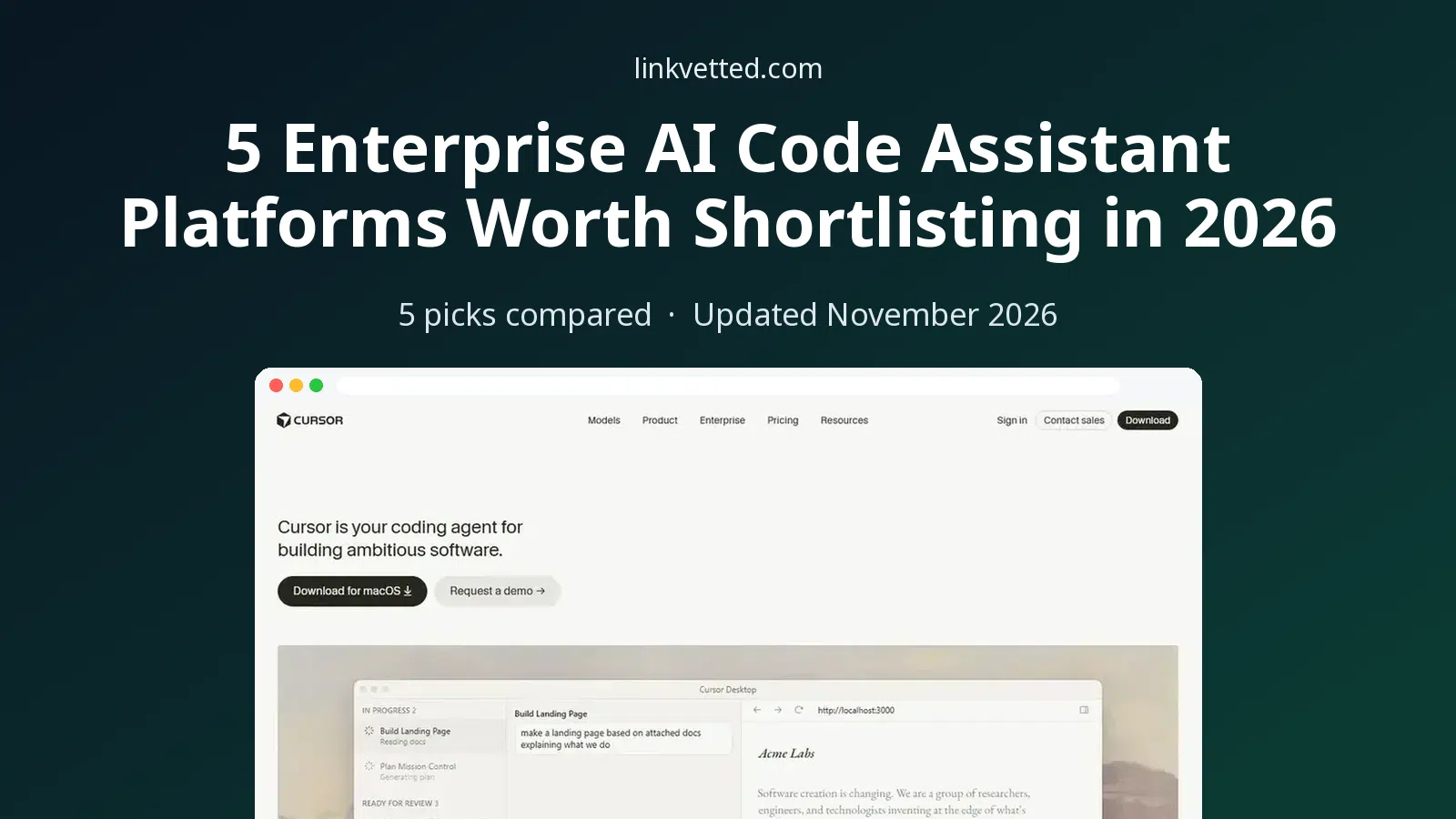
- Editor's choice
 JetBrains AI Assistant
Teams inside JetBrains IDEs
Starts atSee websiteVisit jetbrains.comFull review - Great alternative
 Cursor
Agent-first editor for bigger tasks
Starts at$8 per monthVisit cursor.comFull review - Also consider
 Amazon Q Developer
AWS-centric software development
Starts atSee websiteVisit aws.amazon.comFull review
Direct answer
Our first pick is JetBrains AI Assistant, best for teams inside JetBrains IDEs. Listed starting prices: Cursor from $8 per month and Claude Code from $17 per month. Alternatives: Cursor for agent-first editor for larger tasks, and Amazon Q Developer for AWS-centric software development. Details, prices and limits for the rest of the 5 tools are below.
TL;DR:
- This list starts with JetBrains AI Assistant, which is built for teams inside JetBrains IDEs.
- For end-to-end GitHub workflow coverage, GitHub Copilot is worth a look.
- Before buying Amazon Q Developer, weigh this: best fit inside AWS environments.
- The cheapest monthly starting price in the list is $8 per month, offered by Cursor.
- 2 of 5 tools offer a free plan: Cursor, Claude Code.
Last checked November 2026. Prices and plan details were read from the vendors' own pages in November 2026; vendors change plans often, so confirm the current price on the vendor site before you buy.
Quick comparison
| Tool | Best for | Starts at | Free plan? | |
|---|---|---|---|---|
| JetBrains AI Assistant | Teams inside JetBrains IDEs | See website | Not stated | Visit |
| Cursor | Agent-first editor for bigger tasks | $8 per month | Yes | Visit |
| Amazon Q Developer | AWS-centric software development | See website | Not stated | Visit |
 Claude Code | Agentic coding in terminal and IDE | $17 per month | Yes | Visit |
 GitHub Copilot | End-to-end GitHub workflow coverage | See website | Not stated | Visit |
The 5 tools in detail
Choosing enterprise AI code assistant platforms usually comes down to price, fit and limits. This LinkVetted guide sets 5 tools side by side on those three points, with the facts kept short and checkable.
JetBrains AI Assistant is a good fit for teams inside JetBrains IDEs. The approach is anchored in the JetBrains ecosystem, so teams using other editors may not gain the same coherence.
Worth adding: organizations wanting assistance spread across terminal, editor and repository product may prefer GitHub Copilot or Claude Code. No starting price is listed for JetBrains AI Assistant here; confirm pricing on the vendor site. Trial and free access: Not stated.
Watch-outs: Broader ecosystem support varies.
- One system for agent-based building
- Supports ACP-compatible agents
- Value tied to JetBrains tooling
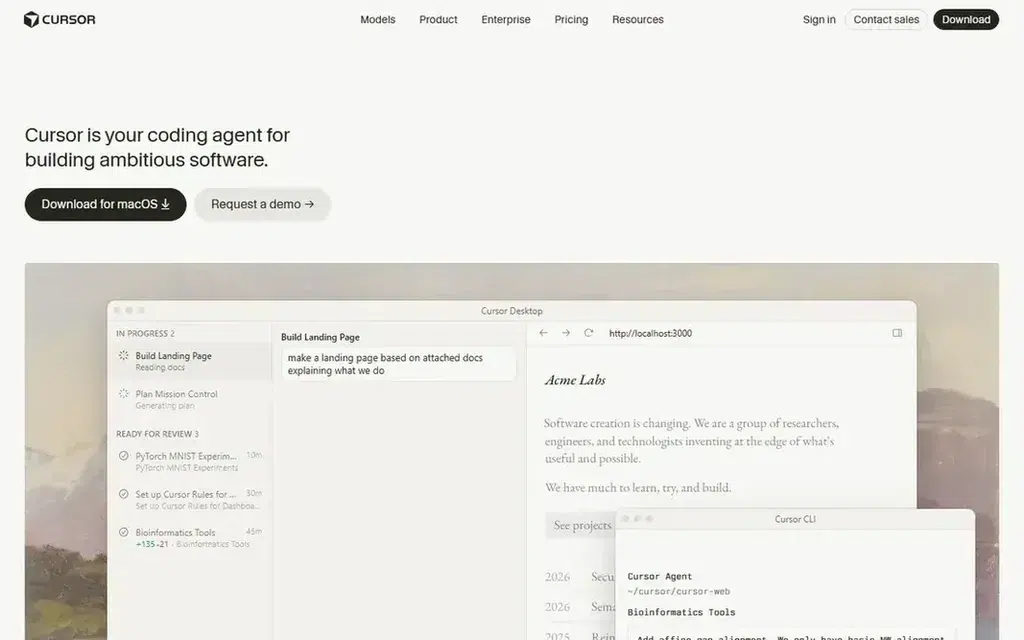
Cursor is designed for agent-first editor for bigger tasks. Enterprises that want an editor where agent delegation is the core interaction, instead of an add-on, will find the model appealing for greenfield work and fast-moving product teams. Worth adding: organizations that require assistance embedded in an existing editor and repository system may find GitHub Copilot or JetBrains AI Assistant a smoother fit.
Where it falls short: Needs adopting its editor.
Cursor is presented as an AI coding agent for building ambitious software, with agents that turn ideas into code. The product is built to make developers extraordinarily productive by letting them hand off tasks to Cursor. Cursor pricing: $8 per month. A free plan is available with Cursor.
- Agents turn ideas into code
- Task handoff to accelerate development
- Less tied to existing IDE setups
Amazon Q Developer is aimed squarely at AWS-centric software development. Amazon Q Developer is an AI coding assistant that writes, debugs, and refactors code natively in the IDE.
Strengths: Writes.
Its strengths track AWS tooling, so organizations running largely on other clouds or mixed stacks may find less direct benefit. Pricing for Amazon Q Developer is not stated here, so ask the vendor for current figures. As for free access: Not stated.
Drawbacks to consider: Best fit inside AWS environments.
- Works natively in the IDE
- Aligned with AWS tooling
- Less targeted at non-AWS stacks

Claude Code is a good fit for agentic coding in terminal and IDE. Claude Code is Anthropic's agentic coding tool for the terminal and IDE. It understands the codebase, edits files, runs commands, and is positioned to help teams ship quicker.
Downsides: Less about wide product integration.
Teams that want an assistant woven through the entire repository product may prefer GitHub Copilot, whereas editor-centric agent fans may look at Cursor. Also, enterprises comfortable with command-line workflows get an assistant that can act on the repository straight, which fits engineering teams that want agent behavior close to the code instead of inside a chat pane. Claude Code pricing: $17 per month. You can start on Claude Code without paying.
- Works in terminal and IDE
- Understands the codebase
- Terminal-centric by design
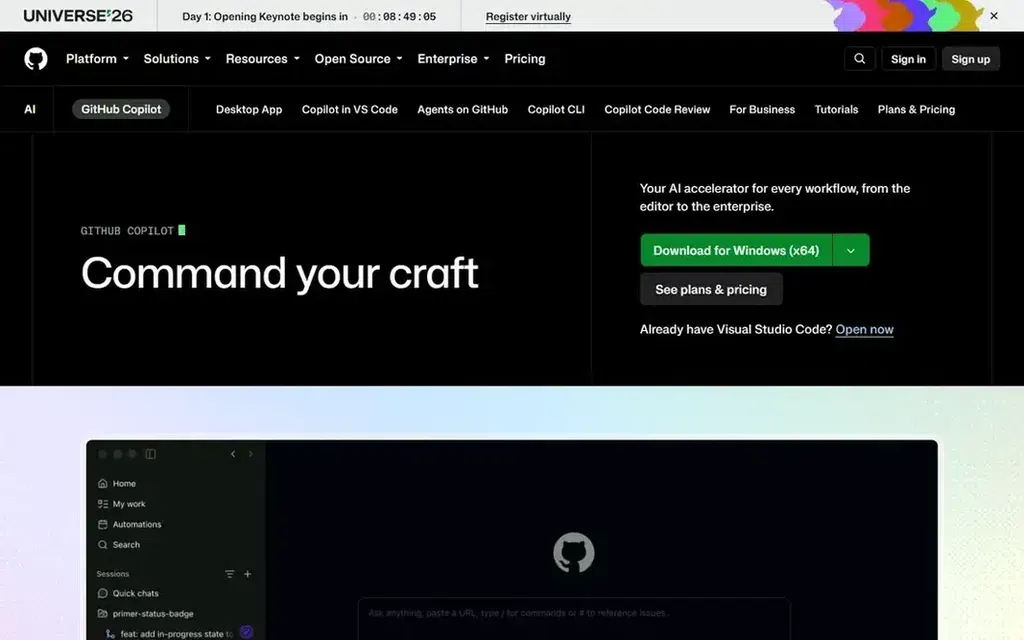
Choose GitHub Copilot for end-to-end GitHub workflow coverage. It runs in the editor, the terminal, on the desktop, and straight on GitHub.
That breadth makes it a natural fit for enterprises already standardized on GitHub, where a single assistant can follow work across planning, coding and review without switching tools. GitHub Copilot does not show a starting price in this comparison, so check the vendor site for current pricing. On free options: Not stated.
Limits to weigh: Best value inside the GitHub ecosystem.
What users get: terminal and on GitHub.
- Wide language and IDE reach
- Works in editor
- Agent behavior varies by surface
How these tools were picked
What to check before you buy
- Get a written quote from JetBrains AI Assistant, Amazon Q Developer and GitHub Copilot; the list shows no starting price for them.
- Look at free plan limits closely: Cursor and Claude Code have one, and the caps decide whether it is usable for real work.
- Before choosing JetBrains AI Assistant, weigh its main limit: value tied to JetBrains tooling.
- Before you load data into Amazon Q Developer, check what an export looks like and who can run it.
- Confirm the exact Claude Code plan that includes your must-have features.
FAQ
Do these tools replace existing IDE setups?
Some assistants layer onto current tools, whereas Cursor is its own editor and JetBrains AI Assistant centers on JetBrains IDEs. Pilot with a small team before standardizing across the enterprise.
Can I try these options before paying?
Often, yes. Cursor and Claude Code have a free plan. Use your own data and a real task during the test, and check what the free tier or trial limits before you rely on it. Each of the 5 options in this enterprise AI code assistant platforms guide has its own card above with the price, free plan and limits.
Do these tools publish their prices?
Not all of them. JetBrains AI Assistant, Amazon Q Developer and GitHub Copilot publish no starting price, so expect a quote request for those. The rest, Cursor included, show a starting price, though seats and billing terms still change the final cost.
How are the tools for enterprise AI code assistant platforms ordered?
JetBrains AI Assistant sits first and GitHub Copilot last because the order follows typical fit for enterprise AI code assistant platforms, then price clarity and free access. It is a judgement call, so read each profile for fit and limits.
Which options for enterprise AI code assistant platforms have a free plan?
On this list, Cursor and Claude Code include a free plan. Caps on seats, usage or features are common, so test the free plan against your real workload. All 5 picks in this enterprise AI code assistant platforms comparison list a starting price, free plan details and the main limits on their cards above.
Which enterprise AI code assistant handles the most workflow?
GitHub Copilot is described as working from an open issue through to reviewing and merging a pull request, across editor, terminal, desktop and GitHub. That breadth makes it a capable default for GitHub-centered enterprises. Teams wanting an agent-first editor may prefer Cursor.
Sources
- https://www.jetbrains.com/ai
- https://cursor.com
- https://aws.amazon.com/q/developer
- https://www.anthropic.com/claude-code
- https://github.com/features/copilot