Choosing AI Grading Assistant for Large Lecture Courses in 2026: 6 Options Compared
Best AI grading assistant for large lecture courses in 2026: 6 tools with starting prices, free plans and limits. Read the caveats before you buy. No filler.
- Editor's choice
 Class Companion
Instant feedback and tutoring
Starts atSee websiteVisit classcompanion.comFull review - Great alternative
 EssayGrader
Integration with learning management systems
Starts at$14.99 per monthVisit essaygrader.aiFull review - Also consider
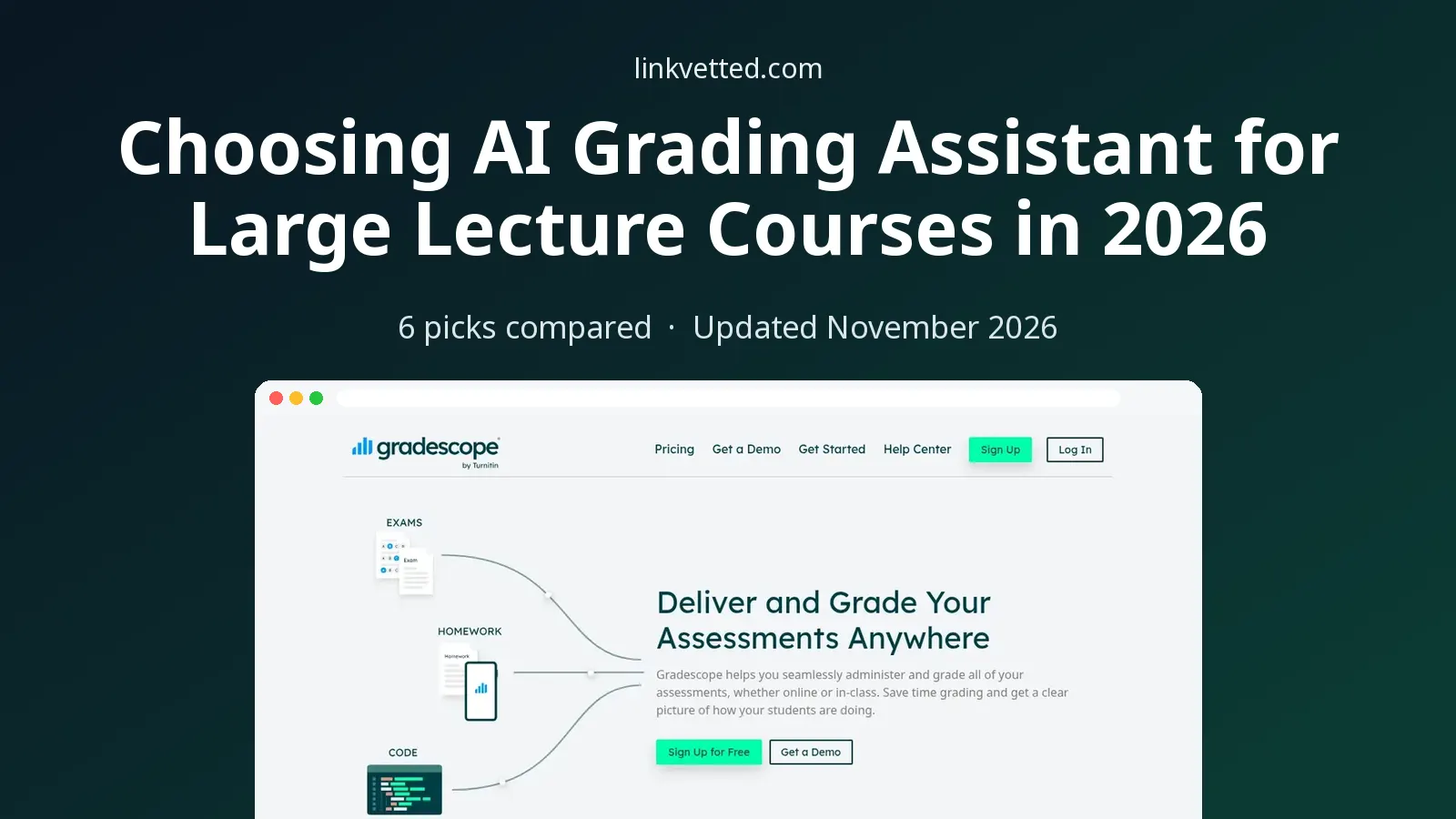
 Gradescope
Paper-based and STEM assignments
Starts atSee websiteVisit gradescope.comFull review
Direct answer
Start with Class Companion if you need instant feedback and tutoring. Listed starting prices: EssayGrader from $14.99 per month, CoGrader from $15 per month and MagicSchool from $8.33 per user per month. Alternatives: EssayGrader for integration with learning management systems, and Gradescope for paper-based and STEM assignments. Details, prices and limits for the rest of the 6 tools are below.
TL;DR:
- The list opens with Class Companion, aimed at instant feedback and tutoring.
- The cheapest monthly starting price in the list is $8.33 per user per month, offered by MagicSchool.
- One limit worth knowing about Gradescope: may need initial setup for scanning.
- Free plans exist at 4 of 6 tools (EssayGrader, CoGrader, MagicSchool, Brisk Teaching).
- For all-in-one AI teaching product, Brisk Teaching is worth a look.
Last checked November 2026. Prices and plan details were read from the vendors' own pages in November 2026; vendors change plans often, so confirm the current price on the vendor site before you buy.
Quick comparison
| Tool | Best for | Starts at | Free plan? | |
|---|---|---|---|---|
| Class Companion | Instant feedback and tutoring | See website | Not stated | Visit |
| EssayGrader | Integration with learning management systems | $14.99 per month | Yes | Visit |
| Gradescope | Paper-based and STEM assignments | See website | Not stated | Visit |
 CoGrader | AI-assisted essay grading | $15 per month | Yes | Visit |
 MagicSchool | District-level AI product | $8.33 per user per month | Yes | Visit |
 Brisk Teaching | All-in-one AI teaching product | See website | Yes | Visit |
The 6 tools in detail
This LinkVetted guide covers 6 AI grading assistant for large lecture courses. Each profile lists a starting price, free plan details, strengths and drawbacks, so you can drop poor fits quickly.
Where Class Companion fits: instant feedback and tutoring. Class Companion hands every student 1:1 instruction with AI tutoring, instant feedback, and instant grading.
Pricing for Class Companion is not stated here, so ask the vendor for current figures. Free plan details: Not stated.
Downsides: May not be tailored for higher education.
- Gives you instant feedback and grading
- Supports a mix of subjects
- Primarily for K-12
Choose EssayGrader for integration with learning management systems. EssayGrader is an AI essay grader for teachers and schools that syncs with Google Classroom, Canvas, and Schoology to grade essays quicker. It is a strong match for large lecture courses that use these learning management systems and assign essays, as it simplifies the grading workflow and saves time.
Even so, EssayGrader is concentrated on essay grading and may not be right for other assignment types. It also may need setup to plug into your LMS, which could be a hurdle for some instructors. Entry price for EssayGrader: $14.99 per month. Free access exists with EssayGrader.
What EssayGrader does well: Grades essays faster.
Downsides: Centred on essay grading.
- AI-powered for teachers and schools
- Syncs with Google Classroom, Canvas, Schoology
- May need LMS integration setup
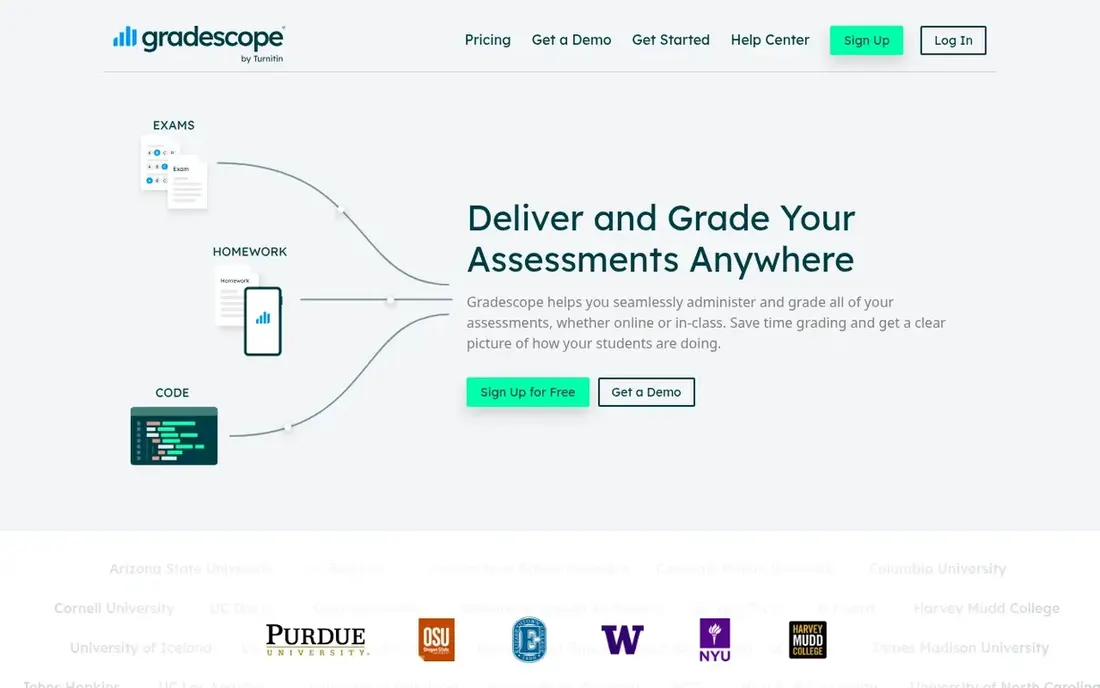
Gradescope is aimed squarely at paper-based and STEM assignments. It is well-suited for large lecture courses in STEM fields where assignments frequently involve handwritten work or diagrams. Worth adding: if your course relies heavily on essay grading, you might need a different tool.
Drawbacks to consider: May need initial setup for scanning.
The platform supports a mix of assignment types and supplies insights into student learning, making it a solid choice for instructors who require efficiency and analytics. Even so, Gradescope may need some initial setup for scanning and uploading assignments. It is primarily concentrated on structured assignments instead of open-ended essays. No starting price is listed for Gradescope here; confirm pricing on the vendor site. Free plan details: Not stated.
- Displays exactly what students learned
- Saves time grading existing paper-based assignments
- Centres on structured assignments
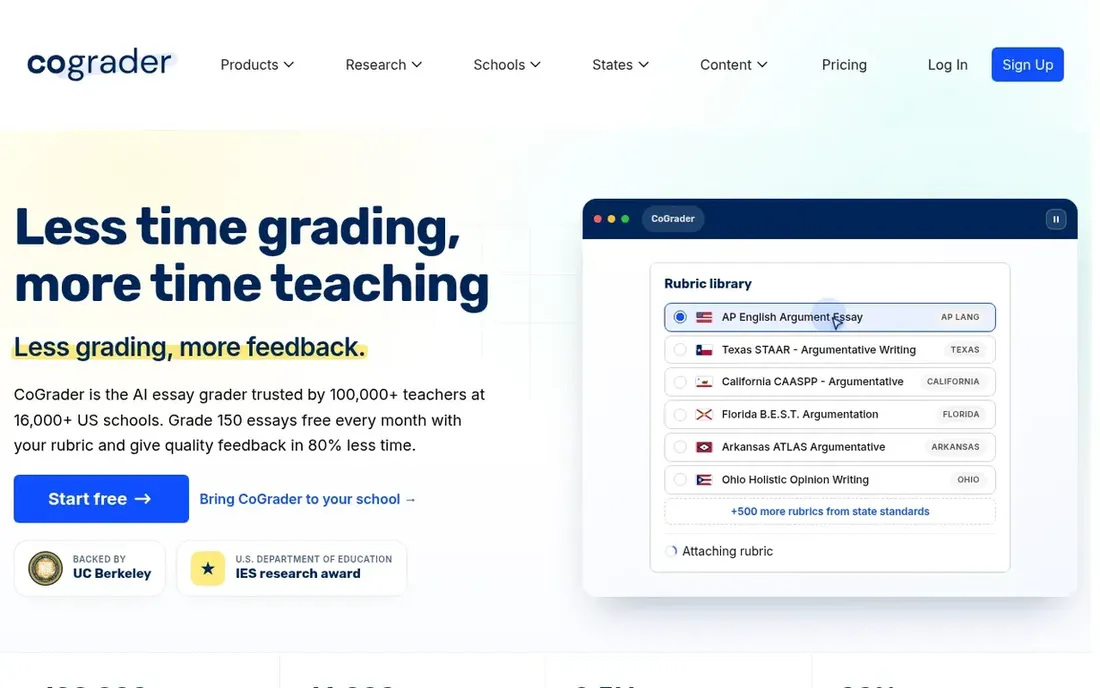
For AI-assisted essay grading, CoGrader is a natural candidate. CoGrader is an AI essay grader meant to help educators spend less time grading and more time teaching. It is especially handy for large lecture courses that assign essays, as it automates the grading process and offers consistent feedback.
Honest limits: May need training to use effectively.
The tool aims to cut the workload whereas maintaining quality. Even so, CoGrader is limited to essay grading and may not deal with other assignment types. It may also need some training to use effectively and ensure that AI grading aligns with course standards. Starting cost for CoGrader: $15 per month. CoGrader offers a free plan.
- More time for teaching
- Spend less time grading
- Restricted to essay grading
MagicSchool was built for District-level AI product. The system emphasizes scalability and safety.
Where it falls short: Centred on district adoption.
However, MagicSchool is aimed at district-level adoption and may be complicated for individual instructors to implement without institutional support. Starting cost for MagicSchool: $8.33 per user per month. MagicSchool includes a free tier.
- Smarter education
- Personalized learning at scale
- May be complicated for individual instructors
Brisk Teaching works best for all-in-one AI teaching system. It bundles grading assistance as part of a broader suite, making it a good match for large lecture courses that require thorough support beyond just grading.
Points against: May have restricted grading depth.
That said, Brisk Teaching has a wide focus that extends beyond grading. So its grading features may not be as deep as dedicated grading tools. Pricing for Brisk Teaching is not stated here, so ask the vendor for current figures. You can start on Brisk Teaching without paying.
- Helps know what to teach next
- Free AI tools for teachers
- Wide focus beyond grading
How we chose
LinkVetted looked at what each vendor publishes: pricing, plan limits, feature coverage for AI grading assistant for large lecture courses and stated drawbacks. No hands-on testing is claimed. Prices and plan limits come from vendor pages and can change, so confirm them on the vendor site before you buy. We ordered the tools by general fit, then by how clearly pricing is shown, then by free access. A buyer with unusual needs may reorder them.
Things to verify first
- Ask Class Companion, Gradescope and Brisk Teaching for a written quote, since no starting price is shown.
- Look at free plan limits closely: EssayGrader, CoGrader, MagicSchool and Brisk Teaching have one, and the caps decide whether it is usable for real work.
- Before choosing Class Companion, weigh its main limit: primarily for K-12.
- Compare total cost, not headline price: for Brisk Teaching, add extra seats, add-ons and any usage-based charges.
- Get the contract term, renewal terms and any onboarding fees from EssayGrader in writing.
FAQ
Is Class Companion the right pick for everyone comparing AI grading assistant for large lecture courses?
No single tool suits every team. Class Companion comes first because it fits instant feedback and tutoring, while EssayGrader suits integration with learning management systems and Gradescope suits paper-based and STEM assignments. Match the tool to your own size, budget and workflow before deciding.
Can I try these tools before paying?
Often, yes. EssayGrader, CoGrader, MagicSchool and Brisk Teaching have a free plan. Use your own data and a real task during the test, and check what the free tier or trial limits before you rely on it.
What is the best AI grading assistant for large lecture courses with essays?
This list starts with Class Companion, which fits instant feedback and tutoring. For other needs, EssayGrader is aimed at integration with learning management systems, and Gradescope at paper-based and STEM assignments. Check each tool's price and main limit first.
How are the AI grading assistant for large lecture courses ordered?
Class Companion sits first and Brisk Teaching last because the order follows typical fit for AI grading assistant for large lecture courses, then price clarity and free access. It is a judgement call, so read each profile for fit and limits.
Do these tools publish their prices?
Not all of them. Class Companion, Gradescope and Brisk Teaching publish no starting price, so expect a quote request for those. The rest, EssayGrader included, show a starting price, though seats and billing terms still change the final cost.
Can AI grading assistants deal with STEM assignments?
Gradescope is especially well-suited for STEM assignments, including paper-based work and diagrams. From a buyer's view, other tools may focus more on written assignments, so it is important to check each tool's capabilities.
Sources
- https://www.classcompanion.com
- https://www.essaygrader.ai
- https://www.gradescope.com
- https://www.cograder.com
- https://www.magicschool.ai
- https://www.briskteaching.com